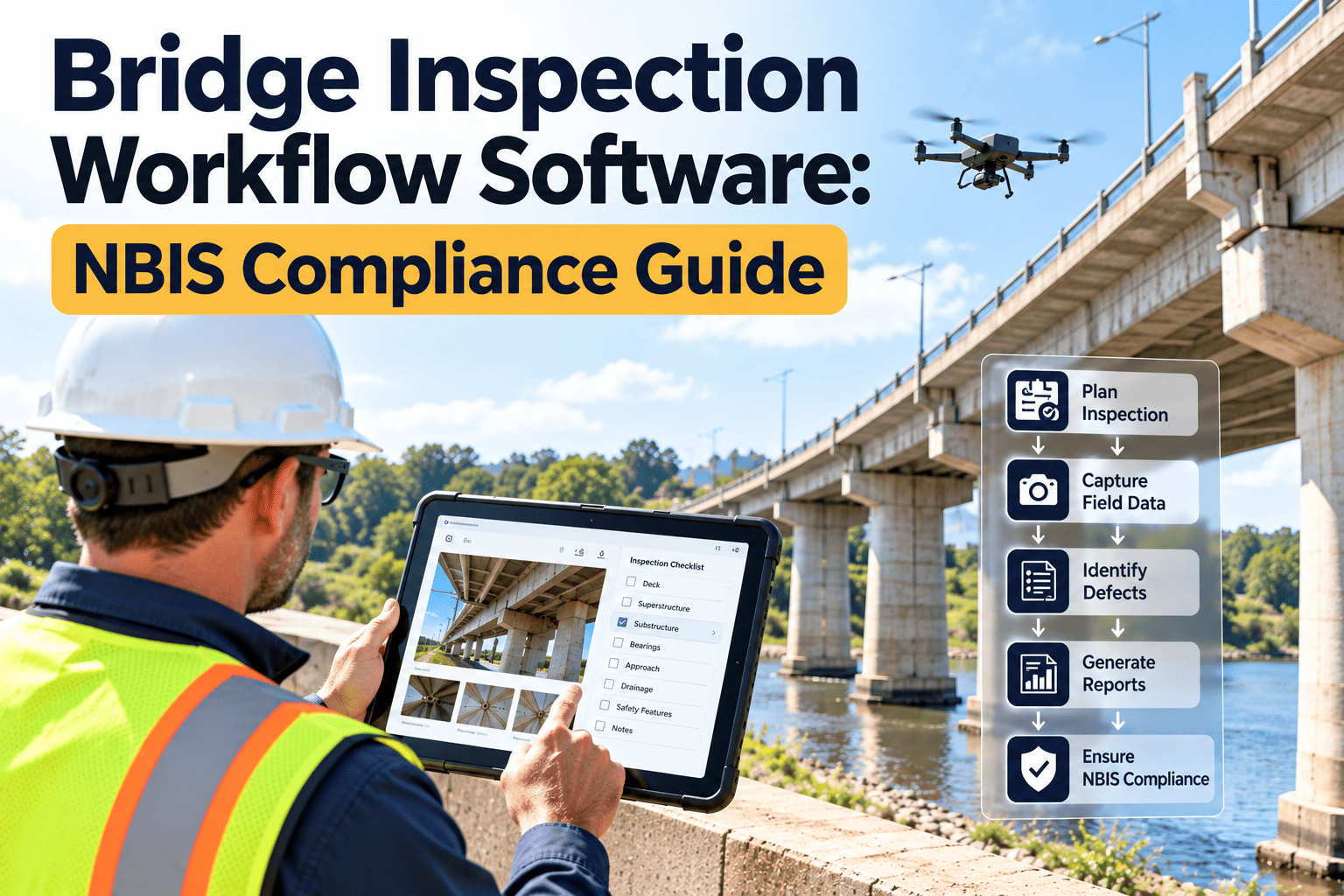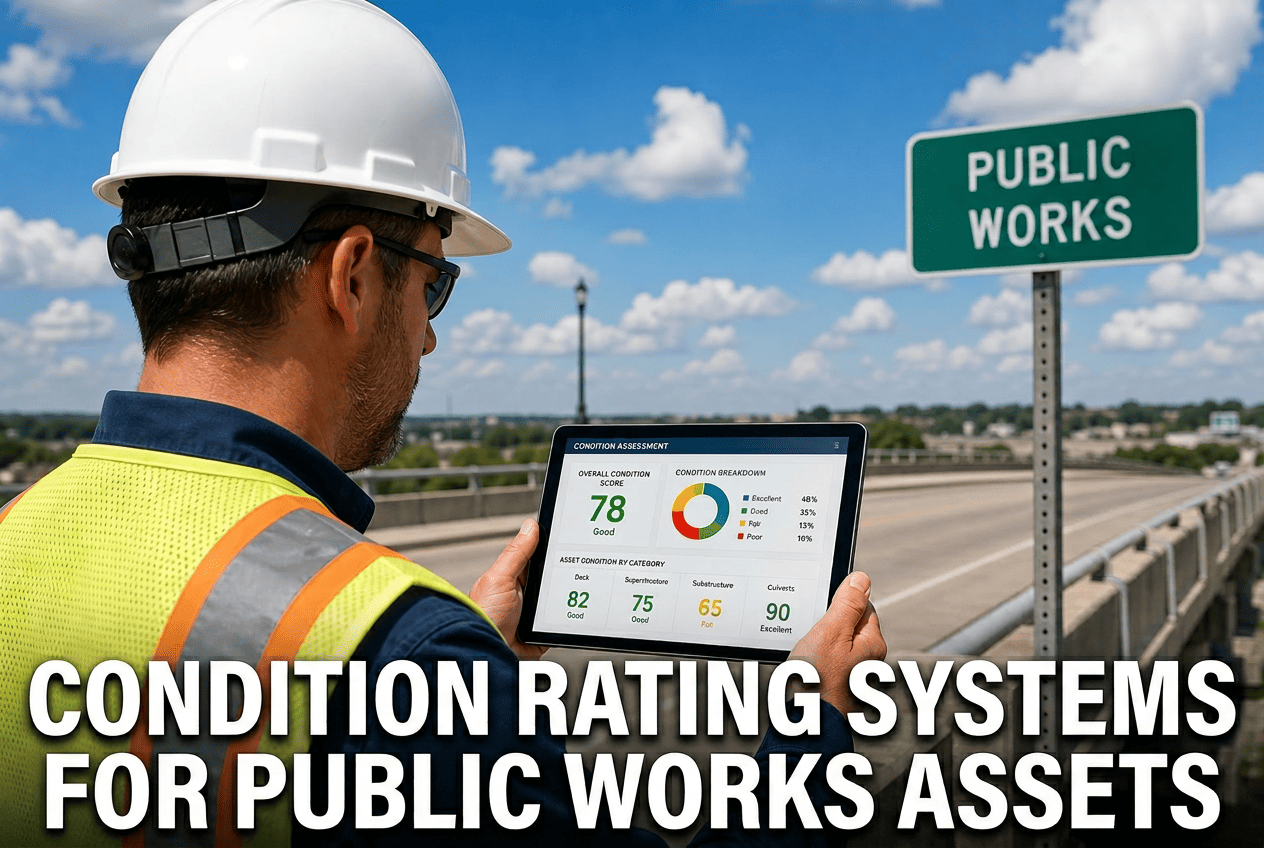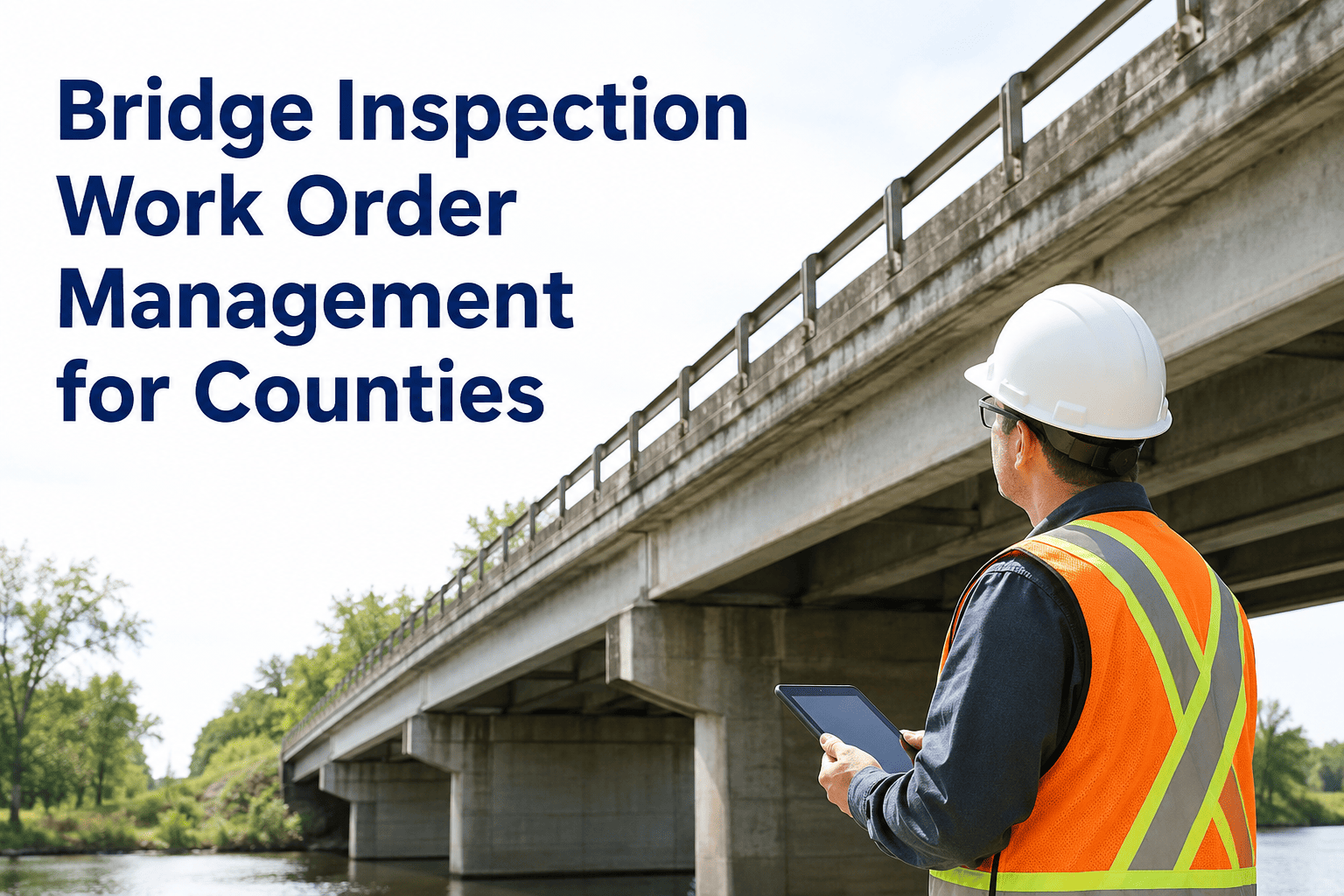
Every two years, federal rules require a licensed inspector to climb, probe, and photograph every county-owned bridge in America — and every two years, thousands of those findings get typed into a PDF, emailed to a supervisor, and then quietly lost between the inspection report and an actual repair crew. The 2026 ARTBA Bridge Report counts 41,677 bridges nationally in poor condition, and more than 220,000 — roughly one in three — needing some form of repair, rehabilitation, or replacement. County road departments own a disproportionate share of that backlog, and they run it with the smallest crews and the thinnest software budgets in the entire bridge system. OxMaint's inspection and work order management platform exists to close the gap between a documented bridge finding and the crew that actually fixes it — before a "monitor" finding quietly becomes a load-posting or a closure.
The Inspection Found the Crack. Who Made Sure a Crew Went and Fixed It?
Turn every bridge inspection finding into a tracked, prioritized, photo-documented work order — automatically, with nothing left to a spreadsheet or a sticky note.
Where the Inspection-to-Repair Chain Actually Breaks
Federal NBIS rules require most highway bridges to be inspected at least once every 24 months, and off-system, locally owned bridges — the ones counties carry — receive 15 percent of Bridge Formula Program dollars set aside specifically for them, fully federally funded with no local match required. The inspection almost always happens on schedule. What happens after the inspector files the report is where county bridge programs lose control.
The 2022 collapse of Pittsburgh's Fern Hollow Bridge is the case every county bridge program studies now: federal investigators found that prior inspections had already documented the deterioration that caused the failure, but maintenance and repair action never followed through. The structure did not fail because nobody inspected it. It failed because the finding never reliably became a completed repair.
NBI Condition Ratings — What Each Score Should Trigger
Every inspection report scores bridge elements on the National Bridge Inventory 0–9 scale. The table below is the standard a county work order system should apply automatically, so a rating never sits in a report without a matching action.
| NBI Rating | Condition | Typical Finding | Work Order Priority |
|---|---|---|---|
| 8–9 | Excellent / Very Good | No noted deficiencies | Routine — next PM cycle |
| 6–7 | Satisfactory / Good | Minor section loss, cracking | Scheduled — within 6 months |
| 5 | Fair | Deck spalling, joint deterioration | Planned — within 90 days |
| 4 | Poor | Section loss, deterioration, spalling | Urgent — within 30 days |
| 0–3 | Serious / Critical / Imminent Failure | Advanced deterioration, structural concern | Emergency — immediate closure review |
Stop Letting Inspection Findings Wait for Someone to Remember Them
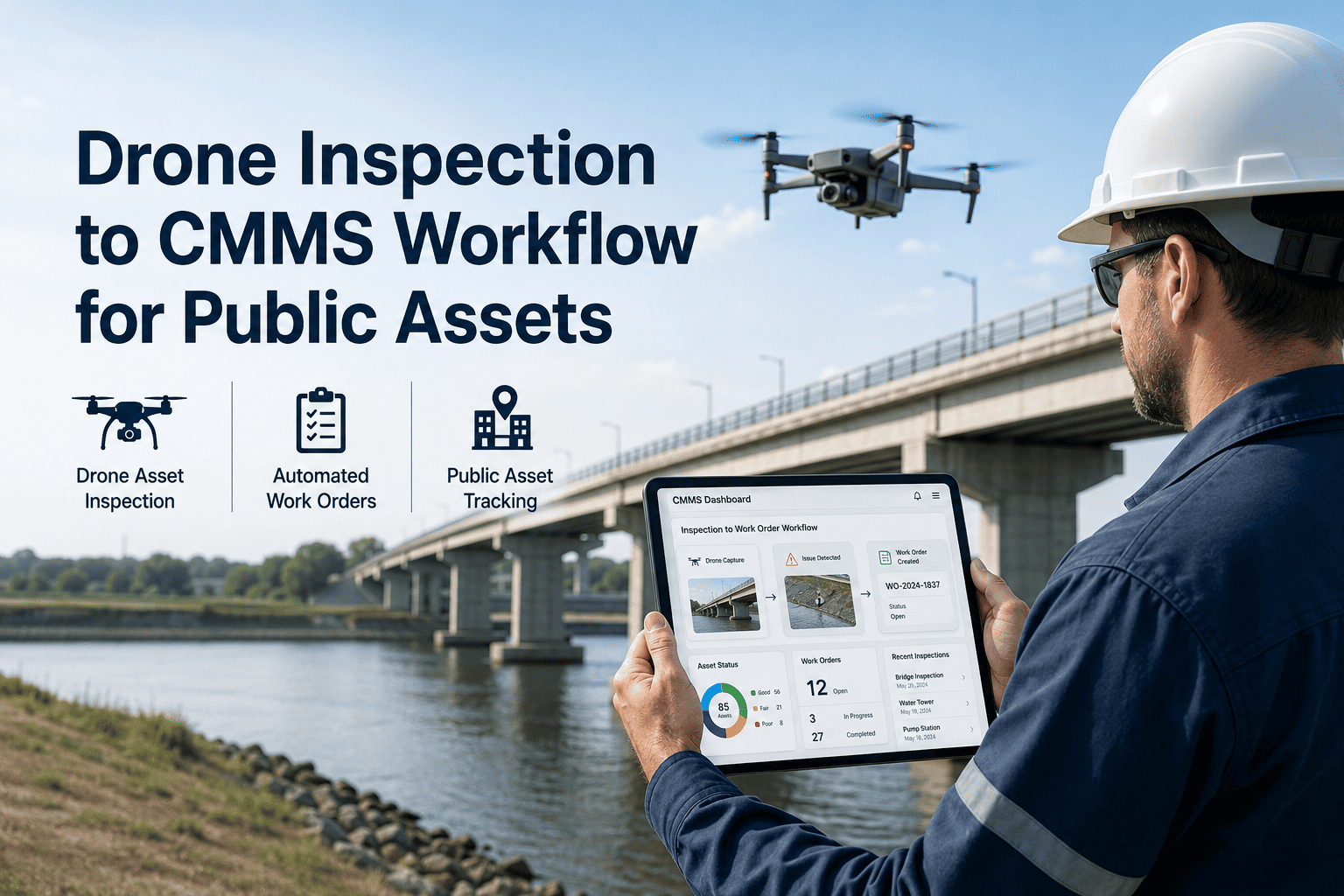
OxMaint converts every NBI rating below your threshold into a prioritized, assigned work order the moment the report is uploaded — with the photo, location, and finding already attached.
A County's Bridge Program, With and Without a Connected Workflow
Most county road departments manage anywhere from a dozen to several hundred bridges with a crew of two to ten people. The difference between a paper-based process and a connected one shows up fastest in how long a documented finding sits before a crew is on site.
One Finding, Followed From Report to Repair
Expert Review — A County Bridge Program Manager's Perspective
I run bridge maintenance for a county with 140 structures on our inventory and a crew of six. For years our process was a shared spreadsheet that somebody updated after the inspector's report came in — if they remembered. The problem was never a lack of inspection data. We had two decades of PDFs. The problem was that a finding rated poor in one report and a finding rated poor in the next report looked identical, because nothing had happened in between except the deterioration getting worse. Once we moved findings into a system that automatically opens a work order the moment a rating drops below our threshold, the conversation with our county engineer changed completely. We can show exactly how many days a finding sat open, what it cost, and who closed it. That is the difference between a maintenance program and a filing cabinet.
Your Next Biennial Inspection Is Coming. Make Sure Every Finding Has an Owner.
OxMaint links inspection ratings, work orders, crew dispatch, and repair history into one bridge asset record — built for county road departments running lean crews across dozens or hundreds of structures.
Frequently Asked Questions
How does OxMaint turn an inspection PDF into a work order automatically?
Inspection ratings are entered or imported against each bridge element, and any rating below your county's threshold — typically NBI 4 or lower — auto-generates a work order with the finding, photo, and location already attached. Start free in OxMaint to see the rating-to-work-order rule set.
Can we track our off-system, locally owned bridges separately from state-maintained ones?
Yes. Bridges are tagged by ownership and funding source, so off-system structures eligible for the federal set-aside program are filtered and reported on separately from state-maintained crossings. This matters for both maintenance planning and grant reporting. Book a demo to see how ownership tagging works for your inventory.
What happens if a repair deadline is missed on an urgent finding?
Overdue work orders escalate automatically on the department dashboard, sorted by severity, so a missed 30-day deadline on a poor-condition finding is visible to a supervisor immediately rather than discovered at the next inspection cycle. Start free in OxMaint to see the overdue escalation view.
Do our field crews need special training or devices to use this in the field?
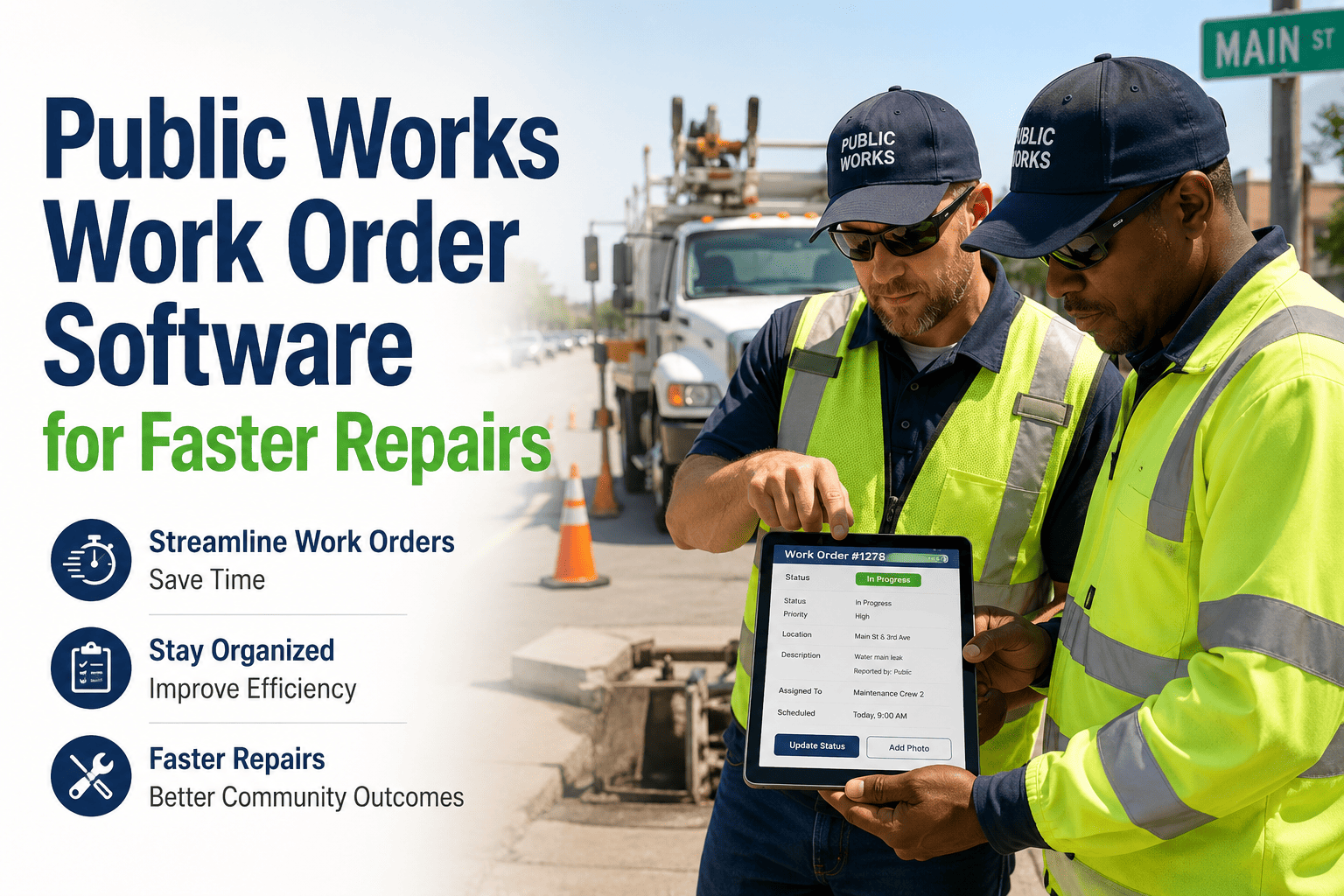
Crews use a mobile app on any phone or tablet to view assigned work orders, capture completion photos, and log parts used, with no separate hardware or lengthy training required. Most crews are productive within a single shift. Book a demo to walk through the mobile crew workflow.
Can this help us document compliance for state DOT or federal bridge funding audits?
Every finding, work order, cost, and completion photo is stored against the bridge asset record, giving you a complete, searchable repair history that answers most audit and grant-reporting requests without reconstructing files manually. Start free in OxMaint to see the audit-ready asset history.
A Missed Finding Is How Bridges Fail. Close the Gap Before the Next Inspection.
Inspection ratings, prioritized work orders, mobile crew dispatch, and audit-ready repair history — one connected workflow for county bridge programs of any size.