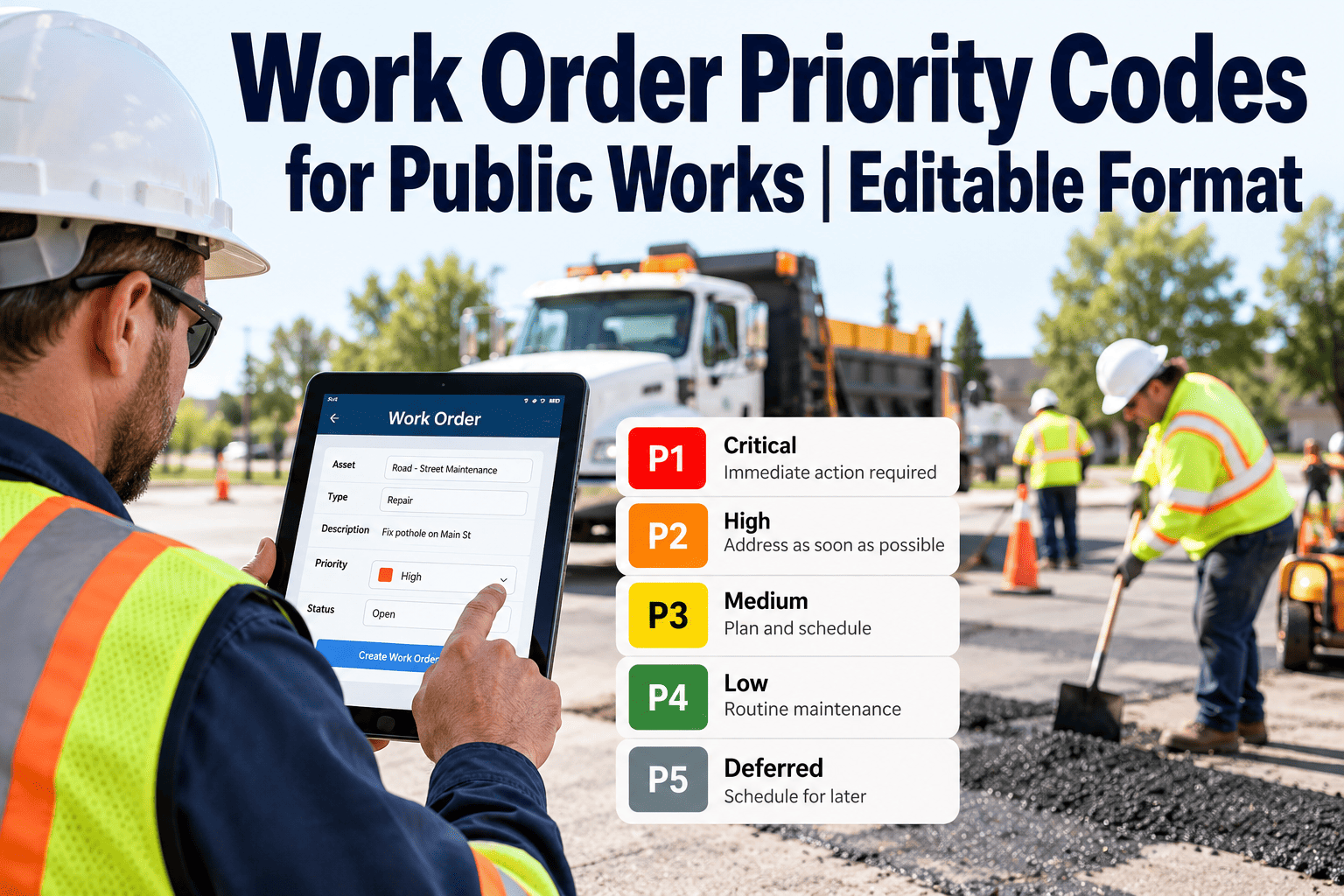
Work order priority codes decide which request gets a crew first, how quickly someone responds, and how performance is reported afterward. When codes are vague, each department invents its own meaning for “urgent,” response times drift, and the figures sent to council stop matching what crews actually experience. This page gives you an editable set of emergency, urgent, routine and planned codes, with definitions, examples and response-time fields you can adjust to your own service standards. Copy the tables into your procedures, replace the sample targets, and load the codes into a CMMS so every new request starts with one.
Work Order Priority Codes for Public Works: Editable Template
Adopt four priority codes with written definitions and target fields, so dispatchers, crews and managers all mean the same thing when they say urgent.
The code set at a glance
Why four codes work better than six
- Dispatchers can choose a code in seconds without consulting a manual.
- Each code maps to a different crew behavior: interrupt, schedule this week, batch, or program.
- Reports stay readable, because four bars on a chart tell a clear story to council.
- Extra shades such as “high-medium” invite debate and inconsistent use.
Sample values only
Targets in the tables below are examples to edit. Set final numbers from your service policy, labor agreements, capacity and local regulations.
| Code | Definition | Typical examples | Response target (edit) | Completion target (edit) |
|---|---|---|---|---|
| E1 Emergency | Immediate threat to life, safety, property or an essential service | Downed signal at an intersection, water main break, sewer overflow, tree blocking a road | Immediate dispatch | Make safe during the same shift; create a follow-up order for the permanent repair |
| U2 Urgent | Not an emergency now, but likely to cause harm or service loss within days | Deep pothole on a collector road, failed streetlight at a crosswalk, leaking building roof | Within 1 business day | Within 5 business days |
| R3 Routine | Asset or service is degraded but stable and safe | Faded signage, minor sidewalk heave, damaged bench, slow drain | Acknowledge within 2 business days | Within 30 days, grouped into a zone batch |
| P4 Planned | Scheduled, seasonal or program-driven work with a fixed date | Preventive tasks, annual inspections, hydrant flushing, seasonal mowing | Acknowledge within 5 business days | Complete in the scheduled window |
Decision path: how a dispatcher chooses the code
Is anyone at immediate risk, or is an essential service down?
Yes: assign E1 and dispatch. No: continue.Could this cause injury, damage or service loss within a few days if left alone?
Yes: assign U2 and schedule this week. No: continue.Is the asset or service degraded now, even though it is safe?
Yes: assign R3 and add to the next zone batch. No: continue.Is it scheduled, seasonal or part of a recurring program?
Yes: assign P4 and link to its schedule or program.Write “choose when” and “do not choose when” into policy
E1 Emergency
U2 Urgent
R3 Routine
P4 Planned
Modifiers that move a code up or down
A written modifier list keeps judgment consistent. Allow a one-level change only, and require a short note whenever it is used.
Response-time worksheet
Fill in the blank column with targets your department can meet at current staffing. A target nobody can hit damages trust faster than a modest one that is met.
| Code | Acknowledge | Dispatch or schedule | Make safe | Complete | Owner |
|---|---|---|---|---|---|
| E1 | Enter target | Enter target | Enter target | Enter target | Name |
| U2 | Enter target | Enter target | Enter target | Enter target | Name |
| R3 | Enter target | Enter target | Not applicable | Enter target | Name |
| P4 | Enter target | Enter target | Not applicable | Enter target | Name |
How to set targets you can actually meet
- Pull last year’s work orders and measure the real time from request to first response for each type.
- Set the first-year target near the median performance, then tighten it as batching and routing improve.
- Separate acknowledgement from completion. Residents want to hear back quickly even when the repair takes longer.
- Check targets against union rules, call-out procedures and after-hours coverage before publishing them.
Make every request arrive with a code
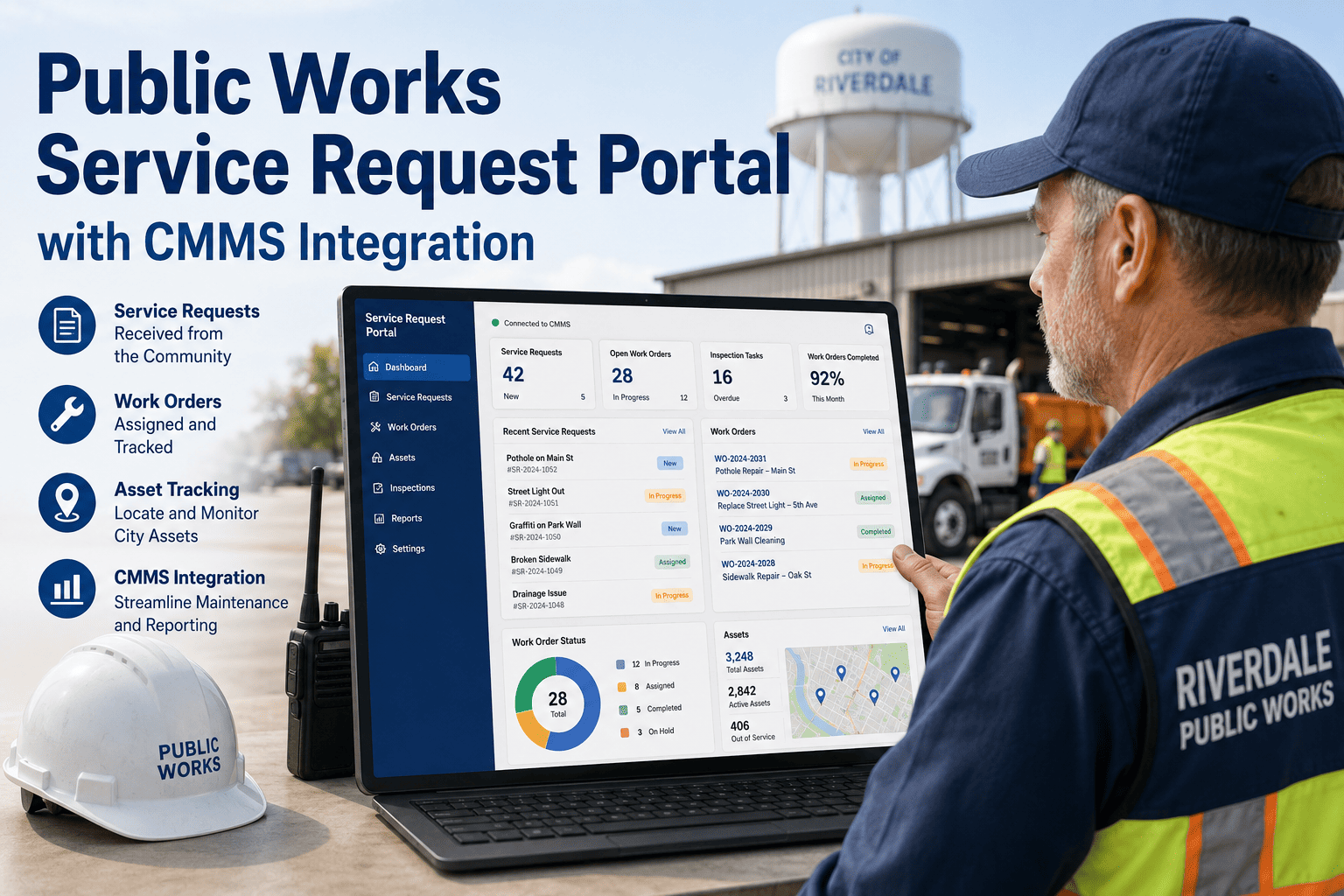
Oxmaint helps public works teams manage work orders with priority levels, preventive schedules, asset history and mobile updates, so the codes you define are applied the same way every time.
Misclassification patterns and their fixes
Roll the codes out in five steps
Draft
Edit the definitions and examples with supervisors and dispatchers.
Test
Re-code a sample of last month’s requests and compare results.
Train
Walk through the decision path with call takers, crews and managers.
Configure
Make priority a required field with the four codes as the only options.
Review
Audit codes monthly and adjust targets once real data is available.
Measure performance by code
Averages across all work hide the problems that matter. Report each measure for every code separately.
| Measure | What it shows | Watch for |
|---|---|---|
| Response compliance by code | Share of requests acknowledged within target | E1 and U2 slipping while R3 looks healthy |
| Completion compliance | Share of orders finished within target | Targets that need staffing, not process changes |
| Open age by code | How long each tier has been waiting | Old U2 items that signal capacity problems |
| Reclassification rate | How often codes are raised or lowered | Unclear definitions or call-taker uncertainty |
| Emergency share of labor hours | How much capacity E1 work consumes | A rising share that crowds out planned work |
Setting the codes up in a CMMS
Fields
- Priority as a required dropdown with four values
- Source, asset and location on every request
- A reason field for code changes
Workflow
- Emergency orders surfaced at the top of the queue
- Preventive schedules generating P4 orders
- Crews updating status and photos from the field
Reporting
- Dashboards of open work and aging by priority
- Monthly compliance reports by code
- Repair history by asset for repeat-failure checks
Worked scenarios: choosing the code
Practice on real cases is the fastest way to build consistency. Use these scenarios in training and ask call takers to code each one before revealing the answer.
| Scenario | Code | Reasoning |
|---|---|---|
| A resident reports a pothole on a quiet cul-de-sac | R3 Routine | Safe to drive over and low traffic, so it is batched with the zone. |
| The same pothole has damaged two vehicles this week | U2 Urgent | Repeat damage on one asset raises the code by one level. |
| A stop sign is lying in the road at an intersection | E1 Emergency | Missing traffic control creates immediate collision risk, so make it safe first. |
| A park bench has loose slats | R3 Routine | Comfort issue only, unless an exposed fastener creates an injury risk. |
| A hydrant fails its annual flow test | U2 Urgent | Fire protection is reduced, so repair promptly and notify the fire department. |
| Quarterly generator test is due | P4 Planned | Driven by a preventive schedule, not by a request. |
| Water is bubbling through a street in freezing weather | E1 Emergency | A likely main break with an ice hazard and service loss. |
| Graffiti on a retaining wall | R3 or P4 | Cosmetic. Use P4 if a removal program exists, otherwise R3. |
Escalation, reassignment and aging rules
Codes only work if the system also says what happens when a target is missed. Write these rules down beside the definitions so supervisors act on them the same way.
- Missed acknowledgement. An E1 or U2 request not acknowledged within its target alerts the supervisor on duty, who confirms an owner.
- Missed completion. A U2 order that passes its completion target is reviewed in the next planning meeting, with the cause recorded as parts, access, staffing or scope.
- Aging escalator. Any R3 order past its age threshold moves up one level so it cannot sit untouched indefinitely.
- Emergency follow-up. Closing an E1 order requires a linked order for the permanent repair, coded by the remaining risk.
- Reassignment. Only supervisors may lower a code, and a short reason is required in the order history.
- Duplicates. Merge duplicate requests into one parent order and keep reporter contacts so everyone receives an update.
After-hours and weekend coverage
Most disputes about priority happen at night, when fewer people are available to decide. Clear authority and recording rules prevent them.
Who can declare an emergency
- Dispatchers using the written decision path
- On-call supervisors for borderline cases
- Police or fire officers on scene
What after-hours crews may defer
- R3 and P4 requests until the next shift
- U2 requests that can be made safe with barricades
- Work that needs permits or specialist equipment
What must be recorded
- Time of call, dispatch and arrival
- Temporary measures used to make safe
- Follow-up order created for the permanent fix
What to tell residents for each code
Consistent status messages reduce repeat calls. Adapt the wording to your own communication policy.
Keep the code set healthy over time
Priority systems drift unless someone owns them. Build these habits into the first year.
Name an owner
One manager is accountable for definitions and approves changes.
Review yearly
Compare targets with real performance and adjust realistically.
Log changes
Record every edit with a date and reason so reports stay comparable.
Refresh training
Repeat the scenario exercise for new hires and seasonal staff.
Audit samples
Check a random set of orders each month for coding accuracy.
Terms that cause confusion in priority policies
Define these words once in the policy so they mean the same thing to every department.
- Response. The first meaningful action, such as acknowledgement to the requester or dispatch of a crew. State which one your target measures.
- Make safe. A temporary measure that removes the immediate hazard, such as barricades, cones or a patch, without finishing the permanent repair.
- Completion. The point when the permanent repair is finished and the order is closed with notes, not when the crew first arrives.
- Business day. The days on which your targets run. Say whether holidays and weekends are excluded.
- Planned work. Work scheduled in advance from a program or preventive plan, as opposed to work created by a complaint.
Frequently asked questions
How many work order priority codes should a public works department use?
Four is a practical starting point: emergency, urgent, routine and planned. More levels usually increase inconsistency without improving dispatch decisions.
What is the difference between emergency and urgent work orders?
Emergency means immediate danger or loss of an essential service. Urgent means the issue is likely to become one within days and should be scheduled quickly.
Are the response times in this template a standard?
No. They are sample values to edit. Set your own using service policy, staffing and local requirements.
Can I use these codes inside work order software?
Yes. Enter them as a required priority field in a CMMS. You can start with Oxmaint and configure them for your workflow.
How often should priority codes be reviewed?
Audit a sample monthly and revisit definitions and targets yearly. A short demo can show how code reports look in practice.
Turn priority codes into response times you can report
Define the codes once, apply them to every request, and measure results by tier. Oxmaint helps public works teams keep priorities consistent from intake to closeout.