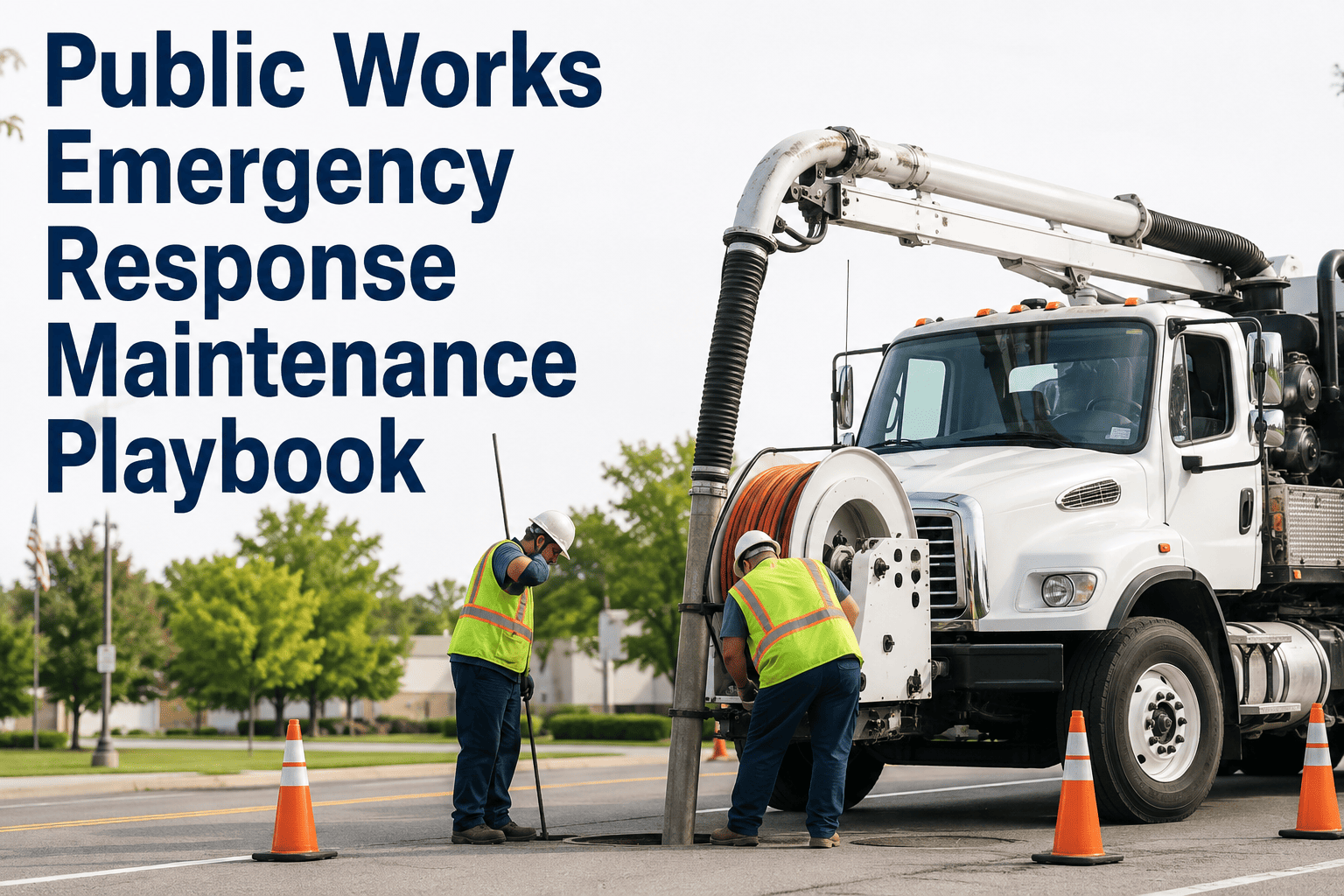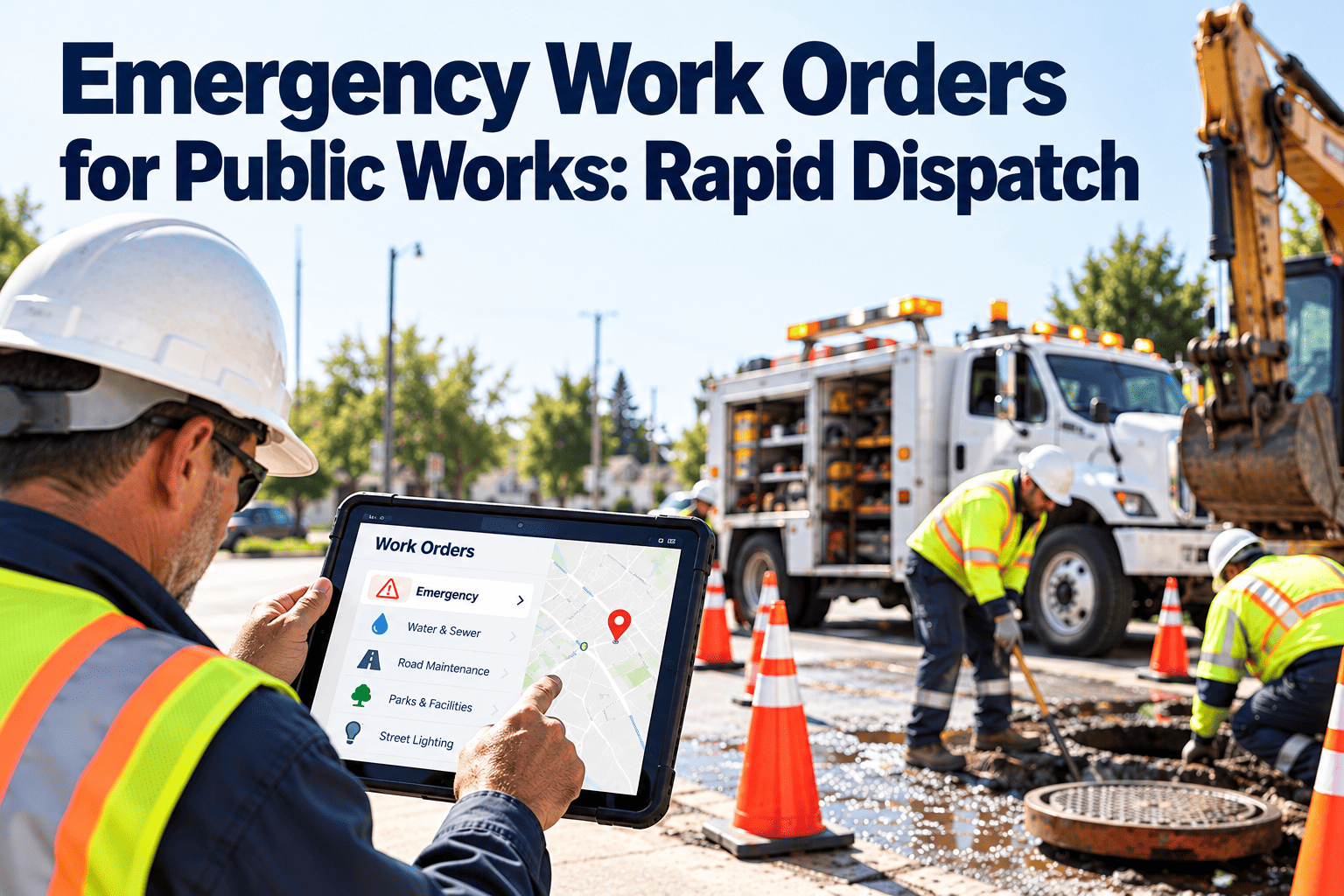
A water main break at 2 a.m., a downed tree blocking an arterial road, a sewer backup flooding a street: public works teams are judged on how fast the right crew reaches the right place with the right information. Too often the first hour is lost to phone chains, radio calls, and handwritten notes that nobody else can see. A hazard reported at the counter on Monday can still be unassigned on Wednesday simply because it never entered a shared queue. A structured emergency work order process closes that gap and leaves a clean record for later review. This guide explains how to create, dispatch, and close emergency work orders so safety issues stop escalating slowly.
Emergency Management for Public Works
Emergency work orders that move at the speed of the emergency
Create, dispatch, and close emergency jobs in one record, then use the timeline for after-action reviews and compliance.
The Escalation Problem
How safety issues escalate slowly in public works
Delay rarely comes from the repair itself
Most delays happen before a crew is ever assigned. The report sits in an inbox, a voicemail, or a supervisor's notebook while everyone assumes someone else has it.
- A resident calls one department, but the hazard belongs to another
- A crew spots a damaged guardrail and mentions it verbally at shift end
- An after-hours call is handled by phone and never written down
- Priority is decided by whoever answers, not by a defined rule
- Status updates require calling the crew instead of checking a record
Classification
Define emergency before the emergency happens
Dispatchers should not have to debate severity at 3 a.m. Agree on written definitions, response targets, and notification rules in advance, then build them into the work order form. The table below is a starting framework; set your own targets with your safety and legal teams.
| Priority | Typical examples | Who is notified | What the record must show |
|---|---|---|---|
| Emergency | Main break flooding a roadway, sewer overflow, blocked arterial, downed signal at an intersection | On-call supervisor and crew immediately | Report time, dispatch time, arrival time, make-safe time |
| Urgent | Large pothole on a collector, failed hydrant, partial storm drain blockage ahead of rain | Section supervisor within the shift | Assigned crew, target date, interim controls |
| Routine | Faded markings, minor sign damage, scheduled flushing follow-up | Standard planning queue | Scheduled date and completion notes |
Rapid Dispatch Workflow
From first report to closed job in six controlled steps
Capture the report once
Whoever receives the call, message, or field observation creates the work order immediately with location, asset, hazard type, and contact details. Nothing lives in a notebook.
Triage with rules, not opinions
The priority field follows the written definitions. Selecting emergency triggers notifications to the on-call supervisor and the responsible section.
Dispatch the nearest qualified crew
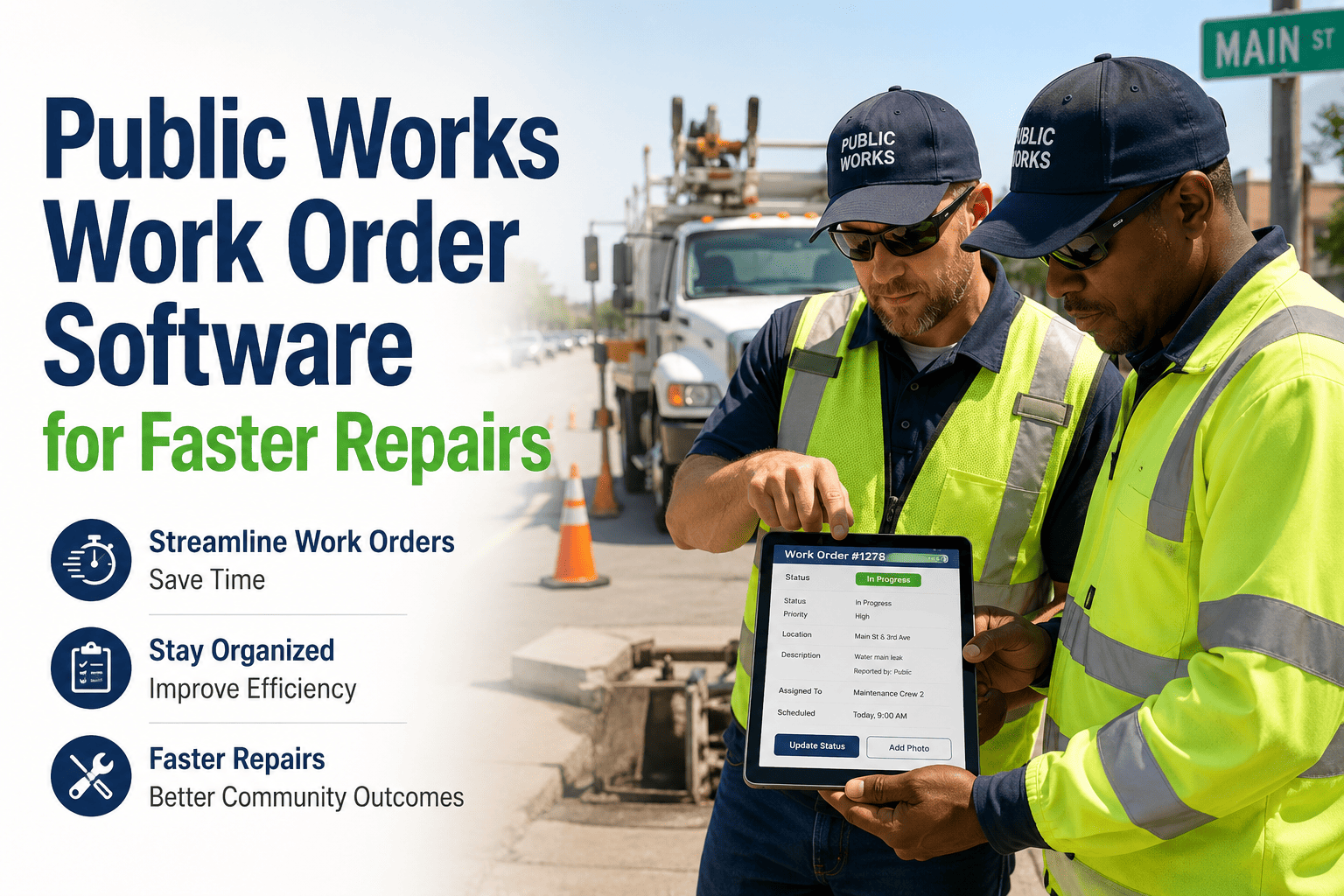
Assign by skill, certification, availability, and equipment rather than by who is easiest to reach. Technicians receive the job on a mobile device with location and asset history.
Document work on site
Crews log arrival, hazards found, photos, parts, and materials as they work. Make-safe actions are recorded separately from permanent repair.
Close with a follow-up decision
An emergency fix is often temporary. Closing the job should force a decision: raise a permanent repair order, schedule an inspection, or confirm no further action.
Archive the timeline for review
Every status change, assignment, and note carries a timestamp, so the event can be reconstructed accurately days or months later.
Where Emergencies Occur
Emergency work orders across public works service areas
- Debris and fallen trees on travel lanes
- Washouts, sinkholes, and roadway collapse
- Damaged signs, signals, and guardrail
- Winter weather and ice response
- Water main and service line breaks
- Sewer backups and overflows
- Pump station and lift station failures
- Hydrant outages affecting fire flow
- Blocked inlets and culverts before storms
- Flooded underpasses and low crossings
- Generator, HVAC, or roof failures at city buildings
- Fleet breakdowns of critical response vehicles
Faster Response, Cleaner Records
Stop managing emergencies from phone calls and notebooks
See how Oxmaint puts reporting, dispatch, and closure into one work order trail for your crews.
Data Quality
What every emergency work order should capture
At creation
- Exact location and linked asset, such as a main, valve, or signal
- Hazard type and immediate public safety risk
- Source of report and contact for call-back
- Priority level and the rule that triggered it
- Time received, recorded automatically
During and after the response
- Assigned crew, supervisor, and equipment used
- Arrival time and time the hazard was made safe
- Photos before and after, with technician notes
- Materials, parts, and labor hours for cost recovery
- Follow-up work orders linked to the original event
After-Action Review
Turn the work order timeline into an after-action review
An after-action review asks what was planned, what actually happened, why there was a difference, and what to change. Without timestamps, that conversation relies on memory. With a complete work order trail, the team can work from facts.
Report received
How long did it take to turn the report into a work order?
Crew dispatched
Was the nearest qualified crew assigned, and did they have the right equipment?
Arrival on site
Where did travel or mobilization time go, and could staging improve it?
Hazard made safe
What delayed make-safe actions: materials, access, utilities, or traffic control?
Permanent repair planned
Was a follow-up order created, and was it scheduled or left open?
Measuring Performance
Emergency response measures worth tracking
Choose a small set of measures that your records can support reliably. Review them monthly and after every significant event.
Compliance and Accountability
Records that stand up to scrutiny
- Response times estimated from memory
- Photos stored on personal phones
- Emergency costs scattered across timesheets
- Unclear who knew about a hazard and when
- Timestamps for report, dispatch, arrival, and closure
- Photos and notes attached to the job
- Labor and materials collected per event
- A complete trail for insurers, auditors, and leadership
Cost records matter when a declared event leads to reimbursement requests. Check the documentation requirements of the relevant program with your emergency management office.
Readiness Checklist
Prepare your emergency work order process before the next storm
- Written priority definitions approved by leadership
- On-call roster loaded and tested
- One intake route for every channel
- Follow-up rule required at closure
- Critical assets recorded with locations
- Valve, hydrant, and drain history available
- Critical spares and materials listed
- Vehicle and equipment status visible
- Crews trained on mobile work order entry
- Dispatch practice drills held each season
- After-action reviews scheduled after major events
- Lessons converted into updated procedures
How Oxmaint Helps
Oxmaint capabilities for emergency response maintenance
Work order management
Create emergency orders with priority, location, asset, and assignment, and track every status change.
Mobile workflows
Crews receive jobs, add photos and notes, and close work from the field.
Asset management
Link each event to the asset and see earlier failures, repairs, and inspections.
Preventive maintenance
Use repeat emergencies to adjust inspection and maintenance frequency.
Inventory
Track critical parts and materials used during emergency response.
Reporting and dashboards
Review response measures and export records for after-action discussions.
FAQ
Emergency work orders: common questions
What is an emergency work order?
It is a work order created for a hazard that needs immediate response, with priority rules that trigger notifications and dispatch. It records each step from report to closure.
How do emergency work orders reduce slow escalation of safety issues?
Every report enters one queue with an owner, priority, and timestamp, so nothing sits unassigned. Oxmaint makes status visible without phone calls.
Should emergency repairs be closed once the hazard is safe?
Close the emergency job, but require a follow-up decision. Temporary fixes should generate a linked permanent repair order so they are not forgotten.
What data supports an after-action review?
Timestamps for report, dispatch, arrival, and make-safe, plus crew notes, photos, materials, and costs. These let the team compare plan against actual response.
Can crews use emergency work orders in the field?
Yes. Mobile workflows let technicians receive, update, and close jobs on site. Book a demo to see the field workflow.
Ready for the Next Call
Give your crews a faster path from report to resolution
Set up emergency work orders, dispatch rules, and review-ready records for your public works team.