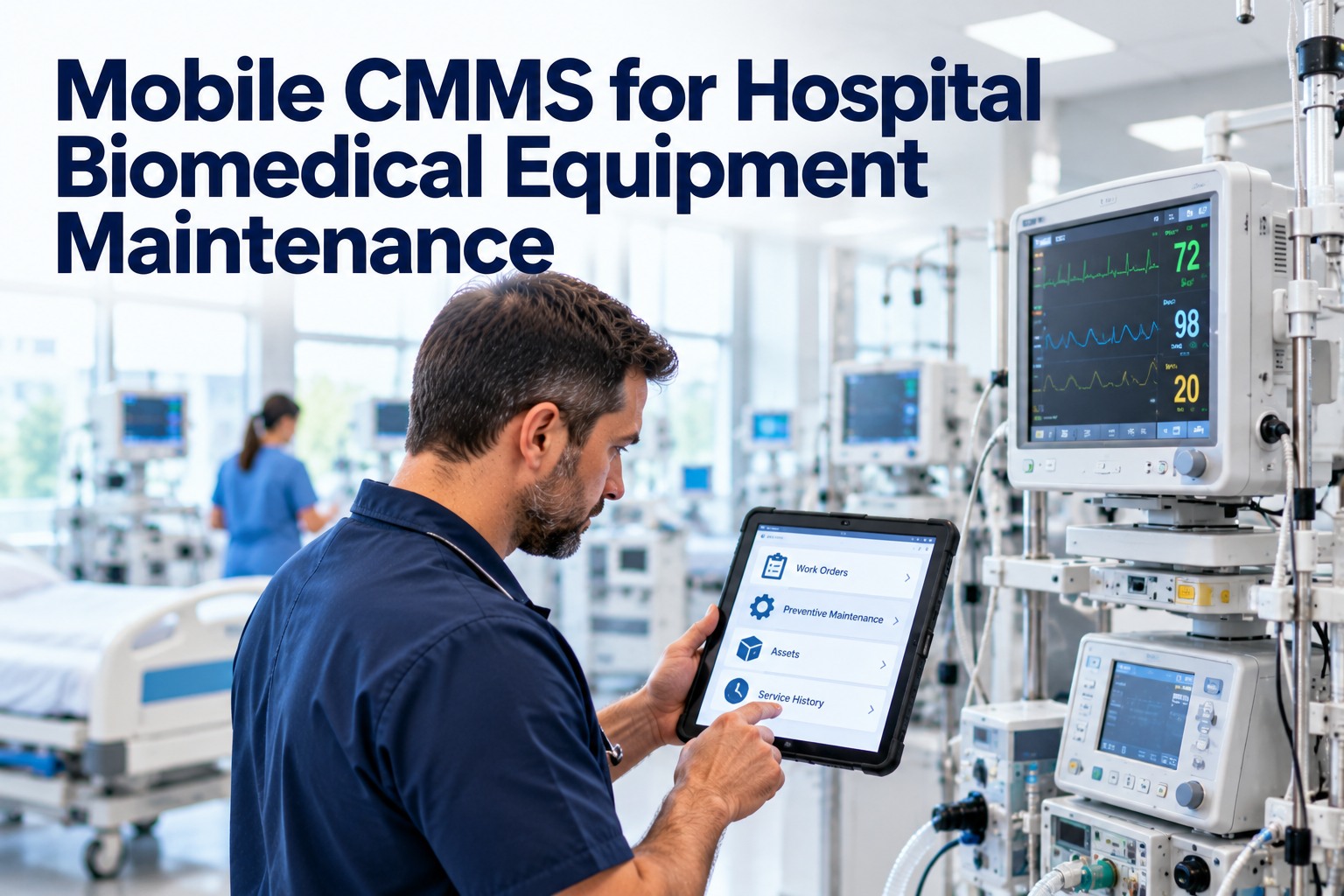
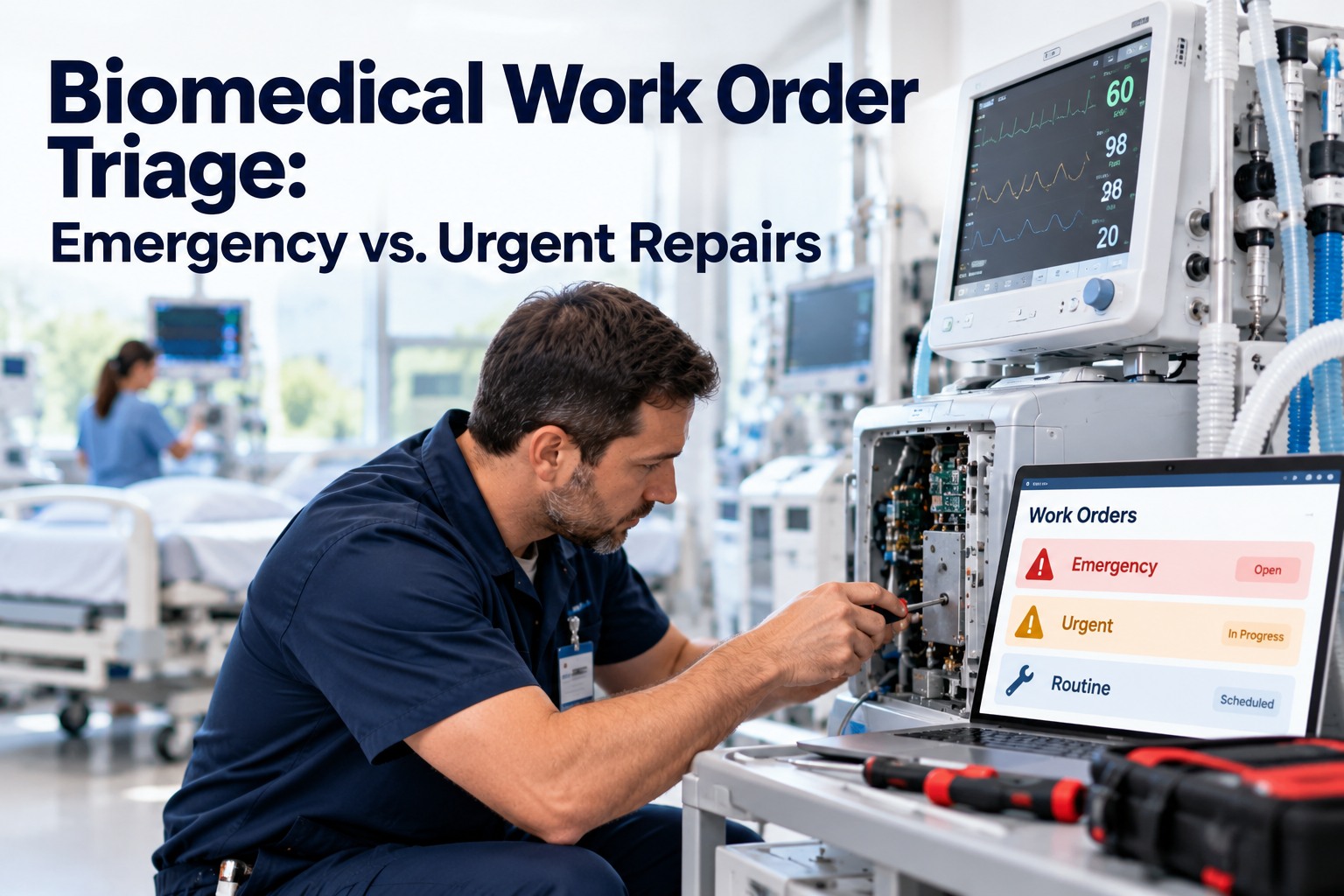
A biomedical team's morning often starts the same way: a queue with no order to it. A down ventilator sits in the same undifferentiated list as a wobbly IV pole; a failed defibrillator waits behind a thermometer reading two degrees high. Someone has to open each request, judge how dangerous the device is, work out which department it is in and whether a backup exists, and only then decide what to fix first. That manual sorting is pure overhead — and on a busy day the highest-risk device can wait simply because it was logged last. Routing by device risk removes the sorting step entirely: every request is scored the instant it arrives by device class, department, and downtime risk, then sent to the right technician in priority order. See how OxMaint Work Order Management routes biomedical work automatically. Book a biomed demo to map it to your device inventory.
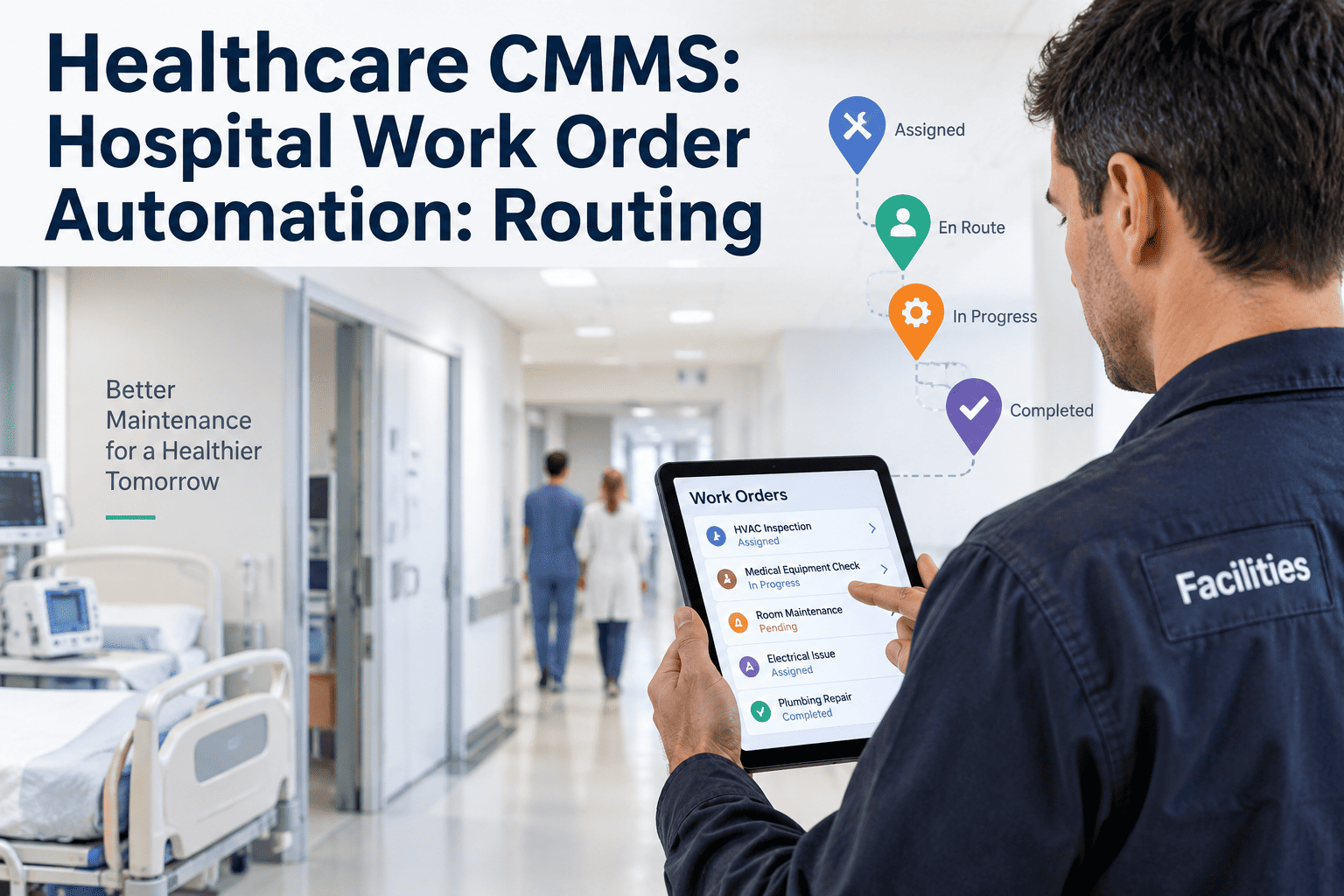
Biomedical Work Order Routing by Device Risk
Stop hand-sorting the queue. Route every biomedical work order automatically by device class, department, and downtime risk — so the defibrillator never waits behind the thermometer.
The Sorting Tax
Certified technicians are trained to repair devices — not to spend the first hour of every shift reading a queue and guessing what matters. Yet that is exactly what a flat, first-in list forces them to do. Prioritizing repairs by risk, urgency, and potential downtime is a defined clinical-engineering competency, which is precisely why it should be automated rather than done by hand on every single ticket.
Three Inputs, One Priority
A biomedical priority is never a single attribute. The router reads three signals together — what the device is, where it lives, and what its failure costs in downtime — and resolves them into one ordered queue.
Device Class Sets the Floor
Class is the first thing the router reads, because it puts a hard floor under how a request is handled regardless of who logged it. Department and downtime adjust priority from there.
Built for Clinical Engineering
The routing logic is only the front door. Underneath it sits a workflow shaped around how biomed teams actually work and what their regulators actually ask for.
What Biomed Leaders Say
My technicians are certified to repair devices, not to spend the first hour of every shift triaging a queue from memory. Once the system already knew a ventilator in the ICU outranks a thermometer in storage, they walked in and started on the thing that actually mattered. The sorting hour just disappeared from the day.
Biomedical Equipment Manager · 18 Years Clinical EngineeringRouting has to understand three things at once — how risky the device is, where it lives, and whether there is a spare. Get any one of them wrong and you either chase low-risk noise all day or miss a life-critical fault. Scoring all three on intake, automatically, is the single change that finally pulled our backlog under control.
Director of Clinical Engineering · 21 Years Hospital HTMFrequently Asked Questions
How does the router decide priority?
It scores three signals together at the moment a request is created: the device class, the department it serves, and its downtime risk — whether the device is in use and whether a backup exists. Those combine into one ordered queue with a technician already matched by skill and certification, so no one spends a shift sorting tickets by hand. Book a biomed demo to see the scoring live.
What counts as a high-risk device?
The highest tier is the life-sustaining equipment — ventilators, defibrillators, infusion pumps, and anesthesia machines — the devices a failure of which can cause serious injury or death. These carry top routing priority and trigger supervisor escalation when maintenance goes overdue, and they default to manufacturer maintenance intervals unless a formal alternative program is documented. Start free to flag your high-risk inventory.
Does the department really change priority?
Yes — the same device model is not equally urgent everywhere. An infusion pump failing in an occupied ICU bed with no spare outranks an identical pump sitting in a storeroom with three backups behind it. Layering department and downtime on top of device class is what separates a genuine emergency from a routine swap. Book a biomed demo to configure department weighting.
How does this work with our AEM program?
Maintenance intervals can be configured to your clinical-engineering program parameters, and the system captures the PM completion rate and failure rate per device category that an alternative-equipment-maintenance program needs as supporting evidence. When the program is inspected, it generates the evidence report straight from your actual maintenance data. Start free to set up AEM intervals.
What happens when a device fails calibration?
An out-of-tolerance result immediately opens a corrective work order, notifies the affected clinical departments, and generates the out-of-tolerance documentation a medical-device-report assessment requires. The failure does not wait in a queue to be noticed — it routes as a corrective the instant it is recorded. Book a biomed demo to see calibration handling.
Will it hold up in a Joint Commission or FDA audit?
Every work order generates an immutable, timestamped record with technician attribution and digital signature on a 21 CFR Part 11 electronic-records foundation, aligned to the medical-equipment-management standards surveyors review. Device histories, calibrations, and safety tests stay inspection-ready without assembling a binder. Book a biomed demo to see the audit exports.
Let the Queue Sort Itself
OxMaint scores every biomedical work order by device class, department, and downtime risk, routes it to the right certified technician, escalates the life-critical ones, and documents all of it to standard — so your team starts every shift on the device that matters most.