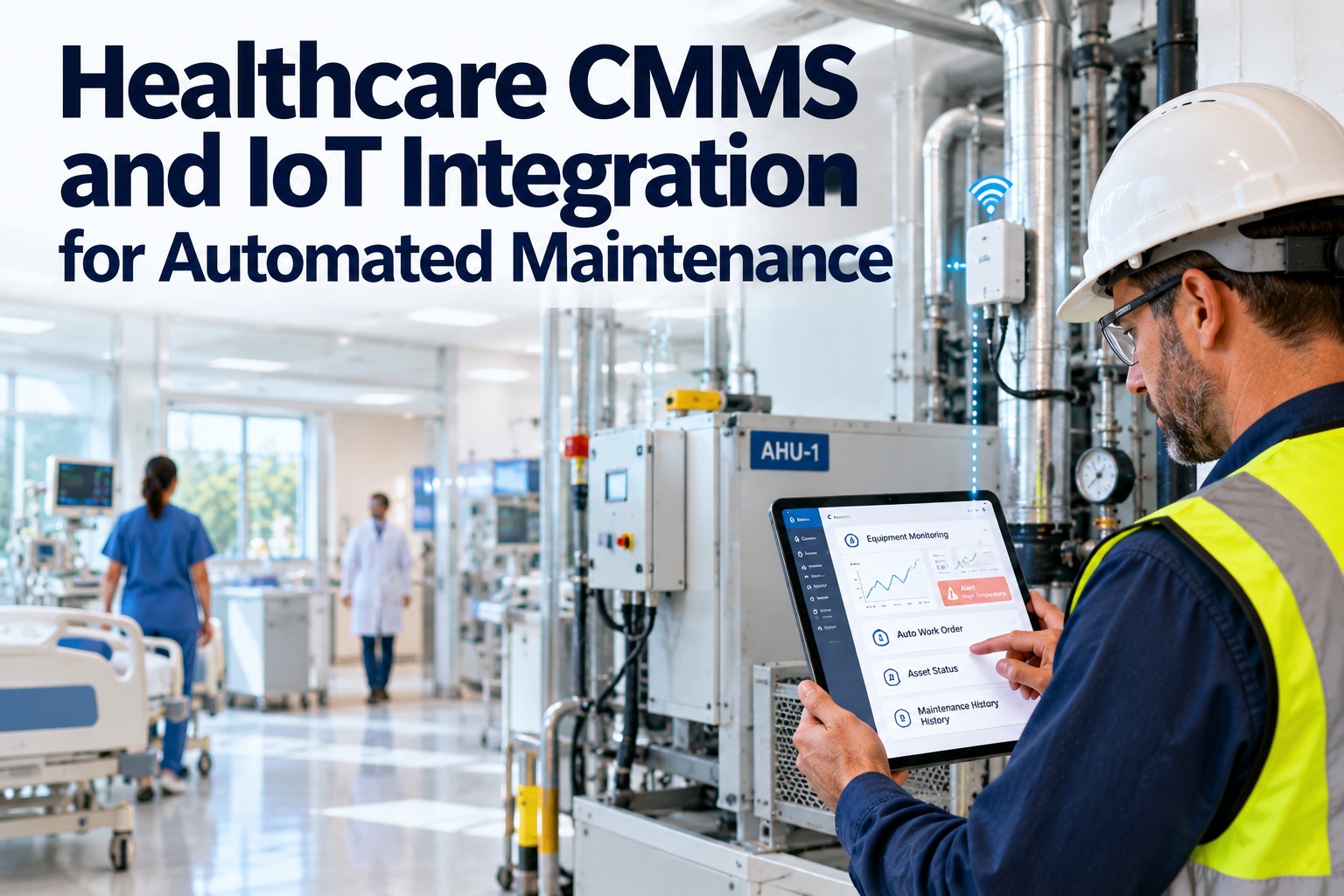
Integrating a Building Management System with a CMMS is one of the highest-leverage moves a hospital facility team can make — and one of the most commonly delayed because teams are not sure whether they are actually ready to do it. A BMS sends signals; a CMMS creates actions. When they are connected correctly, every real fault generates a work order, every response generates a record, and every record feeds a compliance report. When the integration is done without a readiness check, the result is duplicate alerts, unmatched assets, and a data quality problem that undermines both systems. This checklist gives hospital technicians and facility managers a structured readiness assessment across five domains — so your BMS to CMMS integration delivers what it promises from day one. OxMaint is built to receive BMS alerts, match them to your asset registry, and convert them into assigned, evidenced work orders automatically. Book a demo to see the integration in action before your readiness review is complete.
Checklist · BMS Integration · CMMS Readiness · Hospital Technicians
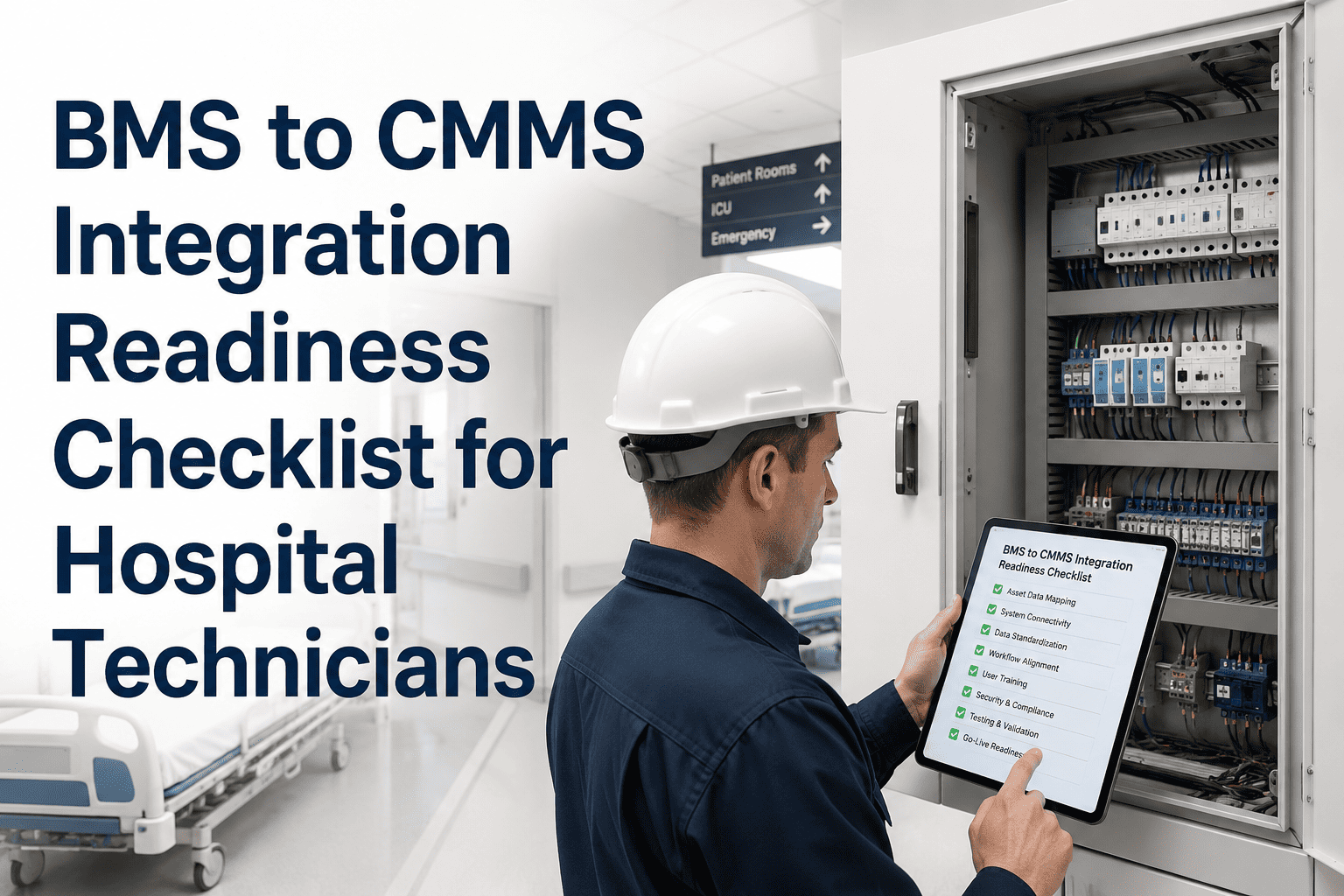
BMS to CMMS Integration Readiness Checklist for Hospital Technicians
A five-domain readiness framework for hospital facility teams preparing to connect their Building Management System to a CMMS — covering asset data, alert mapping, escalation rules, PM schedules, and evidence capture.
Integration Readiness Domains
Asset Data Quality
Critical
Alert-to-Asset Mapping
Critical
Evidence & Reporting
Medium
01
Domain 1: Asset Data Quality
Is Your Asset Registry Ready to Receive BMS Alerts?
Every BMS alert needs an asset to land on. If your CMMS asset registry is incomplete, inconsistently named, or missing location data, BMS alerts will create unmatched work orders — or no work orders at all.
All BMS-monitored assets are registered in the CMMS with unique asset IDs
Each BMS data point should map to a single asset record. Duplicate or unregistered assets break the alert-to-work-order chain.
Critical
Asset locations (floor, zone, room) are complete and standardized
BMS alerts carry location data. If location naming conventions differ between BMS and CMMS, alerts will not map correctly.
Critical
Asset criticality tiers are assigned in the CMMS
HVAC in an ICU carries different priority than a general corridor unit. Criticality tiers allow BMS alerts to auto-set work order priority correctly.
High
Asset maintenance history is loaded into the CMMS
When a BMS alert fires on an asset, technicians need context — past faults, recent PMs, known issues. History makes the first response better.
High
Manufacturer specs and warranty data are attached to high-value assets
Integration maximizes ROI when work orders include spec references. Loading this data pre-integration saves post-launch cleanup.
Medium
02
Domain 2: Alert-to-Asset Mapping
Can Every BMS Alert Find the Right Work Order?
BMS alert tags match CMMS asset identifiers
The naming convention the BMS uses for each data point must align with the CMMS asset ID. Mismatches mean manually assigned work orders — defeating the purpose of integration.
Critical
Alert thresholds are defined for each monitored parameter
Which temperature reading triggers a work order? What vibration level on an air handler warrants dispatch? Thresholds must be defined before integration or every deviation becomes a work order.
Critical
Duplicate alert suppression rules are configured
The same fault should not generate 40 work orders across a shift. Deduplication logic — grouping repeated alerts from the same asset into a single open task — must be set before go-live.
High
Work order templates exist for common BMS alert types
HVAC fault, chiller alarm, fire damper alert — each should have a pre-configured work order template so technicians receive a task with the right checklist, not a blank form.
High
Ready to connect your BMS to OxMaint?
OxMaint handles BMS intake, asset matching, alert deduplication, and work order creation — out of the box, with your existing asset data.
03
Domain 3: Escalation Rules
Is Your Escalation Path Defined and Documented?
Escalation tiers are defined by asset criticality and fault severity
A life safety system fault escalates differently from a general utility alert. Escalation tiers must be defined before BMS alerts start generating work orders at scale.
Critical
On-call technician and supervisor schedules are loaded into the CMMS
Escalation only works if the CMMS knows who is on-call. Rotating schedules must be maintained in OxMaint so after-hours alerts reach the right person automatically.
High
SLA response times are configured for each work order priority level
Critical faults may require a 15-minute response; routine alerts may allow 4 hours. SLA clocks should start at the moment a BMS alert creates a work order — not when someone notices it.
High
Escalation notification channels are tested (SMS, email, push)
Before go-live, confirm that escalation notifications reach the right people through every channel — and that delivery can be confirmed, not just sent.
Medium
04
Domain 4: PM Schedule Sync
Will BMS Condition Data Update Your Preventive Maintenance Schedule?
Existing PM schedules are loaded into the CMMS for all BMS-monitored assets
BMS condition data cannot optimize PMs that do not exist in the CMMS. Current PM schedules — even calendar-based — must be loaded as the baseline before condition data starts adjusting them.
High
Runtime and cycle-count triggers are defined for condition-based PMs
For assets where BMS tracks runtime or cycle counts, define the maintenance trigger thresholds — hours of operation, cycle count, or deviation count — that generate a PM work order automatically.
High
Seasonal and compliance-driven PM tasks are flagged separately from condition-based PMs
Some PMs are required by regulation regardless of asset condition. These must remain calendar-based and clearly distinguished from condition-triggered tasks in the CMMS.
Medium
05
Domain 5: Evidence & Reporting
Will Your Integration Produce Compliance-Ready Records?
Mobile evidence capture is enabled for all technicians
BMS-triggered work orders must be closeable with photo proof, meter readings, and resolution notes from the field. If technicians cannot capture this on mobile, the compliance record is incomplete.
Critical
Compliance report templates are configured for TJC, CQC, or OSHA requirements
Reports generated from BMS-triggered work orders must be formatted for your specific regulatory environment. Configure these report templates before the integration goes live.
High
Leadership KPI dashboard is configured for BMS-sourced work orders
Leadership needs visibility into alert-to-closure metrics, SLA performance, and repeat fault trends. Configure the KPI views before your integration generates data — so the first report is ready on day one.
High
Data retention and access controls are reviewed with IT and compliance
BMS-generated maintenance records may fall under the same retention requirements as clinical records in some jurisdictions. Confirm retention periods and access controls before go-live.
Medium
06
Expert Review
What Hospital Technicians Say About BMS-CMMS Integration
Senior Facilities Technician · Teaching Hospital · 15 Years BMS Experience
The biggest mistake teams make is connecting the BMS to the CMMS before their asset data is clean. Within a week they have hundreds of unmatched alerts and nobody knows which work order belongs to which piece of equipment. The checklist approach — get the asset registry right first, then map the alerts — makes the integration work the way it is supposed to from the start.
Healthcare Facilities IT Lead · Multi-Site Hospital Group · 12 Years
Escalation rules are always the last thing teams think about and the first thing that breaks in production. If you do not define who gets notified for which fault type before go-live, you will find out the hard way at 2 AM when a critical alert creates a work order that sits unacknowledged for six hours. Build the escalation matrix first — it is not optional.
07
FAQ
Frequently Asked Questions
How long does a BMS to CMMS integration typically take for a hospital facility?
A well-prepared integration — where asset data is clean, alert mappings are defined, and escalation rules are documented — typically takes two to six weeks for a single-site hospital. Multi-site integrations are phased. The readiness checklist above compresses preparation time by identifying gaps before the integration team is engaged. Book a demo to get an OxMaint integration timeline for your facility.
What happens to BMS alerts that do not match an asset in OxMaint?
Unmatched alerts are logged in OxMaint's alert inbox for manual review and asset assignment, rather than being silently dropped. Each unmatched alert is an opportunity to identify a gap in the asset registry — resolving these in the first weeks of integration improves match rates rapidly. Start free to review how unmatched alert handling works.
Can OxMaint integrate with older or proprietary BMS platforms common in hospitals?
OxMaint supports integration via standard protocols including BACnet, Modbus, and REST API, covering the majority of BMS platforms deployed in hospital environments. For proprietary systems without standard connectors, our integration team works with the BMS vendor to establish a compatible data feed. Book a demo to confirm compatibility with your specific BMS.
How does this readiness checklist differ from a standard IT integration checklist?
A standard IT integration checklist covers connectivity, security, and data transfer. This checklist covers the operational readiness layer on top of that — asset data quality, alert mapping logic, escalation rules, PM schedule alignment, and compliance reporting — which is where hospital BMS-CMMS integrations most commonly fail in their first months of operation. Start free to run through the checklist inside OxMaint.
5-Domain Readiness Check
BMS Alert Mapping
PM Schedule Sync
Compliance-Ready Records
Run the Readiness Check. Then Connect with Confidence.
OxMaint is built for BMS integration — with asset matching, alert deduplication, auto-assigned work orders, and compliance reporting ready from day one. Use this checklist, then let OxMaint handle the rest.