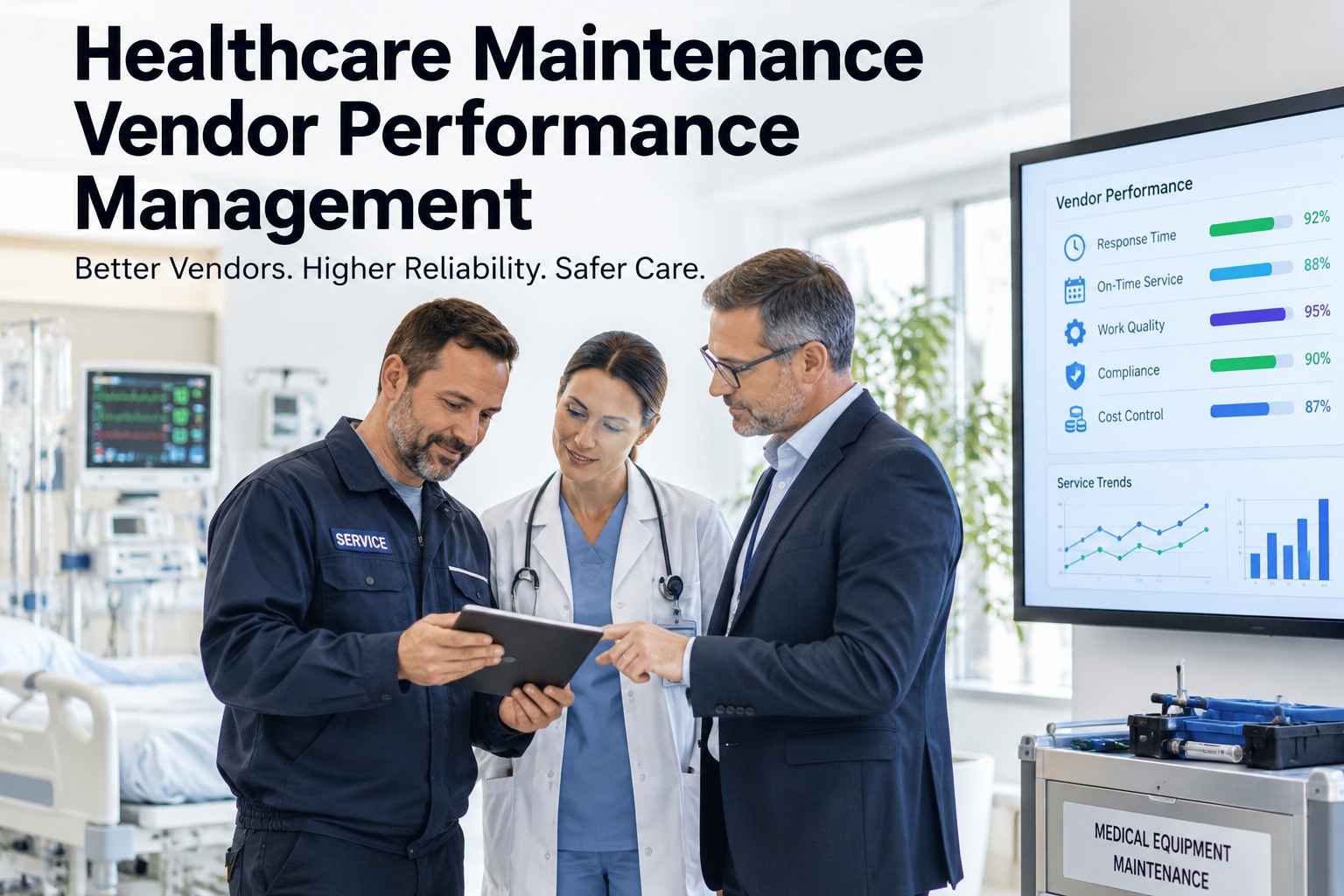
A vendor contract looks solid on paper — response time guarantees, coverage hours, a service-level agreement everyone signed. Then a chiller goes down at 2 a.m., the vendor takes nine hours to show up instead of the four they promised, and there's no record connecting that slow response to the three other late calls this quarter. Vendor performance rarely gets managed — it gets remembered, unevenly, until a contract renewal forces someone to guess. This guide walks through how to actually track and manage healthcare maintenance vendor performance — response times, first-time-fix rates, parts lead time and contract compliance — using OXMAINT AI, the AI-powered CMMS that ties every vendor work order to the SLA it was supposed to meet.
Healthcare Maintenance Vendor Performance Management
A slow vendor response is easy to remember once and hard to prove as a pattern. OXMAINT AI connects the workflow that makes vendor performance visible: a maintenance request or inspection finding becomes a work order routed to the responsible vendor, that work order carries the SLA it's measured against — response time, completion time, first-time-fix — and every closed ticket adds to that vendor's own performance record. Instead of a renewal conversation built on memory, you get a track record built from the work orders that actually happened.
Why "That Vendor Is Slow" Doesn't Hold Up at Renewal
Every facilities lead has a gut sense of which vendors are reliable and which ones aren't. The problem comes at contract renewal, when that gut sense meets a vendor's own polished performance summary and nobody on your side has the ticket-level data to push back. Start free and start building your own vendor record in OXMAINT AI.
- Response time noted only when it's bad enough to complain about
- No consistent record of SLA vs. actual arrival and completion times
- First-time-fix rate is a guess, not a tracked number
- Different departments deal with the same vendor with no shared record
- Renewal conversation runs on anecdotes instead of ticket history
- Every vendor ticket timestamped from request to arrival to completion
- SLA target vs. actual performance visible on every closed work order
- First-time-fix rate calculated from repeat visits on the same issue
- One shared record across every department and site that vendor serves
- Renewal conversation backed by the vendor's own ticket history
The Vendor Work Order Lifecycle
Managing vendor performance isn't a separate spreadsheet — it's the same work order lifecycle your internal team uses, with a vendor and an SLA attached instead of a technician and a shift. OXMAINT AI runs both through the same pipeline, so vendor tickets don't live outside your maintenance record. Book a demo to see a vendor ticket move through the lifecycle.
What to Actually Track Per Vendor
Not every metric matters equally for every vendor type. A useful vendor record separates what happened from what was promised. Sign up free and set up your own vendor scorecards in OXMAINT AI.
| Metric | What it captures | Why it matters at renewal |
|---|---|---|
| Response time | Time from request to on-site arrival vs. SLA target | The most-quoted number in a contract — and the easiest to drift on quietly |
| First-time-fix rate | Share of tickets that don't require a repeat visit for the same issue | A low rate means paying for the same problem more than once |
| Completion time | Time from arrival to work order closed and verified | Long completion times extend equipment downtime beyond the response window |
| Parts lead time | Time from parts ordered to parts received on a vendor-managed repair | Often the real reason a "fast" vendor still leaves equipment down for days |
A Vendor's Reputation Shouldn't Be Decided by the One Bad Call You Remember.
One dramatic failure sticks in memory; a slow, steady pattern across a hundred quiet tickets doesn't. OXMAINT AI tracks every vendor ticket the same way, so the record reflects the whole relationship, not just the worst day.
One Vendor Ticket, Start to Scorecard
Here's how a single vendor call actually moves through OXMAINT AI and feeds the performance record. Book a demo to see this on your own vendor contracts.
Anecdotal Review vs. Tracked Vendor Record
| What matters | Anecdotal / annual review | OXMAINT AI vendor record |
|---|---|---|
| Basis for the review | What people remember or complained about | Every ticket, logged and timestamped |
| SLA compliance | Checked only after a visible failure | Tracked on every ticket automatically |
| First-time-fix rate | Not measured | Calculated from repeat-visit history |
| Visibility across departments | Fragmented by who handled the ticket | One shared vendor record, every department |
| Renewal negotiation | Vendor's summary vs. your memory | Your own ticket-level history on the table |
Frequently Asked Questions
Walk Into Your Next Vendor Renewal With a Record, Not a Memory.
Track every vendor ticket against its SLA, calculate first-time-fix rates from real repeat-visit data, and build a performance record for every vendor — automatically, ticket by ticket.

.jpg)
