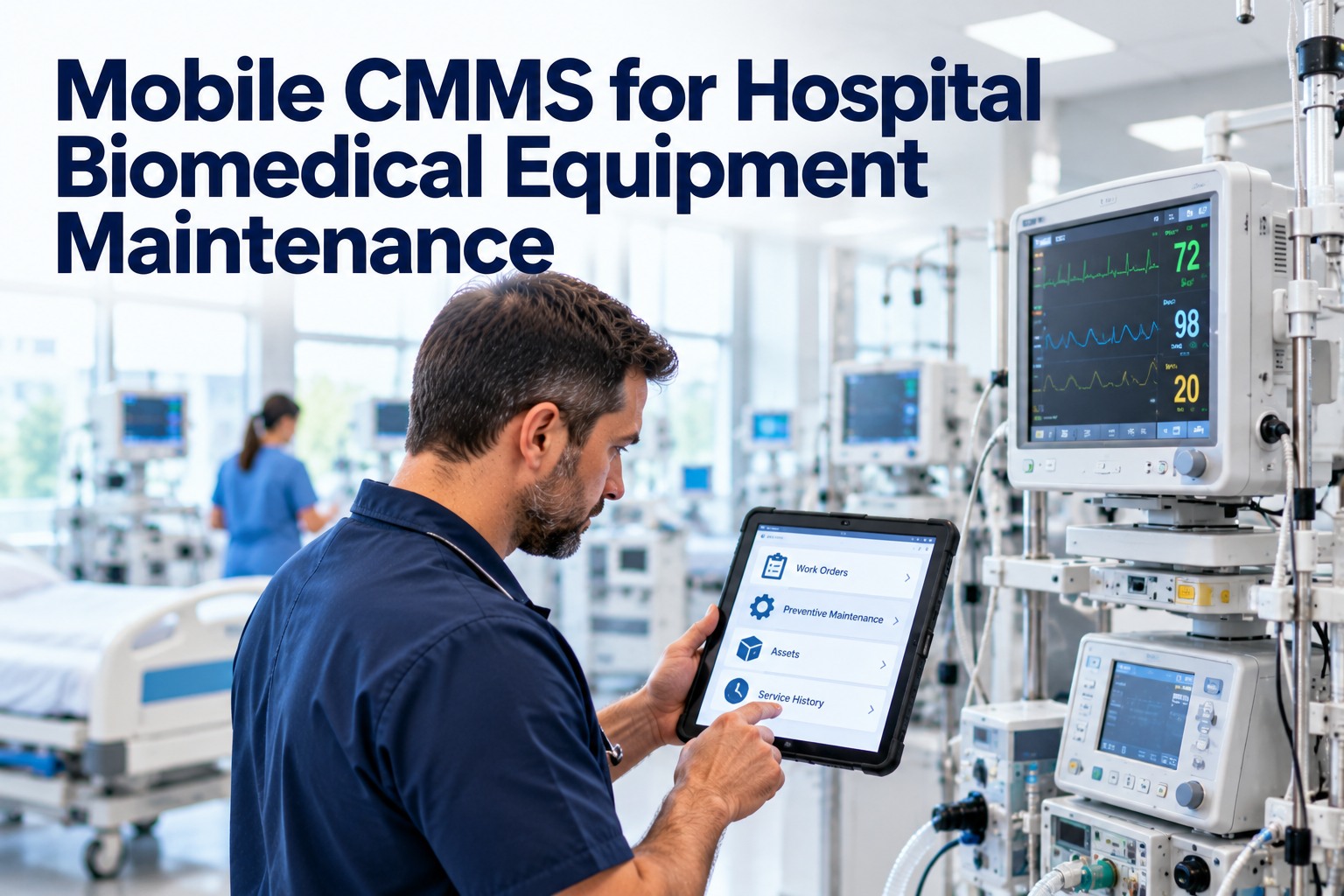
A biomedical technician spends the day moving: from the ICU to radiology, from the OR to the loading dock for a loaner pump. Every trip back to a desk to open a work order, look up a service history or type up a PM is time away from the next device. A mobile CMMS puts the whole maintenance system in the technician's pocket, so work is recorded where it happens and the record is complete before the shift ends. This guide shows what that looks like in a hospital, what to look for, and how OXMAINT AI, the AI-powered CMMS, supports biomedical teams on the floor.
Mobile CMMS · Hospital Biomedical Teams · Work Orders · Preventive Maintenance · Equipment Tracking
Mobile CMMS for Hospital Biomedical Equipment Maintenance
Open the work order, check the device history, follow the checklist, snap the photo and close the job without leaving the bedside corridor. OXMAINT AI, the AI-powered CMMS and maintenance management software, brings the full system to every technician's phone.
My Work Orders 3
Infusion pump · Unit 4BOcclusion alarmURGENT
Patient monitor · ICU 2Quarterly PMDUE TODAY
Defibrillator · EDInspection checklistSCHEDULED
Start Job
At the Device
orders, history and checklists open where the work happens
Real-Time
status updates reach dispatchers as jobs progress
Offline-Ready
keep working in low-signal areas and sync on reconnect
No Re-Keying
one entry, complete record, no end-of-shift paperwork
Desk-Bound vs. Mobile: Where the Time Goes
The gap between "work done" and "work recorded" is where data goes missing and response slows. Mobile closes it. Book a demo to see the difference in your own workflow.
DESK-BOUND OR PAPER
MOBILE CMMS
New requests wait for someone at a desk
Requests reach the technician's phone right away
Service history means a trip back to the shop
History, warranty and manuals open at the device
Notes written on paper, typed up later
Notes, readings and photos captured on the spot
Dispatchers call to ask for status
Status updates live as each job progresses
Gaps show up at audit time
Timestamped records built as work is done
One Job on a Phone: Six Quick Steps
Here is how a single repair or PM moves through the mobile app, from the moment it is assigned to the moment it is closed. The screens are illustrative. Start free and try the flow with your own devices.
1
Get the job
Assigned work appears on your phone with priority and location.
2
Review the device
See past faults, last PM and warranty before you start.
3
Follow the checklist
Tick off each step and enter readings as you go.
4
Add photos & notes
Capture what you found and what you changed.
5
Log parts & time
Record parts used and hours worked in seconds.
6
Close the job
Sign off, and the asset history updates instantly.
If the Record Is Written Later, It Is Written From Memory.
Details fade fast on a busy shift. Capturing the finding, the fix and the photo at the device means your records are accurate, your audits are easier and your next technician starts with the full story.
Where Mobile Helps Biomedical Teams Most
REPAIRS
Faster response to faults
Urgent requests reach the right technician fast, and updates flow back to the requester.
PM ROUNDS
Inspections done in the unit
Walk a unit, work through checklists device by device and finish with nothing left to type.
TRACKING
Know where equipment is
Update location and status as devices move, so searches for a pump stop eating shifts.
PARTS
Parts logged at point of use
Record what you used on the job, and keep stock counts closer to reality.
What to Look For in a Hospital Mobile CMMS
Not every mobile app fits a hospital. Use this checklist when you compare options. Book a demo and ask us every item.
✓
Works with weak signalBasements, shielded rooms and stairwells should not stop the work.
✓
Fast to learnTechnicians should be productive in one shift, not one month.
✓
Full asset history in handPast faults, PMs, parts and warranty on the same screen.
✓
Reusable checklistsThe same inspection steps, every time, for every technician.
✓
Photos and notes attachedEvidence stored on the work order, not in someone's camera roll.
✓
Role-based accessTechnicians, supervisors and requesters see what they should.
How OXMAINT AI Supports the Biomedical Floor
One platform for the desk and the field, so dispatchers, supervisors and technicians always see the same picture. Start free and invite your technicians.
◉
Mobile Work Orders
Receive, update and close jobs from a phone, with offline caching and automatic sync.
◉
Equipment Register
Every device with location, specs, warranty and complete service history.
◉
PM Scheduling
Automated preventive tasks with reminders and overdue alerts.
◉
Inspection Checklists
Standard templates with readings, photos and sign-off.
◉
Parts & Inventory
Log parts at the point of use and track common spares.
◉
AI Insights & Reports
Spot repeat failures, slow jobs and overdue PMs before they grow.
“
Our techs used to carry clipboards and type everything up at the end of the day. Now the job closes where the work happens, the history is there when the next call comes in, and I can see the whole queue without picking up the phone.
Biomedical Engineering Supervisor · Community Hospital
Frequently Asked Questions
What is a mobile CMMS?
It is maintenance management software with a mobile app, so technicians can view and update work orders, checklists, asset history and parts from a phone or tablet in the field.
Does a mobile CMMS work without Wi-Fi or cell signal?
OXMAINT AI supports offline caching, so technicians can keep working in low-signal areas and sync automatically when the device reconnects.
Start free in OXMAINT AI.
Can mobile CMMS replace paper PM checklists?
Yes. Digital checklists capture the same steps, plus readings, photos and timestamps, and store them on the asset instead of in a binder.
Does this meet our hospital's security and regulatory requirements?
Requirements differ by organization. Review data security, access controls and record-keeping needs with your IT, compliance and clinical engineering teams, and confirm details during a demo.
How fast can a biomedical team get started?
Put Your Maintenance System Where Your Technicians Are.
Give your biomedical team mobile work orders, live asset history and complete records from every shift. Start with OXMAINT AI and keep patient care equipment ready, documented and one tap away.


.jpg)