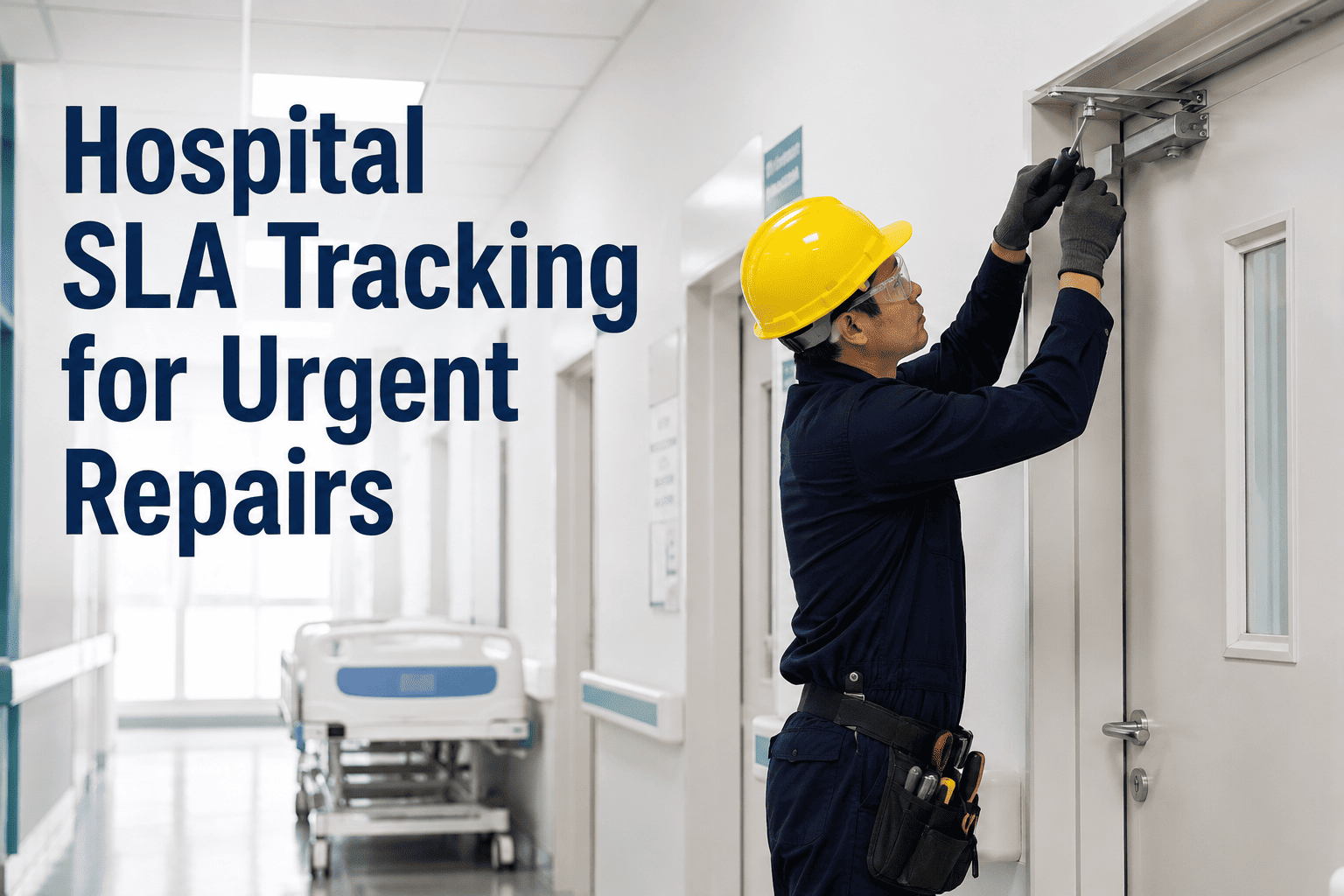
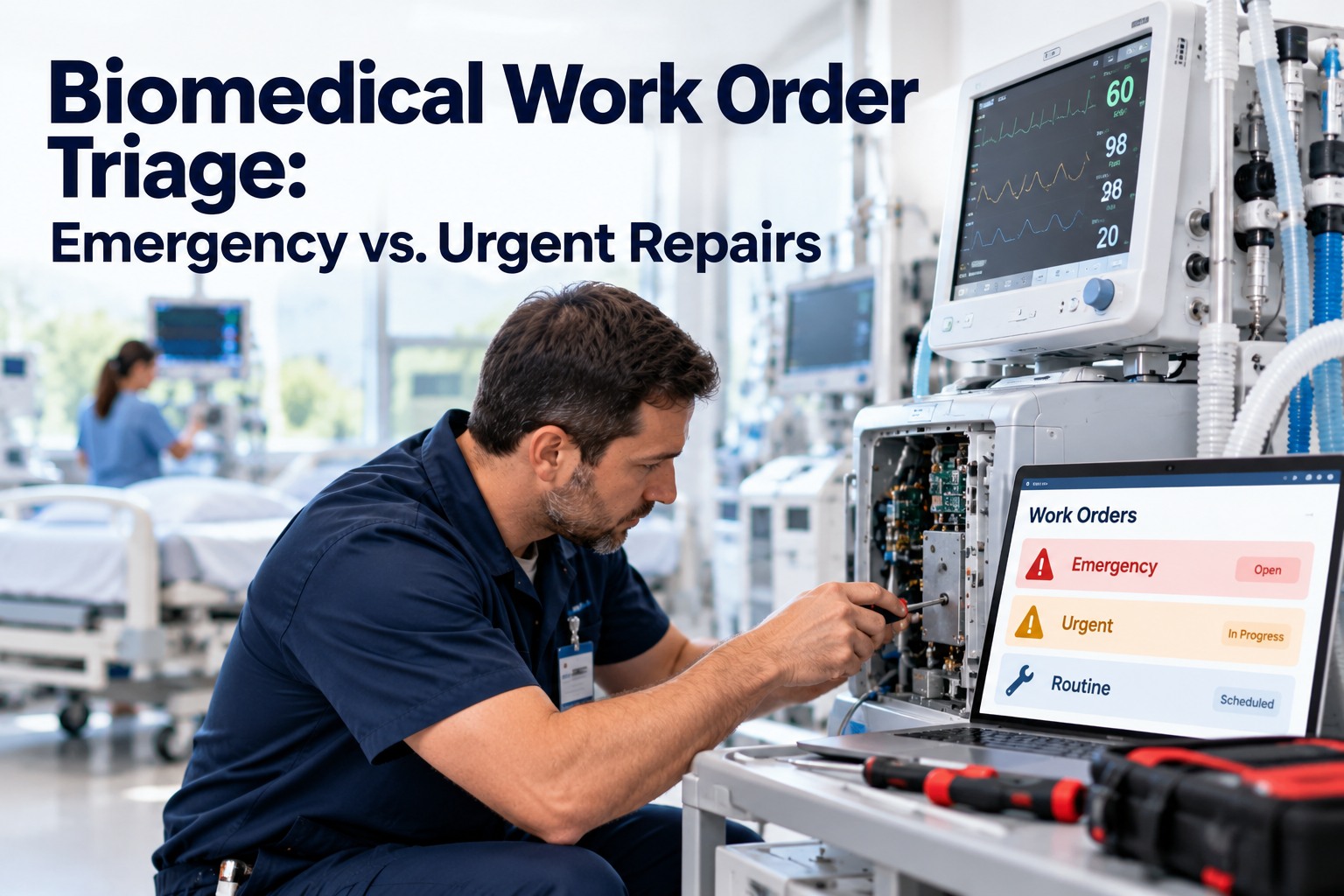
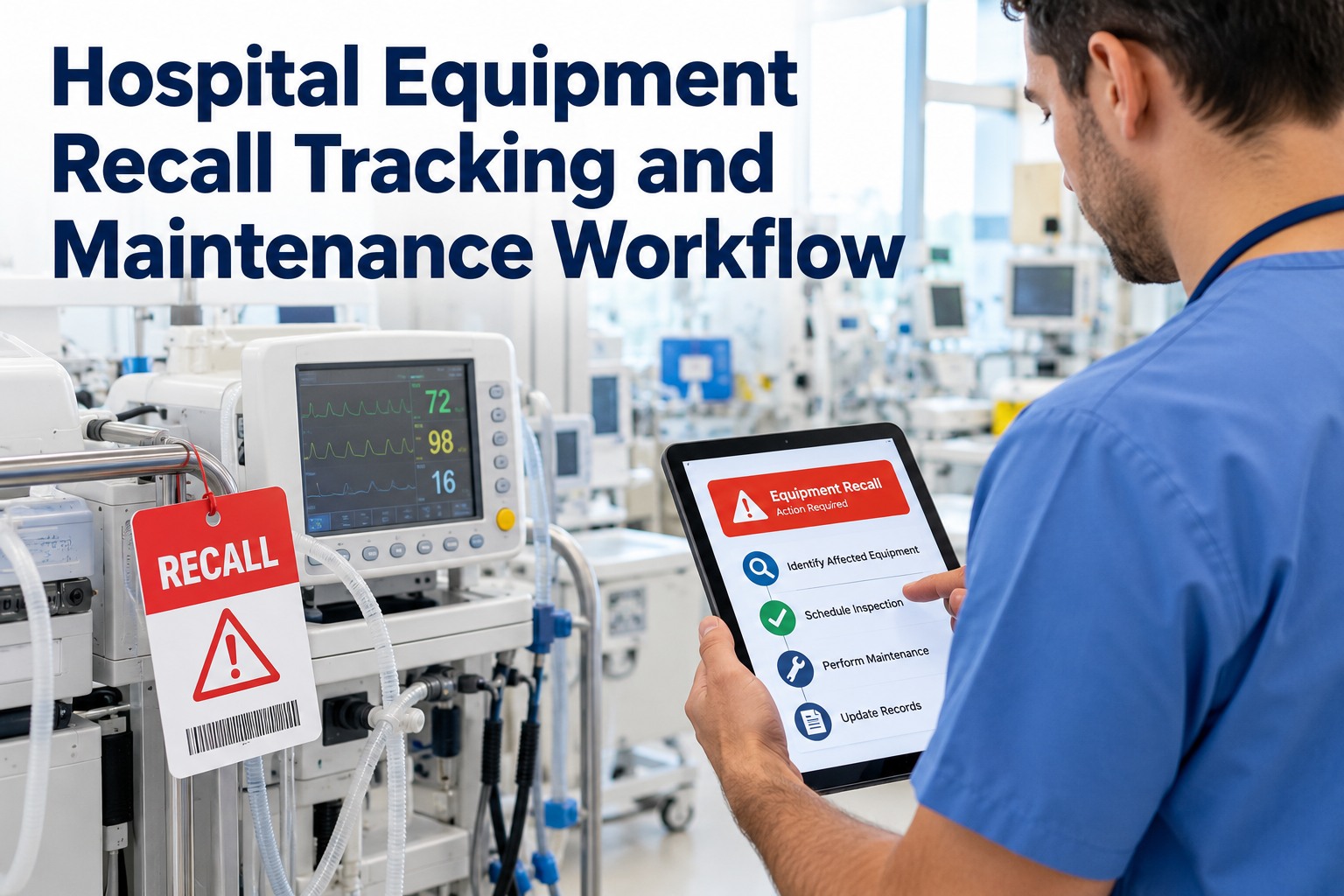
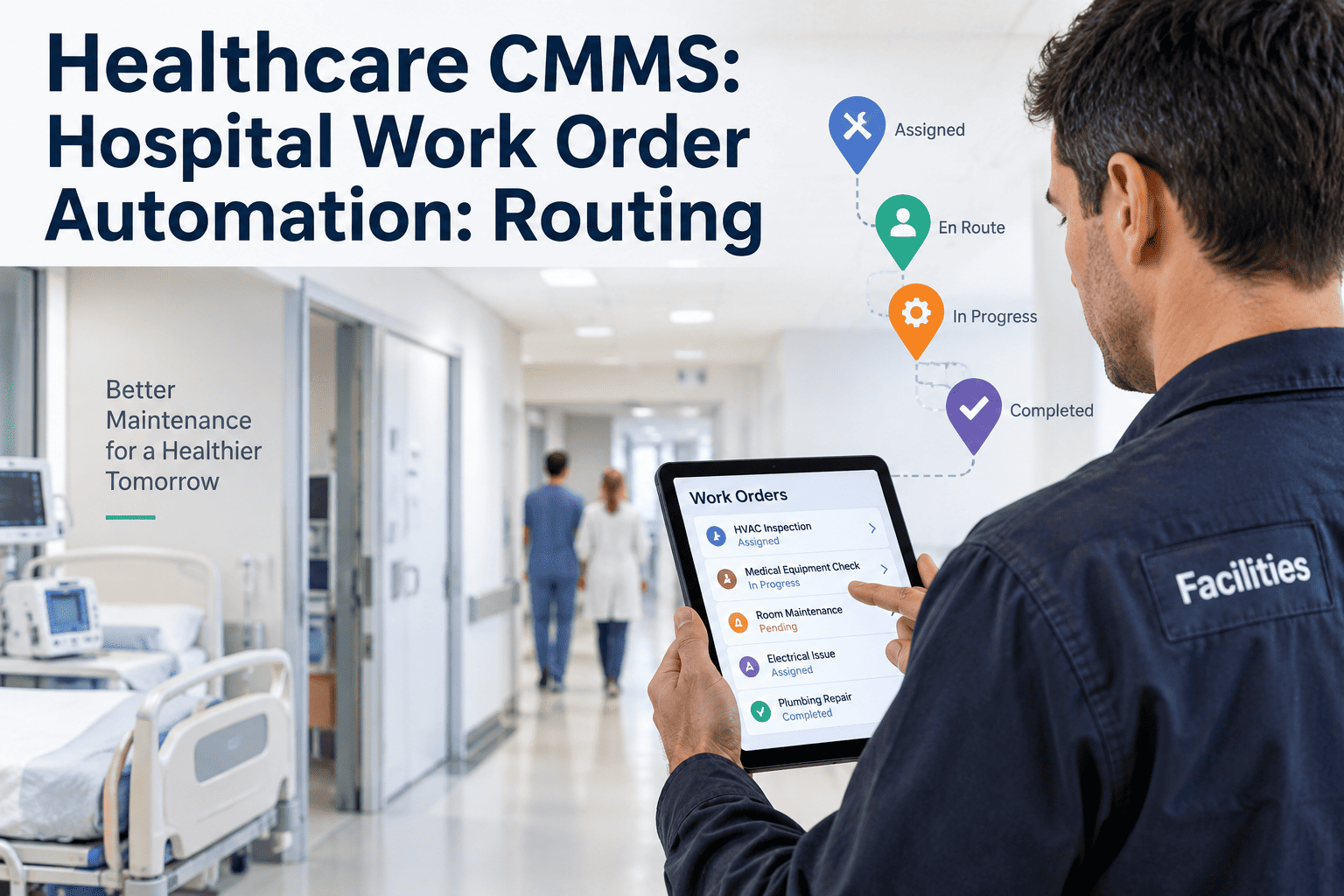
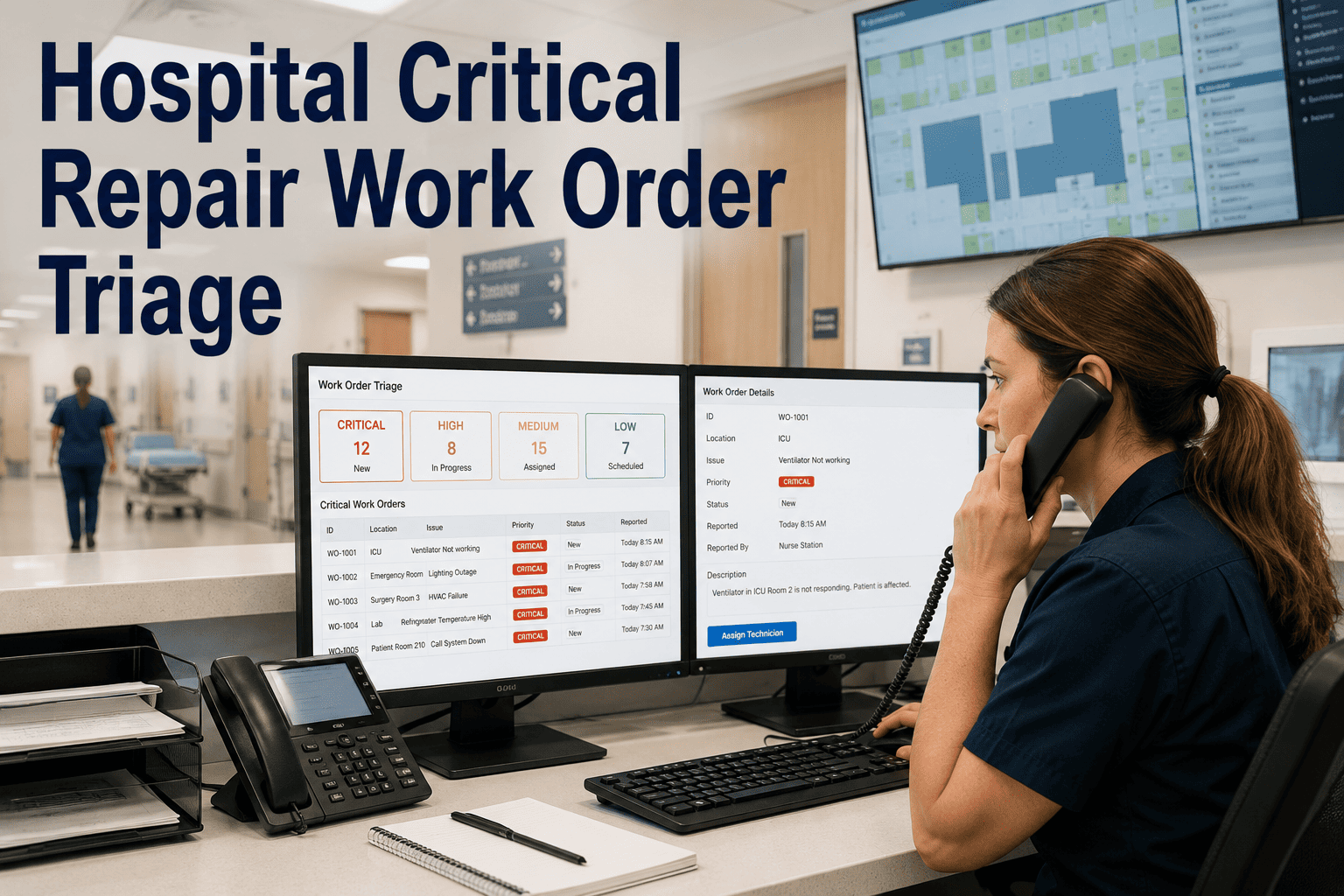
When a surveyor or a department head asks a hospital how fast it responded to an urgent repair, "pretty quickly" isn't an answer — and for most teams running on email and paper, it's the only one available. The problem the spec names is real: hospitals struggle to prove response times for high-risk repairs and department requests, because the clock, the escalation, and the proof all live in different heads and inboxes. A maintenance SLA fixes that by putting a timer on every urgent work order from the second it's submitted, escalating automatically when a target slips, and capturing closure evidence that survives an audit. This article shows how to track response time, escalation, and closure evidence in real time with OxMaint's work order management — or book a demo to see a live SLA dashboard.
Hospital Operations / Work Order Management
Hospital SLA Tracking for Urgent Repairs
Put a clock on every high-risk repair from submission, escalate automatically before it breaches, and close with evidence you can hand a surveyor — all in real time.
31%
Drop in average response time within 60 days of digital tracking
50%
SLA elapsed when the first escalation auto-fires
~1 hr
Typical response target for critical patient-safety repairs
3 yr
Minimum retention for closure records under TJC and CMS
The four pillars of a hospital SLA
An SLA framework that holds up under a survey defines four things precisely. Miss any one and the agreement exists only on paper.
Classify
Every request is tiered by clinical and regulatory impact at submission — not by a supervisor hours later.
Commit
Each tier carries a defined response and resolution target the team is measured against.
Escalate
Named people are notified automatically the moment a target is at risk or missed.
Measure
Compliance and breaches are tracked over time, exportable as audit-ready evidence.
The SLA clock: from submission to closed
An urgent work order has a life, and the SLA tracks every beat of it. The clock starts the instant a request lands and doesn't stop until the evidence is captured.
1
SubmittedClock starts at creation — timestamp, reference number, and SLA target assigned.
2
50% elapsedSupervisor is auto-alerted while there's still time to act.
3
Breach pointFacility manager is notified and a breach record is logged automatically.
4
ResolvedRepair complete; response and resolution times are captured against target.
5
ClosedEvidence stamped to an immutable, exportable record tied to the asset.
Because each beat is timestamped, the question "how fast did you respond?" becomes a number you can show, not a number you have to defend.
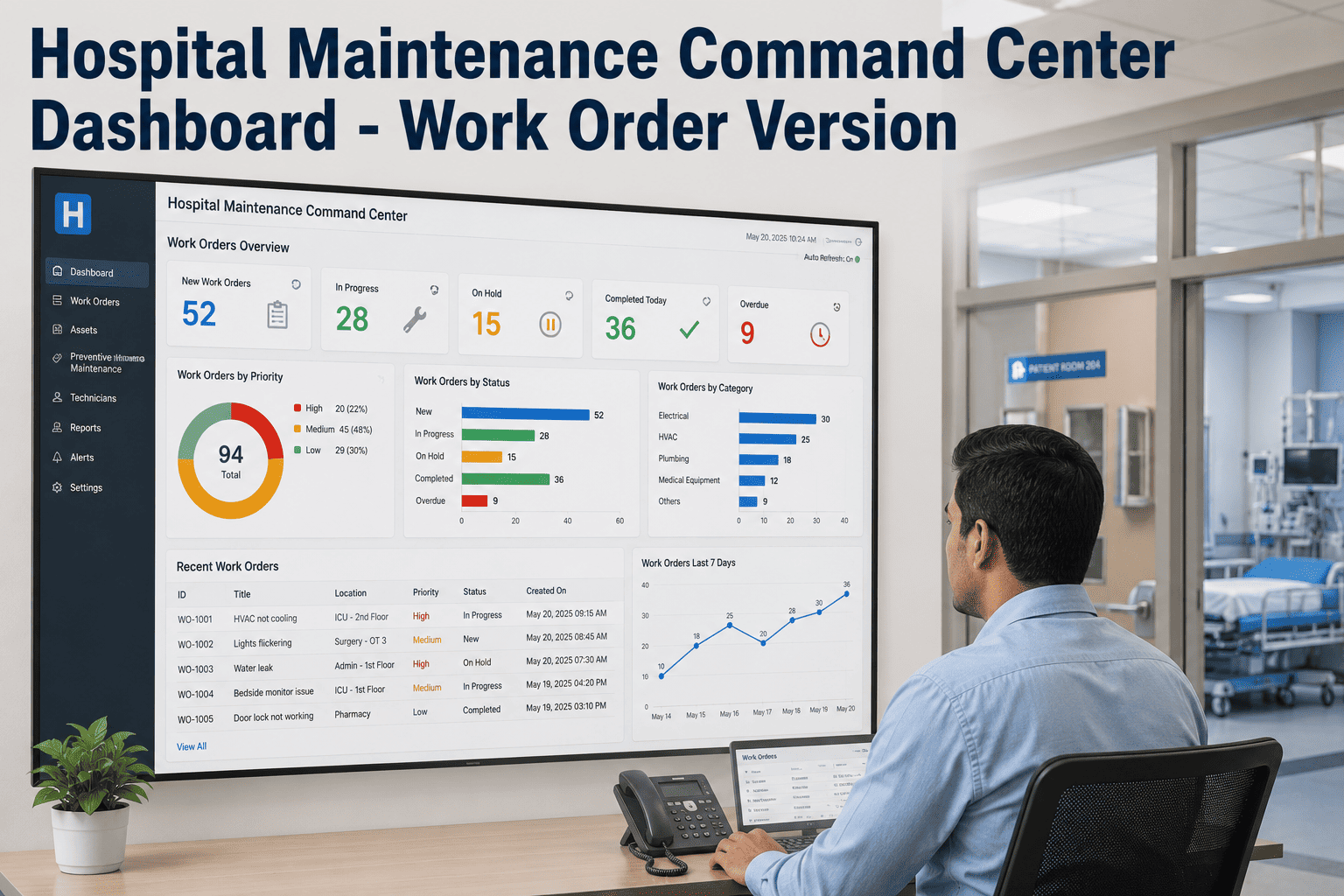
See every SLA clock on one dashboard
OxMaint shows every open urgent repair with its live SLA status, so you know where the facility stands without waiting for a morning report.
Start the clock at submission, not assignment
The single biggest source of response-time failures is a clock that starts when a job is assigned. The gap between a request being created and picked up goes unmeasured — and in a hospital, that gap is where a P1 becomes a patient-safety event.
Clock at assignment
Hours can vanish before the timer even starts
Clock at submission
Every minute counted from second one
An ICU HVAC fault logged at 2 AM but not assigned until a 6 AM shift review has already consumed four hours of its window — invisible to anyone measuring from assignment. Starting at submission makes that time real and manageable.
Real-time status: green, amber, red
A surveyor's favorite question is "where do you stand right now?" A live SLA dashboard answers it at a glance, coloring every open work order by how close it is to breach.
On track
Within the response window. No action needed — the work order is progressing on time.
Approaching breach
Past 50% of the window. The supervisor is already notified and can reassign.
Breached
Window exceeded. The manager is engaged and a breach record is created for review.
Filter the same view by tier, department, building, or technician, and a director sees exactly where attention is needed — without phoning the floor.
Closure evidence: proving it was done
A hospital work order isn't closed when the task is finished — it's closed when the proof is captured. These fields turn a completed repair into a defensible record.
01
Technician digital signature and credential — biomed or facilities
02
Resolution notes — what was found and what was done
03
Parts used, with quantities and part numbers
04
Timestamps for response, start, and completion
05
Photo evidence of the completed work where applicable
06
Compliance checklist confirmation for regulated assets
For any breach, a record captures the target, the actual time, and who was notified — and a brief root-cause note within a day of resolution shows accreditors not just what slipped, but how it was fixed.
Expert Review
"Operations directors don't get burned by slow repairs nearly as often as they get burned by being unable to prove a fast one. A surveyor asks how quickly you responded to a medical-gas alarm last March, and if the answer lives in someone's memory or a paper log, you've already lost the point. The fix is unglamorous: start the clock at submission so the number is honest, let the system escalate so nothing waits on a human watching a queue, and make closure mean evidence captured, not just a box ticked. Do that and your SLA stops being a promise and becomes a record."
Reviewed by a hospital operations director, 18+ years in healthcare facilities and Joint Commission survey readiness.
Make response time a number, not a guess
Walk through a live SLA dashboard on your own work orders — clocks running from submission, escalations firing automatically, and closure evidence captured at every close.
Frequently asked questions
What is a maintenance SLA in a hospital?
A maintenance SLA is the defined promise for how fast a repair gets a response and a resolution, set per priority tier. A complete framework nails down four things: who classifies each request, the response and resolution targets per tier, who is notified when a target slips, and how compliance is measured over time. Without all four, it exists only on paper. See it enforced in
OxMaint.
When should the SLA clock start?
At submission, not assignment. The gap between when a request is created and when a technician picks it up is the most common source of response-time failures — an ICU HVAC fault logged at 2 AM but not assigned until a 6 AM shift review has already burned four hours before anyone starts. Starting the clock at creation makes that gap visible and managed.
Book a demo to see it.
What are typical response time targets for urgent hospital repairs?
Targets vary by facility, but a common maintenance model uses roughly an hour for critical patient or life-safety faults, about four hours for urgent issues affecting care delivery, and around 24 hours for non-critical repairs, with planned work run on schedule. Critical tiers usually carry 24/7 on-call coverage and automatic senior escalation. Configure tiers to your own policy in
OxMaint.
How does automated escalation work?
When an SLA clock crosses a threshold, the system notifies the next person without anyone watching the queue. A common pattern alerts the supervisor at 50% of elapsed time and the facility manager at breach, so management sees a slipping critical job before it becomes an incident. Every escalation is timestamped and retained for the audit record.
Book a demo to see escalation paths.
What does "closure evidence" mean and why does it matter?
A hospital work order isn't closed when the task is done — it's closed when the proof is captured: technician signature and credential, resolution notes, parts used, timestamps, and a photo where relevant. That immutable record is what proves to a surveyor the work happened and met its SLA, and reconstructing it after the fact is itself a finding. OxMaint captures it at close —
try it free.
How do we prove response times to a surveyor or auditor?
With a timestamped trail for every work order — submission time, response time, resolution time, and the closure record — exported on demand rather than assembled from paper under pressure. Breach records and root-cause notes sit alongside, showing not just what slipped but how it was corrected. That evidence turns a survey question into a quick export instead of a scramble. See it in
a demo.
What should happen after an SLA breach?
A breach should create a record capturing the original target, the actual time, when the breach alert fired, and who was notified. Within about a day of resolution, a brief root-cause analysis identifies whether a staffing, parts, process, or system gap caused it and what prevents a repeat. Accreditors increasingly expect that documented follow-through during surveys. Log breaches automatically in
OxMaint.
How does OxMaint track SLAs in real time?
OxMaint starts an SLA clock at submission, shows every open work order as green, amber, or red by breach proximity, and auto-escalates the moment a threshold is crossed. At close it captures signature, parts, timestamps, and photos into an immutable, exportable record. Response time, escalation, and evidence all live on one dashboard. Try it on your own facility with a
free trial.
Track every urgent repair end to end
Stop guessing at response times. Run the clock from submission, escalate before the breach, and close with evidence — so every high-risk repair is a record you can stand behind.