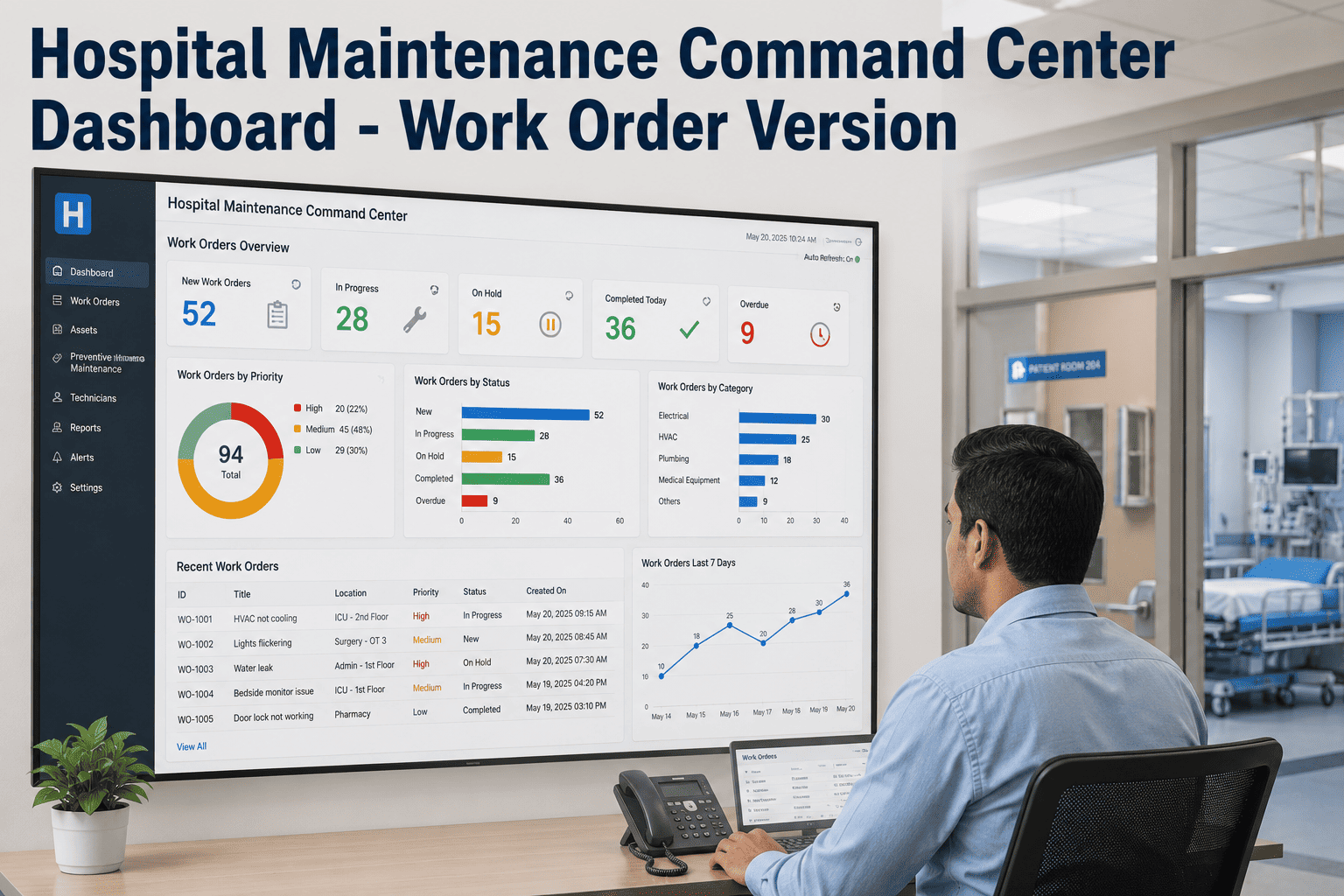
Hospital Maintenance Command Center Dashboard - Work Order Version

By James Smith on June 21, 2026

hospital-maintenance-command-center-dashboard-work-order-version

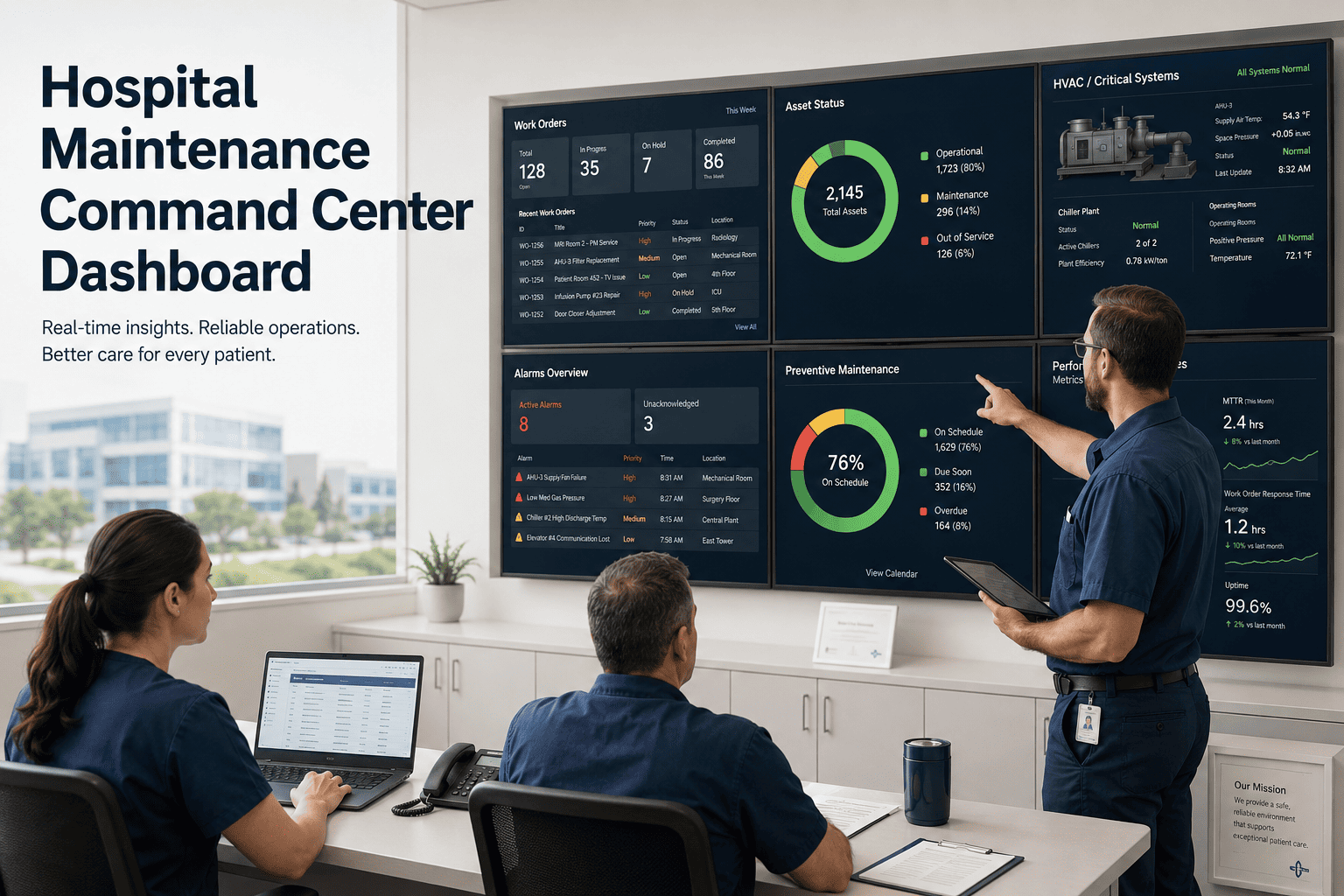
A facilities director overseeing six hospital campuses starts every Monday the same way: nine phone calls, three spreadsheets, and a guess about which site has the worst backlog. By the time the picture is assembled, it's already Tuesday afternoon and the most overdue work order has been sitting untouched for four days. A command center dashboard removes the guesswork entirely — one screen, every site, every work order, ranked by what actually needs attention right now. Start a free OxMaint trial and replace the Monday phone calls with a single live view of every open work order across your entire hospital portfolio.

Hospital Operations · Multi-Site CMMS · Work Order Command Center

One Dashboard. Every Site. Every Open Work Order, Ranked.

OxMaint's command center gives facilities leadership a single live view of work order status, SLA risk, and technician load across every hospital campus — no phone calls, no spreadsheets, no waiting for Monday.

Open Work Orders
342
across 6 campuses
Critical SLA Risk
14
response window closing
PM Compliance
94%
portfolio-wide this month
Avg Response Time
38 min
critical tier, all sites
Why Facilities Leaders Lose the Picture

The Monday Morning Problem, Multiplied by Every Site

A single hospital generates hundreds of work orders a month. A six-site portfolio generates thousands. Without a unified dashboard, each site manager tracks their own backlog separately — and the regional or system-level leader has no way to see across all of them at once.

Without a Command Center
Nine phone calls every Monday morning
No way to compare site performance
Critical SLA breaches discovered after the fact
Board reports assembled manually from spreadsheets
With OxMaint Command Center
One login, every site, real time
Side-by-side benchmarking across campuses
Live SLA countdown with automatic escalation
Board-ready reports exportable in minutes
SLA Priority Tiers

How Work Orders Get Ranked the Moment They're Created

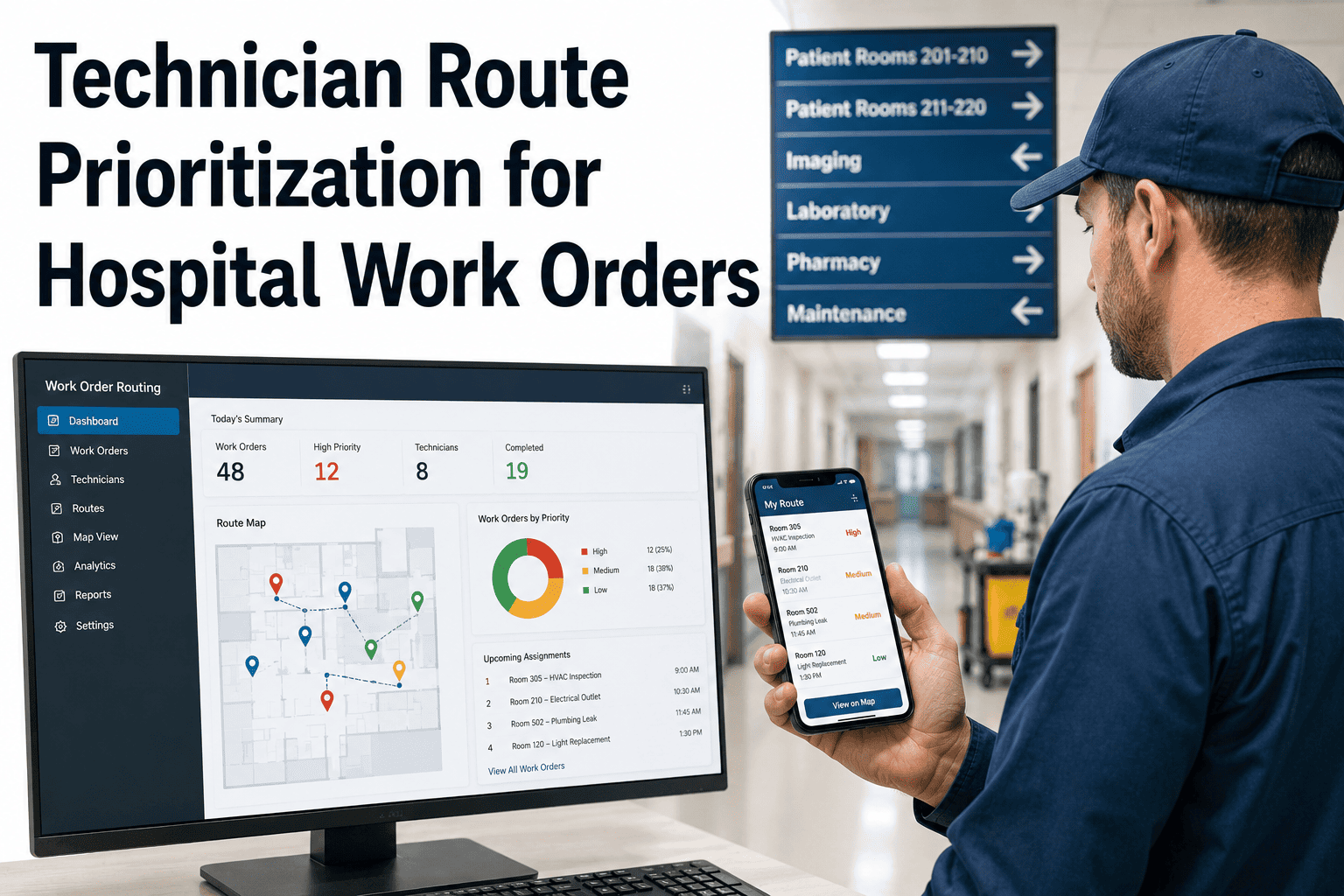
Not every work order carries the same urgency. OxMaint applies a four-tier classification automatically, so the dashboard always surfaces what matters most first.

Critical
Response within 1 hour
Medical gas failure, fire suppression fault, elevator failure
Urgent
Response within 4 hours
HVAC failure in clinical area, sterilizer alarm
Standard
Response within 24 hours
Non-clinical lighting fault, minor plumbing repair
Planned
Executed per calendar
HVAC filters, fire door inspections, generator runs

See Your Own Portfolio on This Dashboard

Walk through how OxMaint structures your existing sites, assets, and work order history into one command center view.

What the Dashboard Tracks

Every Metric Leadership Actually Needs to See

Metric What It Shows Who Uses It
Open work order count Total active tasks per site and portfolio-wide Site managers, regional directors
SLA risk countdown Time remaining before a response window breaches Technicians, supervisors
PM compliance rate Percentage of preventive tasks completed on schedule Compliance officers, executives
Average response time Speed of technician response by priority tier Operations leadership
Technician workload Active assignments per technician across sites Supervisors, scheduling leads
Expert Review

What to Check Before Rolling Out a Command Center View

OP
Hospital Operations Advisory Panel
A dashboard is only as good as the data feeding it. Before going live, confirm that every site uses the same asset hierarchy and priority classifications, otherwise benchmarking across campuses becomes misleading. Start with role-based access configured early — regional directors need cross-site visibility, while site managers should see only their own building, so no one is overwhelmed by irrelevant alerts.
FAQs

Common Questions About the Command Center Dashboard

How many sites can a single command center dashboard support?
OxMaint supports unlimited sites in a single account, so portfolios from two campuses to fifty can all be managed from one dashboard. Book a demo to see your specific portfolio scale.
Can site managers see only their own building's data?
Yes. Role-based access lets regional directors see cross-portfolio dashboards while site managers see only their assigned location, with no extra logins required.
How long does it take to onboard a multi-site portfolio?
Most portfolios complete full configuration, including all sites, assets, and compliance tracking, within a few weeks using OxMaint's asset template library. Start a free trial to see your own onboarding timeline.
Does the dashboard support board-level and survey reporting?
Yes. Portfolio-level summaries and site-level reports are both exportable in minutes, ready for board meetings or CMS and Joint Commission survey documentation.

Replace Nine Phone Calls With One Dashboard

OxMaint gives hospital facilities leadership a single, live command center for every work order, every site, every SLA — so nothing slips through on a Monday morning again.

Share This Story, Choose Your Platform!