It is 7:40 a.m. Your biomedical queue already holds twenty-three open requests. A monitor in the ICU is flagging errors, a procedure room needs a device checked before its first case, and a nurse has reported a loose wheel on an IV pole. All three are marked "urgent." Which one do you send a technician to first? Work order triage is the discipline of answering that question quickly, consistently and with a record. This guide explains how to separate emergency from urgent from routine repairs, and how OXMAINT AI, the AI-powered CMMS, helps biomedical teams prioritize, assign and close the right jobs in the right order.
Biomedical Work Orders · Triage · Emergency Repairs · Urgent Repairs · Response Times
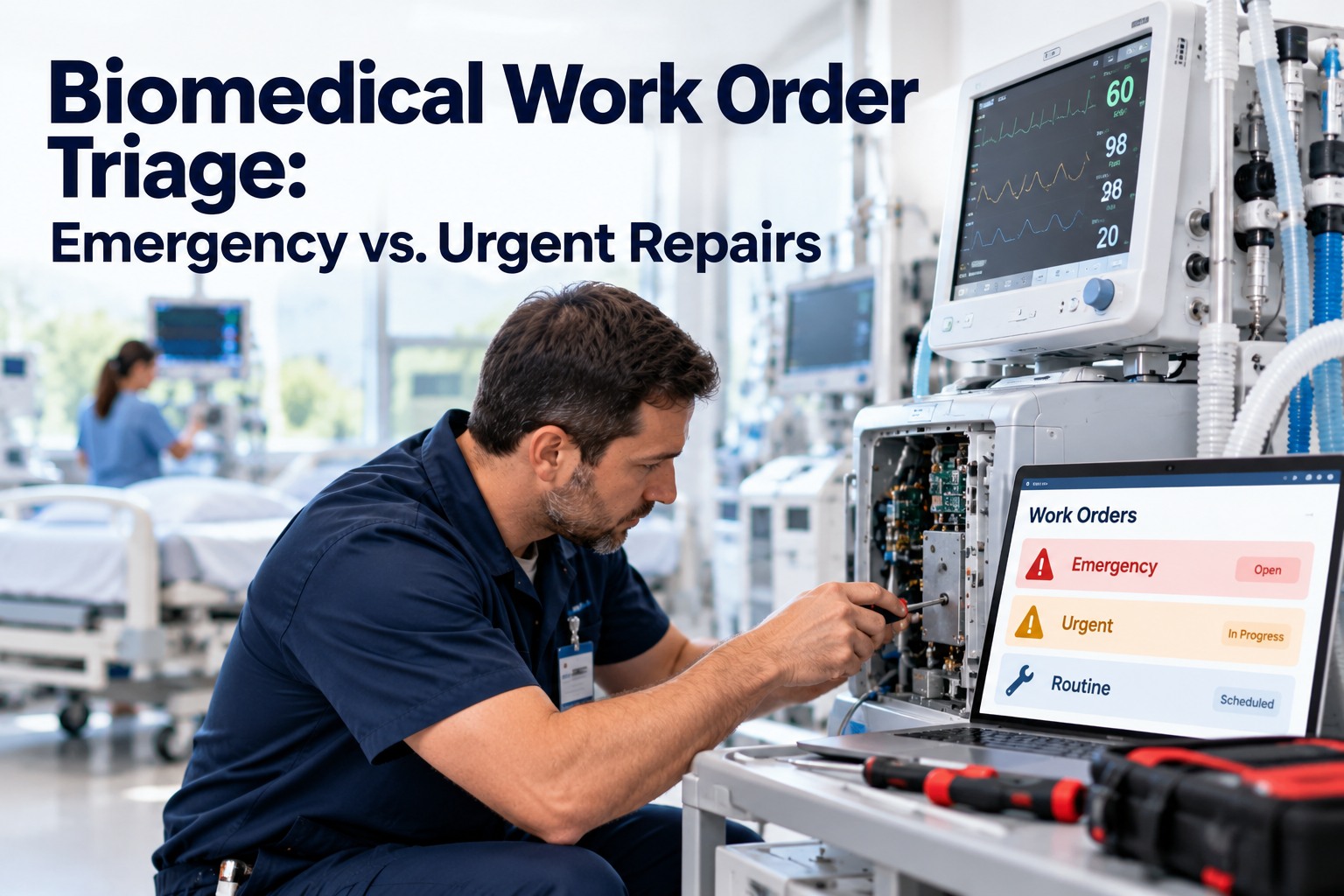
Biomedical Work Order Triage: Emergency vs. Urgent Repairs
When every request says "urgent," nothing is. OXMAINT AI, the AI-powered CMMS and maintenance management software, gives your team a clear priority system, a live queue and a full record, so the most critical device always gets attention first.
Live work order queue
EMERGENCYICU monitor alarm fault
URGENTPre-procedure device check
URGENTInfusion pump intermittent error
ROUTINEIV pole wheel replacement
3 Levels
emergency, urgent and routine, defined in plain language
3 Questions
a quick check any dispatcher can use to set priority
1 Queue
every request visible, sorted and assigned in one place
Full Trail
who triaged it, when and why, recorded on the work order
The Problem: When Everything Is Urgent
Priority inflation is the quiet killer of response times. Requesters mark everything urgent because they have learned it is the only way to be heard, and technicians lose the signal in the noise. A shared definition fixes it. Book a demo to see priority levels in OXMAINT AI.
WITHOUT TRIAGE RULES
UrgentUrgentUrgentUrgentRoutine
Most requests share the top label, so technicians guess, and critical jobs wait.
→
WITH CLEAR TRIAGE
EmergencyUrgentRoutine
Few true emergencies, a defined urgent tier, and the rest planned and scheduled.
Three Questions That Set the Priority
A dispatcher does not need a long form. Three questions, asked in order, place almost any request. Adapt the wording to your hospital's clinical risk policy. Start free and build these into your request form.
Q1
Is a patient at risk right now?
YES Treat as emergency. Remove the device from use and respond immediately.
↓ if no
Q2
Will this stop or delay care soon, with no ready backup?
YES Treat as urgent. Prioritize same shift and notify the department.
↓ if no
Q3
Is the device working but showing drift, wear or a minor fault?
YES Treat as routine. Schedule it, and watch for repeats.
Emergency vs. Urgent vs. Routine at a Glance
Once priority is set, the response follows a pattern. The examples are illustrative, so tailor response targets to your own policy. Book a demo to configure your own levels.
EMERGENCY
Patient safety at stake
TriggerFailed safety check, unexpected alarm behavior, critical device down
First actionPull from use, swap in a replacement, dispatch immediately
Who is toldSupervisor and clinical lead right away
RecordFull report and verification before return to service
URGENT
Care at risk of delay
TriggerKey equipment down, no backup, scheduled procedure at stake
First actionAssign a technician this shift, order parts early
Who is toldDepartment manager and requester
RecordCause, parts and time to repair
ROUTINE
Plan it, do not rush it
TriggerMinor fault, cosmetic damage, device drift, accessory issue
First actionSchedule at the next planned visit or PM
Who is toldRequester gets a status update
RecordLog it so repeat issues show up
A Good Triage Decision Is Only as Good as the Queue It Lands In.
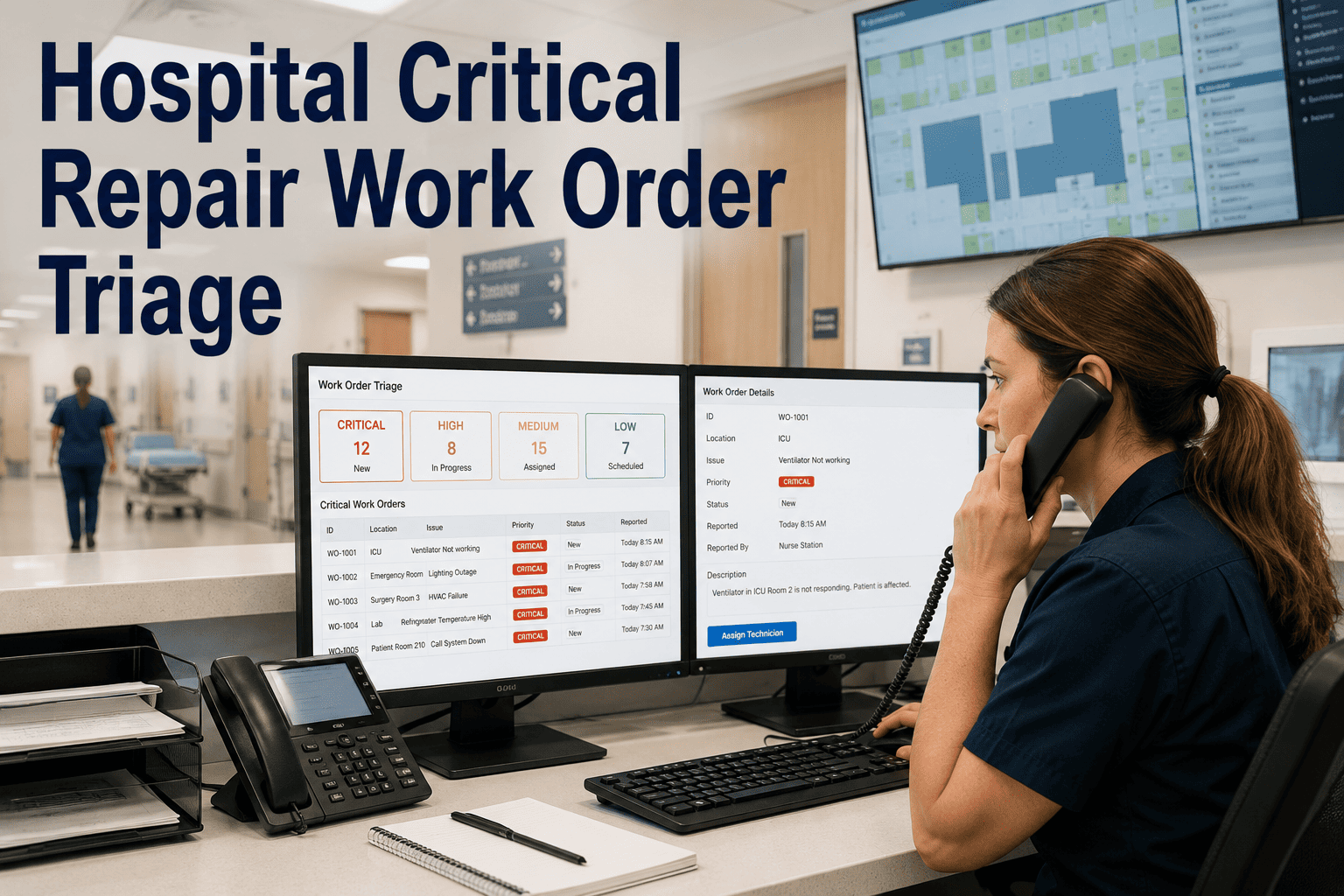
If requests arrive by phone, email and sticky note, priority gets lost before anyone sees it. OXMAINT AI collects every request in one queue, with priority, owner and history attached from the start.
Anatomy of a Triage-Ready Work Order
Faster triage starts with better requests. A short, structured form gets the dispatcher what they need on the first read, with no call-backs. Start free and customize your request fields.
WORK ORDERURGENT
DeviceInfusion pump, Unit 4B
LocationCardiac ward, Room 12
SymptomIntermittent occlusion alarm
Reported byCharge nurse, 07:40
Backup available?No spare on the unit
StatusAssigned to biomed tech
History on this asset: two similar alarms in the past quarter, last PM on file, warranty status visible.
An illustrative example of the details that make triage quick.
Four Habits That Keep the Queue Honest
1
Re-triage as facts change
A routine fault that repeats may deserve a higher priority. Review, do not set and forget.
2
Watch the age of every job
Flag urgent items that sit too long so they move up or get a plan.
3
Keep spares and parts visible
Emergencies are faster when a loaner or the right part is already known.
4
Review the patterns monthly
Look at repeat failures and slow repairs to adjust PMs and training.
How OXMAINT AI Powers Biomedical Triage
Priority only matters if the system behind it can act. Book a demo to walk through a triage example.
◉
One Request Queue
Staff submit issues from a phone, and every request lands as a work order.
◉
Priority Levels
Set emergency, urgent and routine, and sort the queue to match.
◉
Smart Assignment
Route jobs to the right technician and reassign quickly when needed.
◉
Asset History
See past faults, last PM and warranty before the technician arrives.
◉
Parts & Inventory
Check stock for common spares so repairs do not stall.
◉
AI Insights & Reports
Spot repeat failures, aging jobs and slow response before they grow.
“
Everything used to arrive marked urgent, so we spent the first hour of every shift sorting. With clear levels and one queue, the dispatcher sees what matters in seconds, and our technicians stop guessing which job to take next.
Clinical Engineering Supervisor · Teaching Hospital
Frequently Asked Questions
What is biomedical work order triage?
It is the process of reviewing each equipment request and assigning a priority based on patient risk, impact on care and availability of backup, so the most critical repairs are handled first.
What is the difference between an emergency and an urgent repair?
An emergency involves immediate patient safety risk. An urgent repair threatens to delay or disrupt care soon but does not pose an immediate risk. Your policy should define both clearly.
Start free in OXMAINT AI.
Who should set the priority on a request?
Requesters give the facts, and a trained dispatcher or supervisor confirms priority. That keeps decisions consistent and prevents priority inflation.
Do these examples replace our clinical or regulatory policies?
No. This guide is general information. Follow manufacturer instructions, your facility policies and applicable regulations, and involve clinical engineering and compliance teams in setting your own levels.
How does healthcare CMMS software improve response times?
It centralizes requests, applies priority levels, routes work to the right person and shows asset history, so less time is lost sorting and searching.
Book a demo to see it live.
Send the Right Technician to the Right Job, First.
Give your biomedical team a clear priority system, a single live queue and a record of every decision. Start triaging smarter with OXMAINT AI and cut the time between a fault report and a safe device back in service.

.jpg)
