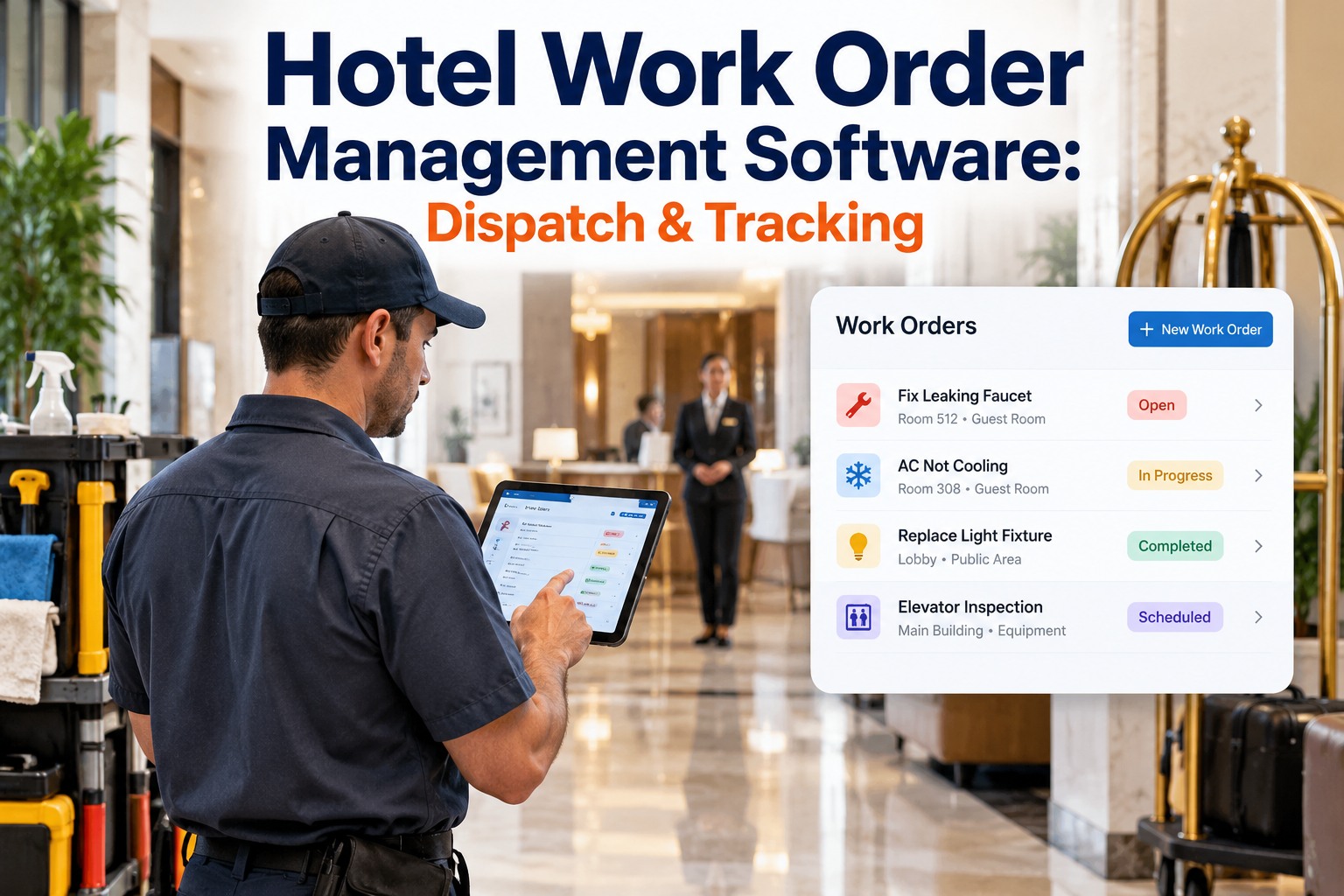
Hotels running maintenance on spreadsheets and radio calls resolve defects 4× slower than properties on a CMMS — and that gap shows directly in OTA review scores. This guide covers what hotel CMMS software does, what to look for, and how OxMaint deploys in under 3 weeks. Book a demo to see OxMaint configured on your property.
Hotel CMMS Software: Automate Work Orders, Track Every Asset, Eliminate Reactive Maintenance
One platform connecting housekeeping, engineering, and front desk — from inspection flag to closed work order, with full compliance documentation built in.
What hotel CMMS software does and why hotels need it. Core features to evaluate. OxMaint vs. competitors. Regional compliance coverage. 4-phase implementation roadmap. Results from deployed hotel properties.
What Hotel CMMS Software Does — and Why Hotels Need It
Core Features of Hotel CMMS Software
Inspection flags, guest complaints, and PM triggers all convert to work orders automatically — assigned by trade, priority, and floor zone without manual dispatch.
PM tasks scheduled by calendar interval, asset runtime hours, or condition reading — every asset in the property covered, nothing missed.
Every HVAC unit, fixture, and system tracked as a named asset with its own PM schedule, work order history, and cost record — down to individual room numbers.
Chief engineer and GM view open work orders, overdue PM, team workload, and defect trends across the full property in a single live dashboard.
Every inspection timestamped with photo evidence, technician sign-off, and corrective action linkage — exportable for brand, insurer, and regulatory audit on demand.
Housekeeping and engineering complete inspections on mobile at the asset location — photo evidence captured, FLAG items auto-routed to work orders before leaving the room.
See Every Feature Live on Your Property Hierarchy
OxMaint is configured to your room numbers, asset types, and team structure before the demo — not a generic walkthrough.
How OxMaint Works: From Defect to Closed Work Order
Housekeeping inspection flag, guest complaint via front desk, sensor alert, or scheduled PM due — all enter OxMaint as a work order with source, location, and priority already assigned.
OxMaint assigns the work order to the right technician by trade, floor zone, and current workload — with photo evidence and asset history attached from the moment of creation.
Technician receives the work order on mobile, completes the task, logs parts used, and closes the WO with a timestamped sign-off — all from the asset location.
Critical findings block room release until the WO is closed. Every completed WO adds to the asset's history — building the pattern data that flags repeat-fault units for planned replacement.
OxMaint vs. Competitors: Hotel CMMS
Hotel maintenance needs room-level asset tracking, front desk integration, and offline mobile capability. Most general CMMS platforms require heavy customisation to deliver these.
| Feature | OxMaint | MaintainX | UpKeep | Fiix | Limble CMMS | IBM Maximo | Hippo/Eptura |
|---|---|---|---|---|---|---|---|
| Room-level asset hierarchy | ✓ Built-in | Manual | Manual | Generic | Manual | ✓ Enterprise | Partial |
| Auto work order from inspection | ✓ Instant | Manual step | Manual step | Manual | Semi-auto | Manual | Semi-auto |
| Front desk room release block | ✓ Native | No | No | No | No | No | PMS only |
| Offline mobile inspection | ✓ Full | ✓ Yes | ✓ Yes | Limited | ✓ Yes | Online only | Limited |
| Compliance audit export | ✓ One-click | Manual | Manual | ✓ Yes | ✓ Yes | ✓ Enterprise | Manual |
| Deployment time | 2–3 weeks | 3–5 weeks | 3–5 weeks | 6–10 weeks | 3–5 weeks | 3–6 months | 4–6 weeks |
| Pricing model | Per property | Per user | Per user | Per user | Per user | Enterprise | Per user |
Regional Compliance: What Your CMMS Must Document
| Region | Key Frameworks | OxMaint Record Output |
|---|---|---|
| USA / Canada | NFPA 101, OSHA 29 CFR 1910, ADA Title III, State Hotel Acts, EPA MACT | Timestamped WO records, ADA defect classification, fire safety inspection archive, exportable for AHJ and brand audit |
| UK | Regulatory Reform (Fire Safety) Order 2005, HSE L8 Legionella, HHSRS, PUWER 1998 | L8-compliant water treatment log, fire safety inspection records, PUWER interval tracking, EHO-ready audit export |
| Australia | NCC Building Code, AS 1851 fire maintenance, WHS Act 2011, AIRAH DA19 Legionella | AS 1851 fire system maintenance records, Legionella risk documentation, WHS incident linkage, accommodation licence evidence |
| Germany | BetrSichV, TRBS 1201, VDI 6022 HVAC hygiene, DIN 18040 accessibility | BetrSichV-compatible records, VDI 6022 AHU hygiene inspection log, DIN 18040 defect classification, TÜV-ready export |
| Saudi Arabia / UAE | Saudi Civil Defence requirements, UAE Federal Law No. 24, Tourism Authority hotel classification | Civil Defence permit documentation, hotel classification audit evidence, asset condition scoring, certificate expiry tracking |
Compliance Audit in 3 Days, Not 3 Weeks
OxMaint generates your full inspection record export — timestamped, photo-linked, and framework-aligned — in a single click. No manual assembly, no spreadsheet consolidation.
Implementation Roadmap: Live in 3 Weeks
Full room inventory, asset register, and team structure built into OxMaint by our implementation team. Historical paper data imported to establish baselines.
Inspection checklists configured to brand standards. Housekeeping and engineering trained on mobile — half-day on-site session, go-live before week 2 ends.
Auto-routing configured by trade and priority. Front desk room release block activated. PMS and BMS integrations deployed where applicable.
GM and chief engineer dashboards activated. PM schedules live across all asset types. Compliance export templates finalised for your region.
Results from OxMaint Hotel Properties
Frequently Asked Questions
Your Hotel Maintenance Team — Running on One Platform, in 3 Weeks
From inspection flag to closed work order, OxMaint connects every part of your maintenance operation with full compliance documentation built in.