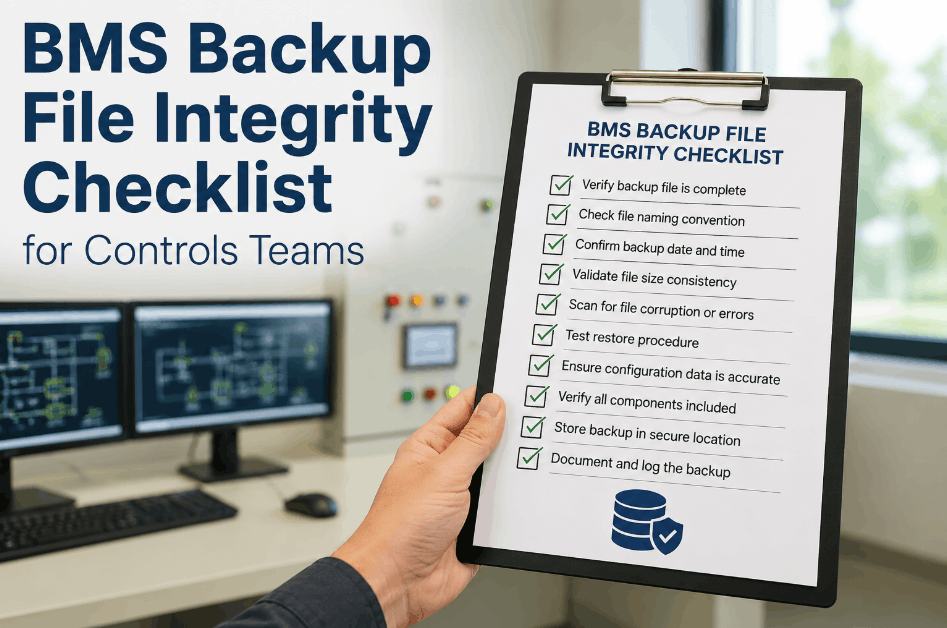
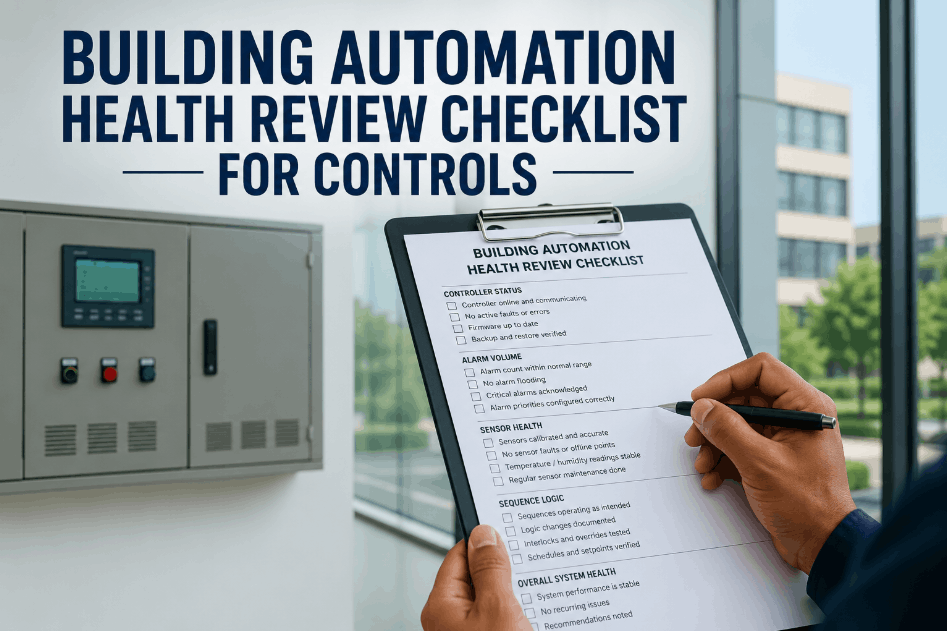
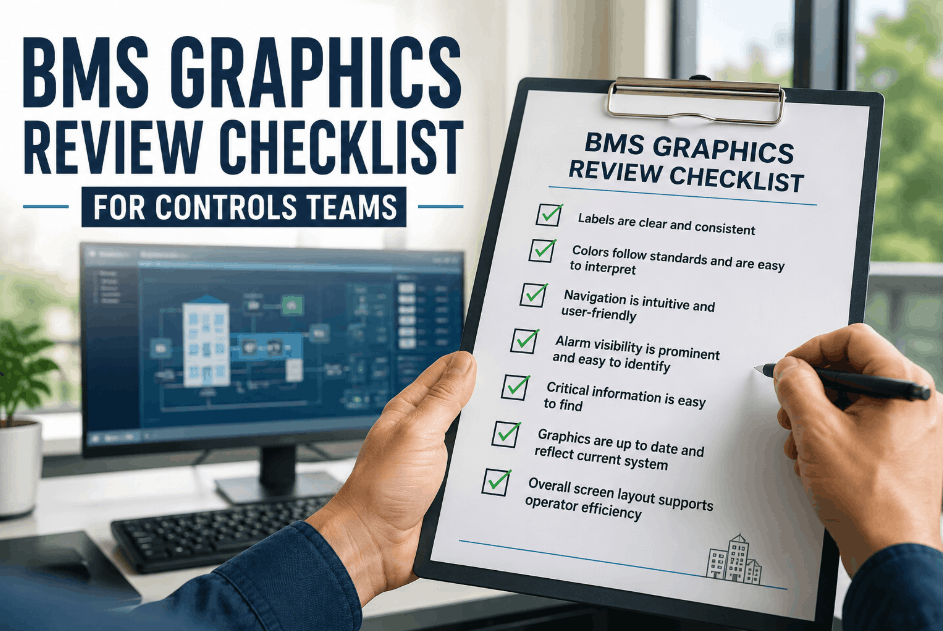
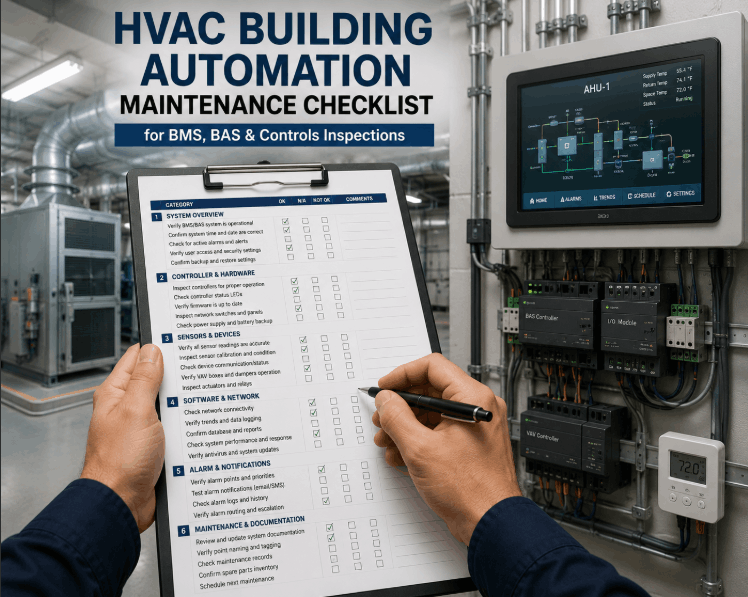
A BMS backup file integrity checklist exists because a corrupted or missing backup turns a routine controller failure into a total configuration loss. Database backups that silently stop running or save incomplete files are one of the most common findings during a controls audit, and the gap usually isn't caught until a restore is actually needed. Sign Up Free on Oxmaint to log backup verification status, file naming, and restore test results against every BMS server and controller. Book a Demo to see how Oxmaint turns backup integrity checks into a recurring controls workflow instead of an assumption nobody tests until it's too late.
Don't Find Out a Backup Failed During a Restore
Verify completeness, naming, and restore success on every BMS backup file on a fixed schedule.
1. Backup Completeness Verification
An incomplete backup can look successful in the schedule log while missing the data that actually matters during a restore.
2. File Naming and Storage Location Standards
Inconsistent naming is what turns a five-minute restore into a frustrating search through unlabeled files during an outage.
3. Restore Testing and Recovery Validation
A backup that's never been restored isn't a verified backup — it's an assumption.
Turn Backup Verification Into a Tracked Routine
Oxmaint logs backup completeness, naming, and restore test results against every BMS server in one record.
4. Ongoing Audit and Escalation
Backup integrity drifts quietly, so treat verification as a recurring audit item rather than a one-time setup task.
Frequently Asked Questions — BMS Backup File Integrity
1. What is a BMS backup file integrity checklist?
It's a structured review confirming building automation system backups are complete, consistently named, properly stored, and actually restorable when needed.
2. Why do BMS backups fail silently?
A scheduler can stall or a backup job can save partial data while still reporting success, so the failure isn't visible until a restore is actually attempted.
3. How often should restore testing be performed?
A quarterly restore test on a non-production controller is a reasonable baseline, with more frequent checks for mission-critical building systems.
4. What should be included in a BMS backup beyond point data?
A complete backup includes controller configuration files, control sequences, and historical data, not just current point values and alarm logs.
5. How does Oxmaint support BMS backup integrity checks?
Oxmaint logs backup completeness, naming, and restore test outcomes against every BMS server, then turns any failed finding into a tracked work order.
Ready to Verify Every BMS Backup Before You Need It?
Oxmaint connects backup status, restore testing, and work orders into one view across your controls portfolio.