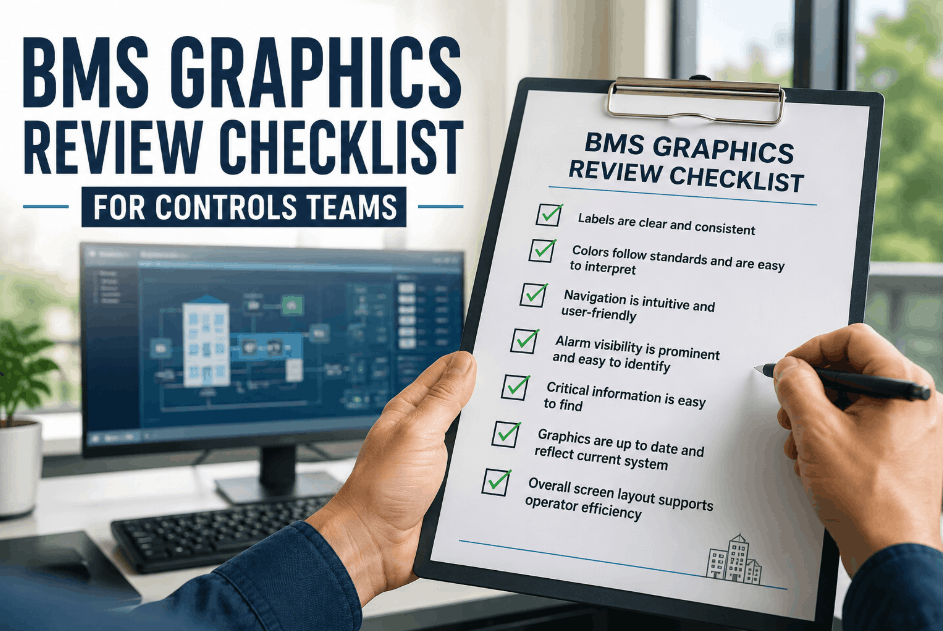
Building management system graphics get designed once during commissioning and then patched piecemeal for years afterward — a renamed point here, a new color convention added by a different integrator there, a screen added for a renovated wing that never matches the rest of the navigation structure. Controls teams inherit graphics that technically display the right data but make operators work harder than they should to find it, especially during an alarm event when screen clarity directly affects response time. The structural gap is familiar: no labeling standard enforced across integrators, no consistent color convention for status and alarm states, and no review process that catches navigation dead ends before an operator finds them during a live event. Sign Up Free on Oxmaint to give controls teams a documented record of graphics standards, screen inventory, and review findings tied to each building automation system — so graphics consistency is tracked and enforced rather than left to individual integrator preference. Book a Demo to see how Oxmaint links BMS graphics review findings to change management work orders, so screen updates get tracked the same way equipment maintenance does. Use this checklist before your next controls system audit or graphics standardization project.
1. Labeling Accuracy & Naming Convention Consistency
Inconsistent point labeling is the single fastest way to slow an operator down at the worst possible moment. Confirm naming conventions are documented, enforced, and reflected accurately on every graphic screen across the system.
2. Color Standards & Status Indication Clarity
Color conveys equipment status faster than text, but only when the convention is consistent across every screen. Confirm color usage for running, stopped, fault, and override states follows one standard rather than varying by screen or integrator.
3. Navigation Structure & Screen Hierarchy
Operators need to reach the right screen in a predictable number of clicks, especially during a fault condition. Confirm navigation structure follows a logical hierarchy and that no screen requires guesswork to locate.
4. Alarm Visibility & Escalation Display
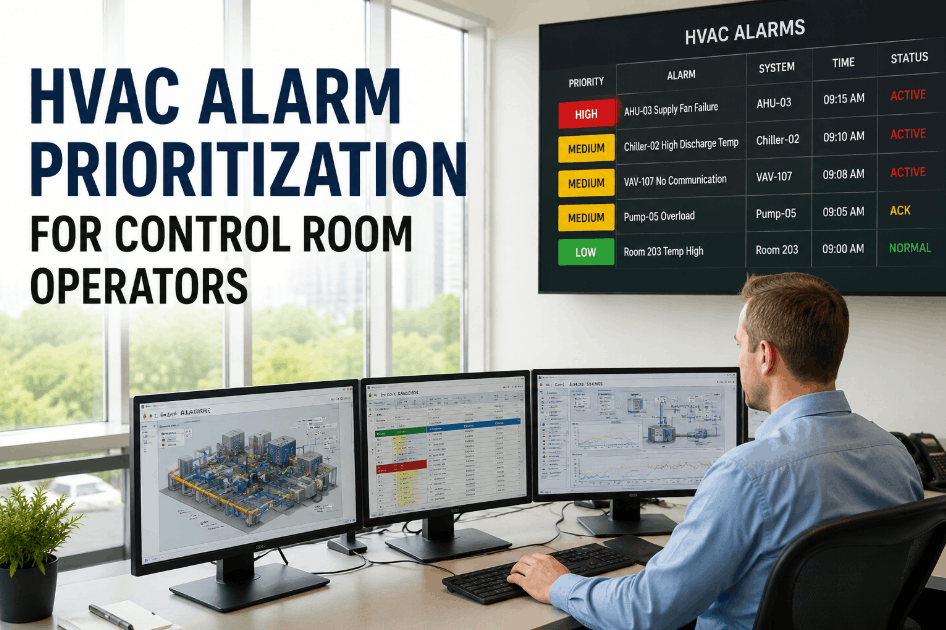
Alarm visibility is the part of graphics design with the most direct impact on response time. Confirm active alarms are impossible to miss on screen and that escalation status is visible without requiring a separate lookup.
5. Graphics Review Cadence & Change Management
Graphics consistency degrades continuously as systems are touched by different integrators and technicians over time. Confirm a defined review cadence and change management process exists so graphics drift gets corrected before it compounds.