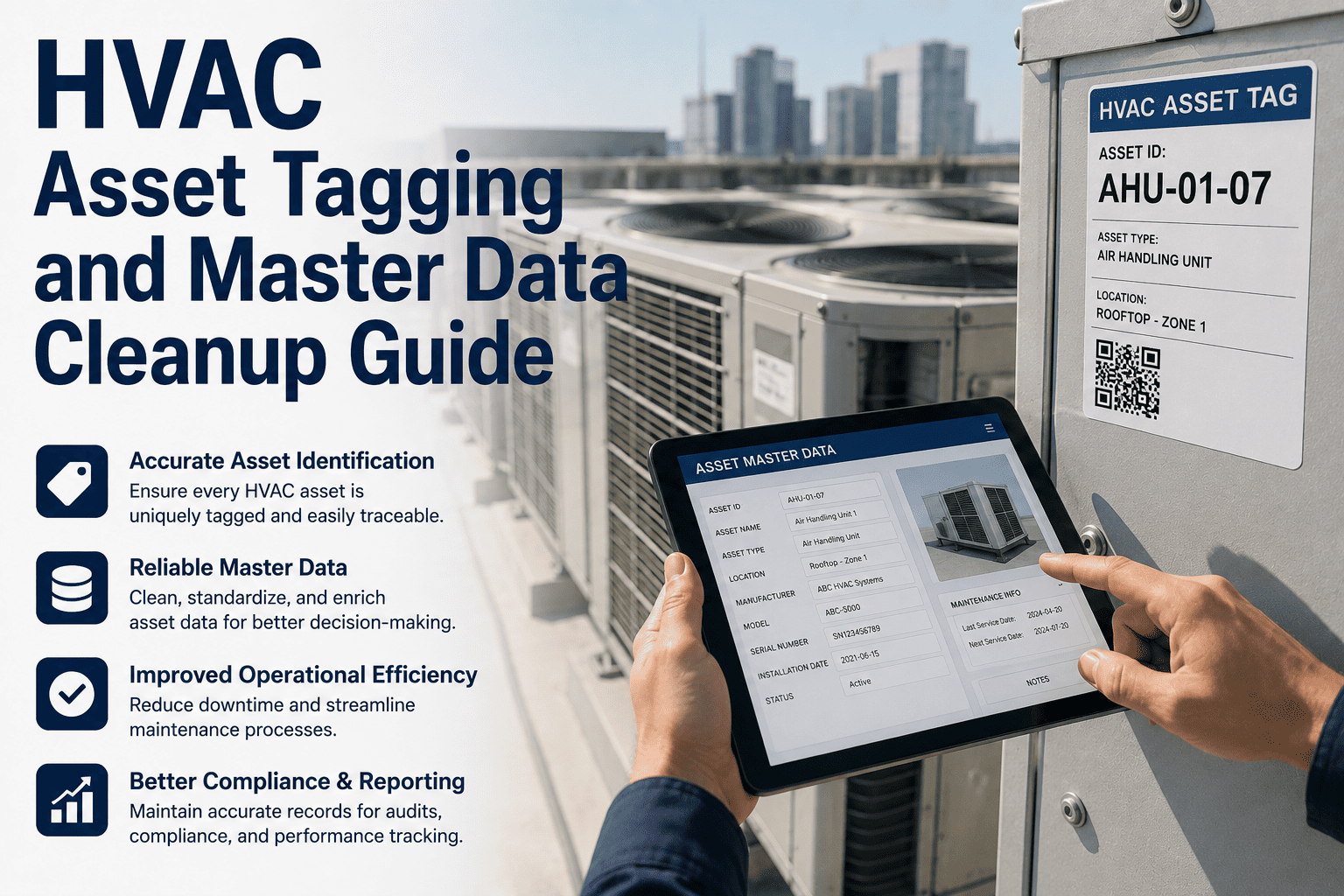
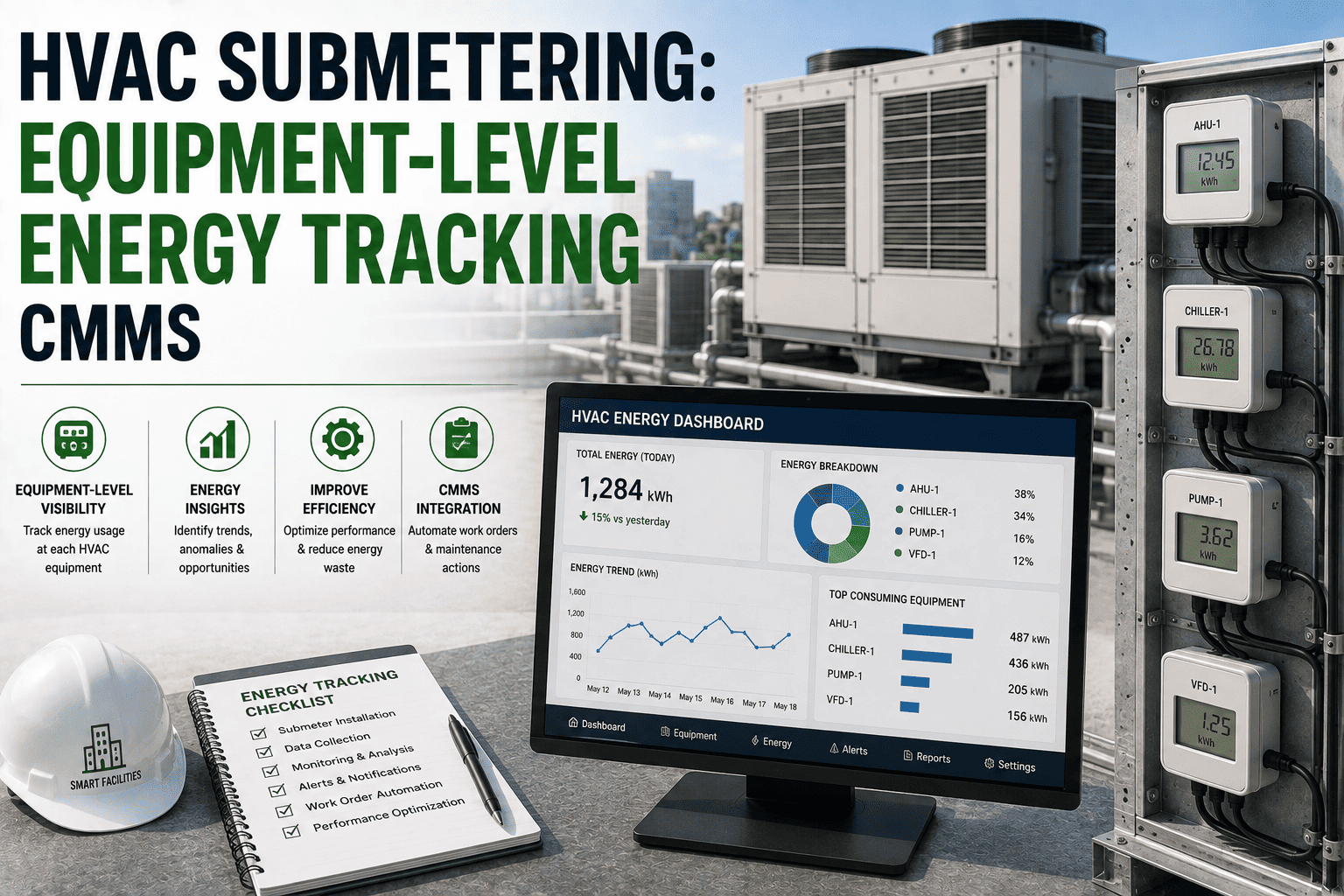
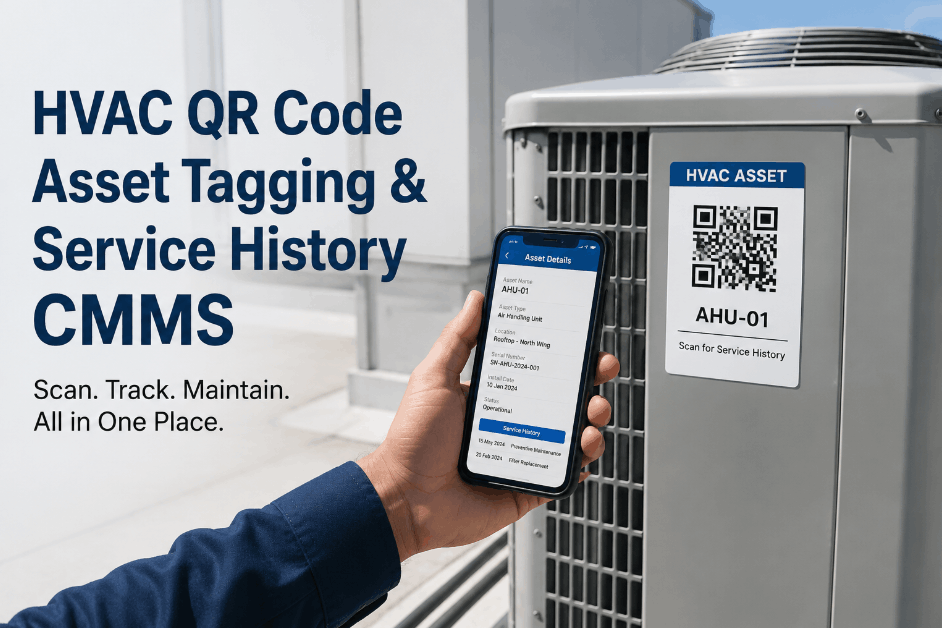
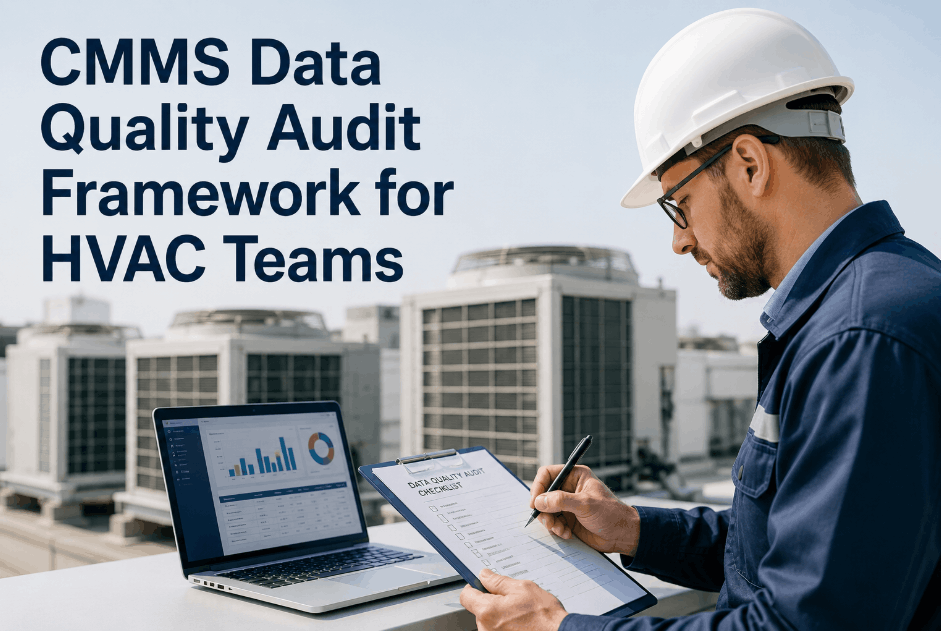
A facility's CMMS is only as useful as the HVAC asset data inside it. When AHU-04 appears as "Air Handling Unit 4," "AHU4," and "AHU-04-B2" across different records — when decommissioned fan coils still generate PM work orders — and when chillers are registered at building level instead of under the correct mechanical system, every maintenance report becomes unreliable. Facility managers stop trusting the dashboard and revert to spreadsheets. The HVAC asset tagging and master data cleanup process is not an IT task — it is the foundation that makes predictive maintenance, compliance tracking, and energy analytics possible. Start a free trial on OxMaint or book a 30-minute demo to see how the Asset Lifecycle Management module guides a complete HVAC data cleanup.
Article · Asset Lifecycle Management · Asset Data
HVAC Asset Tagging and Master Data Cleanup Guide
A step-by-step guide to cleaning HVAC asset records, removing duplicates, standardising tags, and building an accurate CMMS hierarchy — so your maintenance analytics actually reflect reality.
Why HVAC Asset Data Gets Corrupted — and What It Costs
Dirty asset data is not a one-time mistake. It accumulates through equipment upgrades, contractor migrations, multi-team CMMS entry, and system integrations that never mapped fields correctly. Each problem below creates a specific failure mode in your maintenance program.
01
Duplicate Asset Records
The same chiller appears under three tag variants. Work order history splits across all three — no single record shows the true cost, failure frequency, or maintenance gap for that unit. Analytics report low cost on a high-cost asset.
02
Inconsistent Tag Naming
HVAC equipment named differently by different teams — "Chiller-01", "CH01", "Chiller Unit 1 — B1" — breaks every filter, search, and report that depends on tag structure. Technicians scan QR codes that return no results or wrong assets.
03
Orphaned Equipment Records
Decommissioned AHUs, replaced FCUs, and retired cooling towers still active in the CMMS generate phantom PM completions. Overall compliance rates look healthy while real assets go uninspected.
04
Missing Hierarchy Links
Fan coil units registered at building level with no parent AHU or system link. Energy analytics and system-level cost reports cannot aggregate — you see individual asset cost but not the full central plant spend driving capital decisions.
The Correct HVAC Asset Hierarchy in a Commercial Facility
Every HVAC asset should sit at the right level in a parent-child hierarchy that mirrors the building's mechanical design. This structure enables system-level analytics, roll-up reporting, and condition-based PM at every tier.
Level 1 — Building / Site
North Tower · South Wing · Data Centre Block A
Level 2 — Mechanical System
Central Chilled Water Plant · Rooftop HVAC · Server Room Cooling
Level 3 — Equipment / Asset
CH-01 (Chiller) · AHU-03 · CT-02 (Cooling Tower) · CRAC-01
Level 4 — Component (Critical Assets)
Compressor · Drive Bearing · Evaporator Coil · Control Board
HVAC Master Data Cleanup — 5-Phase Checklist
Execute cleanup in this sequence. Auditing before merging prevents data loss. Validating after changes confirms analytics accuracy before going live on cleaned data.
| Phase |
Actions |
Responsible |
Quality Gate |
| Phase 1 Export & Audit |
Export full asset register. Flag duplicates by name, tag, serial number. List assets with no parent hierarchy |
Facilities Manager + CMMS Admin |
Duplicate and orphan list complete — no changes yet |
| Phase 2 Classify |
Tag each record: Active / Duplicate / Orphaned / Misplaced. Area engineer sign-off per zone |
Zone Engineer per area |
100% of assets classified before any edits |
| Phase 3 Standardise Tags |
Apply naming convention to all active assets: [System]-[Type]-[Number] e.g. CH-01, AHU-04, FCU-12B. Update description and location fields |
CMMS Admin |
Zero assets outside naming convention |
| Phase 4 Merge & Retire |
Merge duplicate records — preserve full WO history on master record. Retire orphaned assets with decommission date. Reparent misplaced assets to correct hierarchy level |
CMMS Admin + Facilities Manager |
All WO history preserved. No active WOs on retired assets |
| Phase 5 Validate |
Run cost-per-asset reports. Verify roll-up totals match known spend by system. Confirm PM schedules correctly assigned after reparenting |
Facilities Manager + Finance |
Cost reports within ±5% of known actuals |
QR Asset Tagging — Deploying Physical Tags After Data Cleanup
Physical QR tags are deployed after the data cleanup — not before. A QR label on an asset with a dirty record links technicians to wrong history. Clean data first, tag second.
Tag Immediately
Chillers and chiller plant equipment
Air handling units (all sizes)
Cooling towers and condenser loops
Precision cooling units (CRAC/CRAH)
Tag in Weeks 2–3
Fan coil units (all zones)
VRF/VRV indoor and outdoor units
Pumps — chilled water and condenser
Ventilation fans and extract units
Tag at Full Rollout
Humidifiers and dehumidifiers
BMS / DDC controllers per zone
Split AC units — server rooms and comms
Ductwork dampers and VAV boxes
Before vs After Cleanup — What Changes in Your Analytics
Before Cleanup
AHU-04 shows $4,200 annual maintenance — actually $14,800 split across 3 duplicate records
PM compliance shows 91% — 14% completions are against decommissioned FCUs
No system-level chilled water plant cost report possible — all assets at building level
Repeat bearing failure on CH-01 missed — history split across two duplicate records
After Cleanup
True AHU-04 cost: $14,800 — triggers capital replacement review at 3× peer group average
Actual PM compliance: 77% — reveals true gap driving unplanned failures
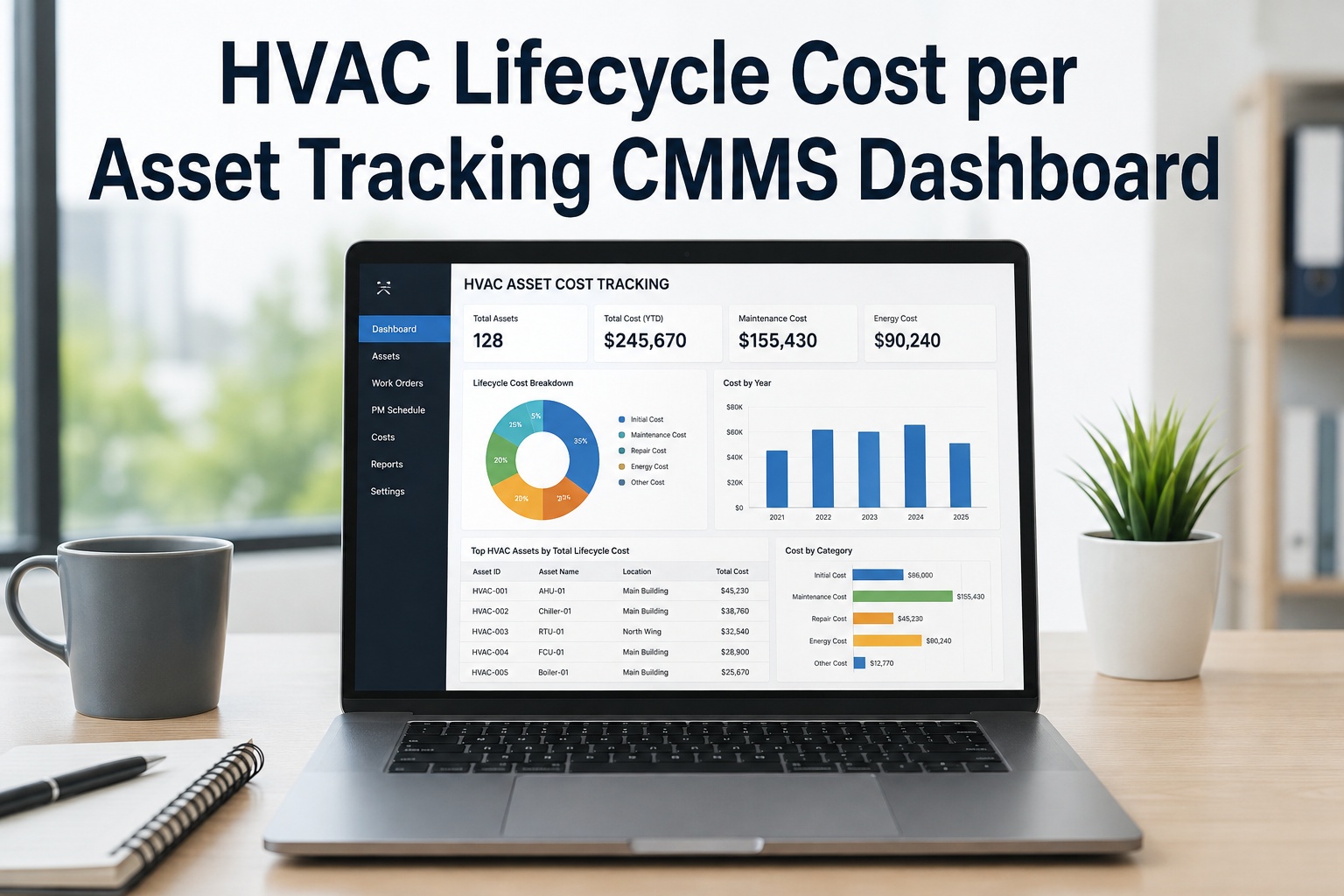
Central plant total: $68,000/yr — informs chiller overhaul vs replacement decision
CH-01 flags 4 bearing failures in 18 months — predictive monitoring enabled
"The HVAC teams I work with that have the most reliable maintenance programs share one thing: clean, structured asset data that everyone trusts. When the CMMS has duplicate records, every report is questioned, every analytics insight is challenged, and the maintenance team ends up running the program on intuition and paper rather than data. The cleanup itself is not technically difficult — it is politically difficult. Technicians who have been logging work against their familiar asset names resist the change. The way to get buy-in is to show the team exactly what bad data costs them: the time spent on phantom work orders, the repeat failures nobody identified because the history was split, the compliance gaps that appeared only because a decommissioned unit was still generating PM tasks. When the team sees those costs, the data standardisation effort stops feeling like admin and starts feeling like reliability work — which is exactly what it is."
Sandra Okafor, CFM, CRL
Certified Facility Manager · Certified Reliability Leader · 18 years commercial HVAC operations and CMMS data governance · Former Head of FM Technology, multi-site commercial portfolio · IFMA thought leader on asset data quality
Frequently Asked Questions
How long does a full HVAC asset data cleanup take for a commercial facility?
For a typical commercial facility with 200–600 HVAC assets, a structured cleanup takes 2–4 weeks end to end. The audit and classification phases take 3–5 days with OxMaint's export and data quality tools. Tag standardisation and merging take 3–7 days depending on the volume of duplicates. Validation and sign-off typically takes 2–3 days. OxMaint's implementation team supports customers through every phase — most facilities complete Priority 1 asset cleanup within the first week.
Start your free trial to access the asset data quality audit tool.
What HVAC asset naming convention works best in a commercial CMMS?
The most reliable convention for commercial HVAC is a three-part format: [System Code]-[Equipment Type]-[Sequential Number], for example CH-01 for Chiller 01, AHU-04 for Air Handling Unit 04, FCU-12B for Fan Coil Unit 12B (zone B). System codes should align with the P&ID and as-built drawings to enable cross-reference. OxMaint enforces the chosen naming convention at asset creation — preventing new assets being added outside the clean structure after the cleanup is complete.
Book a demo to configure your naming convention in OxMaint.
Will merging duplicate HVAC asset records lose historical work order data?
When executed correctly using OxMaint's merge workflow, all work order history from every duplicate record is preserved on the consolidated master asset record. The merged record shows the complete maintenance history — every repair, inspection, and PM — under a single asset ID. This is what makes post-cleanup analytics more accurate: instead of partial history across three records, you have the full picture in one place that the reliability program can actually use.
Start a free trial to see the asset merge workflow.
How does OxMaint prevent HVAC asset data from getting dirty again after cleanup?
OxMaint enforces data quality at the point of asset creation — required fields, tag format validation, and mandatory parent hierarchy assignment prevent new assets being added outside the clean structure. Monthly data quality dashboards flag any drift from governance rules. Asset creation requests above technician level require CMMS admin approval, preventing ad-hoc entries from fragmenting the registry. The governance controls are configured once during the cleanup and run automatically from that point forward.
Clean HVAC Asset Data Is What Every Maintenance Analytics Investment Rests On
OxMaint's Asset Lifecycle Management module audits, cleans, and governs your HVAC asset register — so your PM schedules, compliance tracking, and energy analytics work from data your team can actually trust.