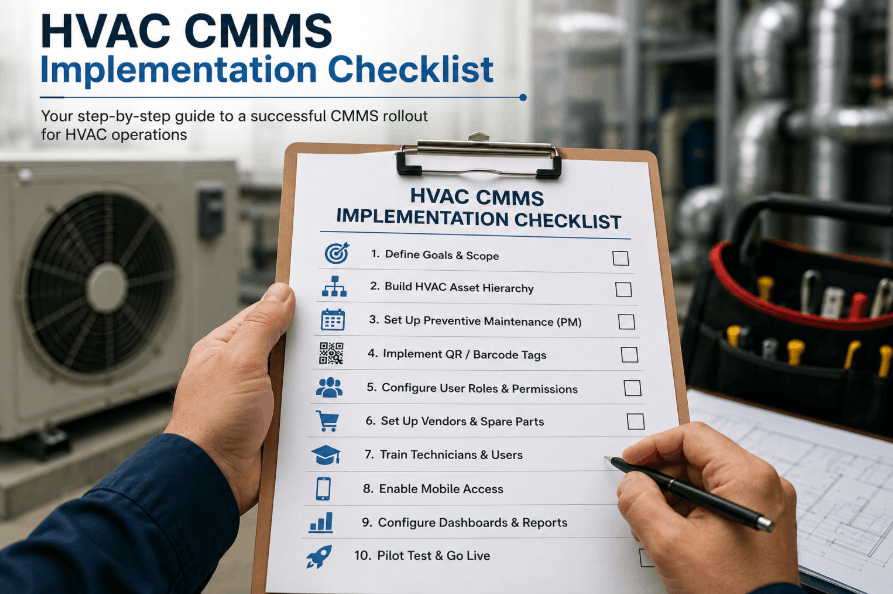
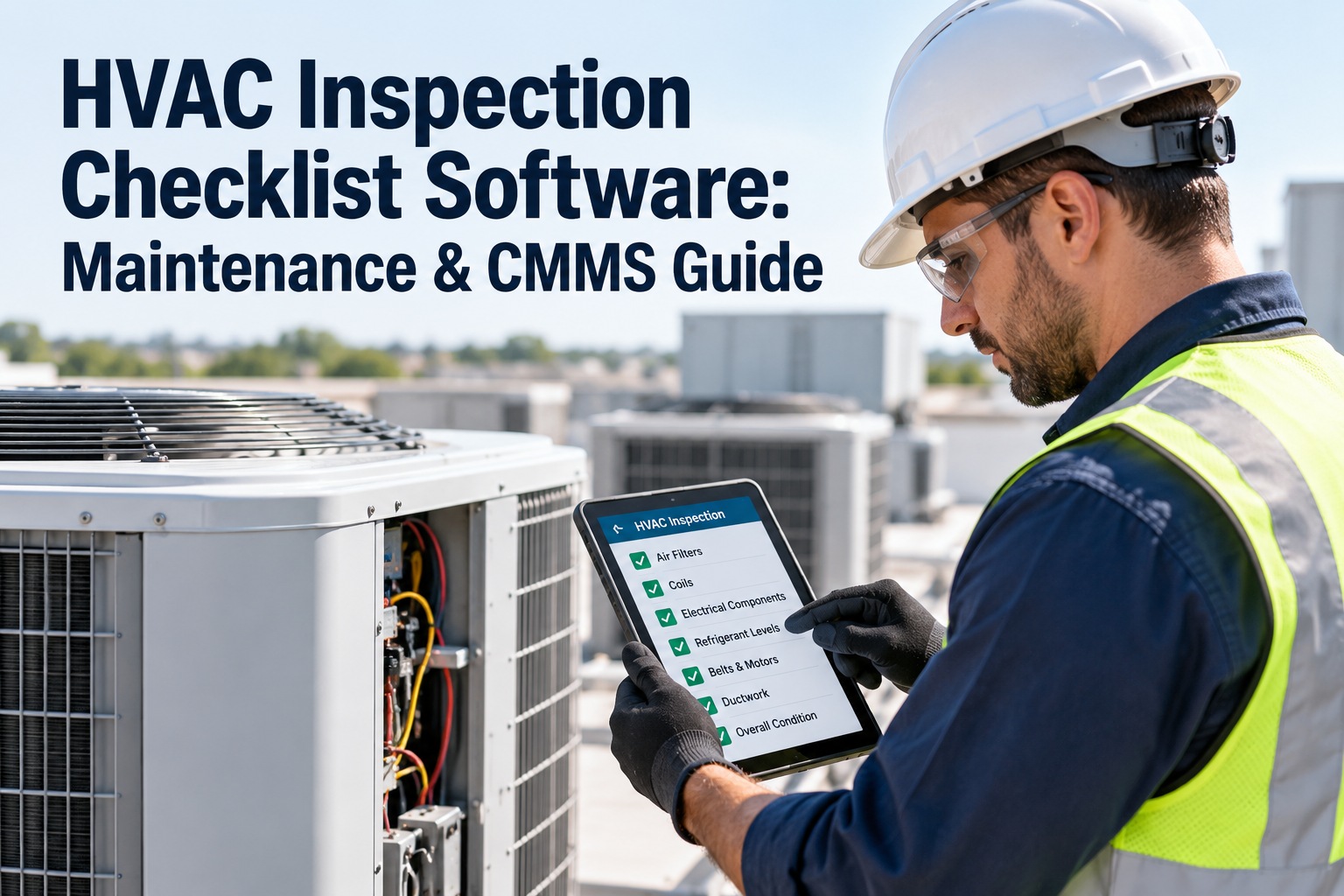
Implementing a CMMS for HVAC operations is the operational turning point that separates reactive fire-fighting from structured, compliant preventive maintenance — facilities that manage air handlers, chillers, boilers, VAV systems, and rooftop units without a structured CMMS lose thousands of hours annually to undocumented failures, missed filter schedules, and warranty-voiding deferred PM. Sign Up Free to launch your HVAC CMMS on Oxmaint and bring every asset, PM schedule, and technician workflow into one cloud platform your team actually uses. This checklist covers every phase of a successful HVAC CMMS rollout — from asset hierarchy setup and QR tagging to PM template configuration, technician onboarding, vendor integration, and dashboard commissioning — so your building operations team goes live with zero gaps and full audit readiness from day one. Book a Demo to see how Oxmaint accelerates HVAC CMMS implementation for facilities managing multi-building portfolios, critical environments, and compliance-driven maintenance programs.
HVAC CMMS IMPLEMENTATION
Your HVAC Assets Are Already Running. Is Your CMMS Built to Maintain Them?
Oxmaint structures your HVAC asset hierarchy, auto-generates PM schedules by equipment type and manufacturer interval, and deploys QR-tagged work orders your technicians complete on mobile — fully configured and audit-ready in days, not months.
Implementation Phase 01 — Asset Hierarchy & Data Foundation
HVAC Asset Inventory and Hierarchy Setup Checklist
A complete, structured HVAC asset hierarchy is the foundation that determines whether your CMMS delivers actionable PM schedules or generates noise — every air handler, chiller, cooling tower, boiler, and VAV box must be captured with the attributes your technicians need at the point of work. Sign Up Free to import your HVAC asset register into Oxmaint and build a location-based hierarchy that maps every piece of equipment to its building, floor, zone, and system.
Asset Inventory and Hierarchy ConfigurationCMMS Onboarding / Asset Management
Implementation Phase 02 — PM Schedule and Template Configuration
HVAC Preventive Maintenance Schedule and Work Order Template Checklist
PM schedule configuration is where most HVAC CMMS implementations fail — generic templates that do not match equipment type, manufacturer interval, or regulatory requirement produce work orders that technicians skip or complete without capturing the data that proves compliance. Book a Demo to see how Oxmaint builds HVAC PM templates by equipment category and auto-schedules work orders on monthly, quarterly, semi-annual, and annual frequencies without manual calendar management.
PM Schedule and Work Order Template SetupPreventive Maintenance / ASHRAE 180 / OEM
Implementation Phase 03 — QR Tagging and Mobile Field Deployment
HVAC Asset QR Tagging and Mobile CMMS Deployment Checklist
QR tagging connects your physical HVAC assets to their Oxmaint records in one scan — technicians in mechanical rooms, on rooftops, or in equipment corridors launch the correct work order, access the asset history, and submit completed checklists without returning to a desktop. Sign Up Free to generate and print Oxmaint QR asset tags for your entire HVAC equipment inventory and deploy mobile work order execution across your maintenance team today.
QR Asset Tagging and Mobile DeploymentAsset Tagging / Mobile CMMS / Field Operations
Implementation Phase 04 — Technician Onboarding and Training
HVAC Maintenance Team CMMS Training and Onboarding Checklist
Technician adoption determines whether your CMMS investment generates compliance records or collects dust — HVAC maintenance teams need structured onboarding that connects Oxmaint workflows to their daily equipment rounds, not a one-time software demo. Book a Demo to see how Oxmaint's implementation team structures HVAC maintenance onboarding for teams of any size, from single-building operations to multi-site facility portfolios.
Technician Training and Team OnboardingCMMS Onboarding / Workforce Enablement
Implementation Phase 05 — Vendor Setup and Dashboard Commissioning
HVAC Vendor Integration and Operations Dashboard Setup Checklist
HVAC operations involve external contractors for chiller service, refrigerant handling, BAS calibration, and compliance testing — connecting your vendor network to Oxmaint work orders closes the documentation gap that paper purchase orders and email chains leave in your maintenance record. Sign Up Free to configure vendor profiles, external contractor access, and HVAC operations dashboards in Oxmaint before your first post-go-live PM cycle begins.
Vendor Configuration and Dashboard SetupVendor Management / Operations Analytics
Reference Standards
HVAC CMMS Implementation Phase Reference and Timeline
Stop Managing HVAC Maintenance on Spreadsheets and Paper PM Logs.
Oxmaint configures your complete HVAC asset hierarchy, PM schedules, QR tags, and compliance dashboards in a single implementation — from first asset import to full team go-live in under 30 days, with ongoing support your operations team can count on.
How long does it take to implement a CMMS for an HVAC maintenance program?
Most facilities complete the Oxmaint HVAC CMMS implementation — from asset data import through technician go-live — in four to six weeks. Multi-building portfolios with large asset inventories may take up to eight weeks depending on the complexity of PM template customization and vendor setup.
What HVAC asset data do I need before starting a CMMS implementation?
At minimum, you need equipment name, manufacturer, model, serial number, location, and service history. Oxmaint can begin with partial data and allows records to be enriched during the implementation phase without disrupting PM schedule activation.
Can Oxmaint manage HVAC preventive maintenance for multiple buildings from a single platform?
Yes. Oxmaint supports multi-building and multi-site facility portfolios with a shared asset hierarchy, building-filtered work order views, and consolidated compliance dashboards — all managed from a single cloud account accessible by your entire maintenance team.
Does Oxmaint support external HVAC contractors and service vendors?
Oxmaint includes vendor management with configurable contractor access so external HVAC service providers receive work orders, log service reports, and update asset records — without accessing internal facility data outside their assigned scope.
How does Oxmaint help with HVAC compliance documentation and audit readiness?
Every PM work order completed in Oxmaint generates a timestamped record with technician attribution, inspection data, and attached service documentation — exportable as PDF for ASHRAE 180, OSHA, insurance, and building owner audit requirements.
HVAC CMMS COMPLIANCE
Every HVAC Asset. Every PM Interval. Every Inspection Record — Documented and Audit-Ready in Oxmaint.
Oxmaint makes your HVAC maintenance program the most defensible part of your facility operations — with timestamped work orders, QR-tagged assets, and compliance dashboards that satisfy auditors, insurers, and building owners without manual reporting overhead.