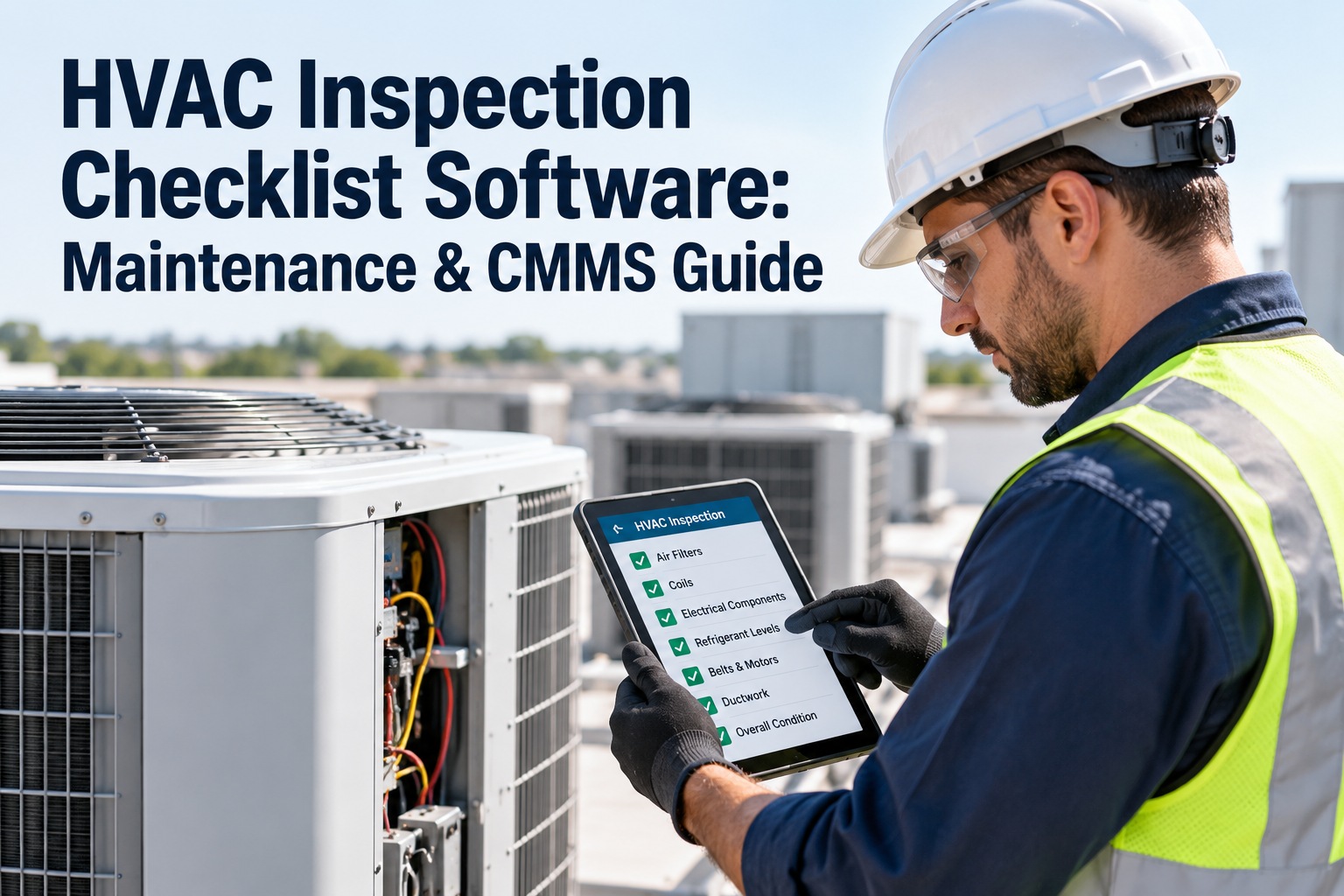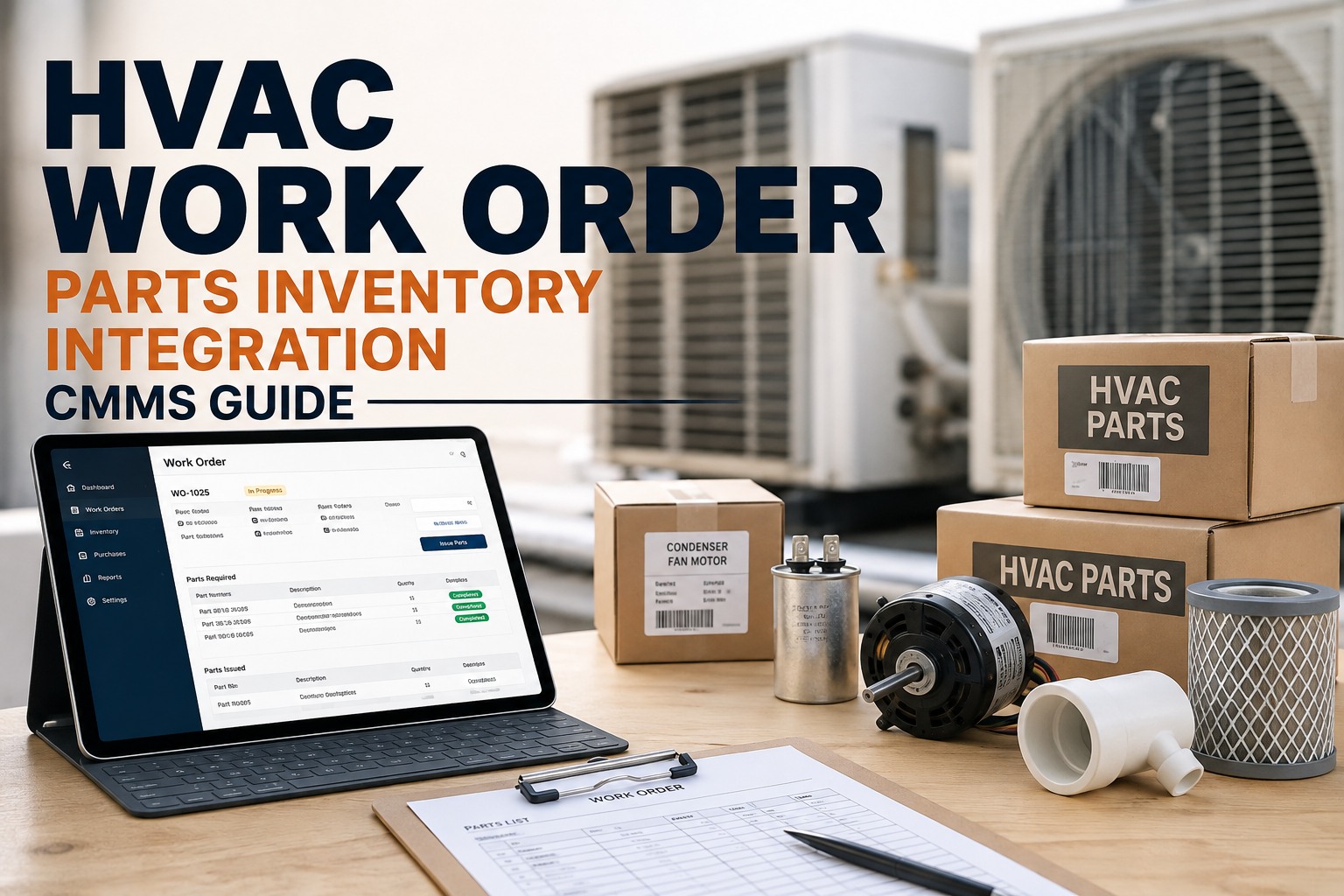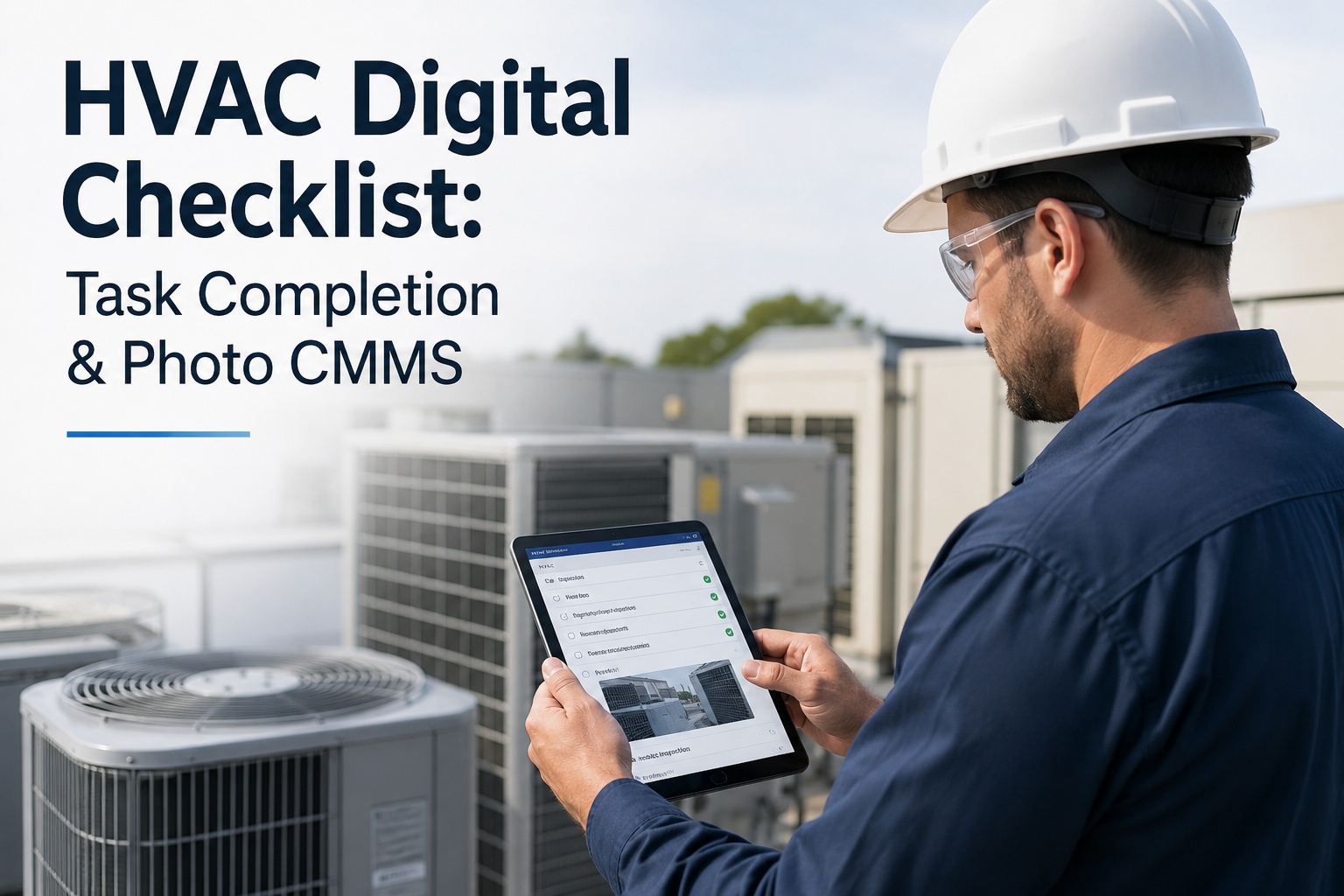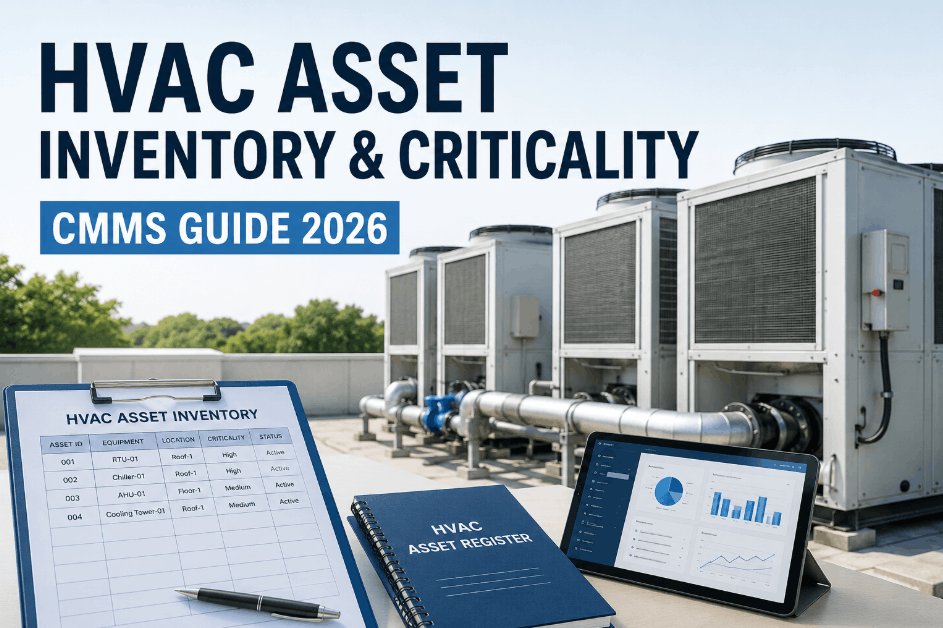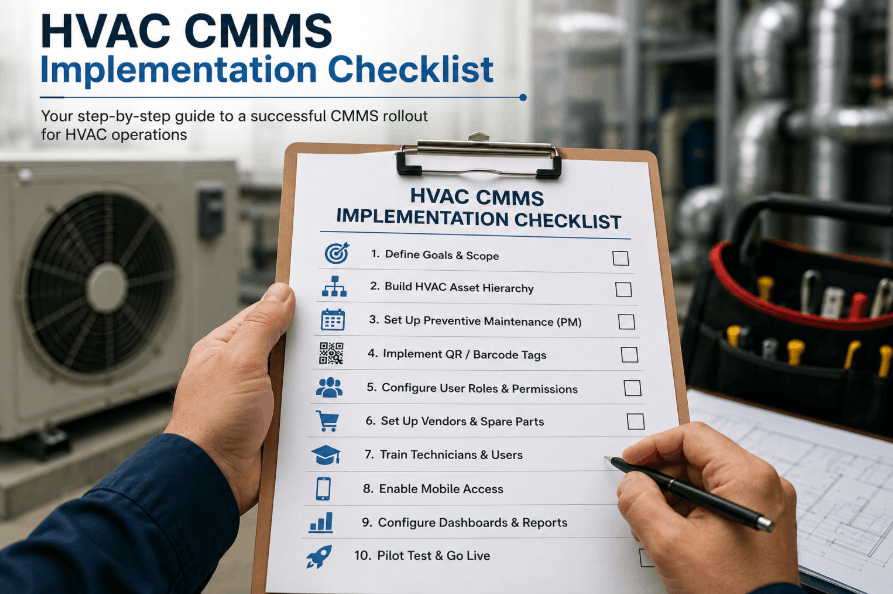
Most HVAC teams underestimate how much preparation a CMMS deployment actually requires — and pay for it in failed go-lives, orphaned assets, and PM schedules that never get followed. Facilities with 200+ HVAC assets need a structured readiness process covering asset inventory, equipment hierarchy, PM schedule design, BMS integration, and team training before a single work order runs efficiently. OxMaint's Cloud CMMS Platform compresses a typical 12-week HVAC deployment into 6 weeks with guided onboarding, pre-built PM libraries, and a BMS connector framework — without losing data integrity or field adoption.
Why Most HVAC CMMS Deployments Fail Before They Deliver Value
The technical installation of a CMMS takes days. The readiness work — building your asset registry, designing PM templates for RTUs, AHUs, chillers, and VAV boxes, mapping BMS alarm codes to work order triggers, and training field technicians on mobile workflows — takes weeks. Teams that skip the readiness phases only discover the problem after go-live, when the system is live but PM compliance sits at 22%.
Plants that follow a structured HVAC CMMS implementation checklist reach 85%+ PM compliance within 90 days. Those that don't average 34% at the same milestone — and most abandon the system within 6 months. This checklist closes that gap across five phases.
Asset Inventory: Building Your HVAC Equipment Registry
A CMMS is only as accurate as the asset data loaded into it. For HVAC systems this means capturing every piece of mechanical equipment — from 600-ton centrifugal chillers to individual VAV box actuators — with manufacturer, model, serial number, installation date, refrigerant type, and location codes. Facilities that launch with fewer than 85% of assets documented spend an average of 6 additional weeks in post-launch data cleanup.
Equipment Hierarchy: Structuring Assets for PM Intelligence
A flat list of 400 HVAC assets is useless for maintenance planning. A properly structured equipment hierarchy lets your CMMS understand that the cooling tower serves the chiller, which serves the AHU, which serves zones 1–12. This parent-child relationship enables HVAC PM schedules to cascade automatically, attribute failure costs to root systems, and surface which upstream assets are driving downstream failures.
PM Schedule Design: HVAC-Specific Maintenance Templates
Generic PM templates — the ones pre-loaded in most CMMS platforms — do not match HVAC OEM requirements and fail ASHRAE 180 compliance audits. Every major HVAC equipment class requires a purpose-built PM template with OEM-specified intervals, lubricant grades, refrigerant charge targets, and coil cleaning procedures. Teams using equipment-specific templates reach 81% PM compliance at 6 months versus 48% for those using generic templates.
| HVAC Equipment | PM Frequency | Key Tasks | ASHRAE 180 Requirement | OxMaint Trigger |
|---|---|---|---|---|
| Centrifugal Chiller | Monthly / Annual | Oil analysis, vibration check, leak test, purge unit log | Level 1 monthly; Level 2 annual | Runtime + calendar |
| Air Handling Unit | Monthly / Quarterly | Filter replacement, belt tension, coil cleaning, drain pan check | Filter monthly; coil annual minimum | Calendar + dP sensor |
| Cooling Tower | Weekly / Seasonal | Basin cleaning, drift eliminator, water chemistry, fan belt | Weekly visual; quarterly mechanical | Calendar + water log |
| Rooftop Unit | Quarterly / Bi-annual | Refrigerant charge, coil cleaning, electrical connections, economizer | Quarterly Level 1; bi-annual Level 2 | Calendar trigger |
| VAV Box | Annual | Actuator stroke test, damper blade inspect, reheat coil flow, zone calibration | Annual functional test | Annual + complaint |
| Boiler (Hot Water) | Monthly / Annual | Combustion analysis, safety valve test, water treatment, flue inspection | Annual with licensed inspector | Calendar + compliance date |
60+ Pre-Built HVAC PM Templates — Ready to Configure in Your Asset Hierarchy
OxMaint's PM library covers chillers, AHUs, RTUs, cooling towers, boilers, and VAV systems — all mapped to ASHRAE 180 intervals. No building from scratch required.
BMS Integration: Connecting Real-Time Alarms to Work Orders
A CMMS without BMS integration is a scheduling tool. A CMMS with BMS integration is a condition-responsive maintenance system that creates work orders the moment a chiller staging alarm fires, logs the exact BAS point that triggered it, and closes the loop when the technician marks the job complete. BMS integration is the most technically complex phase and the one most commonly deferred — teams go live on a disconnected CMMS that never achieves automated work order creation.
Team Training and Go-Live Verification
The most common reason HVAC teams abandon a CMMS within 90 days is not bad software — it is that technicians were shown how to log in but never shown how the system makes their job easier. Training must be role-differentiated: field technicians need mobile work order execution; supervisors need compliance dashboards; administrators need asset configuration and template editing. Structured HVAC CMMS training produces 91% adoption at 90 days versus 41% for generic overview sessions.
Mobile Work Order Execution
Scan asset QR code, open work order, view job steps, log time, attach photo, close. Each step practiced on real HVAC assets in the facility before go-live — not in a training sandbox.
Compliance Dashboards + Backlog Management
Reading PM compliance reports, identifying schedule break reasons, managing open backlog by craft and priority, and running the weekly scheduling cycle. This training determines whether the CMMS produces value or just data.
PM Compliance Rate
Percentage of scheduled HVAC PMs completed within their window. Below 70% indicates PM templates are misconfigured, capacity is mis-allocated, or BMS alarms are flooding the backlog with unplanned work.
Reactive Work Percentage
Percentage of total maintenance hours spent on emergency work. World-class HVAC facilities operate below 15%. Above 40% means the facility is trapped in a reactive spiral where breakdowns consume the hours that should prevent them.
MTTR — Critical HVAC
Mean time to repair for chillers, primary AHUs, and boilers. BMS-to-CMMS integration reduces MTTR by eliminating the detection-to-notification gap — average improvement of 67 minutes per incident in connected facilities.
Compliance PM On-Time Rate
Percentage of regulatory inspection PMs — boiler, pressure vessel, refrigerant logs — completed on or before their compliance due date. A single missed regulatory PM can result in $10,000–$50,000 in fines.
Ready Backlog
Weeks of planned, parts-confirmed HVAC work orders available per craft. Less than 3 weeks means planners cannot build efficient schedules. More than 8 weeks indicates aging backlog with rising failure risk.
CMMS Adoption Retention
Percentage of trained users actively logging work orders at 90 days post-launch. Structured role-specific training produces 91% retention versus 41% for generic overview training — the difference between a live system and an abandoned one.
I have overseen CMMS implementations at fourteen commercial facilities over the last nineteen years, and the single most consistent predictor of success is whether the asset hierarchy was built correctly before a single PM template was loaded. Teams that rush the hierarchy phase spend the next six months correcting work order routing errors and duplicate asset records. When we implemented OxMaint across a 380-unit mixed HVAC portfolio, we spent three full weeks on nothing but hierarchy and naming convention validation before touching PM templates. The result was 91% PM compliance at 90 days post-launch. The facilities that skipped that work were at 34% compliance at the same point. The technology is identical — the outcome is entirely determined by the readiness work done before go-live.
Frequently Asked Questions
How long does a full HVAC CMMS implementation take with OxMaint?
A structured 5-phase HVAC CMMS implementation using OxMaint takes 5 to 7 weeks from kickoff to full go-live for facilities with 100–400 HVAC assets. The asset inventory and hierarchy phases are the longest because they require physical verification, not just data import. BMS integration depends on your BAS platform — Niagara N4 with 300 points takes approximately 8 hours of configuration. Book a scoping call to get a deployment timeline specific to your asset count and BMS setup.
Does OxMaint include pre-built HVAC PM templates?
OxMaint's Cloud CMMS Platform includes 60+ pre-built HVAC PM templates covering chillers, AHUs, RTUs, cooling towers, boilers, VFDs, and VAV boxes — all mapped to ASHRAE 180 Level 1 and Level 2 intervals. Each template includes a parts list, tool requirements, step-by-step procedure, and estimated labor hours. Templates are fully editable — add OEM-specific lubricant grades, adjust intervals, or add facility-specific compliance requirements. Building from scratch is never required, but every template should be reviewed against your OEM documentation before go-live.
Which BMS protocols does OxMaint support for alarm-to-work-order integration?
OxMaint's BMS connector supports BACnet/IP, BACnet MS/TP, Modbus TCP, Modbus RTU, MQTT, and Tridium Niagara N4. For Johnson Controls Metasys, Siemens Desigo CC, Schneider EcoStruxure, and Honeywell EBI, OxMaint provides pre-built API integration modules that map alarm objects directly to asset IDs without manual point mapping. More details are on the HVAC CMMS implementation page for protocol-specific configuration requirements.
What is the minimum data needed to start an OxMaint HVAC implementation?
The minimum viable dataset is: asset name, location (building + floor + room), equipment category, and make/model. Serial numbers, install dates, and refrigerant types can be added during the physical audit phase. OxMaint's mobile asset discovery feature lets technicians walk the facility, scan nameplate data, and populate the registry from their phone — most facilities complete the asset registry within 2 weeks this way. Book a demo to see the mobile asset discovery tool on a live HVAC inventory walkthrough.
A CMMS That Goes Live Correctly the First Time Pays Back in 90 Days. One That Does Not Costs You the Same 90 Days to Fix.
OxMaint's structured HVAC implementation includes guided onboarding, 60+ pre-built PM templates, BMS integration support, and role-specific training — so your team reaches 85% PM compliance within 90 days, not still fixing data errors.