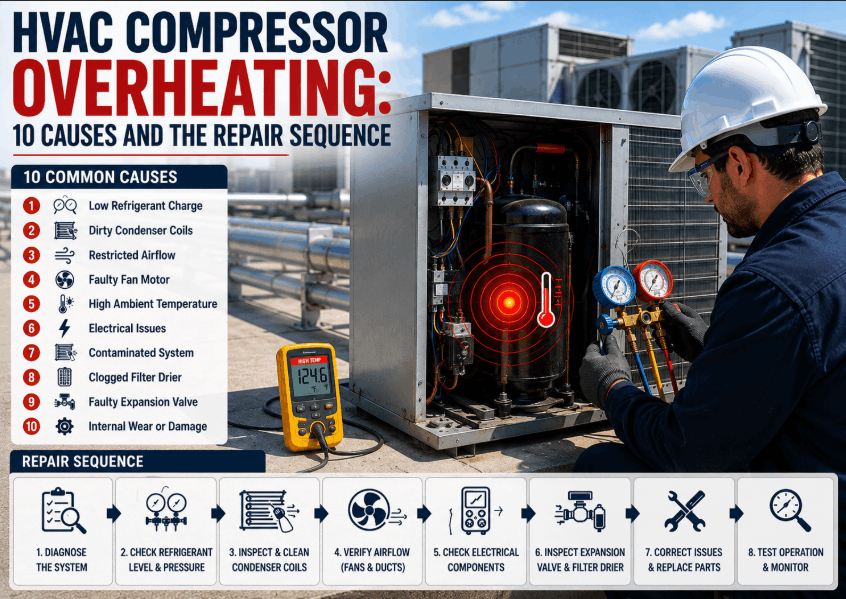
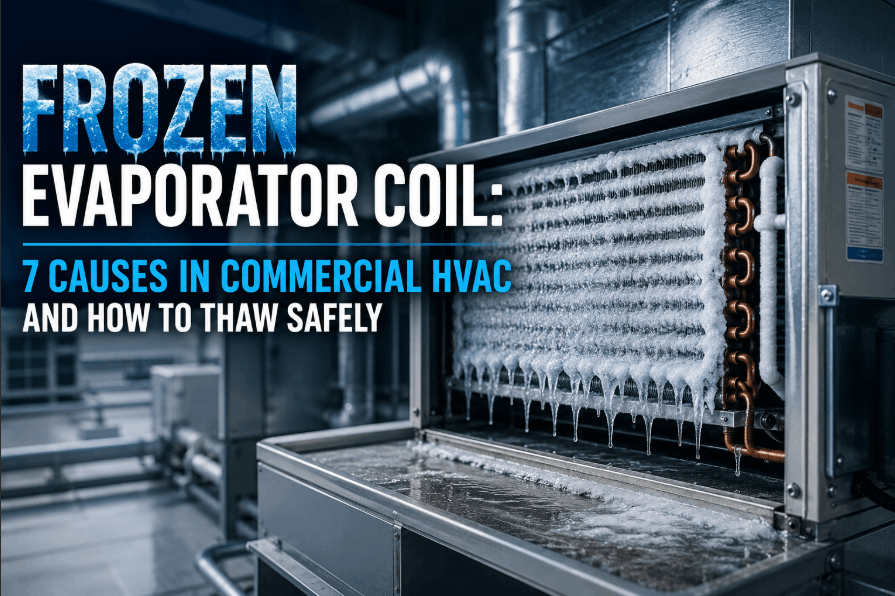
A compressor rarely dies of its own accord. It is the most expensive part in the system and almost always the last thing to break — killed by something upstream that went wrong weeks or months earlier. Replace the compressor without finding that cause and the new one fails the same way, on the same system, often within the year. Root cause analysis is how you stop that cycle: read the failure itself, name what actually killed it, and fix that before the replacement goes in. The OXMAINT AI — the AI-powered maintenance management software — keeps the failure history and the root-cause record so the same compressor never fails twice for the same reason.
Commercial HVAC · Compressor Reliability · Root Cause Analysis Guide · 2026
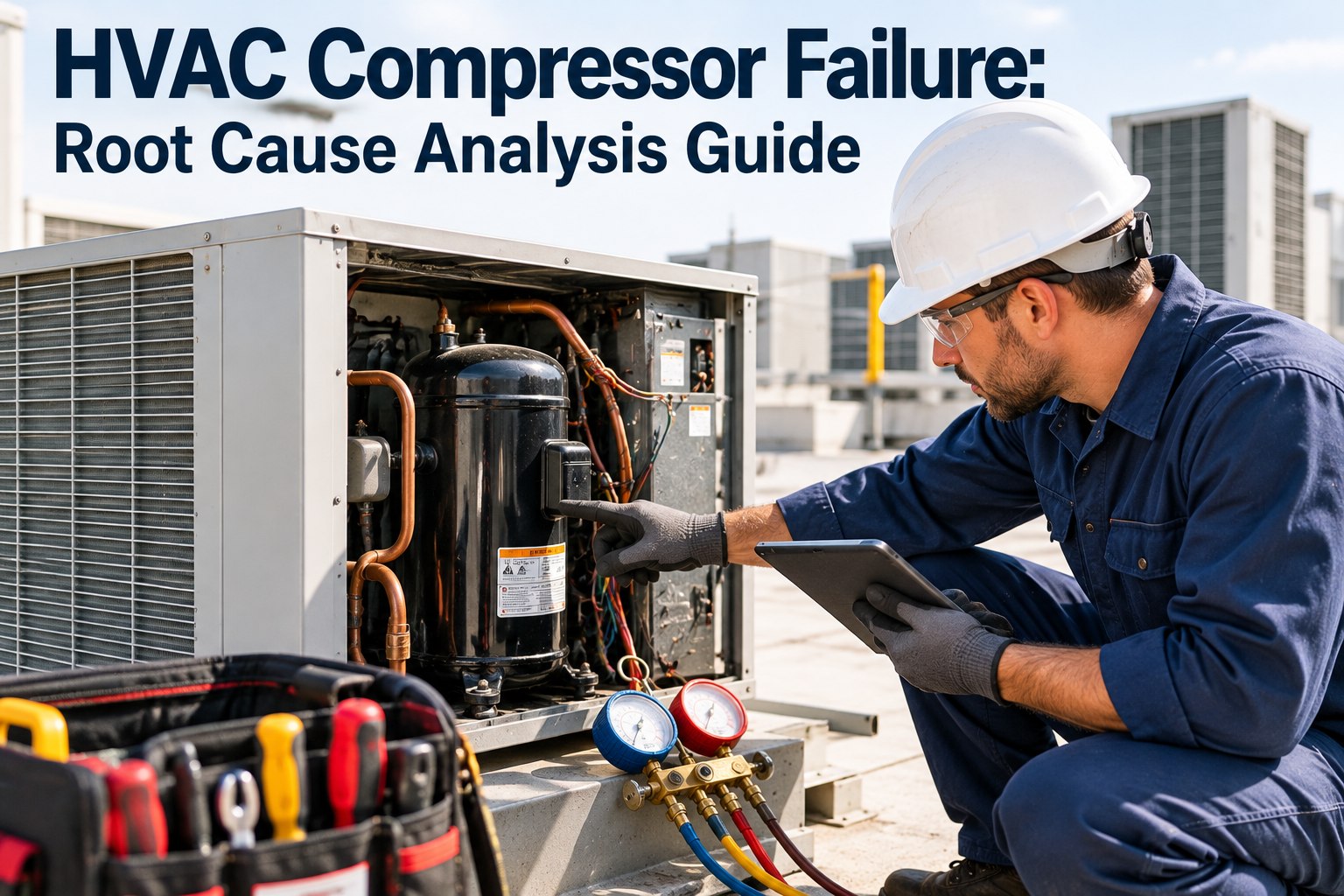
HVAC Compressor Failure: Root Cause Analysis Guide
The compressor is the symptom. This guide walks the failure modes, how to read the evidence a dead compressor leaves behind, and how to trace it back to the real cause — so the replacement does not repeat the burnout.
The Compressor Is the Symptom, Not the Cause
Almost every compressor failure begins somewhere else — a lost charge, a fouled condenser, a failed heater, moisture in the lines. That upstream fault slowly puts the compressor in a condition it was never built to survive, and eventually it lets go. Skip the first two boxes and you are treating the symptom; start free and record the real cause behind each failure in OXMAINT AI.
Root cause
Upstream fault
Low charge, dirty condenser, bad metering, failed crankcase heater, moisture
→
Mechanism
Abnormal condition
Overheating, liquid return, loss of lubrication, acid formation
→
Symptom
Compressor fails
Burnout, broken valves, seized bearings — the part you see fail
Root cause analysis runs that chain in reverse: start at the failed compressor, read what it tells you about the abnormal condition, and follow that back to the upstream fault that created it.
The Ways a Compressor Actually Dies
Most failures fall into a handful of modes. Each looks different inside the compressor and each points back to a different upstream cause — which is why naming the mode is the first real step of the analysis. Book a demo to log every failure against its mode in OXMAINT AI.
Liquid slugging & floodback
You seeBroken valves, bent rods, mechanical damage
Points toOvercharge, poor metering, low load or airflow, off-cycle migration
Overheating & lost lubrication
You seeScored bearings, carbonized oil, discoloured parts
Points toLow charge, dirty condenser, high superheat, restricted airflow
Electrical burnout
You seeBurnt windings, blackened acidic oil, grounded motor
Points toOften secondary — heat plus moisture forms acid that attacks the windings
Flooded start
You seeWashed-out bearings, oil foaming damage at startup
Points toFailed crankcase heater, refrigerant settling in oil during the off-cycle
Contamination & moisture
You seeCopper plating, sludge, acidic oil
Points toWeak evacuation, a leak drawing in air, a spent filter drier
Control & electrical supply
You seeCompressor sound, but a failed contactor, capacitor or overload
Points toUnmaintained controls, voltage imbalance, short cycling
Reading the Evidence — the Compressor Autopsy
A failed compressor is not scrap until it has been read. The oil, the windings and the mechanical parts each carry a signature that points back to what killed it. This is the core of a real analysis — match the evidence to the cause before you decide what to fix. It scrolls sideways on a phone so every column stays whole; start free and attach these findings to the failure record in OXMAINT AI.
Evidence found
What it signals
Trace it back to
Oil black and acidic
Overheating and acid formation
Low charge, dirty condenser, moisture in the system
Broken valves / bent rods
Liquid entered the cylinders
Slugging, floodback, overcharge, poor metering
Scored, worn bearings
Loss of lubrication
High discharge temperature, oil breakdown, refrigerant in oil
Burnt, grounded windings
Electrical failure of the motor
Usually secondary to heat and acid; confirm with oil
Copper plating / sludge
Moisture and contamination
Poor evacuation, a leak, a saturated filter drier
The Second Compressor Fails for the Reason You Missed on the First.
When a replacement burns out within a year, the money was not wasted on the compressor — it was wasted on skipping the analysis. The OXMAINT AI maintenance management software keeps every failure, its mode and its root cause on the asset record, so a repeat pattern is impossible to miss and the real fault gets corrected before the next unit goes in.
Following the Chain — a Five-Whys Walk-Through
Naming the failure mode is not the root cause — it is the start of the trail. Asking "why" until you reach something you can actually change is what separates a true root cause from a convenient one. Here is that walk on a single realistic failure; book a demo to run this analysis on your own failures in OXMAINT AI.
The failureCompressor windings burned out
why?
Why 1The motor ran far too hot for a long period
why?
Why 2Discharge temperature stayed high — the system ran short of refrigerant
why?
Why 3A slow leak bled the charge down over months
why?
Why 4The leak was never found — nothing was checking charge or superheat between service calls
why?
Root causeNo preventive routine tracked refrigerant performance — so the compressor, not the leak, became the first thing anyone noticed
The fix is not a better compressor. It is the leak check and the performance monitoring that would have caught the condition a season earlier.
Correct the Cause, Not Just the Compressor
Once the root cause has a name, the corrective action follows it — and a burnout in particular leaves the system itself contaminated, so dropping in a new compressor without cleaning up guarantees a repeat. Start free and track each corrective action to a confirmed close in OXMAINT AI.
Clean the system after a burnout
Clear acid and contamination and fit fresh filter driers before the new compressor sees the refrigerant.
Correct charge and metering
Find and fix the leak, set the charge, confirm superheat and subcooling — not just top it up.
Restore heat rejection and airflow
Clean the condenser, confirm airflow, so discharge temperature stays where it belongs.
Protect against migration
Confirm the crankcase heater works so refrigerant does not settle in the oil during the off-cycle.
Stopping the Repeat
Root cause analysis only pays off if the finding changes what happens next — the leak check that gets scheduled, the condenser cleaning that gets a shorter interval, the amperage trend that gets watched. These are the moves that keep the same failure from coming back; book a demo to turn a root cause into a standing PM in OXMAINT AI.
Log every failure with its cause
A mode and a root cause on each record turns one-off repairs into a pattern you can act on.
Feed the cause into the PM
Each confirmed root cause becomes a scheduled task — leak checks, coil cleaning, heater tests.
Watch the early warnings
Amperage, cycling and discharge temperature drift before a compressor fails — trend them.
Flag the repeat offenders
Assets that fail more than once rise to the top, so they get the deeper investigation they need.
How OXMAINT AI Runs Compressor RCA
An analysis is only as good as the record it leaves behind — and that record is exactly what a maintenance platform is built to keep. Here is how the OXMAINT AI maintenance management software turns compressor failures into root causes that get fixed; start free and put compressor reliability on a record in OXMAINT AI.
Failure & mode logging
Each failure captured against the asset with its mode and the evidence found at teardown.
Root-cause record
The named cause stays on the asset, so a replacement decision is made with the history in view.
Cause-driven PM
Each root cause becomes a scheduled task — leak checks, coil cleaning, crankcase-heater tests.
Early-warning trends
Amperage, cycling and run-time tracked over time, so drift surfaces before a hard failure.
Repeat-failure alerts
An asset that fails twice is flagged automatically, forcing the deeper investigation.
Corrective-action tracking
Every fix followed through to a confirmed close, so the cause is actually corrected, not noted.
Frequently Asked Questions
Why do HVAC compressors fail?
Rarely on their own. Most failures trace to an upstream fault — low refrigerant charge, a dirty condenser, poor metering, moisture or a failed crankcase heater — that forces the compressor to run overheated, flooded or poorly lubricated until it lets go.
What is root cause analysis for a compressor failure?
It is reading the failed compressor — the oil, the windings, the mechanical parts — to name the failure mode, then tracing that mode back to the system fault that caused it, so the fault is corrected before a replacement goes in.
Why did my replacement compressor fail again?
Almost always because the original cause was never found or corrected. A burnout also contaminates the system with acid, so a new compressor installed without a full clean-up and fresh driers inherits the same damaging condition.
How can you tell slugging from overheating?
The evidence differs. Slugging leaves mechanical damage — broken valves, bent rods — from liquid in the cylinders. Overheating leaves scored bearings and carbonized, discoloured oil. Reading which one you have points to very different upstream causes.
How does a CMMS help prevent compressor failures?
Find What Killed the Compressor — Before You Fit the Next One.
Run compressor root cause analysis inside the OXMAINT AI maintenance management software — failure and mode logging, a root-cause record on every asset, cause-driven PM, early-warning trends, repeat-failure alerts and corrective-action tracking — so a compressor never fails twice for the same reason you never found.