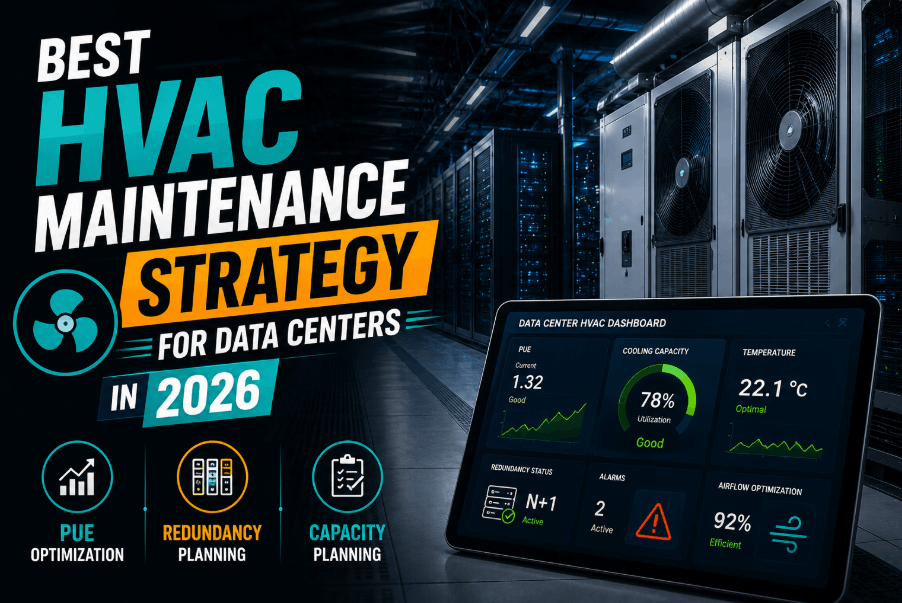
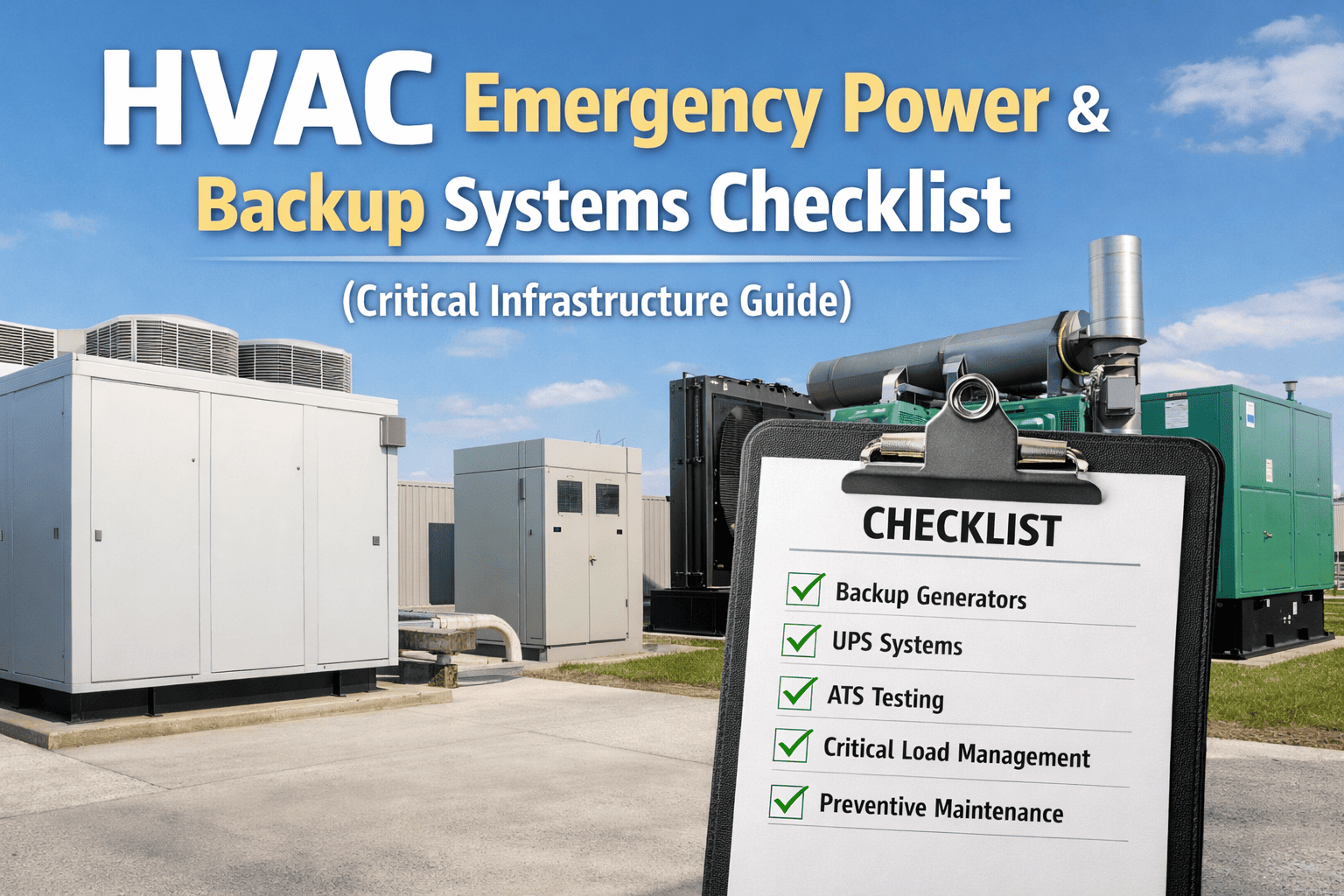
When primary cooling fails in a data center or hospital, the window to prevent catastrophic damage is measured in minutes — not hours. Server inlet temperatures above 95°F trigger thermal shutdowns within 10–15 minutes. Operating room temperature loss can halt active procedures within 20 minutes. Most facilities discover their emergency cooling plan is incomplete only when they need it. This checklist defines the asset priority sequence, backup equipment verification, escalation triggers, and technician response tasks your team needs documented, tested, and accessible before any cooling emergency occurs. Start your free trial on Oxmaint to digitize your emergency cooling workflow, or book a demo to see emergency maintenance workflows live.
P1 — Critical Operations Checklist HVAC Emergency Cooling Plan
For Data Centers and Hospitals — Asset priority, backup activation, escalation workflows, and technician response tasks in the correct sequence for mission-critical environments.
Data Centers Hospitals & Healthcare Shutdown Management Critical Cooling
95°F
Server inlet temp threshold
Thermal shutdown begins above this point — typically 10–15 min after cooling loss
18 min
Avg time to OR disruption
ASHRAE standard operating room conditions lost within 18 min of total cooling failure
$9,000
Cost per minute — data center outage
Gartner data center downtime cost estimate — thermal-induced outages often extend 4–12 hrs
73%
Critical cooling failures preventable
AFCOM survey: most emergency cooling events traced to deferred PM or untested backup equipment
Asset Priority Tiers — What Gets Cooling First
When backup cooling capacity is limited, asset priority determines which systems receive cooling first. Define your tiers before an emergency — not during one.
TIER 1
Life Safety Critical
ICU & OR patient areas
Emergency department
NICU / isolettes
Primary data center core switch rooms
UPS battery rooms
Backup activation: within 2 min
Pharmacy and medication storage
Blood bank and lab refrigeration
Primary compute rows (Tier 1 DR)
Generator rooms
Telecom and network closets
Backup activation: within 5 min
Secondary compute rows
Administrative areas
General ward patient rooms
Conference and shared spaces
Activate if capacity available after Tier 1 & 2
Build Your Emergency Cooling Workflow in Oxmaint
Oxmaint emergency workflows assign tasks, escalate alerts, and track response time — all from mobile. Your team acts on a structured plan, not on memory under pressure.
Emergency Response Checklist — First 60 Minutes
The first 60 minutes of a cooling emergency determine whether the event becomes a recoverable incident or a catastrophic outage. Every step below must be pre-documented, assigned, and practiced in tabletop exercises at least twice per year.
0–5 min
Immediate Response
Confirm alarm source — chiller, CRAC/CRAH, or distribution failure. Log alarm type, unit ID, and time in CMMS immediately. Responsible: On-call HVAC Tech
Notify facility manager and IT/operations director (data center) or clinical engineering (hospital) — Call and text per escalation contact list; do not email only. Responsible: On-call Tech or BMS Operator
Verify backup CRAC/CRAH or precision cooling units are online — Physically verify or confirm from BMS; do not assume BMS is accurate. Responsible: On-call HVAC Tech
Check UPS battery room temperature — Isolate if above 77°F (battery performance degrades above 77°F; thermal runaway risk above 95°F). Responsible: On-call Tech
5–20 min
Backup Equipment Activation
Activate portable/spot coolers for Tier 1 assets if CRAC backup is insufficient — Confirm equipment location, power source, and supply air direction per floor plan. Responsible: Facilities Lead
Contact emergency chiller rental vendor — initiate deployment — Use pre-negotiated emergency rental contract; confirm ETD on site. Responsible: Facility Manager
Hospital: Activate patient area cooling contingency per infection control protocol — Notify patient care teams; prepare portable units per room priority list. Responsible: Clinical Engineering + Nursing Supervisor
Data center: Enable hot-aisle containment bypass if row temps exceed 85°F — Open containment doors per emergency bypass procedure; document action. Responsible: Data Center Ops
20–60 min
Root Cause and Load Management
Diagnose primary cooling failure — compressor, refrigerant, controls, or power — Log findings in CMMS work order with measurements; not verbal notes. Responsible: Senior HVAC Tech
Non-critical IT load shedding (data center) — shut down Tier 3 compute per plan — Follow pre-approved load shedding runbook; no ad-hoc shutdowns. Responsible: IT Operations
Confirm OEM emergency support line activated if equipment is under service contract — Request remote diagnostics access or on-site emergency dispatch. Responsible: Facility Manager
Update all stakeholders — status, ETA for resolution, assets at risk — Written status update every 30 min until cooling restored; log in CMMS. Responsible: Facility Manager
Backup Equipment Readiness Verification Checklist
Backup cooling equipment that has not been tested recently is not backup cooling. This verification checklist should be run quarterly and after any emergency activation.
Redundant CRAC/CRAH units — Monthly switchover test: Force primary offline; confirm backup auto-starts within 30 sec. Pass: Backup online in <30 sec; temperature holds within ±2°F. Log in CMMS.
Portable spot coolers — Quarterly power-on test: Power on; verify airflow and cooling output; inspect duct connections. Pass: Unit reaches rated cooling output; no duct leaks. Log in CMMS.
Emergency chiller rental contract — Annual contract review: Confirm vendor, contact list, SLA, and connection specs current. Pass: Vendor confirms <4 hr deployment SLA in writing. Log in CMMS.
Generator room cooling — Monthly with generator test: Verify cooling active during generator load test. Pass: Room temperature below 95°F at full generator load. Log in CMMS.
Hospital OR backup cooling — Quarterly tabletop + semi-annual live: Confirm portable unit inventory, power feeds, and deployment procedure. Pass: OR temperature maintained 68–75°F with backup. Log in CMMS.
Escalation Contact Matrix
Every emergency cooling plan must define exactly who to call, in what order, and what threshold triggers each escalation. The template below should be customized for your facility and loaded into your CMMS so it is accessible from the field.
Warning
Primary system alarming; backup holding
HVAC Supervisor + Facility Manager
Phone call + CMMS alert
Degraded
Backup at capacity; room temp rising >1°F/5min
+ VP Facilities + IT Director / CMO
Conference bridge + CMMS work order escalation
Critical
Temp exceeding Tier 1 threshold; Tier 1 assets at risk
+ CEO / COO + Emergency vendor + OEM support
All channels + emergency rental dispatch
Expert Review
KT
"The single most dangerous assumption in critical facility cooling is that backup equipment will work because it tested fine 18 months ago. Redundant CRAC units sitting in standby accumulate faults silently — capacitors degrade, refrigerant migrates, control boards develop latent failures. We require monthly automated switchover tests that run the backup under real load. Every time we caught a backup unit failure, it was during a scheduled test — not during an emergency. That is exactly what a tested plan is for."
Kevin Torres, PE, DCEP
Data Center Energy Professional · Critical Facilities Engineer · 20 years in mission-critical HVAC
Frequently Asked Questions
How often should we run live emergency cooling drills versus tabletop exercises?
Regulatory guidance and industry best practice recommend tabletop exercises at least twice per year and live drills — which involve actually switching to backup systems under controlled conditions — at least once annually. Hospitals must document emergency preparedness exercises under Joint Commission EC.02.01.01 standards. Data centers targeting Tier III or IV certification under Uptime Institute standards should run live failover tests at every maintenance window. Tabletops are low-cost, high-value for training new staff; live drills are the only way to confirm the backup equipment actually works.
Use Oxmaint to schedule drill work orders and capture outcomes as maintenance records.
What is the minimum backup cooling capacity specification for a Tier II hospital?
ASHRAE 170 and FGI Guidelines for healthcare facilities require that critical areas — including operating rooms, ICUs, and emergency departments — maintain cooling capacity sufficient to sustain design conditions even with the largest single cooling component offline. Practically, this means N+1 redundancy minimum for CRAC/CRAH serving critical areas, and a documented emergency rental agreement for total chiller failure scenarios. Specific capacity requirements vary by climate zone, occupancy type, and state health department regulations. Your emergency cooling plan must document the specific backup capacity available, the gap to full coverage, and the management plan for that gap.
Book a demo to see how Oxmaint tracks cooling system redundancy status.
Can Oxmaint automatically escalate alerts during a cooling emergency without manual intervention?
Yes. Oxmaint supports automated escalation workflows triggered by work order status or sensor alarm inputs. You can configure escalation rules such as: if a P1 emergency work order remains unacknowledged for 5 minutes, automatically notify the backup contact and send an SMS to the facility manager. If the work order is not updated within 30 minutes, escalate to the VP of Facilities. These rules run without manual intervention and are logged with timestamps for post-event review. The system creates a complete audit trail of who was notified, when, and what action was taken — critical for Joint Commission reviews and post-incident analysis.
What documentation should be maintained after every cooling emergency event?
Post-event documentation should include: timeline of alarm to resolution with every action timestamped, root cause analysis identifying the primary failure and any contributing factors, equipment condition findings from the post-event inspection, a list of assets that experienced elevated temperatures and by how much, corrective actions taken or scheduled with owner and due date, and a gap analysis of the emergency plan — what worked, what did not, and what needs to be updated. This record should be stored in your CMMS against the relevant assets. For hospitals, Joint Commission surveyors may request emergency event logs. For data centers, insurance carriers increasingly require documented root cause analysis for claims involving thermal events.
Oxmaint stores all of this automatically from work order and asset data.
CRITICAL OPERATIONS TOOL
Your Emergency Cooling Plan Is Only as Good as the Last Time You Tested It
Oxmaint emergency workflows assign tasks, track escalations, and log every action with timestamps. Build your plan once — execute it confidently every time.