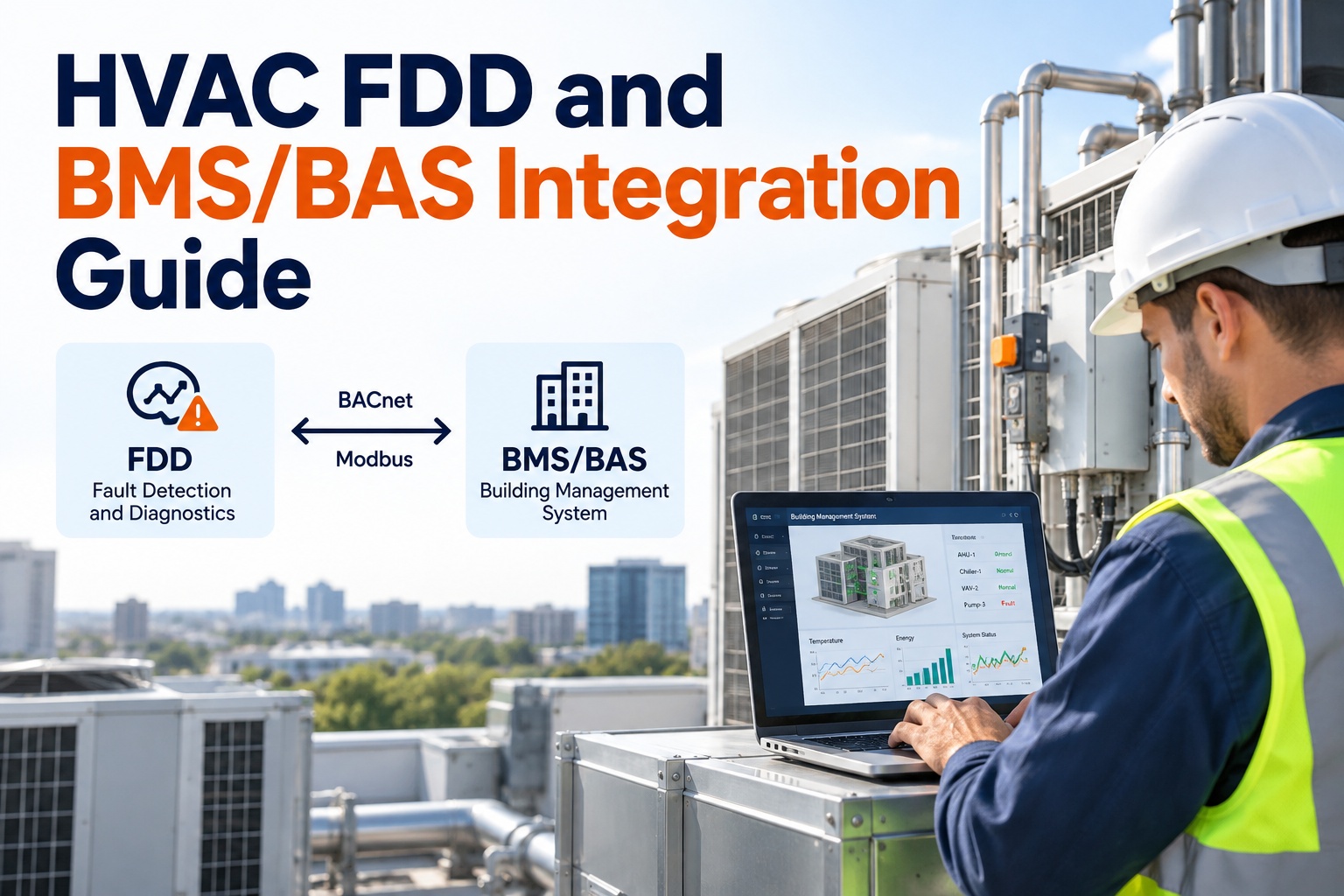
A fault detection and diagnostics rule is only as good as the data it runs on. Point it at a BAS trend log sampling every 15 minutes, and a 3-minute short-cycling event simply disappears into the average — the rule never had a chance to see it. Point it at inconsistent point names across a dozen controls contractors, and the same rule has to be hand-rewritten for every air handler instead of running once across all of them. OXMAINT AI maintenance management software reads BACnet and Modbus data directly, normalizes the point set, and runs FDD rules against data sampled frequently enough to actually catch the fault. This guide covers what FDD needs from a BMS/BAS integration, and how OXMAINT AI's AI-powered CMMS connects the two.
Building Automation · FDD Data Integration
Your FDD Dashboard Is Guessing Because Your BAS Only Trends Every 15 Minutes.
A BACnet or Modbus point gets polled, a fault rule needs to evaluate it, and the evaluation only works if the sampling rate and point naming are consistent across every device. OxMaint's AI-powered CMMS connects directly to BACnet and Modbus data, normalizes the point set, and turns a detected fault into a work order automatically — instead of an alarm sitting unread in a BAS log. Start a free trial to connect your own point list, or book a demo to review your site's current data coverage.
BACnet & Modbus Ready
Point-Level Normalization
Fault-to-Work-Order Automation
2 Protocols
BACnet and Modbus read through one integration layer
1-5 Min
the sampling interval most FDD rules actually need to work
1 Point Taxonomy
every AHU, VAV, and chiller point mapped to one standard tag set
1 Fault Queue
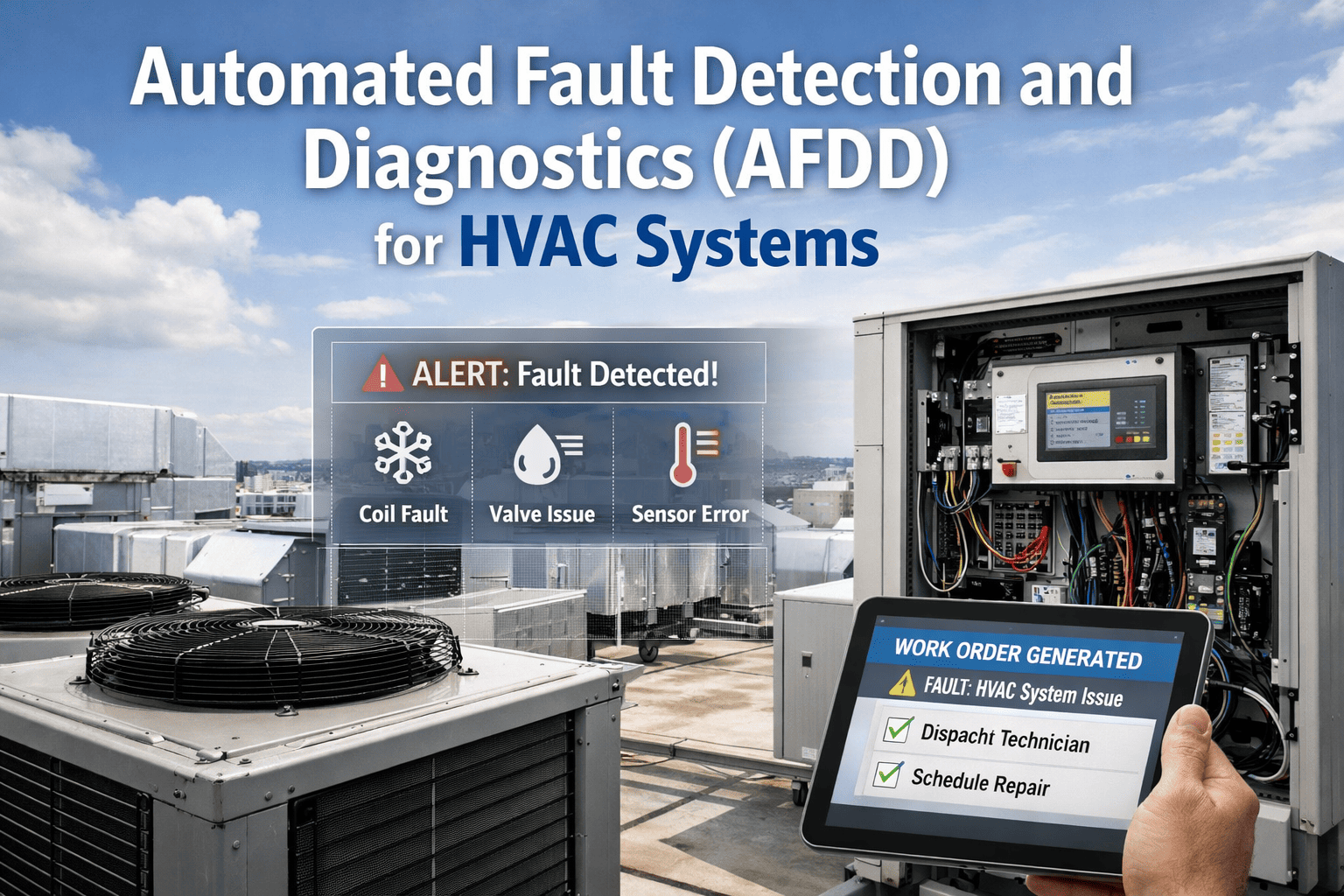
a diagnosed fault becomes a work order, not just an alarm
The 3 Data Requirements Every FDD Rule Depends On
Most FDD rules fail quietly — not because the logic is wrong, but because the data behind it wasn't built to support the logic in the first place. OXMAINT AI's integration layer addresses all three requirements before a single rule ever runs. Sign up free and check your data coverage today.
SAMPLING FREQUENCY
How Often The Point Is Read
Drives: Economizer faults, simultaneous heating/cooling, short-cycling detection
Logic: Trend intervals need to match the speed of the fault, not a daily summary
Why: A 15-minute trend can't see a 3-minute short-cycle event
Risk if too coarse: Real faults get averaged out before a rule ever sees them
POINT NAMING CONSISTENCY
How The Point Is Tagged
Drives: Rule libraries meant to apply across every AHU or VAV the same way
Logic: Every point mapped to a standard tag, regardless of the original contractor's naming
Why: A rule written once should run on every matching asset, not get rewritten per unit
Risk if inconsistent: Rules need hand-tuning per device, and most never get finished
PROTOCOL COVERAGE
What The Point Speaks
Drives: BACnet/IP, BACnet MS/TP, and Modbus RTU/TCP devices on one site
Logic: One integration layer reads all three without a separate custom driver each
Why: A site is rarely one protocol end to end — chillers, VFDs, and older RTUs vary
Risk if ignored: Whole equipment classes stay invisible to FDD entirely
The 5 Point Groups FDD Rules Are Built Around
Most HVAC fault rules draw from a short list of equipment types that cover the bulk of mechanical faults in a building. Get these five point groups integrated cleanly, and most of a site's FDD rule library has what it needs to run. Book a demo to see the point group mapping.
A
AHU Supply & Return
Supply air temp, return air temp, fan status, filter differential pressure
Feeds: economizer, SAT reset, and fan-fault rules
V
VAV Boxes
Damper position, zone temperature, airflow setpoint and actual airflow
Feeds: hunting, stuck-damper, and airflow-tracking rules
C
Chiller Plant
CHW supply/return temperature, condenser approach, compressor run status
Feeds: approach-temperature and short-cycling rules
E
Economizer & Outdoor Air
Outdoor air temperature, OA damper position, mixed air temperature
Feeds: economizer-not-economizing and mixed-air rules
M
VFDs & Motor Status
Speed command, run status, fault code — the earliest signal of a drive or motor issue
Feeds: motor-fault and speed-tracking rules
The Point-to-Work-Order Chain — How A BAS Reading Becomes A Dispatched Fault
FDD only creates value if a detected fault turns into action. OXMAINT AI connects the full chain from a raw BACnet or Modbus reading to a technician's work order, with nothing handed off manually in between. Start free and build your fault-to-work-order chain today.
01 · Collect
BACnet/Modbus Point Polled
The integration layer reads each point at the interval its fault rules require
▼
02 · Normalize
Point Mapped To Standard Tag
The raw point name maps to a consistent tag regardless of the original controls vendor
▼
03 · Evaluate
FDD Rule Runs Against Trend Data
The rule library checks the trend pattern against known fault signatures
▼
04 · Detect
Fault Pattern Flagged
A confirmed fault is logged against the specific asset, with the trend data attached
▼
05 · Dispatch
Work Order Opened Automatically
The fault becomes a routed work order instead of waiting in an unreviewed alarm log
▼
06 · Resolve
Fix Logged, Rule Re-Baselined
The repair is logged against the asset, and the rule's baseline updates for next time
Minimum Data Requirements By Equipment Type
Different equipment classes need different points at different sampling rates before FDD can meaningfully run against them. OXMAINT AI checks each asset against its minimum data requirement and flags gaps before they become blind spots. Book a demo to see a data-requirements audit.
FDD Data Requirements By Equipment Class
5 Min
Air Handling Units
SAT, RAT, OAT, fan status, filter DP · minimum interval to catch economizer and fan faults
5 Min
VAV Boxes
Damper position, zone temp, airflow setpoint and actual · catches hunting and stuck dampers
1 Min
Chiller Plant
CHW supply/return temp, condenser approach, compressor status · catches short-cycling
5 Min
Economizer & OA Systems
OA damper position, mixed air temp, OAT · catches a stuck or miscalibrated economizer
1 Min
VFDs & Motors
Speed command, run status, fault code · catches drive faults before a full motor failure
15 Min
Electrical Metering
kWh and demand data · supports load analysis alongside equipment-level fault detection
Every Point. One Protocol Layer. One Fault Queue.
OXMAINT AI's maintenance management software reads BACnet and Modbus directly, normalizes the point set, and turns a confirmed fault into a work order without anyone combing through an alarm history.
FDD Data Coverage Panel — Which Equipment Class Is Still A Blind Spot
Data coverage by equipment class shows exactly where FDD can run reliably and where it's still working with gaps. OXMAINT AI's software trends the share of points meeting the minimum requirement, pulled straight from the live integration. Sign up free and see your coverage panel live.
Illustrative FDD Data Coverage Panel
Air Handling Units
HEALTHY
Economizer & OA Systems
ACTION
Green = full data coverage · Amber = partial coverage, rules degraded · Red = coverage gap, FDD blind spot · updated live from the integration layer
What OXMAINT AI's Maintenance Management Software Gives A Controls Team
Purpose-built to connect FDD to the data it actually needs — one software platform that integrates BACnet and Modbus, normalizes the point set, and routes a confirmed fault straight to a technician. Start free and connect your BAS to OXMAINT AI.
BACnet & Modbus Connectivity
BACnet/IP, BACnet MS/TP, and Modbus RTU/TCP devices read through one integration layer.
Point Normalization Engine
Raw point names map to a standard tag set, so one rule runs across every matching asset.
Configurable FDD Rule Library
Fault rules for AHUs, VAVs, chillers, economizers, and VFDs, tunable to your equipment.
Automatic Fault-to-Work-Order
A confirmed fault opens a work order and routes to a technician without manual triage.
Trend Data Retention
Point-level trend history retained and attached to the fault for diagnosis and verification.
Equipment Coverage Dashboard
Data coverage trended by equipment class so a gap gets caught before it becomes a blind spot.
"
We had FDD rules written years ago that never worked right, and it took us a long time to realize the problem wasn't the rules — it was that half our AHUs were only trending on an hourly interval and every controls contractor had named their points differently. Once the data was actually consistent, the same rule library we'd had all along finally started catching things.
Controls & Facilities Engineer · Commercial Portfolio Operator
Frequently Asked Questions
What sampling rate does FDD actually need compared to what a typical BAS provides?
Most BAS platforms default to 15-minute or hourly trending for general monitoring, while FDD rules for economizer, short-cycling, and hunting faults generally need 1 to 5-minute data to catch the pattern before it's averaged out.
Sign up free and check your current sampling rates.
Can OXMAINT AI read both BACnet and Modbus devices from the same site?
How are point names normalized when every controls contractor named them differently?
Raw point names are mapped to a standard tag set during setup, so an FDD rule written once for "supply air temperature" runs against every AHU regardless of the original naming convention used on site.
Start free and map your point set.
Does FDD replace our existing BAS alarms, or work alongside them?
FDD works alongside existing BAS alarms — it adds pattern-based fault detection across trend data that a simple threshold alarm wouldn't catch, and routes a confirmed finding to a work order rather than another alarm screen.
Book a demo to see how FDD complements your alarms.
How long does a BMS/BAS integration typically take to set up?
Give FDD The Data It Actually Needs To Work.
Connect your BMS/BAS to OXMAINT AI's maintenance management software — BACnet and Modbus integration, point normalization, a configurable FDD rule library, and automatic fault-to-work-order routing, all in one platform.