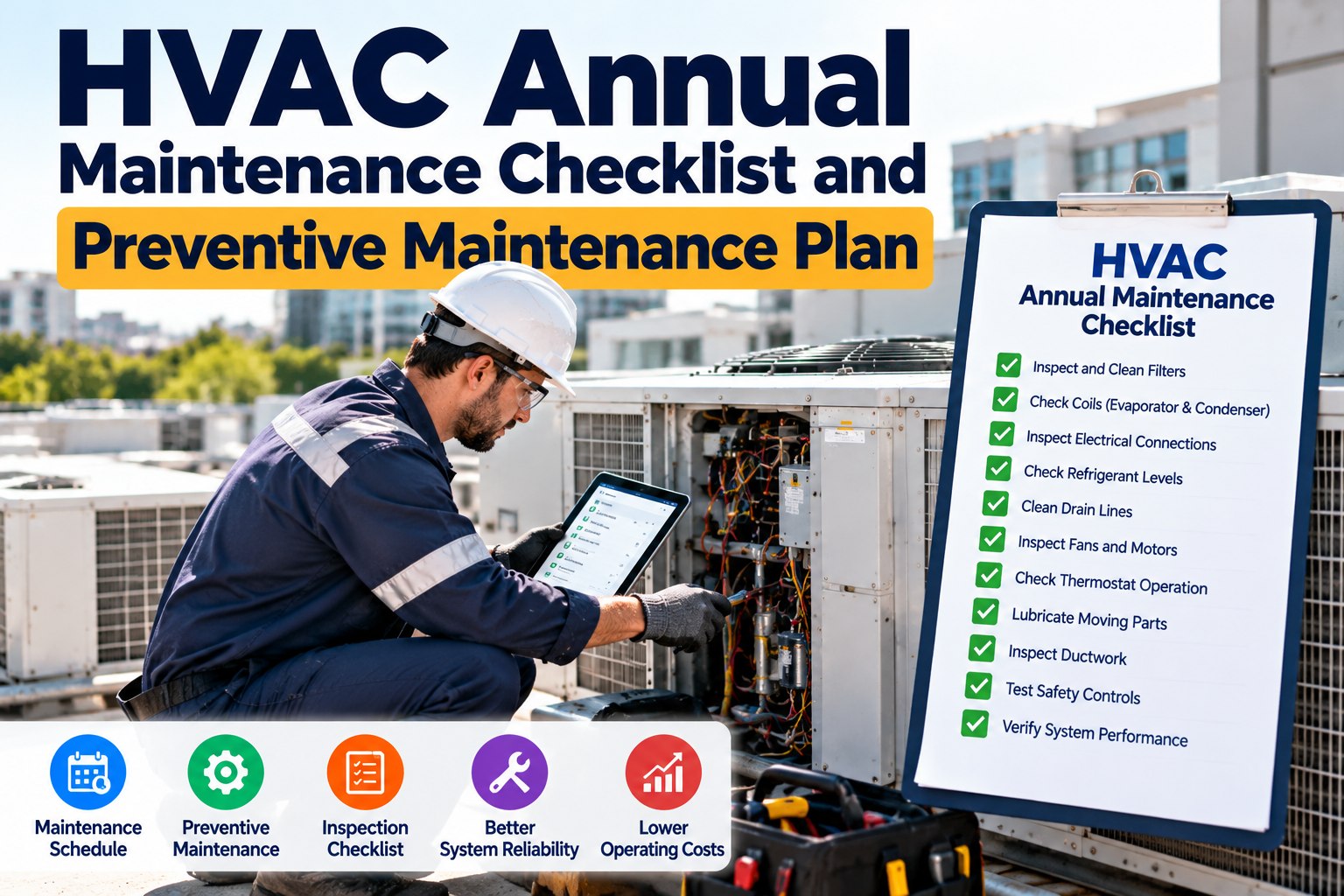
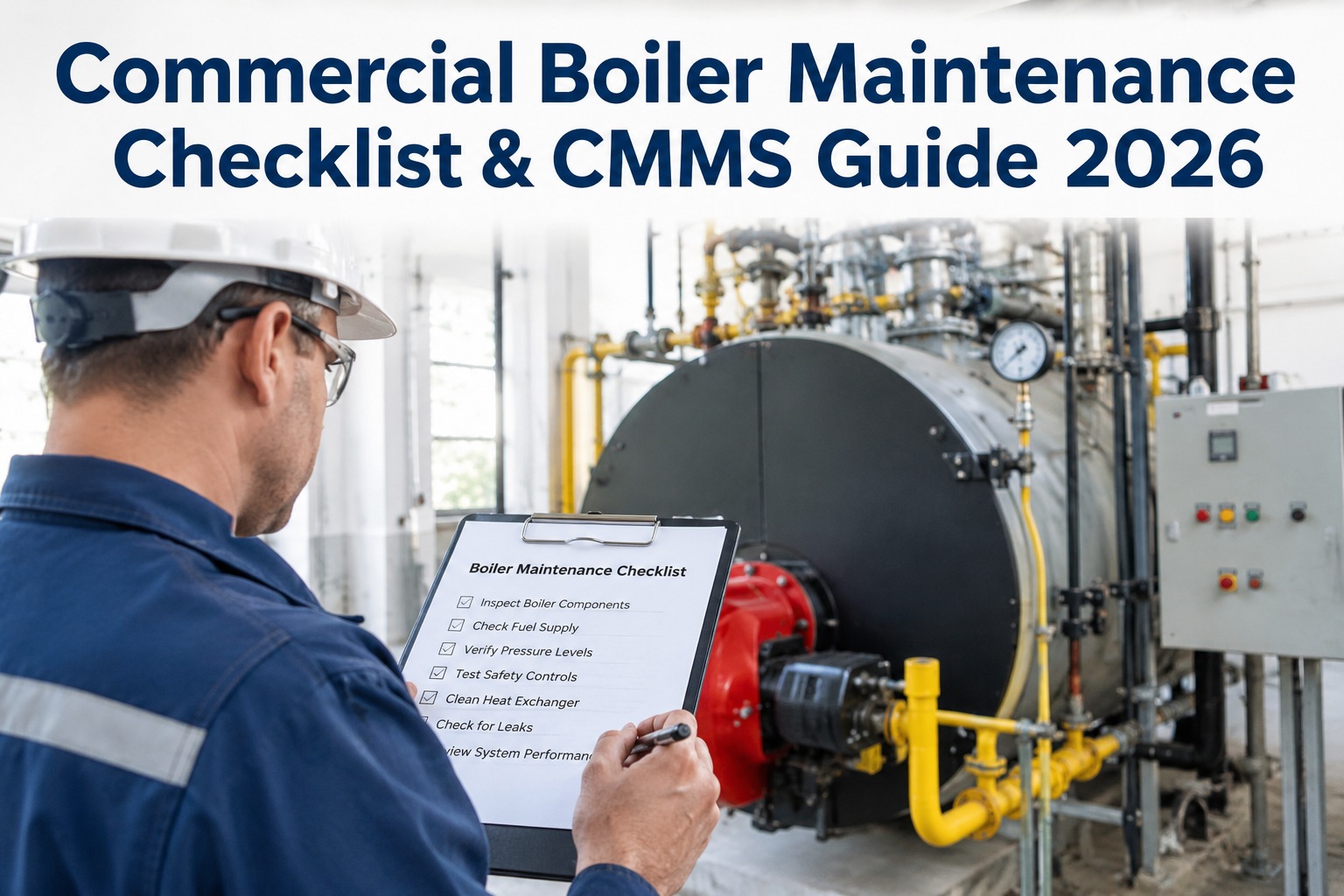
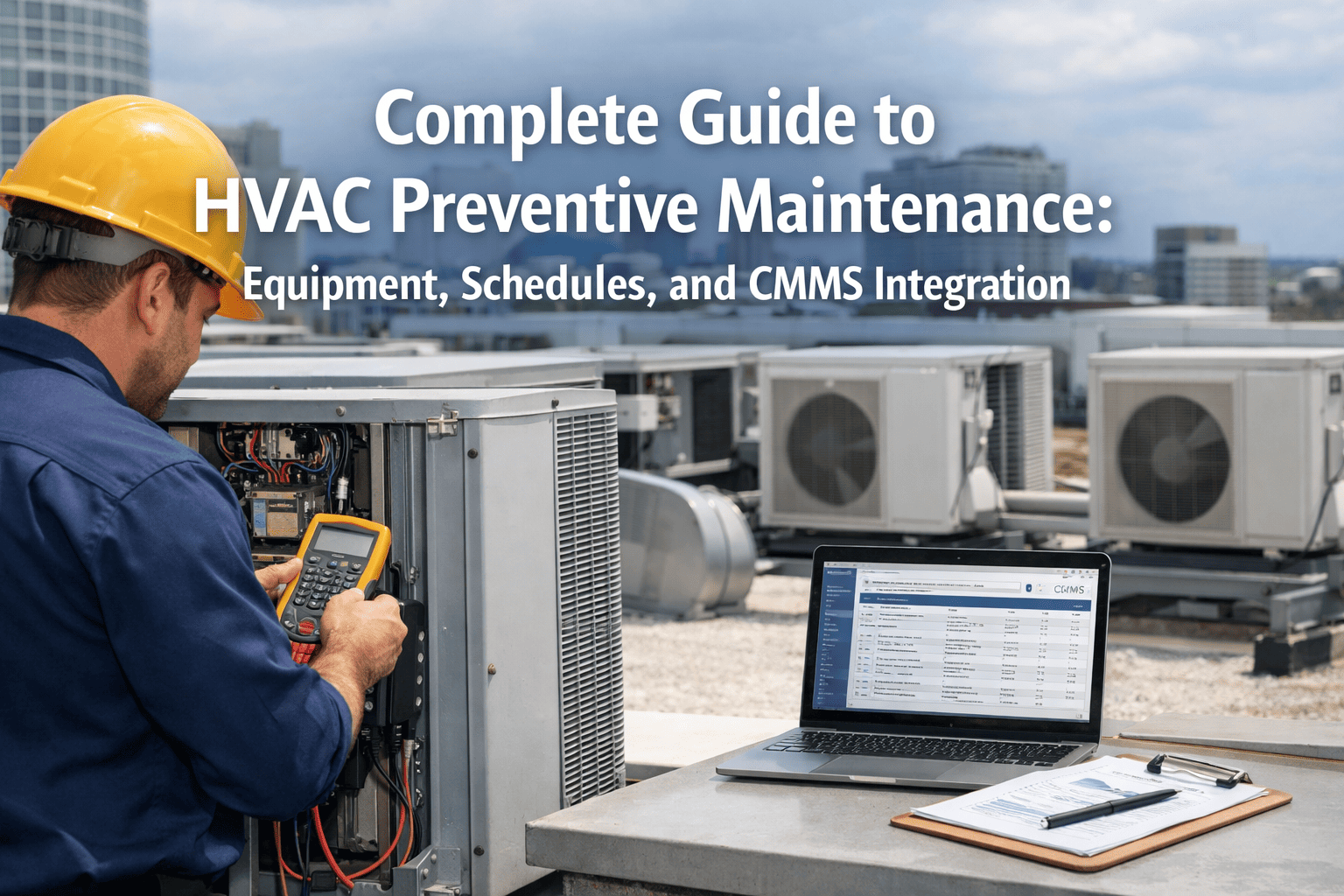
HVAC systems quietly consume 40–60% of a commercial building's energy bill, and the difference between a well-maintained fleet and a neglected one is typically 15–30% in avoided energy waste, unplanned downtime, and premature compressor failure. A 2026-grade preventive maintenance program no longer lives on a clipboard — it lives inside a CMMS that auto-triggers work orders, attaches OEM checklists, and proves compliance to auditors in two clicks. This guide lays out the full daily-to-seasonal HVAC PM checklist for RTUs, AHUs, chillers, and boilers, then shows how a CMMS like Oxmaint turns that checklist into an automated, auditable program. Ready to digitize yours? Start Free Trial and import your asset list in under an hour.
Is your HVAC maintenance program still running on spreadsheets and memory?
The average commercial facility loses $1.20 per square foot annually to reactive HVAC repairs, energy drift, and premature equipment replacement. A CMMS-driven preventive checklist flips that loss into measurable savings — fewer callouts, longer asset life, and a defensible audit trail.
The frontline HVAC PM checklist technicians run every shift
Daily and weekly checks catch 70% of HVAC failures before they cascade — but only if they are actually performed, logged, and reviewed. A CMMS converts these into auto-assigned mobile tasks with photo proof.
Deeper PM intervals that keep compressors and coils alive
Monthly and quarterly tasks target the components most responsible for energy drift and catastrophic failure. Skipping them is the #1 cause of the 3 a.m. "no cooling" callout.
| Interval | Asset | Task | Standard / Benchmark | Typical Time |
|---|---|---|---|---|
| Monthly | RTU / Split | Replace or clean filters | Pressure drop < 0.50 in. w.c. | 10 min |
| Monthly | AHU | Inspect & clear condensate line | No standing water in pan | 8 min |
| Monthly | Chiller | Log refrigerant & oil pressures | OEM tolerance ±5% of rated | 15 min |
| Quarterly | RTU / AHU | Deep-clean evaporator & condenser coils | Restore 95% face area | 45 min |
| Quarterly | All fans | Lubricate motor bearings, check amperage | Amps within nameplate FLA | 20 min |
| Quarterly | Boiler | Test low-water cutoff & relief valve | ASME CSD-1 compliance | 30 min |
| Quarterly | VAV / Damper | Calibrate actuators & sensors | ±2°F of setpoint | 25 min |
Spring and fall turnarounds that prevent peak-season failures
Seasonal PM is the single highest-ROI maintenance activity in HVAC — a properly tuned system avoids the 20–40% efficiency penalty that hits right when demand (and electricity rates) peak.
What a reactive HVAC program actually costs you
Consider a 180-asset commercial portfolio spending $42,000/yr on reactive HVAC repairs. After 18 months without PM, the typical damage ladder looks like this:
In that same 180-asset portfolio, moving to a CMMS-driven PM schedule typically cuts emergency callouts by 55%, trims energy spend by 18%, and extends equipment life by 4–7 years — a combined annual recovery of $28K–$34K. The payback period for a CMMS deployment is usually under 4 months.
How Oxmaint turns the checklist into a self-running program
A CMMS doesn't replace the technician — it removes the cognitive load of remembering, scheduling, and documenting. Here's the automation chain Oxmaint runs for every HVAC asset.
Asset Registry & Hierarchy
Import RTUs, AHUs, chillers, boilers, and VAV boxes with location, OEM specs, install date, and warranty end. Each asset carries its own PM template and parts list.
Automated Work-Order Triggering
Meter-based (runtime hours), calendar-based (quarterly), and condition-based (BAS alarm) triggers auto-generate work orders and assign them to the right technician by skill and proximity.
Mobile Execution & Proof
Technicians complete checklist items on a phone or tablet — each line item can require a photo, a reading, or a signature. Offline mode syncs when connectivity returns.
Compliance & Trend Analytics
Every completed PM is timestamped, geo-stamped, and audit-ready. Dashboards flag assets trending toward failure (rising head pressure, climbing amp draw) before the next scheduled visit.
Stop chasing HVAC emergencies. Start preventing them.
Deploy a CMMS-driven HVAC PM program in days — not quarters. Import your assets, attach OEM checklists, and let Oxmaint auto-trigger every work order.
Five questions facility teams ask before going CMMS
How often should commercial HVAC filters be changed under a CMMS schedule?
Standard pleated filters (MERV 8–11) are typically replaced every 30–90 days depending on loading; high-efficiency MERV 13–14 filters run 3–6 months. Oxmaint uses pressure-drop readings and runtime hours to trigger replacement automatically, so you change filters on actual condition — not a guess. Most teams cut filter spend 15–20% while eliminating "forgot to change" failures.
Can a CMMS handle both calendar-based and meter-based PM triggers?
Yes. Oxmaint supports calendar intervals (monthly, quarterly, seasonal), meter readings (runtime hours, ton-hours, kWh), and condition-based triggers from BAS/BMS alarms. An RTU can have a quarterly coil-cleaning PM, a 2,000-runtime-hour filter PM, and an instant work order on a high-pressure fault — all running in parallel on the same asset.
What's the typical payback period for implementing HVAC CMMS software?
For a mid-sized commercial portfolio (50–500 HVAC assets), payback typically lands between 3 and 6 months. The recovery comes from three buckets: reduced emergency callouts (35–55% drop), energy savings (10–25%), and deferred capital replacement (4–7 years of added asset life). See a live projection for your facility — Book a Demo and we'll model it on your actual asset count.
Does Oxmaint support offline PM execution for rooftop and mechanical-room work?
Yes. The Oxmaint mobile app caches assigned work orders, checklists, and asset data locally. Technicians complete PMs, capture photos, and log readings with no signal — the app auto-syncs everything when connectivity returns. This matters because rooftops, basements, and plant rooms are exactly where Wi-Fi and cell signal are weakest.
How long does it take to migrate from spreadsheets to a CMMS-driven HVAC PM program?
Most teams are live in 1–2 weeks. The fastest path is importing your existing asset list (CSV or direct integration), mapping 6–8 standard PM templates (filter, coil, belt, bearing, refrigerant, safety, controls, seasonal), and assigning technicians. Oxmaint onboarding includes template libraries pre-built for RTUs, AHUs, chillers, and boilers so you're not starting from a blank page.
Your 2026 HVAC PM program starts here
Import your assets, attach OEM checklists, and let Oxmaint auto-trigger every preventive work order. Most teams are live in under two weeks.
Free 14-day trial · No credit card