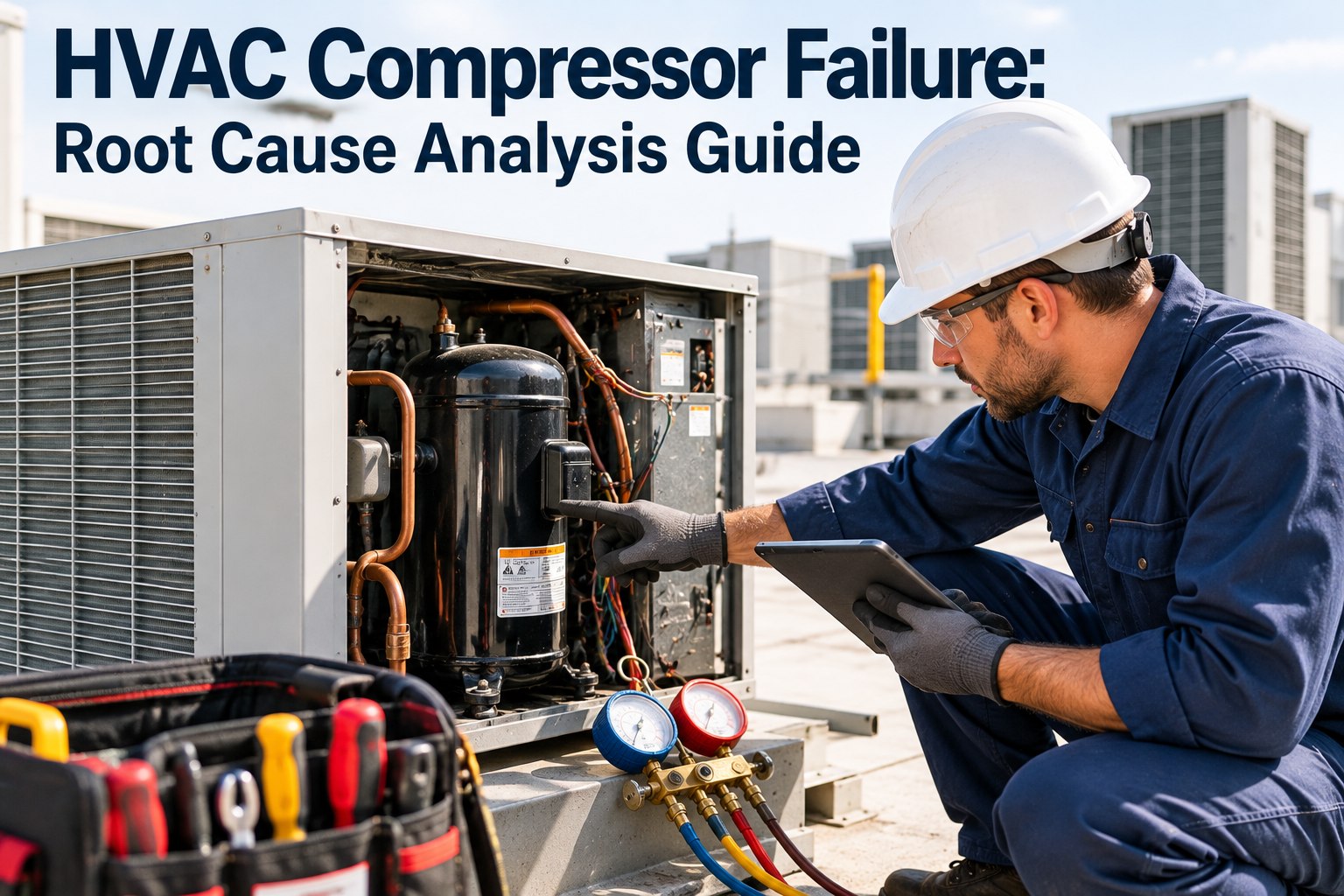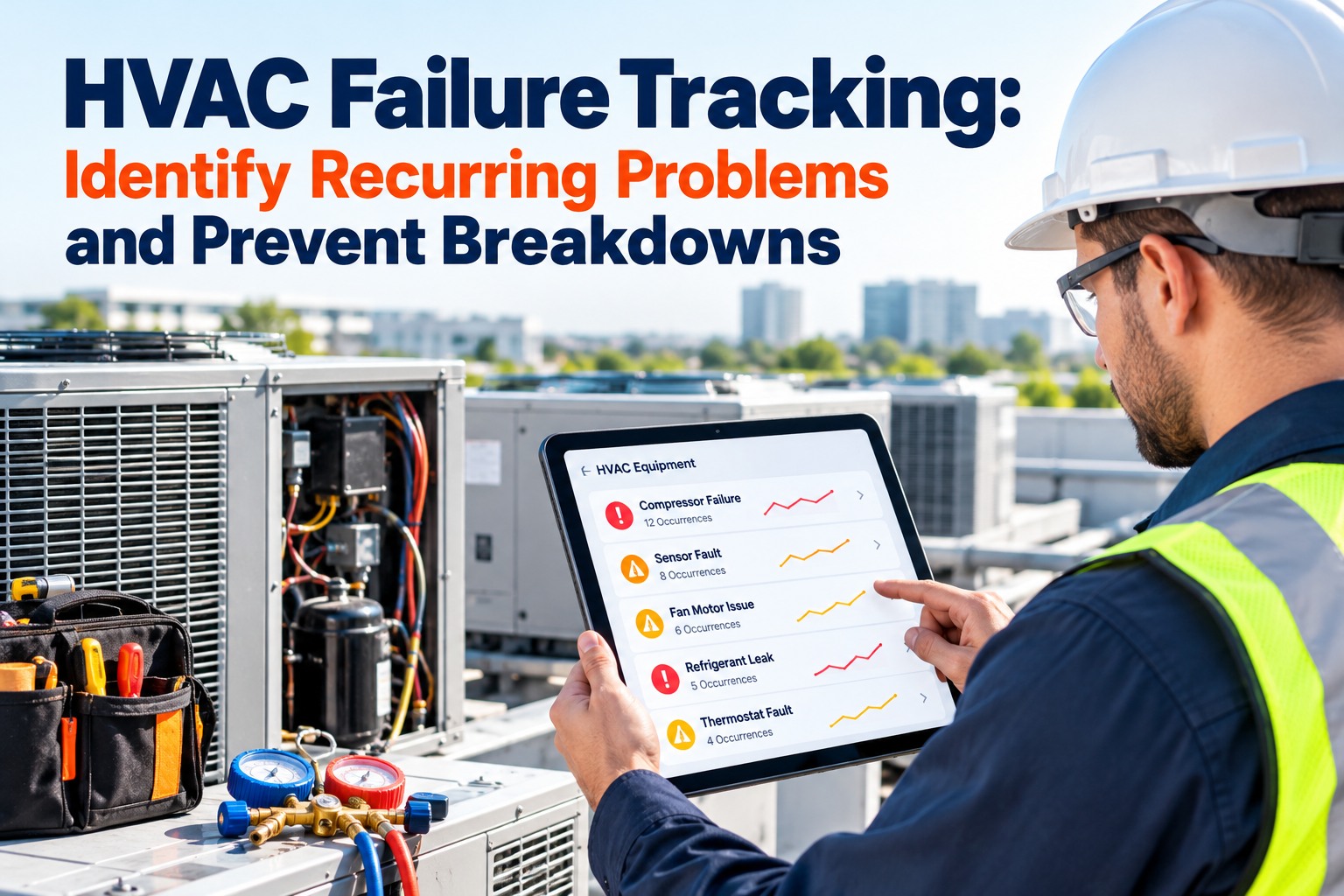
The same rooftop unit, the same contactor, the third call this summer. Each visit gets closed as "fixed", and the pattern stays invisible until it becomes a breakdown on the hottest day. Recurring failures are not bad luck; they are an unsolved problem hiding in your work order history. OXMAINT AI is the AI-powered maintenance management software that keeps every HVAC unit's history together, so repeats stand out.
HVAC Failure Tracking: Identify Recurring Problems and Prevent Breakdowns
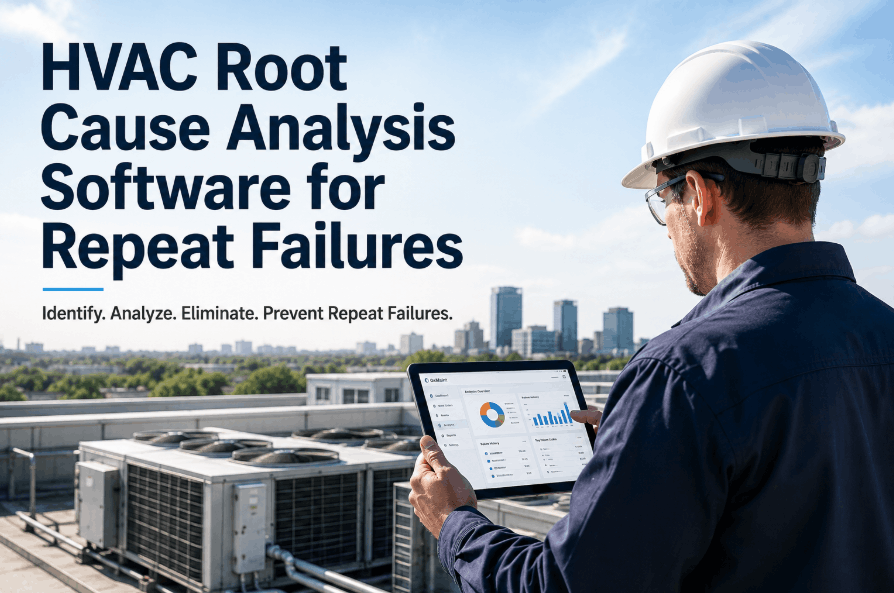
Treat your work order history like a case file. Flag the units that keep failing the same way, find out why, fix the cause instead of the symptom and prove it held. OXMAINT AI, the AI-powered maintenance management software, gives every unit one record so the pattern is visible before the next breakdown.
Four Fingerprints of a Repeat Failure
Repeat failures cluster, so they leave marks you can find without special tools. Sort your HVAC work orders by unit, then look for these four patterns. Each one points at a different kind of cause. Start free and view the full history of every unit in OXMAINT AI.
Code the Failure Mode First
You cannot count repeats if every call is logged as "not cooling". Record what failed, not just what the tenant said. Start with a short list split by electrical and mechanical causes, and teach technicians to pick one on every close-out. Book a demo to set up failure codes for your HVAC fleet.
If you smell burning from electrical gear, shut the system down and call a qualified technician.
If It Isn't Coded, It Can't Be Counted.
OXMAINT AI keeps work orders, failure modes and parts on each HVAC asset so repeats show up on their own.
Stop Swapping the Same Part
A repeat part is a question, not a solution. Replacing it without finding why it failed is the most common reason a problem comes back. Here are the next questions to ask, as common maintenance practice rather than a fixed rule. Start free and record the root cause with every repeat.
The Five-Step Case File
Run this as a standing routine, not a one-off project. The last step matters most: re-measure after the fix and confirm the failures stopped over two to three expected failure intervals. Book a demo to run the case file inside OXMAINT AI.
Why Preventive Maintenance Alone Isn't Enough
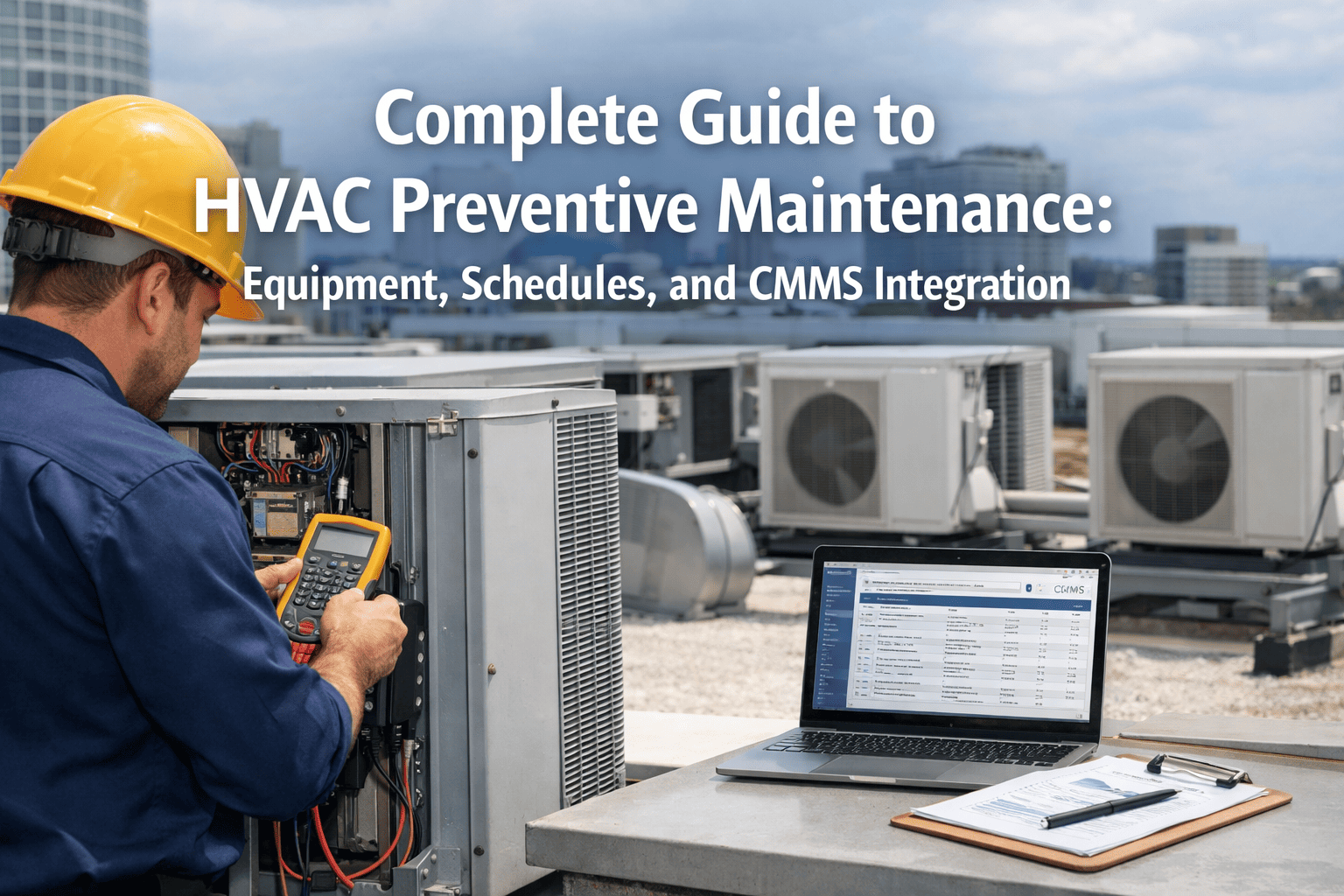
Scheduled filter, coil and belt checks stop many failures, but they cannot tell you what keeps breaking despite them. Failure tracking closes that gap and tells you what to add to the PM. Fixing a failure mode at the source, then adding one check for it, is how a plan improves each year. Start free and turn each root cause into a PM task.
What OXMAINT AI Adds
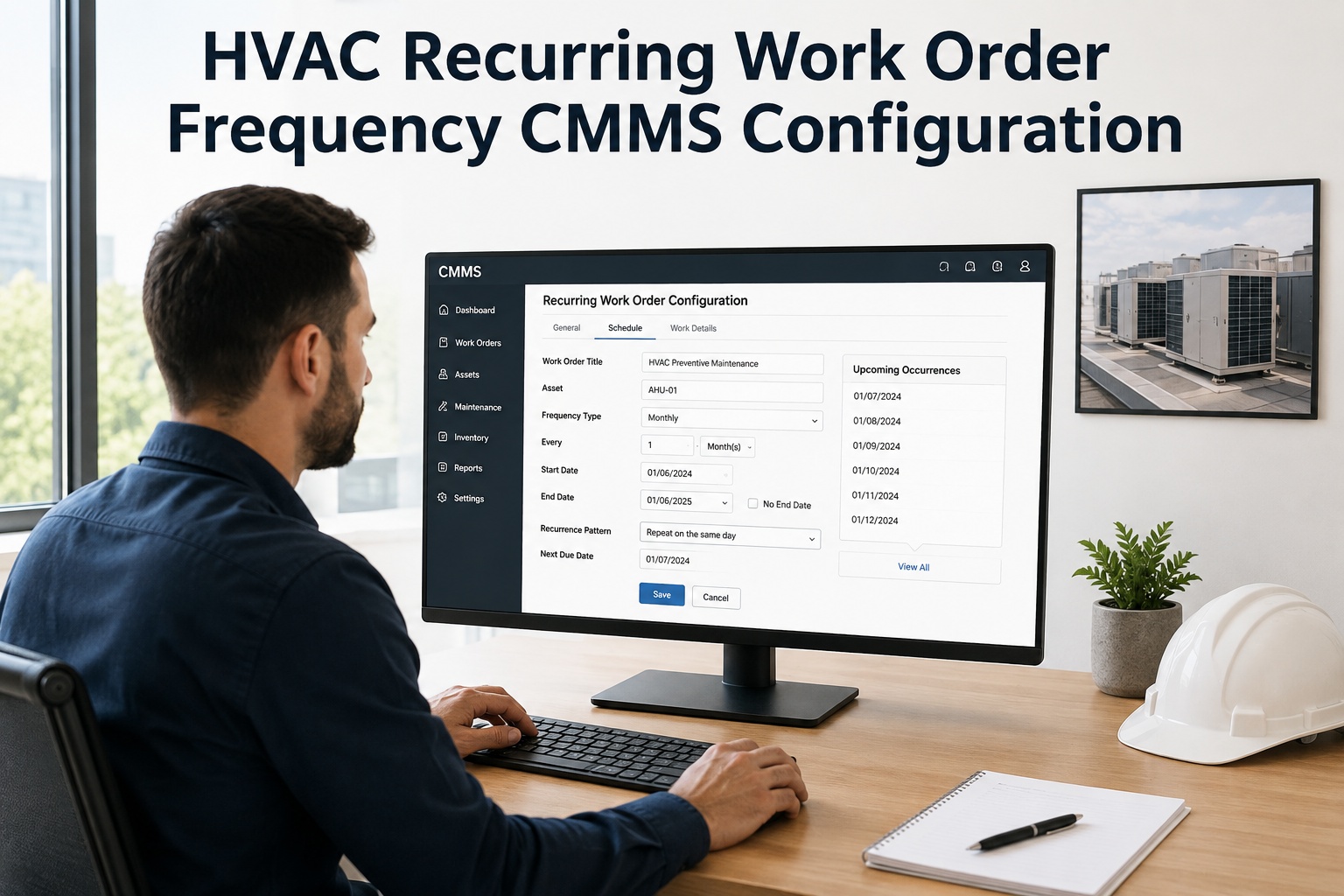
The data already exists; the work is making it usable. OXMAINT AI keeps one record per unit, tracks work orders to closure, schedules preventive maintenance and surfaces repeat jobs so a technician or manager sees the history on the way to the unit. Book a demo to see an HVAC unit's full history.
The usual trap is using the CMMS only to issue work orders. Review it like data: rank bad actors, code the failure, talk to the technician who has been under that unit three times and record the answer. Verify every fix against later failures. Follow manufacturer and local safety rules for refrigerant and electrical work.
Frequently Asked Questions
Solve It Once. Prove It Stayed Fixed.
Give every HVAC unit a history, flag the repeats and track each corrective action with OXMAINT AI, so the next breakdown is one you already prevented.