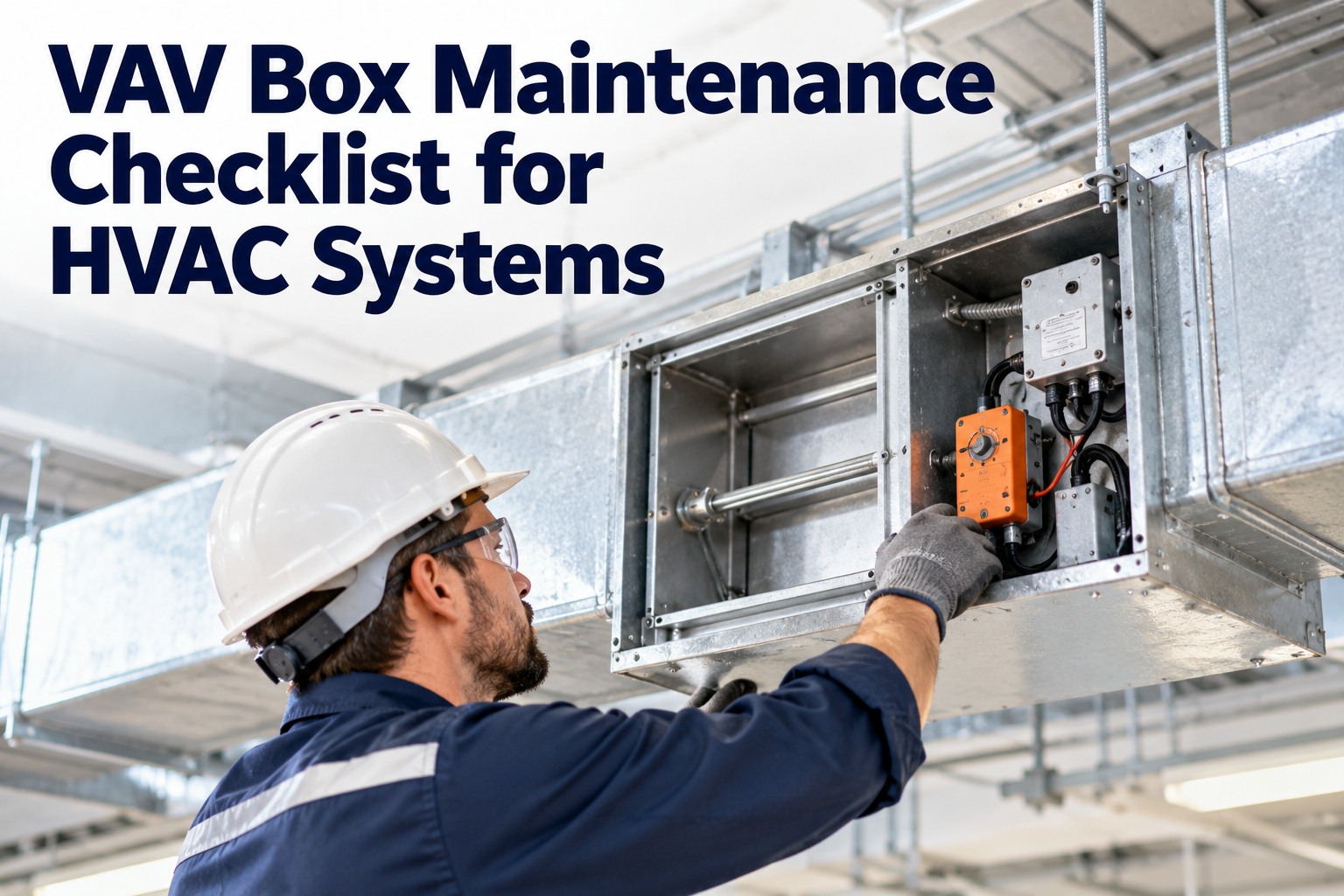
Most comfort complaints in commercial buildings don't start at the chiller or the air handler they start at a small box above the ceiling. A VAV (variable air volume) box with a sticking damper, a drifting airflow sensor or a stuck reheat valve can leave one zone too hot and the next too cold while everything upstream looks fine. This guide gives you a practical VAV box maintenance checklist, a troubleshooting map for common complaints, and shows how OXMAINT AI, the AI-powered CMMS, keeps hundreds of boxes on schedule.
VAV Box Maintenance Checklist: Fix Zone Comfort Problems Before the Complaints Arrive
A building can have hundreds of VAV boxes, all hidden above ceilings, and most only get attention after someone calls about a hot or stuffy room. Without a unit-by-unit record, the same boxes keep failing and nobody sees the pattern. OXMAINT AI-powered CMMS keeps the work in one platform: each box is an asset, comfort requests and inspections log the issue, the issue becomes a work order, and preventive schedules bring the checks back on time.
Know the Box: What You're Maintaining
A VAV box regulates how much conditioned air reaches a zone. Understanding its parts shows where failures hide. Book a demo to see how OXMAINT AI tracks each component by box.
The Component-by-Component Checklist
Follow the manufacturer's documentation and your site's controls standards for specifics. Start free and build this as a reusable PM checklist in OXMAINT AI.
One Hot Zone Is a Symptom. The Pattern Is the Problem.
When every box has its own history in OXMAINT AI, you can see which units generate repeat complaints, which parts keep failing and which PMs are overdue — instead of chasing one ceiling tile at a time.
Complaint-Based Troubleshooting Map
Start with what the occupant reports, then check the most likely causes first. Book a demo to see complaint history tracked by zone in OXMAINT AI.
How Often Should VAV Boxes Be Checked?
| Frequency | Typical VAV tasks |
|---|---|
| Ongoing | Review building automation alarms, zone temperature trends and comfort requests |
| Quarterly | Spot-check problem or critical-zone boxes: damper response, sensor readings, reheat operation |
| Annual | Full box inspection: actuator, linkage, sensor and tubing check, calibration, setpoint review, leak and insulation check |
| After changes | Re-verify airflow settings after tenant fit-outs, layout changes or controls updates |
Why Spreadsheets Fall Short for VAV Fleets
| Spreadsheets & memory | OXMAINT AI CMMS |
|---|---|
| Boxes tracked by ceiling-tile guesswork | Each box is an asset with location and history |
| Complaints handled one at a time | Requests become work orders with repeat patterns visible |
| Annual checks missed or duplicated | Preventive schedules generate tasks automatically |
| Readings lost after the visit | Checklist results saved against the unit |
We kept replacing actuators in the same few zones and never knew why. Once every box had its own work order history, we could see that the real issue was sensor tubing and old setpoints, not the actuators. Complaints started to repeat less.
Frequently Asked Questions
Give Every Zone a Maintenance Record.
Turn hidden VAV boxes into tracked assets with checklists, work orders and preventive schedules. Set up your VAV maintenance program in OXMAINT AI and spot repeat problems early.