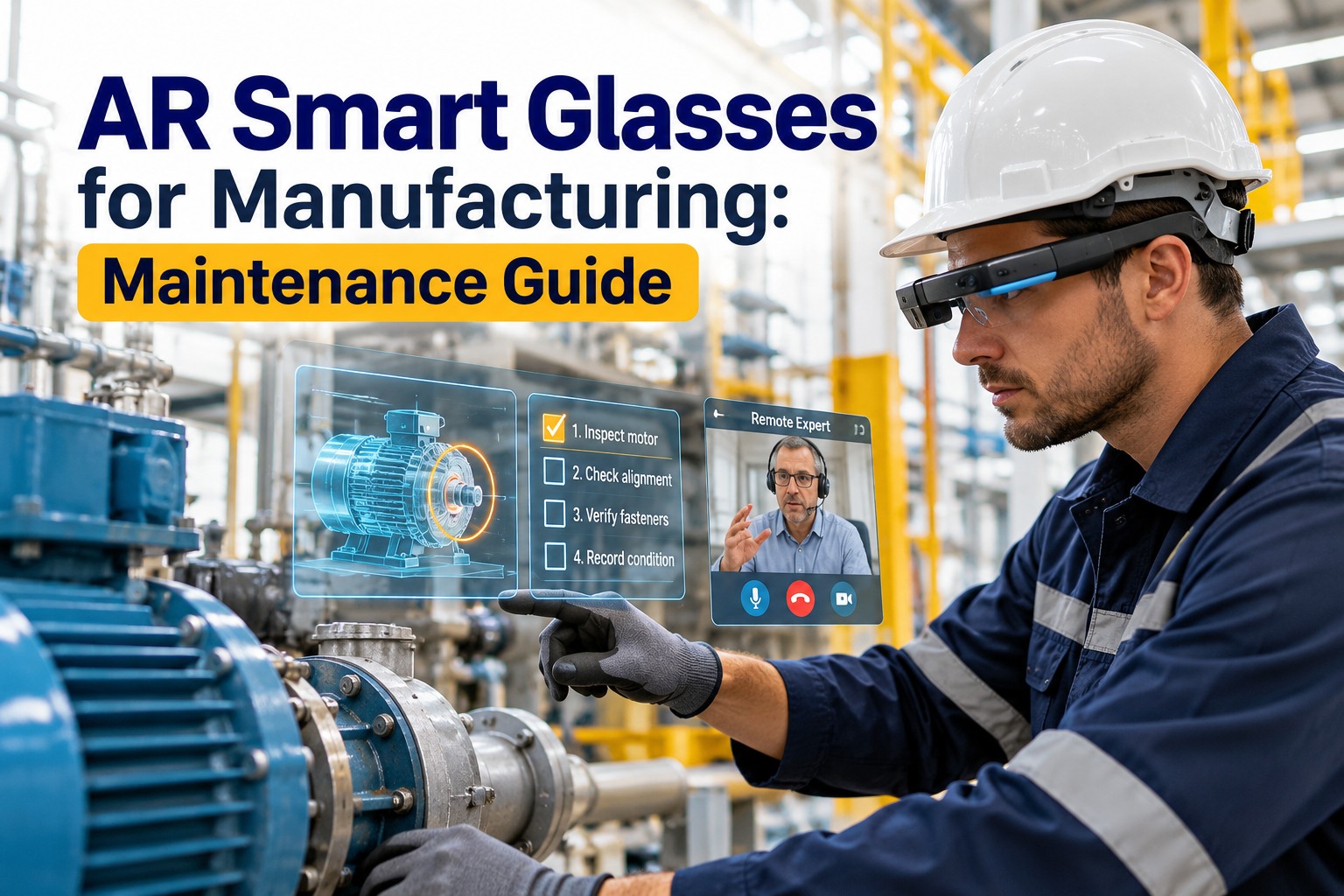
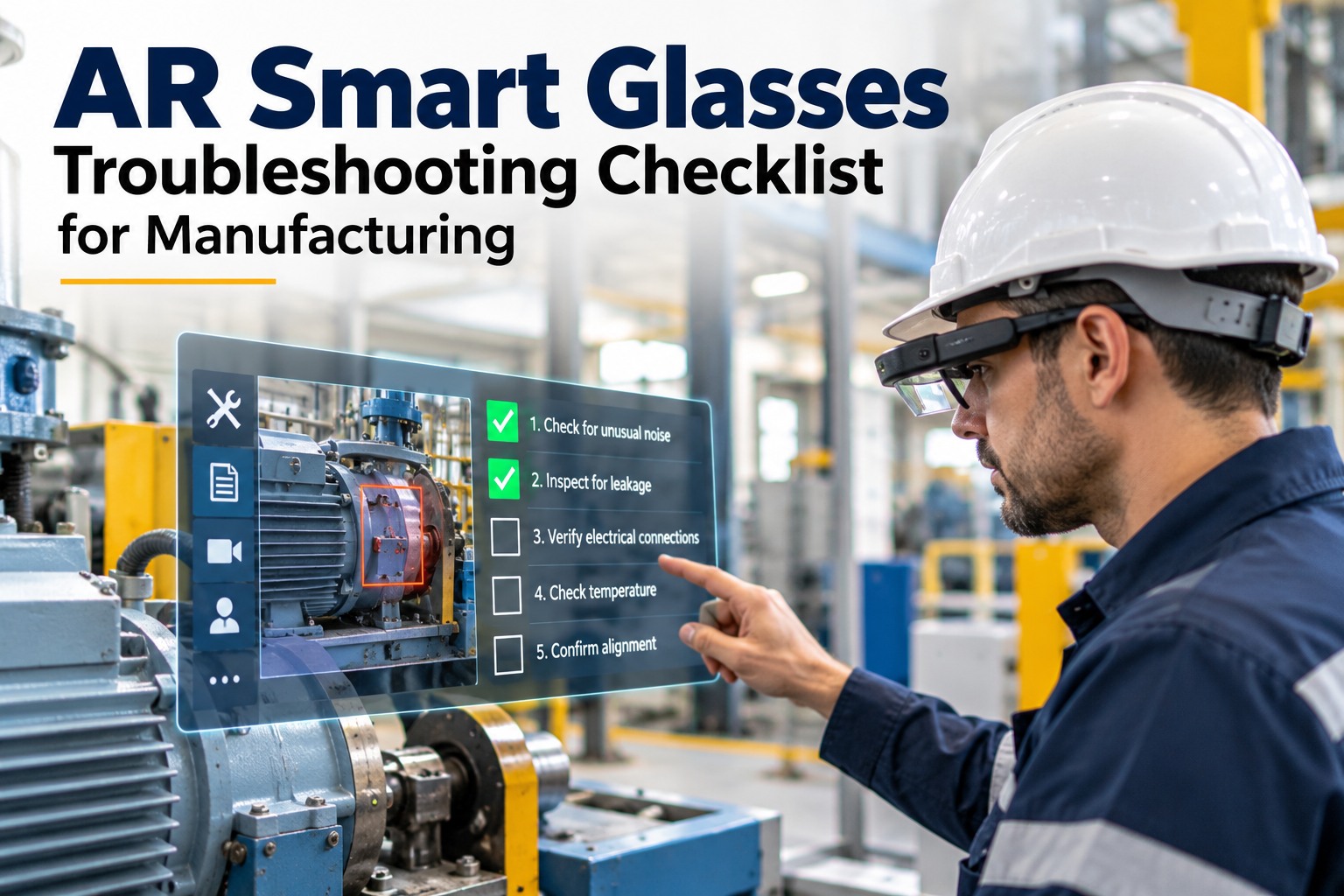
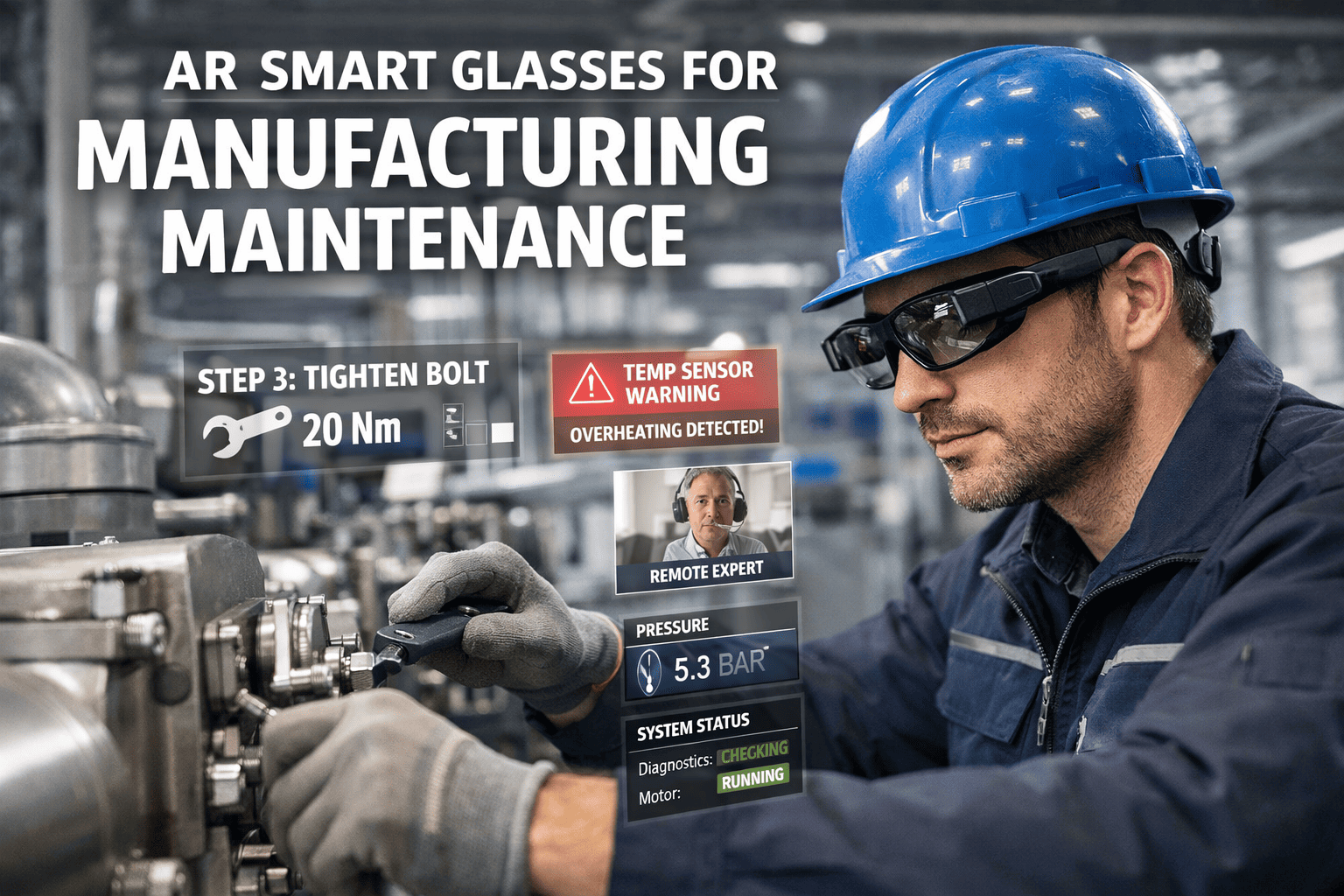
Hands full of a tablet and a manual, an expert a flight away, the fix waiting on travel AR smart glasses end that. Work instructions float on the machine, the remote expert sees what the technician sees and draws on it, and the repair logs itself. Here's how AR changes manufacturing maintenance with OXMAINT AI, the AI-powered CMMS.
Manufacturing · Augmented Reality · Connected Maintenance · 2026
AR Smart Glasses for Manufacturing: Maintenance Guide
Hands full, expert far away, the fix waiting on a flight — that's maintenance without AR. OXMAINT AI puts the work instruction on the machine, the remote expert inside the technician's view, and the whole job onto the work order — hands-free, guided, and recorded for next time.
1See Instruction
→
2Call Expert
→
3Capture Work
→
4Log to WO
LIVE AR SESSION
TechnicianPump 3 tripped — what am I looking at?
OXMAINT AIFault F-0429. Work instruction loaded — follow the arrows on the coupling guard.
TechnicianNeed eyes on the seal.
OXMAINT AIExpert joined. Annotations anchored to the seal housing in your view.
6
core maintenance use cases for AR glasses
Hands-free
voice control and head-up display, both hands on the job
See-what-I-see
one expert supports many sites in a day
Anchored
annotations locked to the component as the view moves
What AR Actually Changes on the Floor
Maintenance needs both hands, both eyes and often an expert who isn't there — and a manual, a phone call or a specialist visit each takes one of those away. AR puts the information in the technician's line of sight and the expert inside their view, so the work doesn't stop to look things up or wait for help. Book a demo to see AR-guided maintenance in OXMAINT AI.
Six Ways AR Glasses Earn Their Keep
AR on the floor isn't one feature — it's a set of maintenance jobs done better hands-free, each tied back to the work order so a plant doesn't buy six tools to get them. Start free and run AR maintenance in OXMAINT AI.
01
Hands-Free Work Instructions
Step-by-step guidance projected onto the machine, advanced by voice — no tablet, no manual, both hands on the repair.
02
Remote Expert Collaboration
Live video connects the technician to a remote expert who annotates the real view — the see-what-I-see session.
03
AI-Powered Diagnostics
Sensor data analyzed to suggest a root cause and corrective action, surfaced in the display as the technician works.
04
Real-Time Equipment Data
Component locations, live sensor readings and fault codes overlaid on the machinery in front of the technician.
05
Knowledge Transfer
Experienced techs record AR repair sequences that become training material, so expertise outlives the retirement.
06
Compliance Documentation
Photos, video, parts replaced and technician qualifications captured into a complete maintenance record.
The thread through all six: the information finds the technician instead of the other way around — each use case removes a reason the work had to stop.
The See-What-I-See Session, Step by Step
Remote expert assistance pays for the glasses on its own — a specialist's travel day becomes a two-minute connection. Here's how a session runs. Book a demo to walk a live session in OXMAINT AI.
1
Session start
The technician requests an expert from the headset; a specialist connects within seconds.
→
2
Shared view
The expert sees the identical live feed from the technician's camera angle — no describing it over the phone.
→
Anchored annotations
Arrows, circles and 3D overlays are drawn onto the live view, locked to the component even as the technician moves.
3
→
4
Auto-documented
The session logs to the CMMS work order as searchable reference for the next time the fault appears.
Anchored annotations stay locked to the bolt or sensor as the technician moves, ending the guesswork a verbal description causes. OEM specialists can join as guests, and every session records — so the first fix of a fault becomes the template for the next.
The Expert Doesn’t Fly In. The Fix Happens Now.
One specialist supports many sites in a single day, repeat faults are solved from the recorded library instead of a new call-out, and every session feeds the knowledge base. OXMAINT AI ties the whole thing to the work order, so AR isn't a gadget beside maintenance — it is maintenance, hands-free.
Where AR Pays Off First
Not every task needs glasses — start where the gap between what the technician knows and what the job needs is widest. Three situations give the fastest return. Start free and map your first use case in OXMAINT AI.
Rare, complex faults
The breakdowns a technician sees once a year are where remote expertise and a recorded procedure save the most time and the most wrong turns.
Multi-site operations
When one specialist covers several plants, see-what-I-see turns a travel day into a two-minute call and keeps that expert productive across all of them.
High turnover or retirements
Where experience is walking out the door, recorded AR sequences capture how the veterans work before the knowledge is gone.
Fits the Devices and the Plant You Have
AR isn't one headset for everyone. OXMAINT AI runs across device types by job and plugs into the systems already on the floor with no equipment modification — start on tablets this week, add glasses where the work needs both hands. Book a demo to confirm device fit in OXMAINT AI.
Smart glasses & headsets
Hands-free devices for complex repairs and overhead access where both hands are needed on the machine.
Tablets & phones
The fastest initial rollout — the same see-what-I-see session on hardware teams already carry.
Control-system integration
Connects to SCADA and the plant's PLCs to overlay live status and fault codes, with no machine changes.
The overlay reads existing PLC and SCADA data rather than needing new instrumentation — so a twenty-year-old line joins the same workflow as the newest cell.
How It Ties to the Work Order
AR only matters if it connects to maintenance, not sits beside it. Everything the technician does flows into the same work order — job in the display, findings attached live, record closed complete, no write-up after the shift. Start free and connect AR to your work orders in OXMAINT AI.
Work order in view
The job, its steps and its parts appear in the head-up display, pulled from the CMMS work order.
Findings captured live
Photos, video and notes attach to the work order as the technician records them, hands-free.
Sessions become library
Each expert session and recorded sequence is saved and searchable for the next occurrence of the fault.
Qualifications on record
Who did the work and their qualifications log automatically, building the compliance trail.
“
Our hardest repairs always waited on one person — either the veteran who'd seen the fault before or a vendor specialist a flight away. Putting AR on the technicians changed the math: the one who's on the machine gets the expert's eyes and the work instruction in their own view, hands free, and the whole session lands on the work order. The repairs that used to sit for days now get done on the first visit, and the recordings mean the second time a fault shows up, anyone can handle it.
Maintenance & Reliability Manager · Discrete Manufacturing Plant
Frequently Asked Questions
What are the main uses of AR smart glasses in maintenance?
Six: hands-free work instructions projected on the machine, remote expert collaboration with live annotation, AI-powered diagnostics from sensor data, real-time equipment data overlay, knowledge transfer through recorded repair sequences, and compliance documentation of photos, video, parts and qualifications.
Book a demo to see them in OXMAINT AI.
How does remote expert assistance work?
The technician requests an expert from the headset and the specialist connects in seconds, sees the identical live camera feed, draws arrows, circles and 3D overlays anchored to the physical components, and the session logs automatically to the CMMS work order as searchable reference.
Which devices does it run on?
Smart glasses and headsets for hands-free complex repairs and overhead work, and tablets or phones for the fastest initial rollout — the same session works across all of them, so teams can start on what they already carry and add glasses where the work needs both hands.
Does it integrate with our control systems?
Yes. OXMAINT AI connects to SCADA and the plant's PLCs to overlay live production status and fault codes, without requiring any modification to the equipment itself, so older lines take part alongside newer ones.
How does AR help with workforce turnover?
Experienced technicians record AR work-instruction sequences that become training material for newer staff, and expert sessions build a searchable library — so a repeat fault can often be resolved from an existing recording instead of waiting on the one person who knows the machine.
Start free and build your library in OXMAINT AI.
Put the Expert in Every Technician’s View.
Run AR-guided maintenance on the OXMAINT AI maintenance management software — hands-free work instructions, see-what-I-see remote expert sessions, live equipment data, and a knowledge library that grows with every repair, all tied to the work order. Catch it, fix it first time, and keep the record.