Oval bores, steps at quadrant changes, a dimension that drifts after every reversal: the culprit is often lost motion in the ball screw. Backlash is cheap to find and expensive to ignore, and compensation only hides it. OXMAINT AI is the AI-powered maintenance management software that keeps each axis's backlash history, flags servo load trends early and turns every finding into a tracked work order.
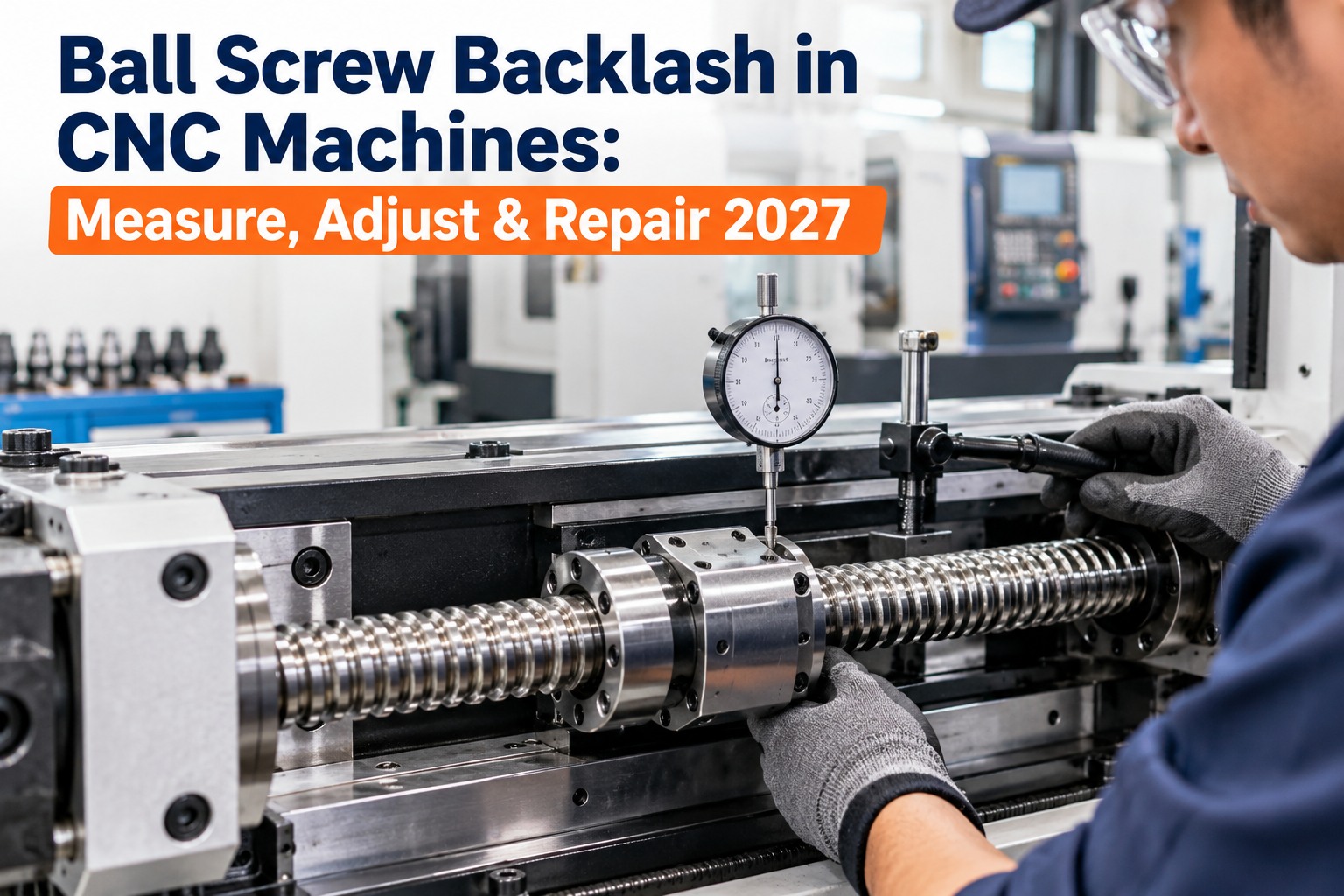
Ball Screw Backlash in CNC Machines: Measure, Adjust & Repair (2027)
Backlash is the dead zone where the screw turns but the slide does not. Find which part of the axis is loose, fix it in the right order, and use compensation only as a bridge. OXMAINT AI, the AI-powered maintenance management software, records every measurement per axis so you see wear coming instead of scrapping parts.
Three Places the Slack Hides
Slide lag is not always the nut. Loose thrust bearings, a worn nut and free play in the coupling or gibs all look the same on the part, so guessing means replacing the wrong component. Separate them before you spend money. Start free and log each suspect against the axis in OXMAINT AI.
The Four-Step Measurement Routine
The trick is to isolate the nut. Block it first so you measure bearing play alone, then measure the whole axis and compare. Do it at several positions and keep the numbers, because the trend matters more than any one reading. Book a demo to see axis test results trended in OXMAINT AI.
How Much Backlash Is Too Much?
There is no universal number, so your OEM specification and your own baseline come first. As a reference point, one published guide gives these ranges, and warns that horizontal backlash above 0.005 in leaves visible scalloping on surfaces. Start free and store your OEM limits per axis.
Reference ranges from one published guide, not a standard. Always follow the machine builder's specification.
A Reading Nobody Records Can't Show a Trend.
OXMAINT AI keeps backlash tests, compensation values and repairs in one history per axis, so growing lash is caught before it costs you parts.
The Fix Ladder: Cheapest Test First
Work from the least invasive step up. If the blocked-nut test shows movement, start with the thrust bearings; if it does not, the nut is next. Compensation sits beside the ladder as a bridge, never the destination. Book a demo to schedule each step as a work order in OXMAINT AI.
Compensation vs Repair
Controller backlash compensation adds a correction at each reversal. It helps while you plan a repair, but it cannot cure an uneven or growing gap, and it cannot fix noise, friction or heat. Record every compensation value so nobody forgets it is masking wear. Start free and log compensation values with each axis.
Wear Symptoms Decoder
Parts and sounds tell you where to look before the indicator does. Match what you see to the likely cause, then confirm with the blocked-nut test. Book a demo to turn symptoms into tracked inspections.
What OXMAINT AI Does for Every Axis
A ball screw fails slowly, so the answer is a record. OXMAINT AI ties the screw, nut and bearings to the axis, trends servo load, and raises the work order when it climbs. Start free and register your first CNC axis.
Most scrapped parts blamed on the program are really lost motion nobody measured last quarter. Record a baseline the day the machine is healthy, retest on a fixed schedule and fix the oldest suspect first. Always verify limits, preload values and torque against the machine builder's manual before you open anything.
Frequently Asked Questions
Measure Early. Fix in Order. Keep the Record.
Give every CNC axis a component history, a backlash baseline and a work order trail with OXMAINT AI, so wear is caught on the schedule, not on the scrap bin.