A CMMS-to-EAM integration roadmap fails most often at the data layer — asset IDs get duplicated during migration, work order history gets stranded in the old system, and spare-parts logic falls out of sync between maintenance and the ERP. For manufacturers running production equipment across multiple plants, that misalignment shows up as duplicate purchase orders, broken maintenance history, and reports that don't match between systems. Sign Up Free to see how OxMaint keeps asset records, work order history, and parts logic intact while extending a CMMS into full enterprise asset management.
Move From CMMS to EAM Without Losing Asset History
OxMaint combines CMMS and EAM in one platform, so manufacturers can expand from day-to-day work orders to full asset lifecycle management without a disruptive system swap.
Why a Structured CMMS-EAM Integration Roadmap Matters for Manufacturers
Most manufacturers don't start with EAM — they start with a CMMS for work orders and PM scheduling, then need to extend into full lifecycle asset management as the plant scales or connects to SAP. Without a roadmap, that expansion duplicates asset registries, breaks the link between historical work orders and the assets they belong to, and creates two separate versions of spare-parts logic in the CMMS and the ERP. Manufacturers who Book a Demo with OxMaint see how a single asset registry, synced bidirectionally to SAP PM, MM, EAM, and FI modules, removes the need to choose between maintenance-level detail and enterprise-level asset visibility.
Every asset keeps one record across CMMS and EAM, so historical work orders, parts usage, and inspection results stay linked to the correct equipment through the transition.
Full work order history — labor, parts, photos, and status — carries forward into the EAM view instead of resetting at the point of integration.
Inventory reorder rules and reservation logic stay consistent between the maintenance floor and the SAP MM module, avoiding duplicate parts records.
Work orders, asset health, parts, and costs sync to SAP PM, MM, EAM, and FI in real time, keeping maintenance and finance on the same asset record.
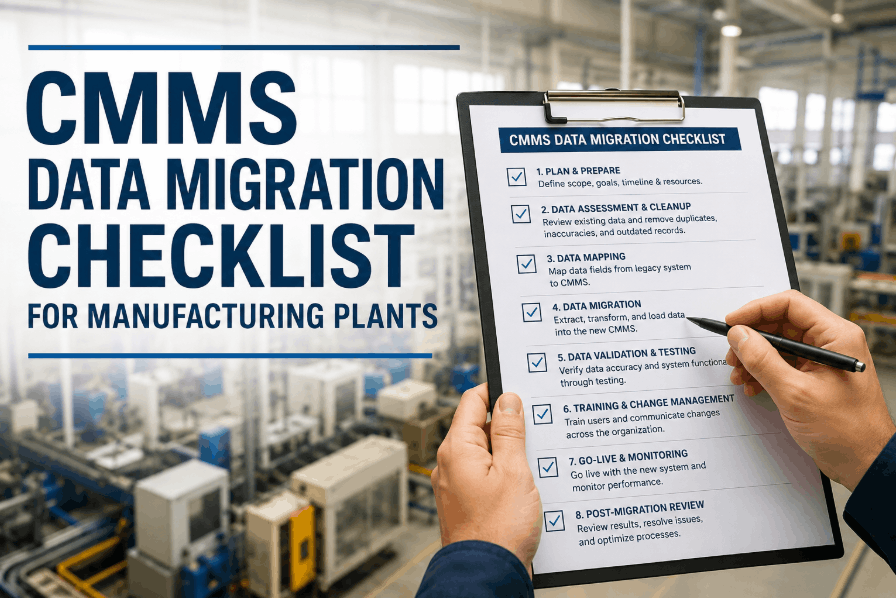
Asset, work order, and inventory data move in defined phases rather than a single cutover — reducing the risk of lost records during the switch.
Plants integrate one at a time on a shared platform, so each site keeps local operations running while the enterprise view consolidates.
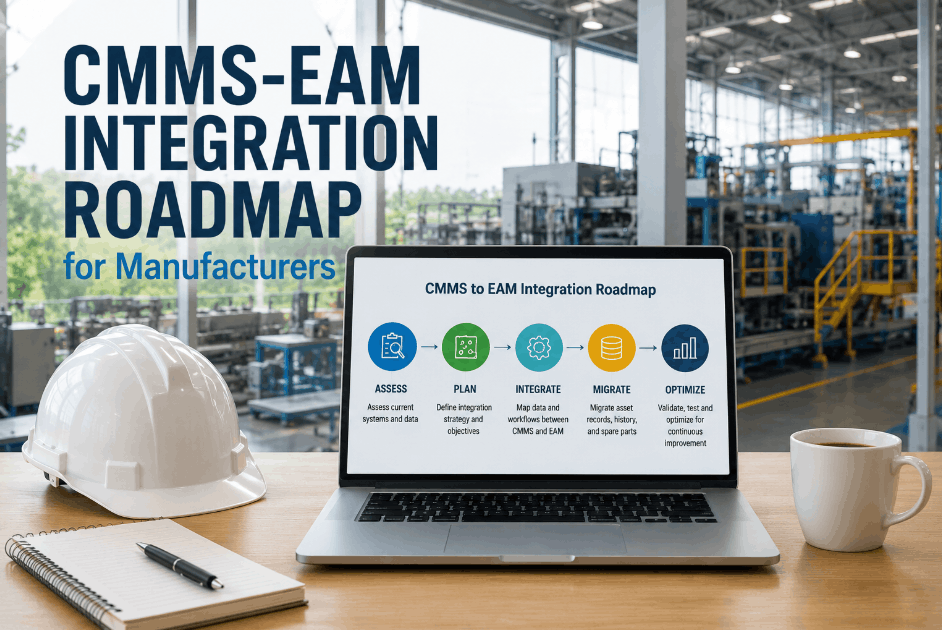
CMMS-EAM Integration Roadmap: Step-by-Step for Manufacturers
Before any data moves, every asset needs a confirmed, unique ID that both the CMMS and the target EAM or ERP will recognize. Skipping this step is the single most common cause of duplicate asset records after integration. OxMaint's asset registry holds hierarchy, specs, and IDs in one place, so manufacturers that Book a Demo can see how ID mapping is validated before any work order or inventory data is moved.
Historical work orders carry the failure patterns, labor costs, and parts usage that reliability and finance teams rely on. The roadmap step here is migrating that history as linked records, not a flat export, so it remains queryable against the asset going forward.
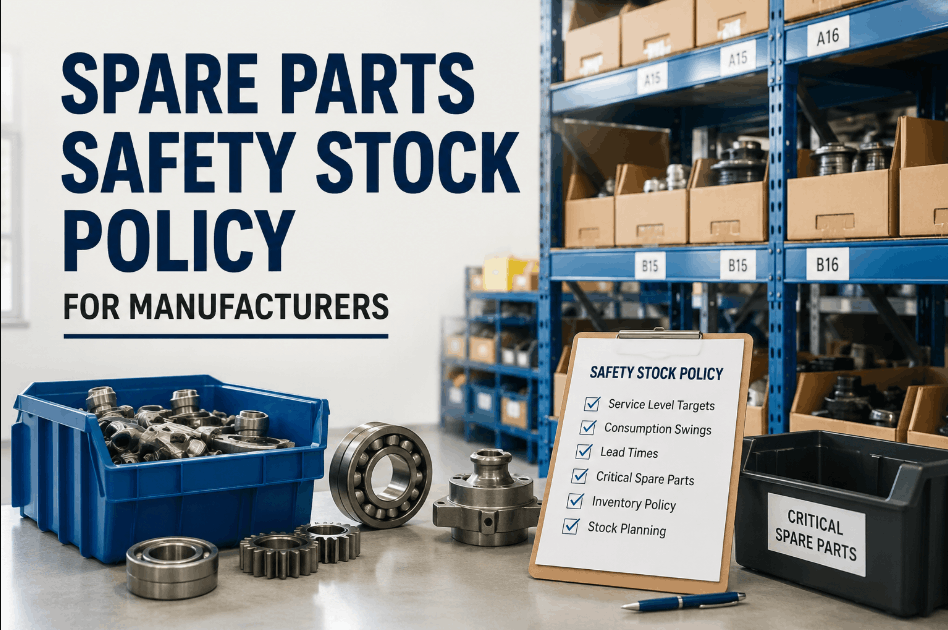
Reorder points, bill-of-materials links, and reservation rules need to match between the maintenance side and the ERP's materials module before go-live. OxMaint syncs parts reservation directly to SAP MM, so teams that Sign Up Free can validate parts logic against live inventory before the full rollout.
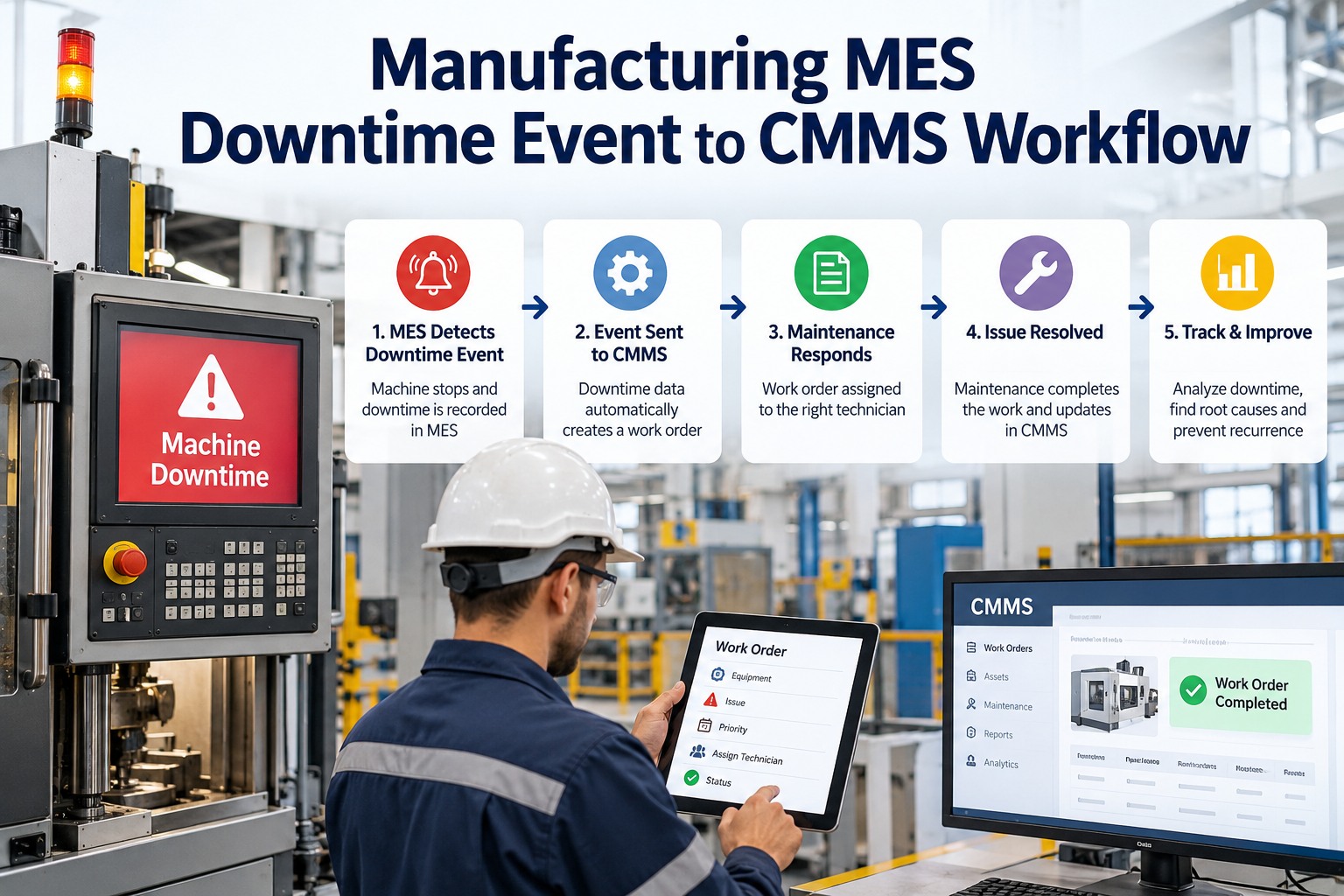
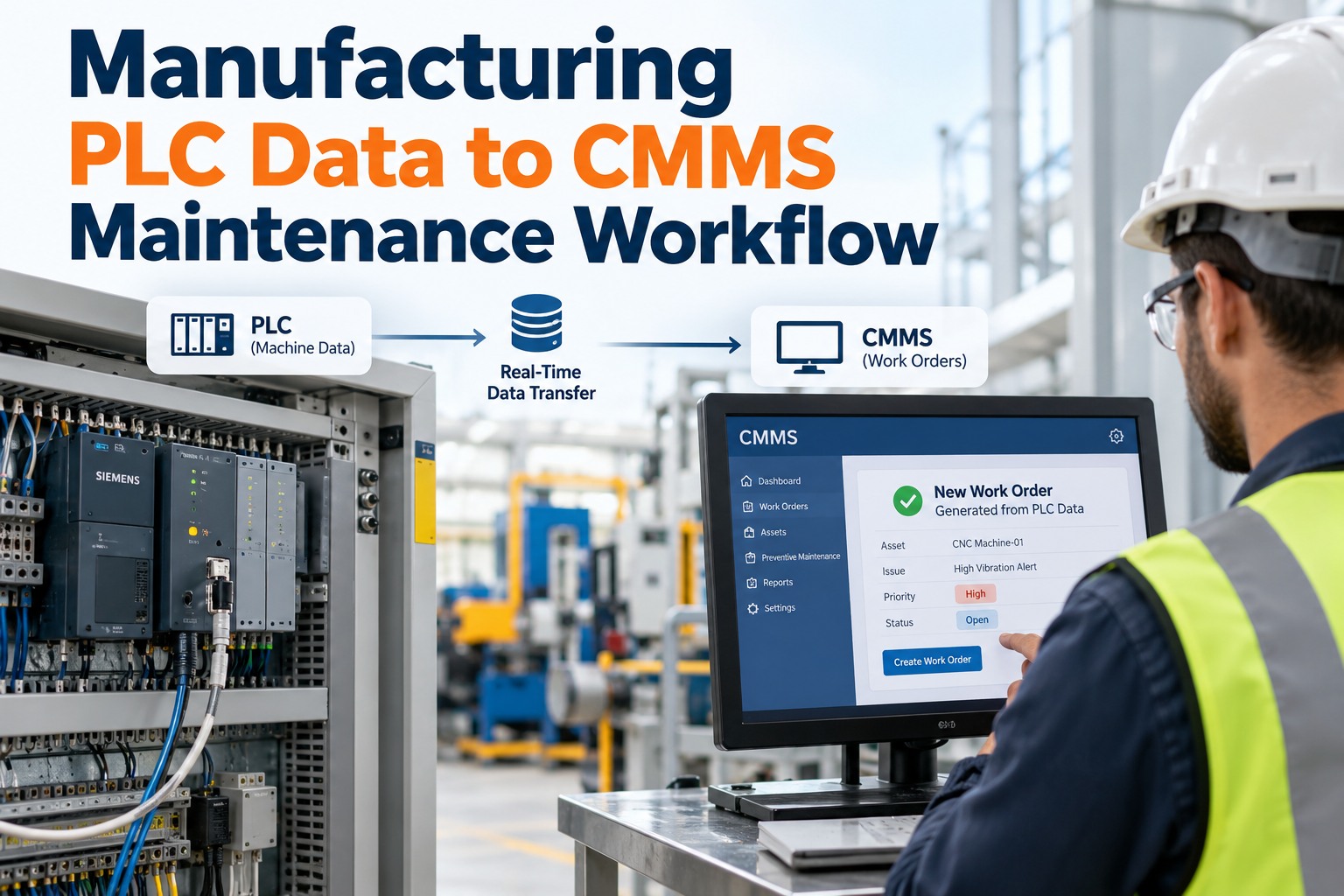
Work orders, asset health scores, parts movements, and cost data each map to a different SAP module — PM, EAM, MM, and FI respectively. The roadmap step is confirming each data type flows both directions, not just CMMS to ERP.
Rolling out plant by plant, rather than enterprise-wide on one date, gives each site time to validate asset records and work order continuity before the next location goes live.
CMMS-EAM Integration Roadmap Reference Table
| Roadmap Phase | Primary Focus | Data Preserved | System Synced | Review Point |
|---|---|---|---|---|
| Phase 1 | Asset ID mapping | Asset hierarchy and specs | OxMaint registry | Pre-migration audit |
| Phase 2 | Work history migration | Work orders, labor, parts used | OxMaint to SAP PM | Post-migration check |
| Phase 3 | Inventory alignment | Reorder points, BOM links | OxMaint to SAP MM | Stock reconciliation |
| Phase 4 | Financial sync | Labor, parts, contractor cost | OxMaint to SAP FI | Cost center review |
| Phase 5 | Site rollout | Full asset and PM records | Multi-site EAM view | Per-site go-live |
How OxMaint Supports CMMS-EAM Integration for Manufacturers
OxMaint runs CMMS and EAM on the same data model, so the integration roadmap is a configuration exercise rather than a system migration. Asset records, work order history, and parts logic stay attached to the same asset ID throughout, while SAP PM, MM, EAM, and FI modules sync in real time as records change. Manufacturers can Sign Up Free and begin mapping their asset registry against existing CMMS data before committing to a migration date.
Building a CMMS-EAM Integration Roadmap: Implementation Steps
Audit Existing Asset Records
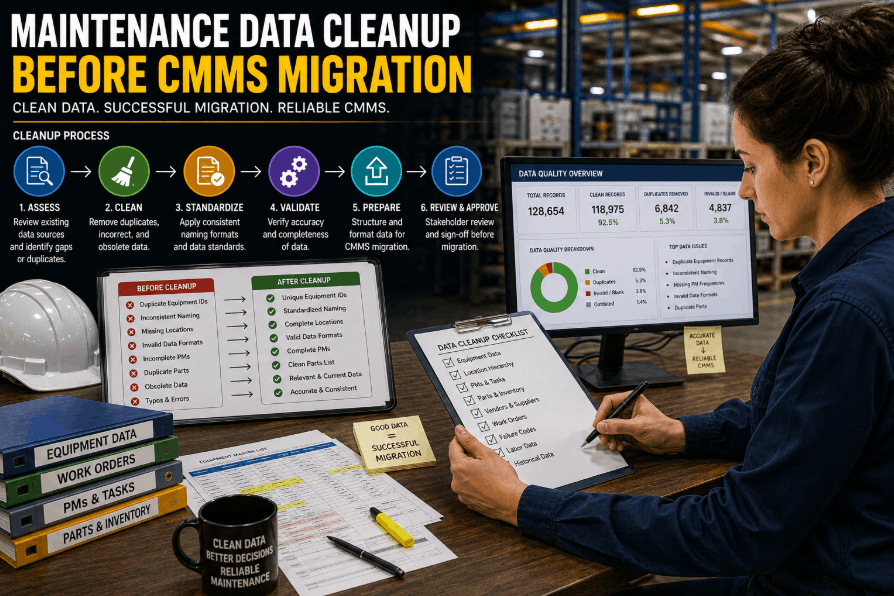
Review current CMMS asset data for duplicate entries, missing specs, or inconsistent naming before mapping IDs into the EAM structure.
Define the Target System Map
Document which SAP module owns each data type — PM for work orders, MM for parts, EAM for asset lifecycle, FI for cost.
Migrate Work History in Linked Form
Move work orders as records attached to their asset ID rather than flat exports, preserving query ability after go-live.
Validate Spare-Parts Logic
Cross-check reorder points and BOM links between the CMMS and SAP MM before the inventory module goes live across sites.
Pilot One Plant
Run the full integration at a single site first, confirming asset, work order, and cost sync before expanding further.
Expand by Site Cohort
Apply the validated rollout sequence to the next group of plants, using the pilot as the reference configuration. Book a Demo to walk through a phased rollout plan for your plant network.
Plan Your CMMS-EAM Integration With a Single Asset Record
OxMaint keeps asset IDs, work history, and spare-parts logic intact while syncing to SAP PM, MM, EAM, and FI — built for manufacturers expanding past day-to-day work orders.
Frequently Asked Questions
What is the difference between a CMMS and an EAM system?
A CMMS focuses on day-to-day maintenance — work orders, PM schedules, and inventory. EAM covers the full asset lifecycle from acquisition to disposal, including financial and compliance tracking.
Why do manufacturers lose asset history during integration?
History is usually lost when asset IDs aren't mapped before migration, causing the new system to create duplicate records that disconnect from prior work orders.
Does OxMaint support both CMMS and EAM on one platform?
Yes. OxMaint provides CMMS and EAM capabilities together, so manufacturers can start with core maintenance features and expand to full lifecycle management without switching systems.
How does OxMaint keep spare-parts logic consistent with SAP?
OxMaint syncs parts reservation, reorder points, and bill-of-materials links directly with the SAP MM module, so both systems reference the same inventory logic.
How long does a typical CMMS-EAM integration take?
Smaller, single-site rollouts typically take two to four weeks, while multi-site manufacturers with ERP data migration often plan for eight to twelve weeks.
Start the Integration Roadmap With Your Asset Data Intact
OxMaint preserves asset IDs, work order history, and spare-parts logic through every phase of CMMS-to-EAM integration — across one plant or a full manufacturing network.