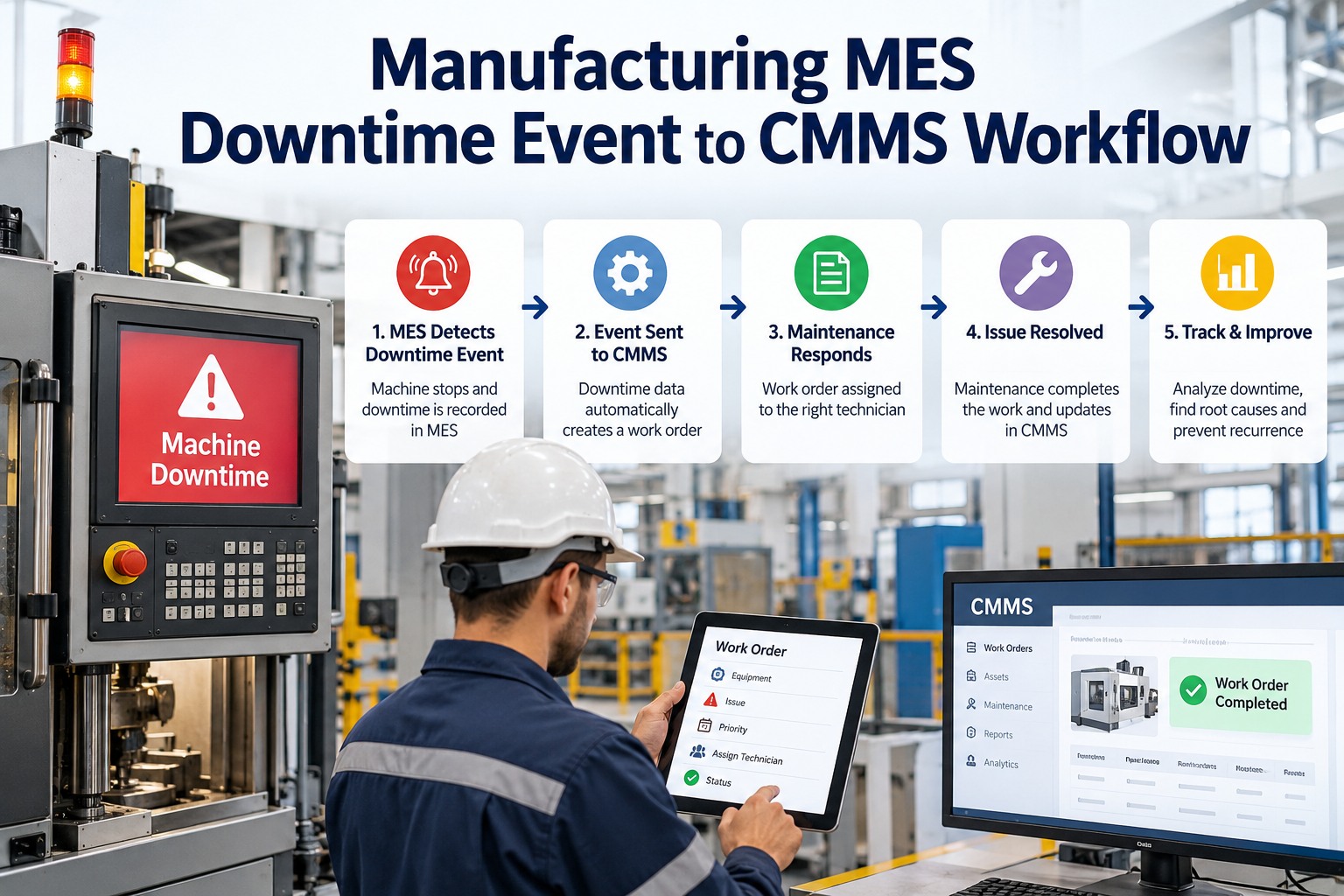
The MES knows the moment a machine stops. It records the time, the line and often a reason code. But a stopped machine does not repair itself, and the data sitting in the MES does not reach the technician who can fix it. In many plants, an operator still walks to find a technician, a supervisor writes a note, and the real cause is reconstructed days later from memory. Every minute of that delay is lost production. A clear MES-to-CMMS workflow turns each downtime event into a work order within moments, and into lasting insight afterward. OxMaint AI maintenance management software receives the event, dispatches the right technician, records the repair, and builds the failure history that stops repeat breakdowns.
Manufacturing MES Downtime Event to CMMS Workflow
The MES shows what stopped. The CMMS decides who fixes it and records what was learned. Connect them and the clock stops sooner.
Where the Time Actually Goes
A breakdown is not one block of lost time. It is a chain of delays, and the biggest ones often happen before anyone picks up a wrench. Start free and see where your minutes go.
Illustrative only. Your own data will show your biggest delay. The point is that most of the chain is waiting, not repairing.
The Downtime Relay: Event to Insight
Think of it as a relay race. Each handoff either passes the baton cleanly or drops it. Book a demo to see a live handoff.
Downtime You Can't Explain Is Downtime You'll Repeat.
Plants that only log "machine stopped" learn nothing. OxMaint AI pairs each stop with a recorded cause and repair, so patterns appear and the worst offenders get fixed for good.
Not Every Stop Needs a Technician
A smart workflow filters events so maintenance only sees the ones it can fix. Sort by reason code before you create a work order. Start free and set your routing rules.
| MES reason | Create maintenance work order? | Route to |
|---|---|---|
| Mechanical breakdown | Yes · urgent | Mechanical technician |
| Electrical or control fault | Yes · urgent | Electrician / controls |
| Sensor or instrument fault | Yes | Instrument technician |
| Minor stop or jam | Log, review if repeating | Operator, then maintenance |
| Changeover or setup | No | Production |
| Material shortage | No | Logistics / planning |
| Planned maintenance stop | Link to existing PM | Scheduled task |
What the Event Should Carry Across
Manual Handoff vs Connected Workflow
- Operator hunts for a technician
- Cause guessed from memory later
- MES and maintenance reports disagree
- Same breakdown repeats
- Work order created from the event
- Technician alerted with asset history
- Cause and repair recorded on the job
- Trends drive preventive action
Measure the Improvement
How OxMaint AI Reduces Unplanned Downtime
Frequently Asked Questions
Stop the Clock Sooner. Stop the Repeats for Good.
Give every downtime event a fast response, a recorded cause and a path to prevention.
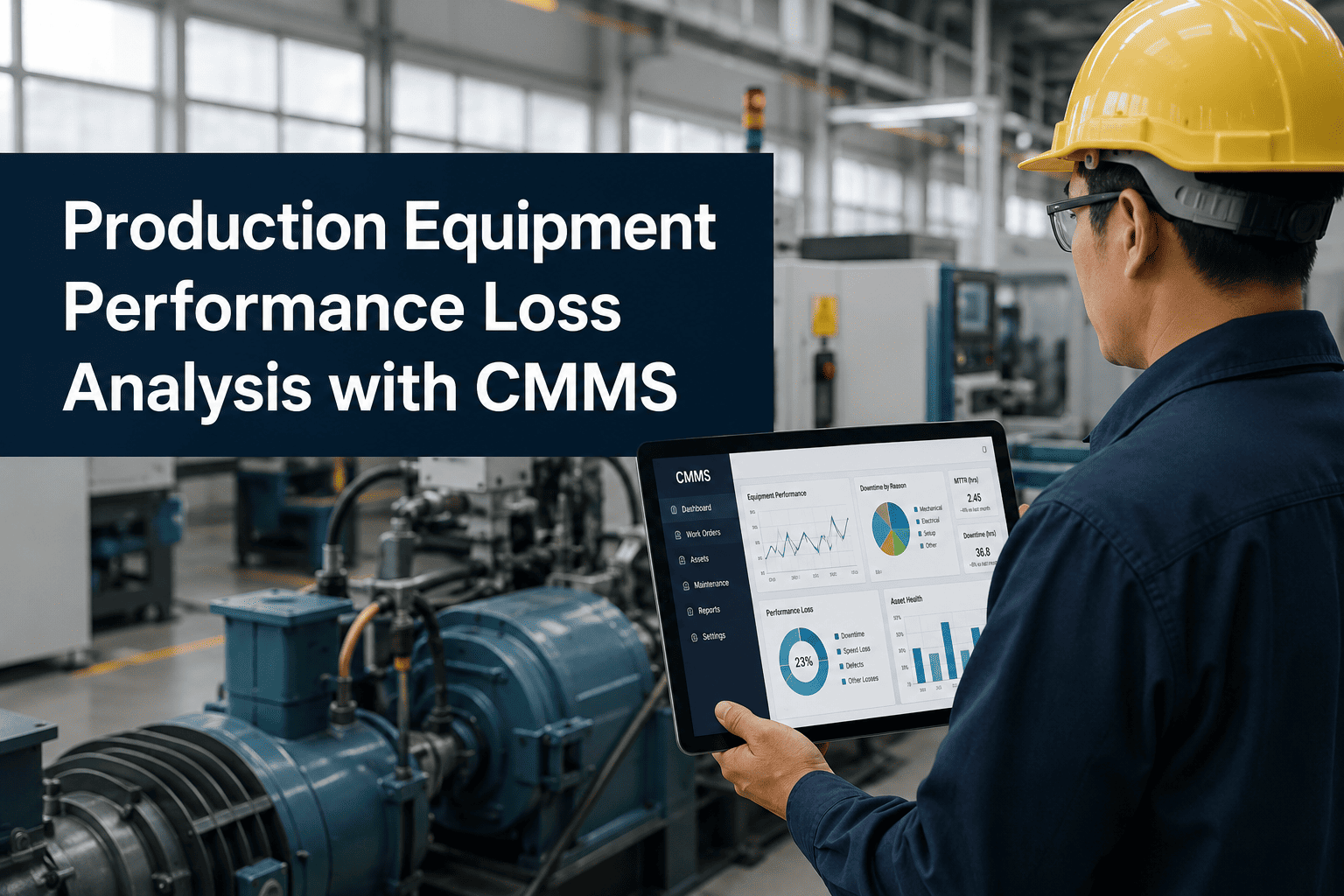
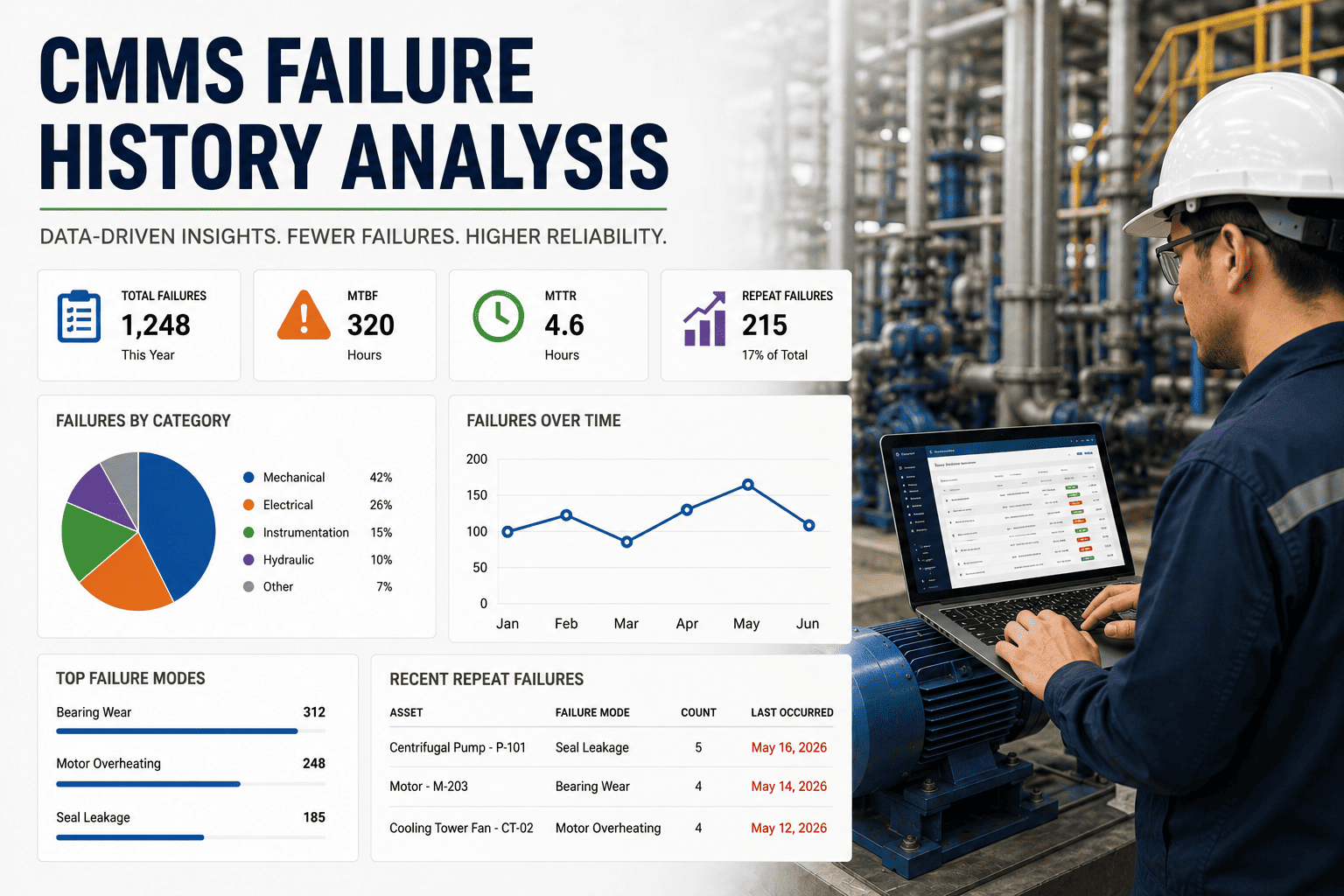
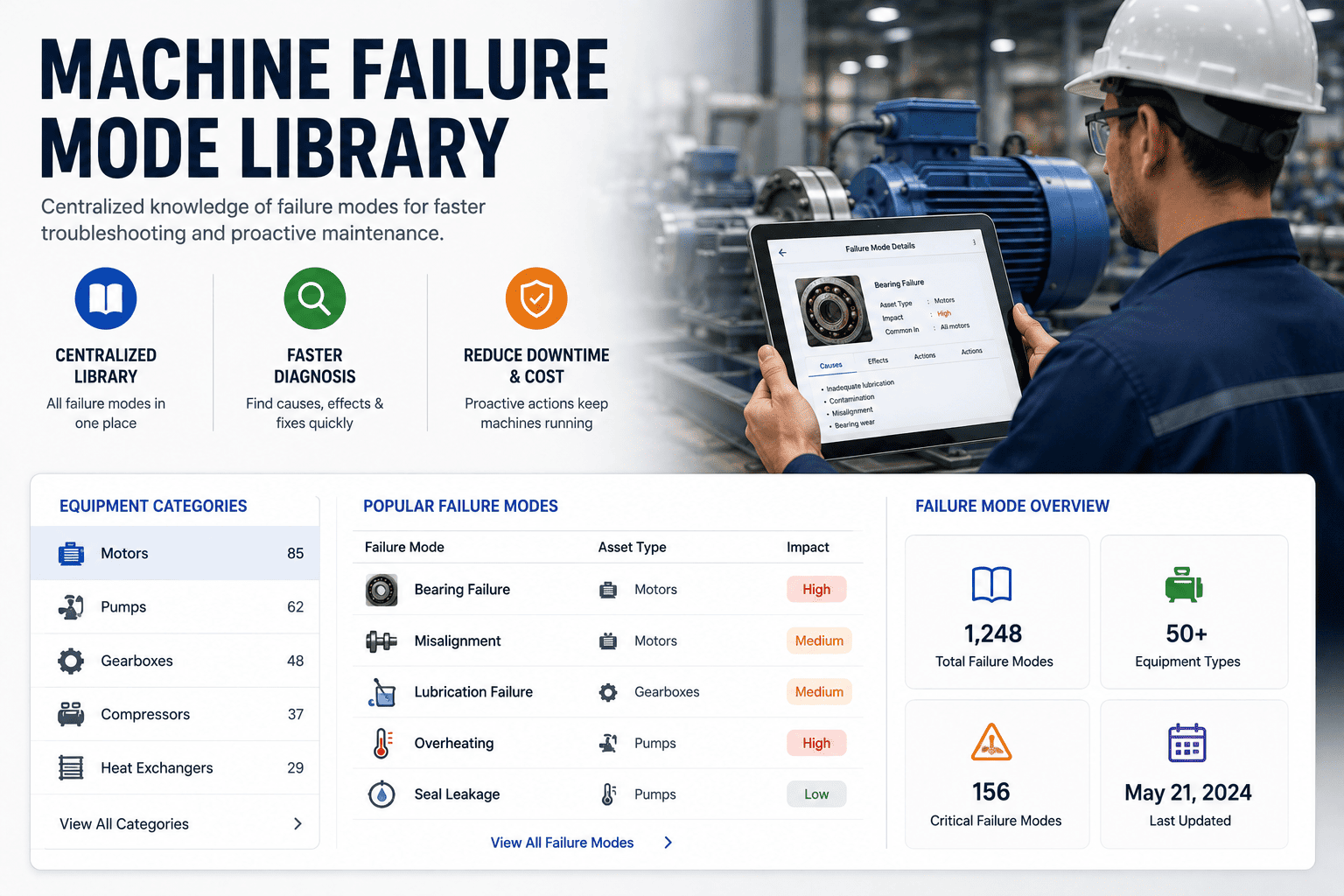

![machine-downtime-tracking-template-for-manufacturing-[excel-dashboard]](./manage-post-2k26/uploads/machine-downtime-tracking-template-for-manufacturing-[excel-dashboard].png)
