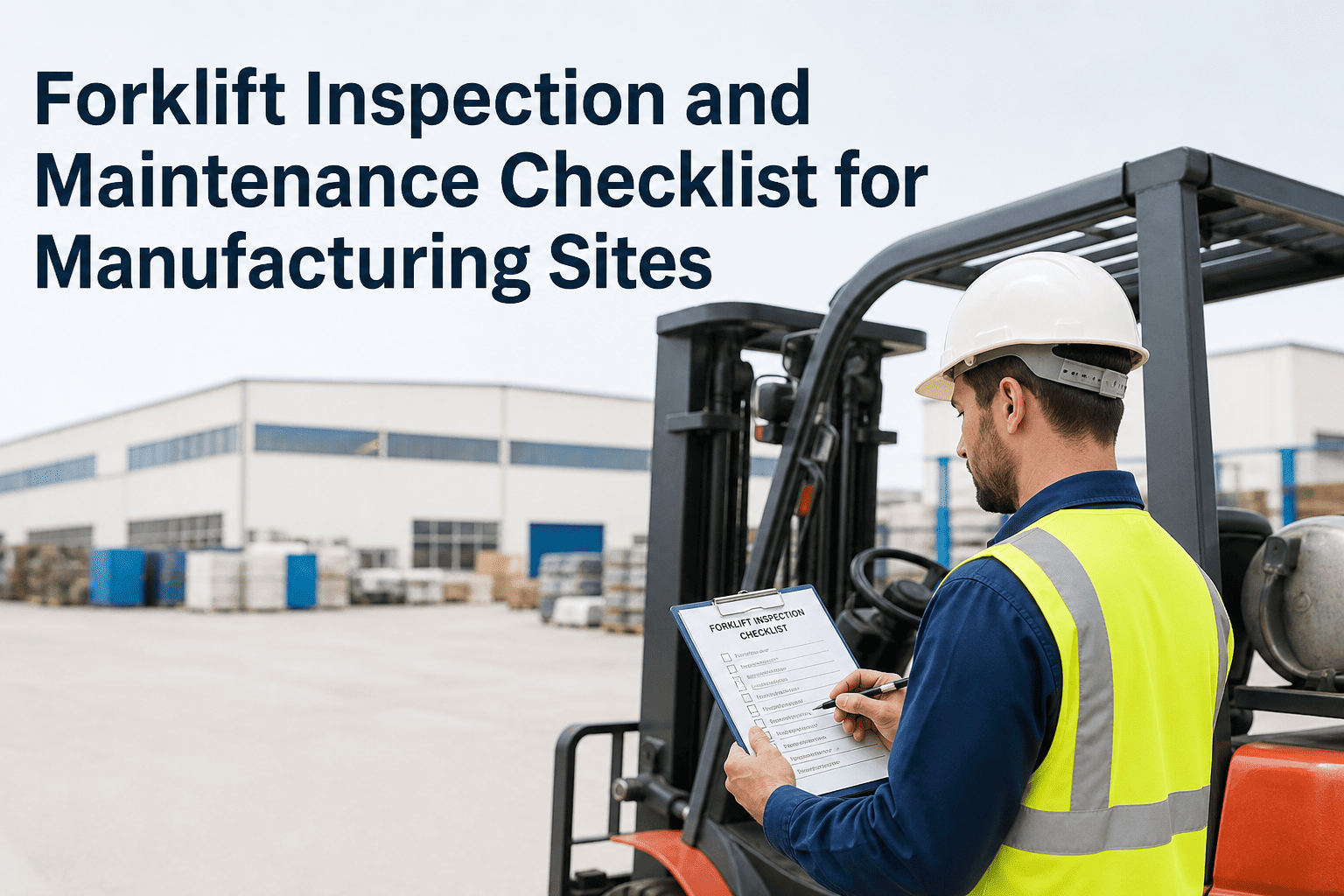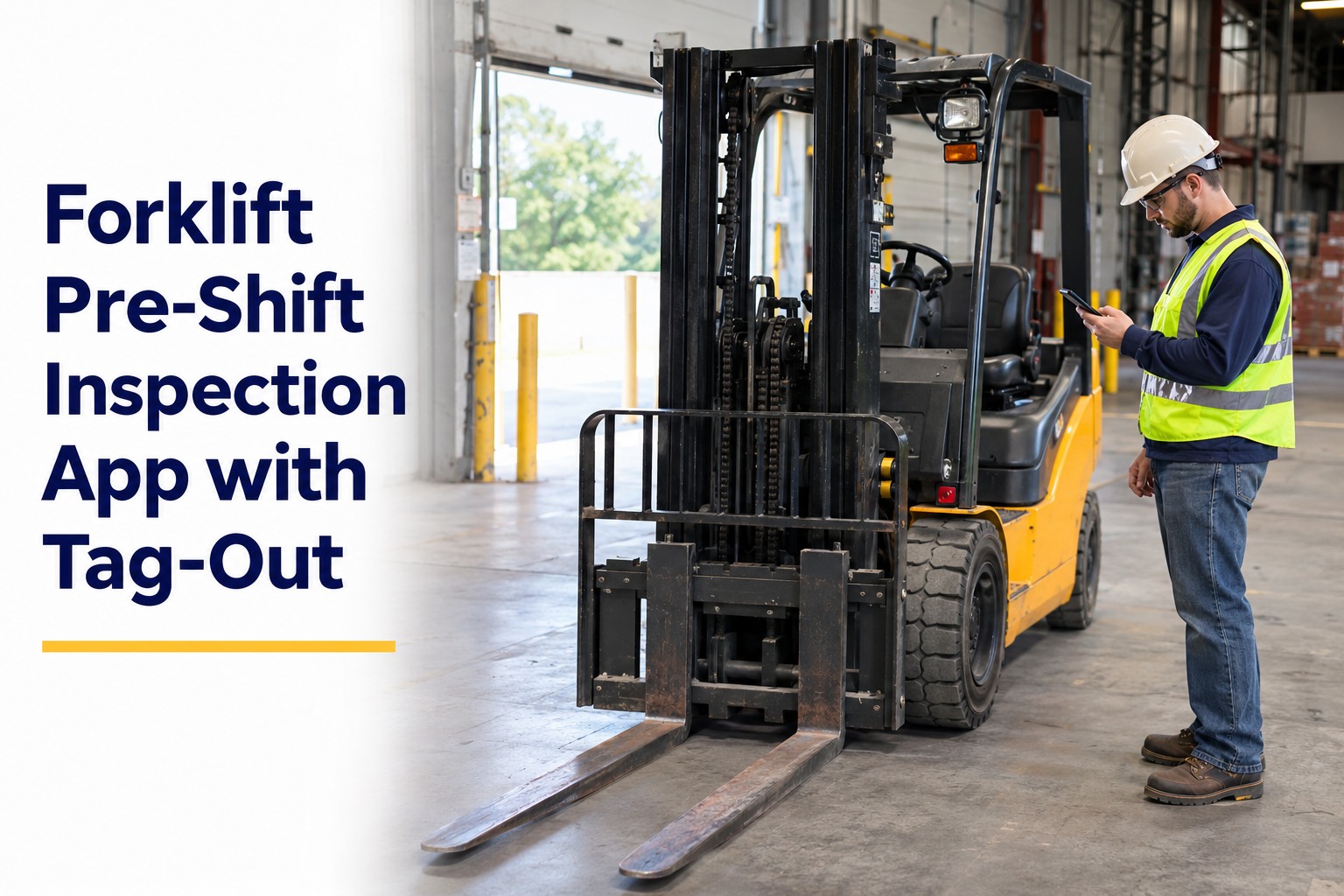
A forklift with a weak brake or a leaking hose is not a routine ticket, it is a safety risk from the moment the driver turns the key. OSHA 29 CFR 1910.178(q)(7) asks that every powered industrial truck is examined before it is placed in service, at least daily, and after each shift on round-the-clock operations. The hard part is getting twelve honest answers from every driver and never losing a failed item in a clipboard. Sign up to try the Oxmaint AI micro app and run the check from the truck's QR label, so every failure becomes a work order.
Forklift Pre-Shift Inspection App with Tag-Out
Twelve Pass or Fail questions, answered at the truck before the shift starts. A fail raises a work order, and a critical fail flags the truck Do not use until the job is closed. Sign up and walk the check on a sample forklift.
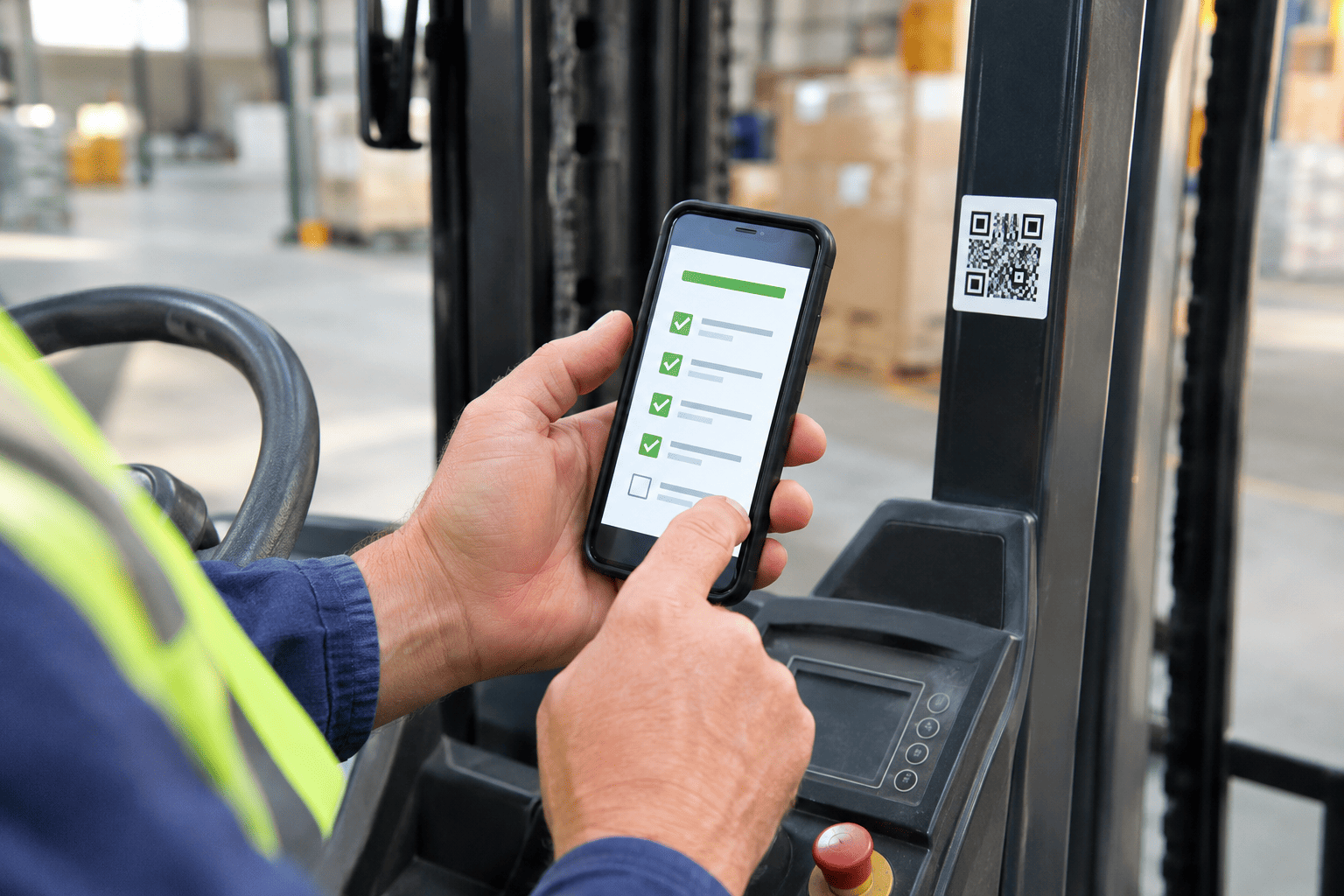
The 12-Point Forklift Pre-Shift Checklist
This is the forklift check in Oxmaint's manufacturing setup, written after OSHA 1910.178(q)(7). Seven items are marked critical, so a fail on any of them stops the truck. Sign up and open it on a sample forklift.
- Service brake and parking brake workCritical
- Steering smooth, no excess playCritical
- Lift, tilt and side-shift controls work and return to neutralCritical
- Horn worksCritical
- Forks, chains and mast: no cracks, bends or wearCritical
- Seat belt and operator restraint workCritical
- LPG cylinder secure and not leaking (or battery and cables OK)Critical
- Lights, strobe and backup alarm workStandard
- Overhead guard and load backrest secureStandard
- Tires and wheels: no damage, lug nuts tightStandard
- No hydraulic, fuel or oil leaksStandard
- Gauges and warning lights normalStandard
Replace the Clipboard With a Check Nobody Can Skip
Every item answered Pass or Fail, every fail explained, every result kept with the truck. Sign up and try the form on a sample forklift.
What Happens the Moment an Item Fails
The driver does not have to phone anyone. The result decides the next step. Sign up to see the three outcomes in the portal.
Do not use is a status in the portal. Keep your own physical tagging and lockout/tagout procedure alongside it.
See Daily Checks in the Sample Plant
The portal opens on a sample plant with forklifts, an aerial lift and an overhead crane already set up for pre-start checks. Daily Checks shows who has been checked today, what failed, and the work order each fail raised. Sign up to open the sample plant.
Sample plant records from the Oxmaint portal, captured 26 Nov 2026. Your numbers will differ.
What Every Check Records
| Recorded | How Oxmaint handles it | Why it matters |
|---|---|---|
| Each item | Pass or Fail. A blank is never counted as a pass | No skipped lines |
| Failure note | Required: say what is wrong | Maintenance knows what to look for |
| Who and when | Checked by, date and time | A clear daily record per truck |
| Where | At the QR label with no sign-in, or in the portal | The check happens at the truck |
| Hour meter | Reading entered with the check | Ties faults to usage |
| Work order | Linked on the check row | Repeat fails stay visible until the job closes |
Powered industrial trucks ranked seventh on OSHA's preliminary FY2026 list of most-cited standards, with 1,379 citations (National Safety Council, 15 Sep 2026). Oxmaint helps you keep the inspection record; it does not certify that a plant is compliant.
Check at the truck, not at the desk, and keep the list short enough to answer honestly. Read the repeat fails: the same item failing day after day, like the oil leak in the sample plant, means a work order is open but the fault is not fixed. Editorial guidance, not legal advice. Check the OSHA text for your own obligations.
Frequently Asked Questions
Every Shift Starts With a Check. Make It Count.
Pre-shift checks, work orders and a Do not use flag, all in one portal. Sign up, walk a check on a sample forklift, and add your own trucks when you are ready.