Lockout/tagout only protects people when the right steps are written down for the right machine and followed before the work starts. Oxmaint AI keeps each LOTO procedure as a record on the asset it belongs to: the energy sources, the isolation points, the steps and the try-out, with a review and approval status. When a job is started on a machine that has a procedure, the technician is asked to apply it and complete its checklist first. Sign up to try the micro app and open a sample plant with nine procedures already in the register.
LOTO Procedure Management Software
Keep asset-specific lockout/tagout procedures with review and approval, next to work permits, safety clearances and work orders. Sign up and open a sample plant with nine procedures already in the register.
What One Procedure Record Holds
Each procedure is attached to one asset. It lists the energy sources to isolate, how many isolation points there are, and the written steps. From those, Oxmaint builds the checklist a job walks before work starts: isolate each source, release stored energy, then try to start the machine to prove it is dead. The record below is an invented example in the same shape. Sign up to open the real ones.
Illustrative example, not real data. Your own procedures can carry their own written steps and a verification note.
The Gate Before In Progress
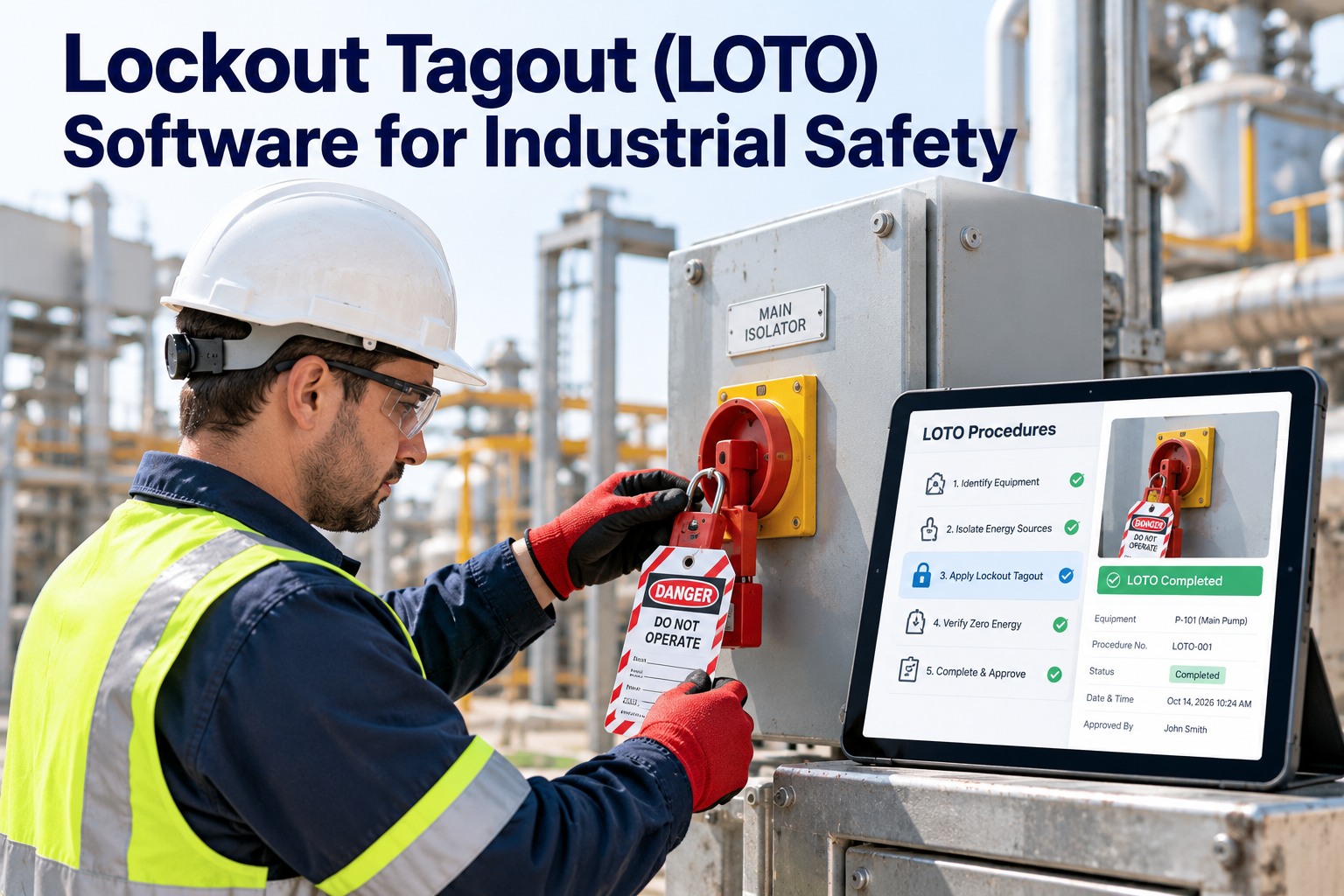
A procedure is no use sitting in a folder. In Oxmaint it sits on the asset, so a work order for that machine carries a Lockout / tagout line: Required before work starts, with the number of steps done out of the total. Choose Apply LOTO and the checklist opens as a set of tick boxes, and each tick records who did it and when.
Put the Procedure in Front of the Job
Look through the procedures on a sample plant and see where they meet the work order. Sign up to the micro app and open the LOTOTO tab.
From Under Review to Approved
A procedure should be checked by someone senior before the crew relies on it. Oxmaint treats it as a record with a status, not a loose document.
Locks and Tags, Counted Before the Job
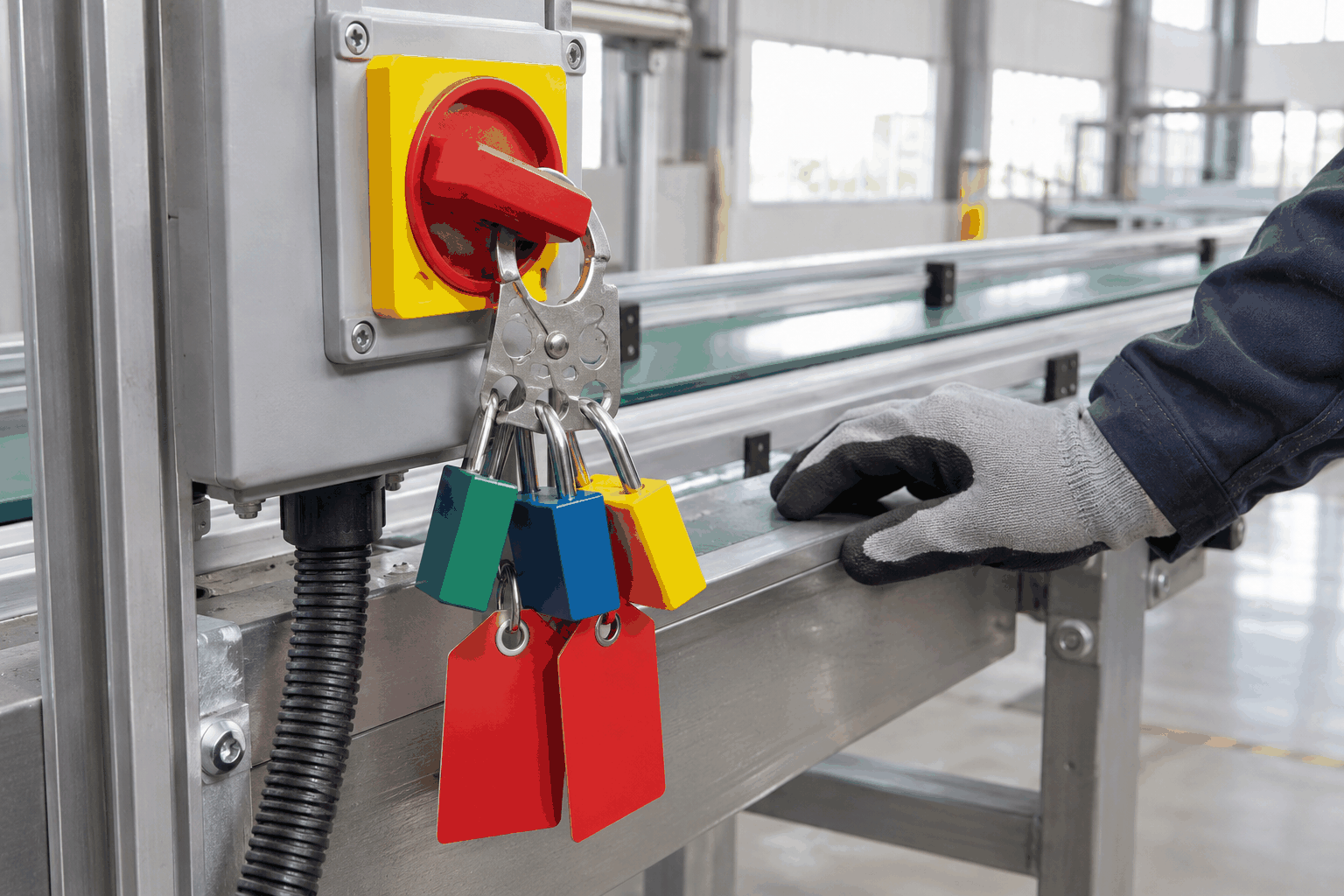
A procedure also knows how much hardware it needs. Each isolation point takes a padlock and a danger tag, and a crew's locks go on one group hasp. Oxmaint reads your parts register for matching lockout parts and shows what is needed against what is on hand, so a short lock box is found before the job, not at the isolator. A procedure with four isolation points, like the sample plant's Belt Conveyor 02, needs the following.
A line appears only for lockout parts your stores register actually holds, and turns to a shortage warning when stock on hand is below what the procedure needs.
The Sample Plant's LOTOTO Register
The portal opens on a sample metal fabrication plant, and its EHS section already holds a register of procedures on the LOTOTO tab. It is there so you can see how a full register reads before you add your own. Sign up to explore the sample plant.
Sample plant records from the Oxmaint portal, captured 26 Nov 2026. Five of the nine procedures are shown. Your numbers will differ.
Procedure, Permit or Clearance?
The EHS section keeps three records that are easy to mix up. Each answers a different question, and they sit side by side so a job can carry more than one. Sign up to see them together.
| Record | Question it answers | How it moves |
|---|---|---|
| LOTO procedure | How is this machine isolated, step by step? | Under Review, then Approved |
| Work permit | Has permission to do this work been given? | Shown on the job as a safety step |
| Safety clearance | Is the plant isolated and handed over for work? | Requested, Approved, Active, Closed |

Oxmaint records the procedure, gates the job and keeps the evidence. It does not lock anything. The padlock goes on the isolator, by authorised people who are trained for it, and your own safety rules and local regulations still apply.
A procedure helps most when it is specific. Start with the machines that have more than one energy source, such as a hydraulic press or a forklift with a battery, and write the isolation points the way the crew would say them. Review each procedure on a set rhythm, and check the lock box count before the job. Editorial guidance, not a quote from a named person.
Frequently Asked Questions
Procedures, Permits and Clearances in One Place
LOTO procedures, work permits, safety clearances and work orders in one portal. Sign up, explore the sample plant, and add your own procedures when you are ready.