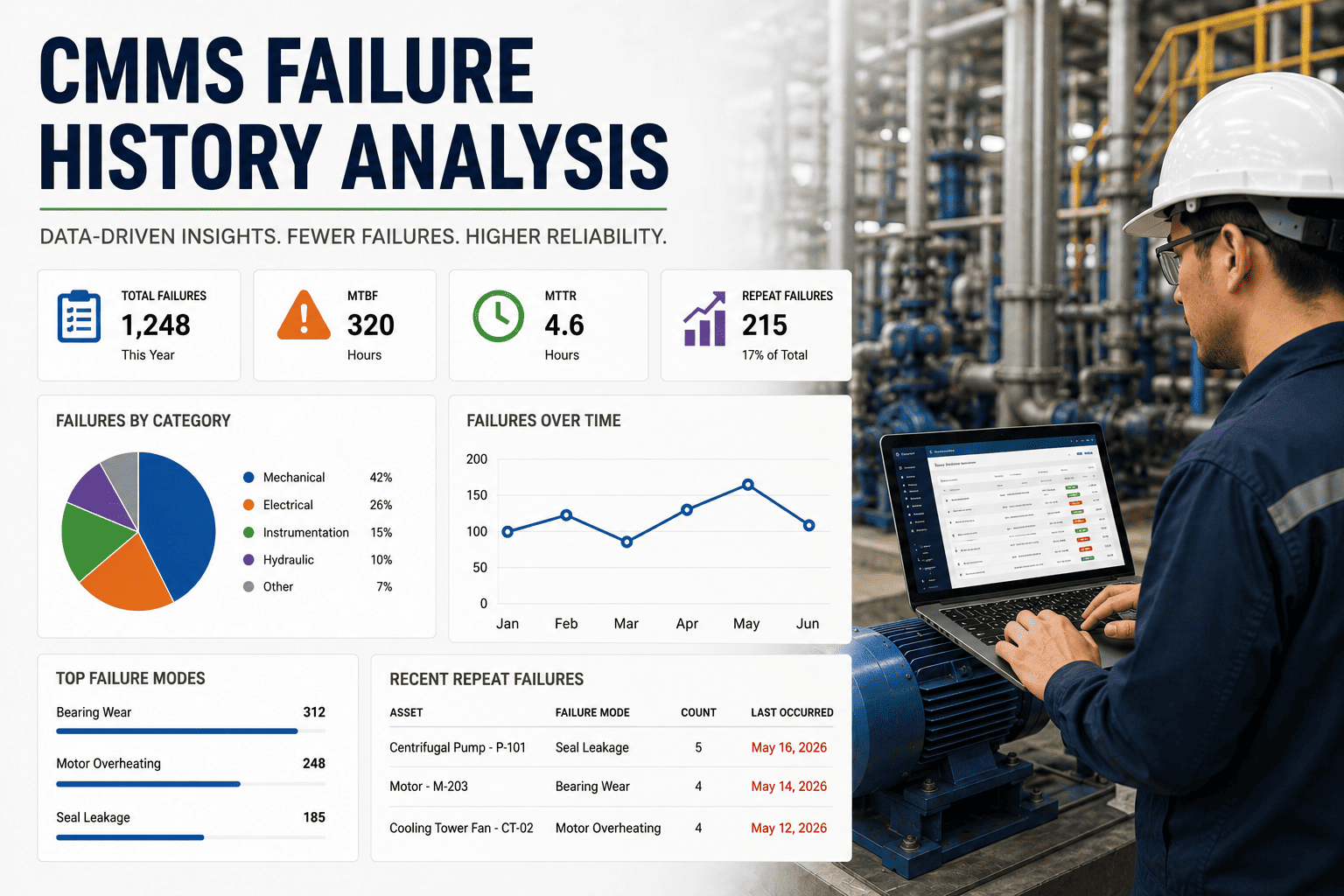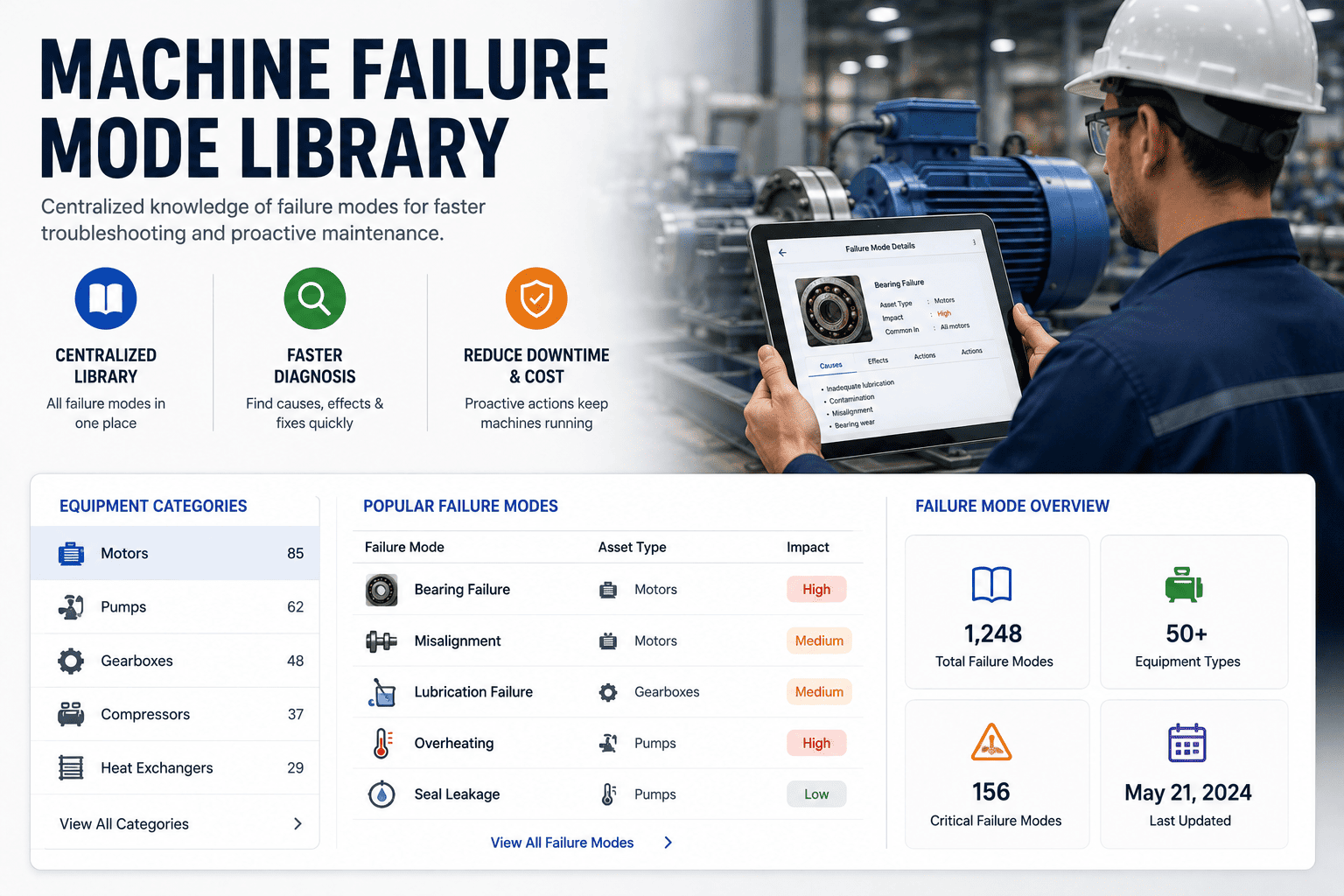
Building a machine failure mode library is the single highest-leverage data project a maintenance team can run inside a CMMS — it converts every closed work order from a free-text note into structured reliability intelligence that feeds RCM, PM optimization, and bad-actor analysis. Plants that implement an ISO 14224-aligned failure taxonomy typically cut unplanned downtime by 18–30% within twelve months because technicians stop guessing at root causes and start selecting from a controlled list of validated failure modes. The work is unglamorous — taxonomy design, cause-effect mapping, repair-task linking — but it is exactly what separates a dispatch tool from a reliability engine. This guide walks through the taxonomy, the mapping, the CMMS integration points, and the analytics that pay back the effort. You can Start Free Trial to follow along in a live environment.
Is your CMMS still a work-order tool — or the engine behind your reliability program?
70% of manufacturing plants capture less than 5 structured data fields per failure record. Without a failure mode library, every shutdown, rebuild, and bad-actor analysis starts from scratch. The fix is a controlled, ISO 14224-aligned taxonomy that turns free-text notes into queryable reliability intelligence.
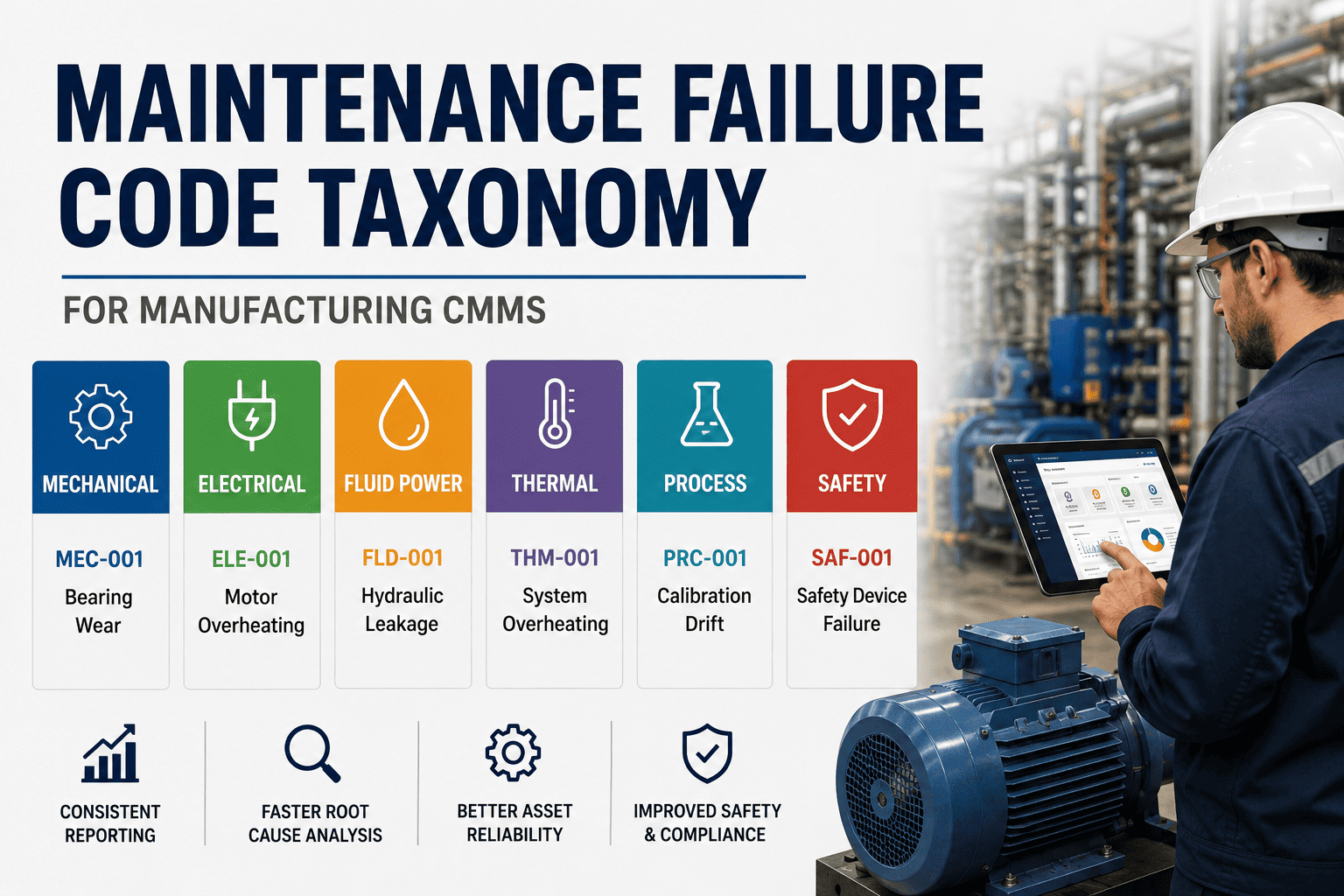
Build a 5-level failure taxonomy before you touch the CMMS
ISO 14224 defines the reference structure petrochemical and OEM operators have used for two decades. Adopt it as your backbone — then prune to the failure modes your asset base actually experiences. A 180-asset plant rarely needs more than 60–80 active failure codes across all equipment classes.
Equipment Unit
The maintainable asset — Pump P-204, Compressor C-11, Conveyor M-07. One row per tagged asset in the CMMS asset register.
Failure Mode
How the function was lost — leakage, no start, vibration, output low. Drawn from a controlled list, not free text.
Failure Cause
Why it failed — bearing wear, seal degradation, shaft misalignment, lubrication breakdown. Links to corrective task templates.
Mechanism
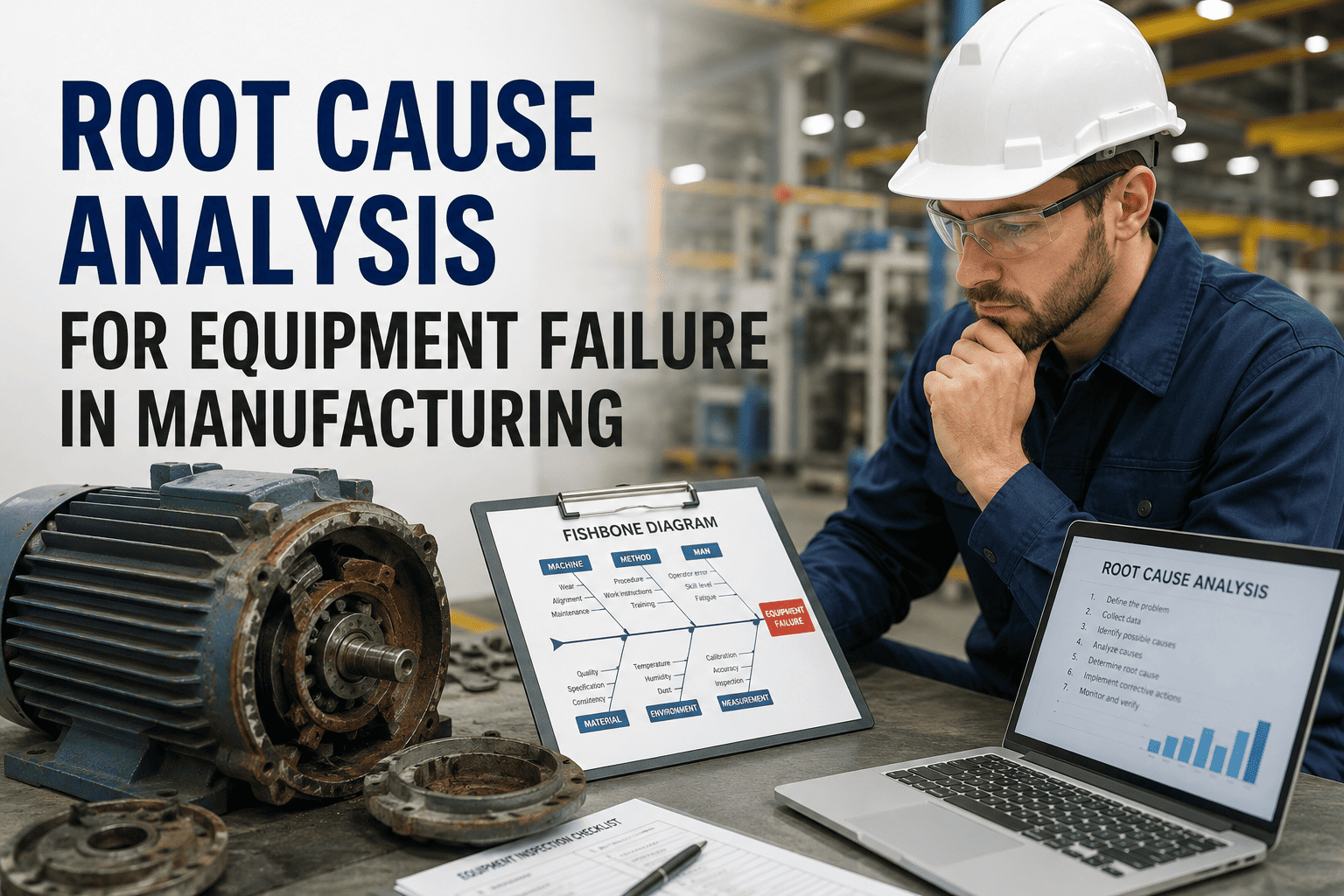
The physical root — fatigue, corrosion, erosion, overload, electrical insulation breakdown. Enables Weibull and FMEA analysis.
Corrective Task
The standard job — replace seal kit, realign shaft, rewind motor. Pre-linked so a cause selection auto-fills the repair plan.
Map every symptom to a validated cause-and-task chain
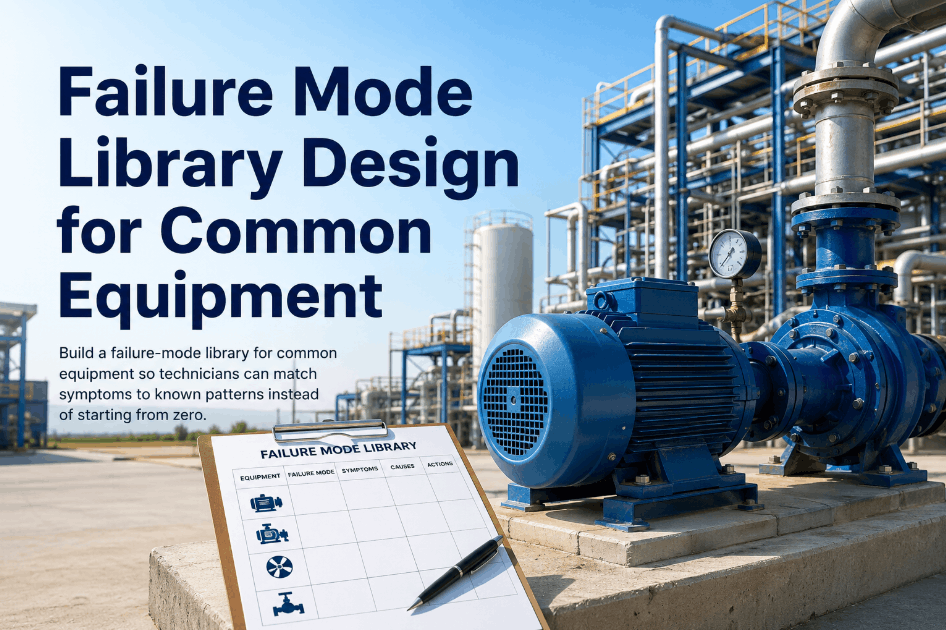
A failure mode library earns its keep at the moment of selection: the technician reports a symptom, the CMMS surfaces the three or four probable causes, and each cause carries its repair task, parts list, and estimated hours. Below is a worked example for a centrifugal pump — the single most common asset class in process plants.
| Reported Symptom (L2) | Probable Cause (L3) | Mechanism (L4) | Auto-Linked Task (L5) | Avg. Hours |
|---|---|---|---|---|
| External leakage | Mechanical seal worn | Wear / erosion | Replace seal kit, inspect shaft sleeve | 3.5 |
| External leakage | Gasket degraded | Chemical attack | Replace flange gasket, re-torque | 1.2 |
| No flow / low output | Impeller eroded | Cavitation erosion | Replace impeller, check NPSH margin | 4.0 |
| No flow / low output | Suction strainer blocked | Contamination | Clean strainer, flush line, sample fluid | 1.5 |
| High vibration | Shaft misalignment | Installation defect | Laser align coupling, shim as needed | 2.0 |
| High vibration | Bearing failure | Fatigue / lubrication | Replace bearings, re-grease, vibration baseline | 5.5 |
| Motor trips on start | Winding insulation fault | Thermal / electrical | Megger test, rewind or replace motor | 8.0 |
A single symptom (external leakage) resolves to two distinct causes — each with a different task, parts kit, and duration. That branching is the entire point of a structured library.
What a 180-asset plant loses every year without structured failure data
Consider a mid-sized food-and-beverage plant running 180 maintainable assets on a CMMS configured with free-text failure notes only. The numbers below are typical for plants at this scale — and they compound annually until the taxonomy is built.
"The failure mode library paid for itself in the first bad-actor review. We found one pump failing every 11 weeks for two years — nobody saw the pattern because every work order said 'fix leak' in a different way."
— Reliability Lead, 240-asset specialty chemicals plant
A 6-month rollout: from blank taxonomy to live analytics
Most plants underestimate the build and overestimate the integration. A focused team — one reliability engineer, one CMMS admin, two senior technicians — can stand up a production-ready library in under 180 days.
Asset hierarchy & criticality
Clean the asset register, confirm parent-child relationships, assign criticality (A/B/C) to every maintainable item. Target: 100% of assets tagged and ranked.
Draft failure code list
Pull 24 months of work-order history. Extract the top 80% of failure descriptions. Map them to ISO 14224 failure modes. Prune to 60–80 active codes per equipment class.
CMMS configuration
Build mandatory drop-down fields on the work-order closeout screen: Failure Mode → Cause → Mechanism. Lock free-text to a 200-char comment. Make the fields required for unplanned jobs.
Repair task linking
Attach a standard job template — parts list, labor hours, safety permits — to every cause code. Target: 90% of cause codes carry a linked task by end of month.
Technician training & pilot
Train two shifts on the new closeout flow. Pilot on one production line for 4 weeks. Audit 100% of closed WOs for correct code selection. Refine the list based on field feedback.
Go live & first bad-actor report
Roll out plant-wide. Publish the first bad-actor dashboard: assets ranked by failure count, MTBF, and total downtime. Run the first RCM review using structured data.
Where the failure mode library starts earning — RCM, PM optimization, bad actors
Once 90 days of structured failure data accumulates, three analytics workflows unlock almost simultaneously. Each one is impossible with free-text records — and each one has a measurable dollar return.
RCM decision logic
Every failure mode with a defined mechanism feeds an FMEA. Run the RCM decision tree against real frequency data instead of guesses — and justify on-condition tasks with actual failure-development intervals.
PM interval optimization
If bearing failures cluster at 9–11 months on a class of motors, a 6-month PM is over-spending and a 12-month PM is too late. Tune intervals to the failure distribution — typical savings: 15–22% of PM labor hours.
Bad-actor ranking
Rank assets by failure count, MTBF, and total downtime — filtered by failure mode. The same pump failing every 11 weeks surfaces in seconds, not six weeks. Most plants find 3–5 bad actors in the first dashboard run.
Spare-parts stocking
Link every cause code to its parts BOM. Failure-frequency × lead-time = min-max. A 180-asset plant typically releases $18–25K of dead stock while cutting stockouts on critical wear parts by 40%.
Ready to turn your work orders into reliability intelligence?
Stand up an ISO 14224-aligned failure mode library in your CMMS — and run your first bad-actor report in under 90 days.
Common questions about building a failure mode library
How many failure codes should a plant start with?
Start lean — 60 to 80 active codes across all equipment classes is enough for a 180-asset plant. The temptation is to mirror the full ISO 14224 catalogue (300+ codes), but that drives technician fatigue and inconsistent selection. Extract the top 80% of failure descriptions from 24 months of work-order history and build codes for those first.
Do we have to follow ISO 14224 exactly?
No — adopt its structure (failure mode → cause → mechanism) as the backbone, then prune to the failure modes your asset base actually experiences. ISO 14224 is a reference taxonomy, not a mandate. The value is in the disciplined hierarchy, not in exhaustive code coverage. You can Start Free Trial and import a pre-built ISO 14224 starter set to customize from.
What if technicians keep using free text instead of the drop-downs?
Make the failure-mode and cause fields mandatory on closeout for unplanned work orders, cap free text at 200 characters, and audit 100% of closed WOs for the first 90 days. Pair enforcement with a 30-minute training session per shift. Plants that enforce see 95%+ structured-field compliance within eight weeks.
How long before the library produces usable analytics?
Expect a usable bad-actor ranking after 60–90 days of structured closeout data. RCM-grade FMEA input and PM-interval optimization need 6–9 months of frequency data to be statistically defensible. The first dashboard run almost always surfaces 3–5 hidden bad actors — payback typically lands inside the first quarter.
Can we retrofit a failure mode library to an existing CMMS with years of free-text records?
Yes. Run a one-time NLP pass over historical work-order descriptions to back-fill failure-mode and cause codes on the last 24 months of records. It won't be perfect — expect 70–80% auto-classification accuracy with human validation on the remainder — but it gives you an immediate analytical baseline instead of starting from zero. Book a Demo to see the back-fill workflow.
Build your failure mode library this quarter
Import an ISO 14224 starter taxonomy, configure mandatory closeout fields, and publish your first bad-actor report — all inside one CMMS built for manufacturing reliability.
Free 14-day trial · No credit card