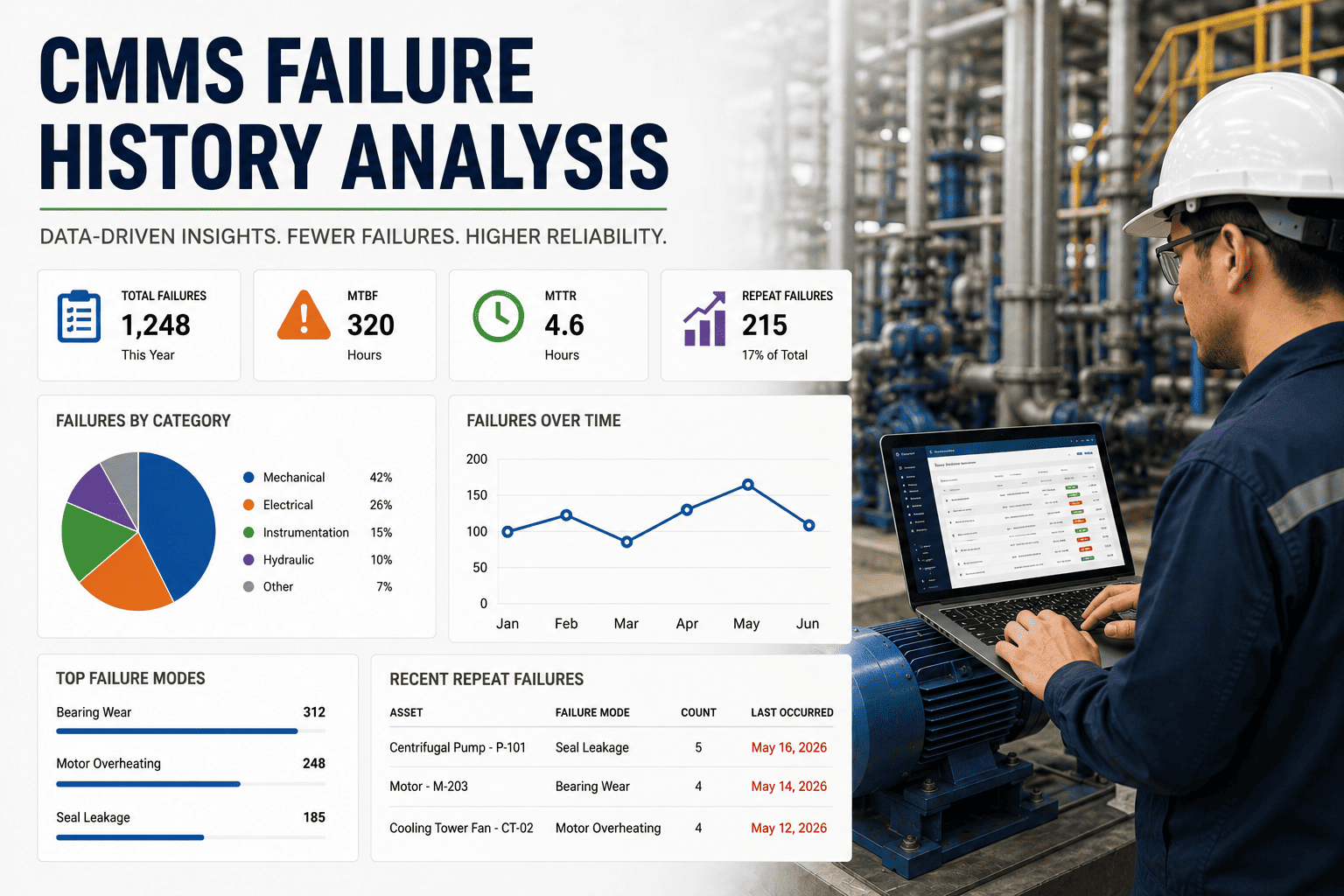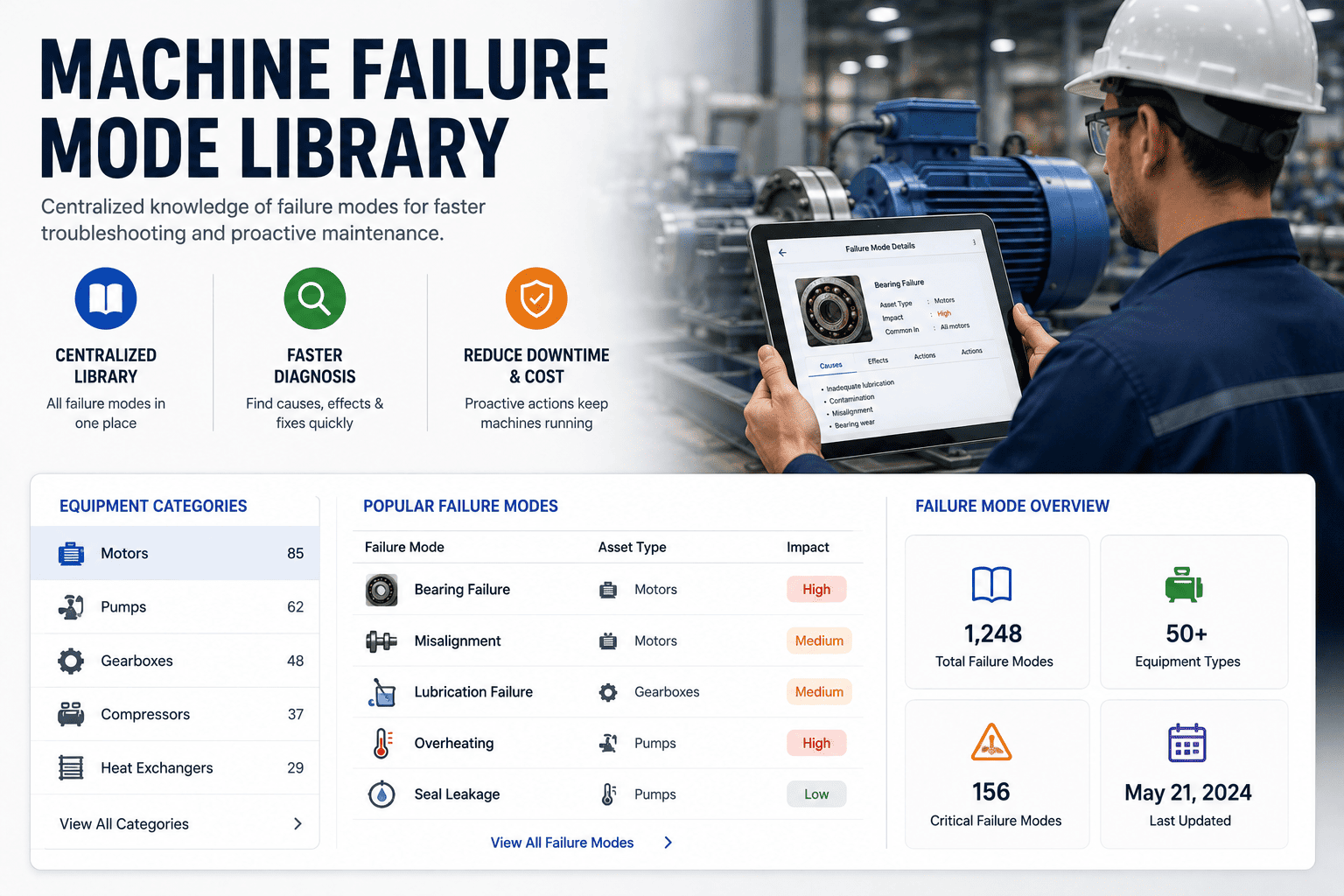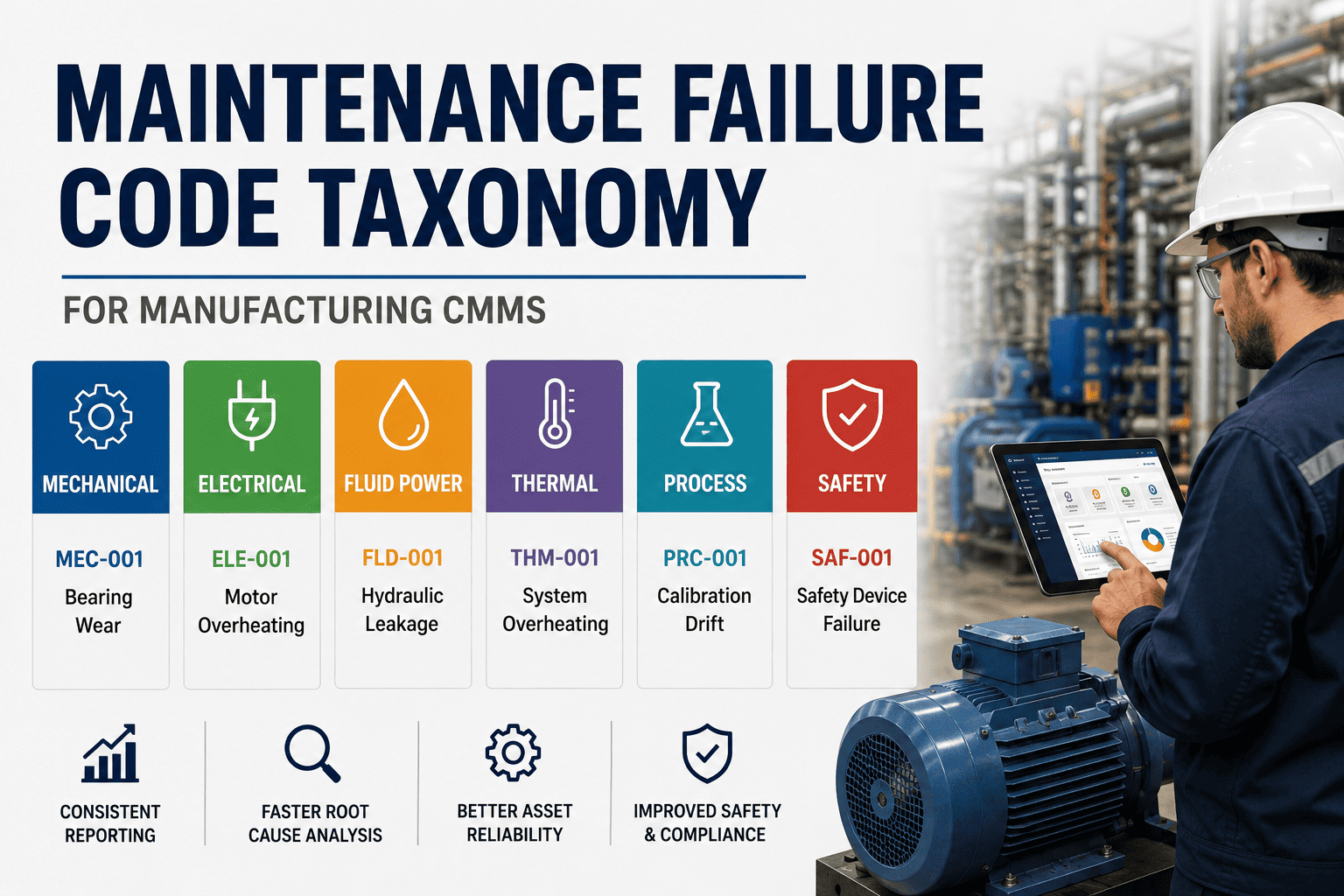
A failure code taxonomy is the quiet backbone of every mature CMMS — it's what turns five years of "pump broke — fixed it" work orders into failure modes you can actually trend, budget against, and design out. This guide walks plant reliability leaders through building an ISO 14224-aligned taxonomy that technicians will actually use, separating failure modes from causes and repair actions, and migrating legacy free-text codes without losing historical context. The payoff is measurable: plants that standardize failure coding typically see 20–40% faster bad-actor identification and a meaningful lift in MTBF within 12 months. If you want to skip straight to a pre-built taxonomy template, Start Free Trial on OxMaint and configure it against your asset hierarchy this week.
CMMS Reliability Engineering · ISO 14224
Can your CMMS actually tell you why assets fail — or only that they did?
Most plants sit on a decade of work orders they cannot trend. The gap between raw maintenance history and reliability intelligence is one design decision: a standardized failure code taxonomy that separates what failed, how it failed, and why.
The Standard Reference
ISO 14224 is the spine every manufacturing taxonomy should hang from
ISO 14224 defines a data structure for the collection and exchange of reliability and maintenance data for equipment — and it gives you a ready-made failure-attribute model instead of inventing one from scratch.
What was observed when the equipment failed
The observable deviation from acceptable performance — leak, vibration, no output, trip, degraded signal. Captured at the symptom level, before root cause is known.
Why the failure mode occurred
The underlying reason — fatigue, misalignment, contamination, operator error, design flaw. This is the field that powers RCA and bad-actor trending.
What was done to restore function
Replace, repair, adjust, recalibrate, lubricate. Keeps action separate from cause so you can analyze whether your response matched the failure.
A 180-asset process plant running 4,200 work orders/year typically codes fewer than 30% of closures with a real failure cause. After adopting an ISO 14224-aligned picklist, that same plant reaches 85%+ coding compliance within two quarters — unlocking MTBF trending on critical assets for the first time.
The Four-Layer Hierarchy
A technician-friendly taxonomy is four picklists deep — not four hundred entries long
The most common mistake is one flat list of 200+ failure codes. Technicians guess, or default to "Other." A layered hierarchy routes them through four short, asset-specific choices.
Problem · the functional impact
No flow, no pressure, noise, leak, trip, won't start, degraded output. 8–12 entries, asset-class scoped.
Cause · the physical mechanism
Bearing seizure, seal degradation, impeller wear, shaft fracture, cavitation, electrical burnout. 15–25 per asset type.
Remedy · the work performed
Replaced component, re-welded, realigned, re-lubricated, recalibrated, returned to vendor. 10–15 entries.
Consequence · the production impact
No impact, reduced rate, unplanned downtime >2h, safety event, environmental release. 6–8 entries, mandatory on critical assets.
Build & Migrate
From legacy free-text to a coded taxonomy — without losing history
Migration is where most taxonomy projects stall. A six-phase rollout keeps your historical work orders analyzable while the new structure goes live.
Audit existing failure data
Export 24 months of work orders. Cluster free-text failure notes by asset class. You'll typically find 60–80% of failures fall into 15–20 recurring patterns.
Draft the L1–L4 picklists
Map recurring patterns to ISO 14224 failure modes and causes. Scope picklists per asset class — pumps, motors, valves, conveyors each get a tailored list of 8–12 L1 entries.
Pilot on one critical asset line
Run the new taxonomy on 2–3 production lines for 30 days. Measure coding compliance and technician feedback. Refine picklist length before plant-wide rollout.
Back-code legacy records
Use the clustered free-text patterns to auto-map historical work orders to the nearest new code. Flag uncertain mappings rather than guessing — preserve the original text in a notes field.
Train technicians & make it mandatory
Short, role-specific training. Configure the CMMS so failure cause is a required field on closeout for all critical-asset work orders. Compliance jumps when it's a gate, not a suggestion.
Review, trend, act
First reliability review built entirely on coded data. Bad actors surface in hours, not weeks. Schedule the quarterly taxonomy refresh — retire unused codes, add emerging failure modes.
Compliance & Payback
The business case: what good failure coding is worth
Reliability leaders who justify taxonomy projects in audit-hours saved and downtime avoided get budget. Here's the math for a mid-sized plant.
Bad-actor identification time
Before: 6–8 weeks of manual work-order mining
After: 2–3 days with coded CMMS filters
≈ 280 reliability-engineer hours recovered per year per plant
MTBF improvement window
Plants with >80% failure-cause coding
See 15–22% MTBF lift in 12 months
Driven by targeted PM/PdM changes, not blanket PMs
Audit & compliance overhead
ISO 14224-aligned codes cut reliability
audit prep by 60–70%
Data exportable in standard structure on demand
| Metric | Before Taxonomy | After Taxonomy (12 mo) | Annual Value |
|---|---|---|---|
| Failure-cause coding compliance | ~28% | 85–92% | Enables all downstream analytics |
| Unplanned downtime (critical assets) | 142 hrs/yr | 108 hrs/yr | ~$34K recovered (mid-size plant) |
| Bad-actor identification cycle | 6–8 weeks | 2–3 days | 280 eng. hrs/yr recovered |
| PM optimization confidence | Low (anecdotal) | Data-driven | 15–20% PM scope reduction |
| Reliability audit prep time | 120 hrs/audit | 35–45 hrs/audit | ~$9K per audit cycle |
Anti-Patterns
Five taxonomy mistakes that kill coding compliance
Every plant that abandons a taxonomy project fails for one of these five reasons. Spot them early.
One flat list of 200+ codes
Technicians scroll, give up, and pick "Other" 70% of the time. Layered picklists keep each screen under 12 options.
Mixing mode and cause
"Bearing failure due to misalignment" collapses two data points into one. You lose the ability to trend causes across modes.
No asset-class scoping
Showing pump-specific codes on a conveyor work order creates noise. Scope picklists to the asset class on the work order.
Failure cause is optional
If the CMMS lets technicians close a work order without a cause code, they will. Make it a required field on critical assets.
Never retiring codes
Taxonomies rot. Code lists grow, duplicates creep in, and the picklist becomes unusable. Quarterly review is non-negotiable.
Next Step
Build your taxonomy in OxMaint this week — not next quarter
Pre-loaded ISO 14224-aligned failure mode, cause, and remedy picklists. Asset-class scoped. Configurable in an afternoon.
FAQ
Failure code taxonomy — what plants ask before they build
How many failure codes should a manufacturing CMMS have?
A well-designed taxonomy has 8–12 problem codes, 15–25 cause codes, and 10–15 remedy codes per asset class — layered, not flat. The total across a plant might be 150–300 codes, but a technician on any given work order only sees 12–15 options at each step. If your picklist shows more than 15 entries at once, it's too long and compliance will drop below 40%.
What's the difference between failure mode, failure cause, and failure mechanism?
Failure mode is the observable effect — "no flow," "vibration," "trip." Failure mechanism is the physical process — fatigue, erosion, corrosion. Failure cause is the reason the mechanism occurred — misalignment, contamination, lubrication failure. ISO 14224 treats these as separate fields because each drives different action: modes trigger detection logic, mechanisms drive design changes, causes drive PM/PdM adjustments.
Can we migrate legacy free-text work orders to a new failure code taxonomy?
Yes, and you should — don't start from zero. Export 24 months of history, cluster the free-text failure notes by keyword, and auto-map each cluster to the nearest new code. Preserve the original text in a notes field for audit. Expect 60–80% automated mapping accuracy; flag the rest for manual review. You can Start Free Trial on OxMaint to use the built-in legacy-code mapper.
How do we get technicians to actually use failure codes?
Three levers: keep picklists under 12 entries per step, scope codes to the asset class on the work order, and make failure cause a required field on closeout for critical assets. Add a 10-minute walkthrough during shift handover when you roll out. Plants that do all three reach 85%+ compliance within two quarters; plants that skip the required-field gate stay stuck at 30–40%.
Is ISO 14224 alignment worth the effort for a mid-sized plant?
Yes, because ISO 14224 gives you a pre-built structure you don't have to invent — and it makes your data comparable across sites, OEMs, and industries. The alignment cost is mainly in picklist labeling, not process change. Plants that align see 60–70% faster audit prep and can benchmark failure rates against industry data. To see the pre-built ISO 14224 template, Book a Demo and we'll walk you through it.
Get Started
Turn five years of work orders into reliability intelligence
Pre-built ISO 14224 failure code taxonomy. Asset-class scoped picklists. Legacy migration tools. Live in days, not months.
Free 14-day trial · No credit card