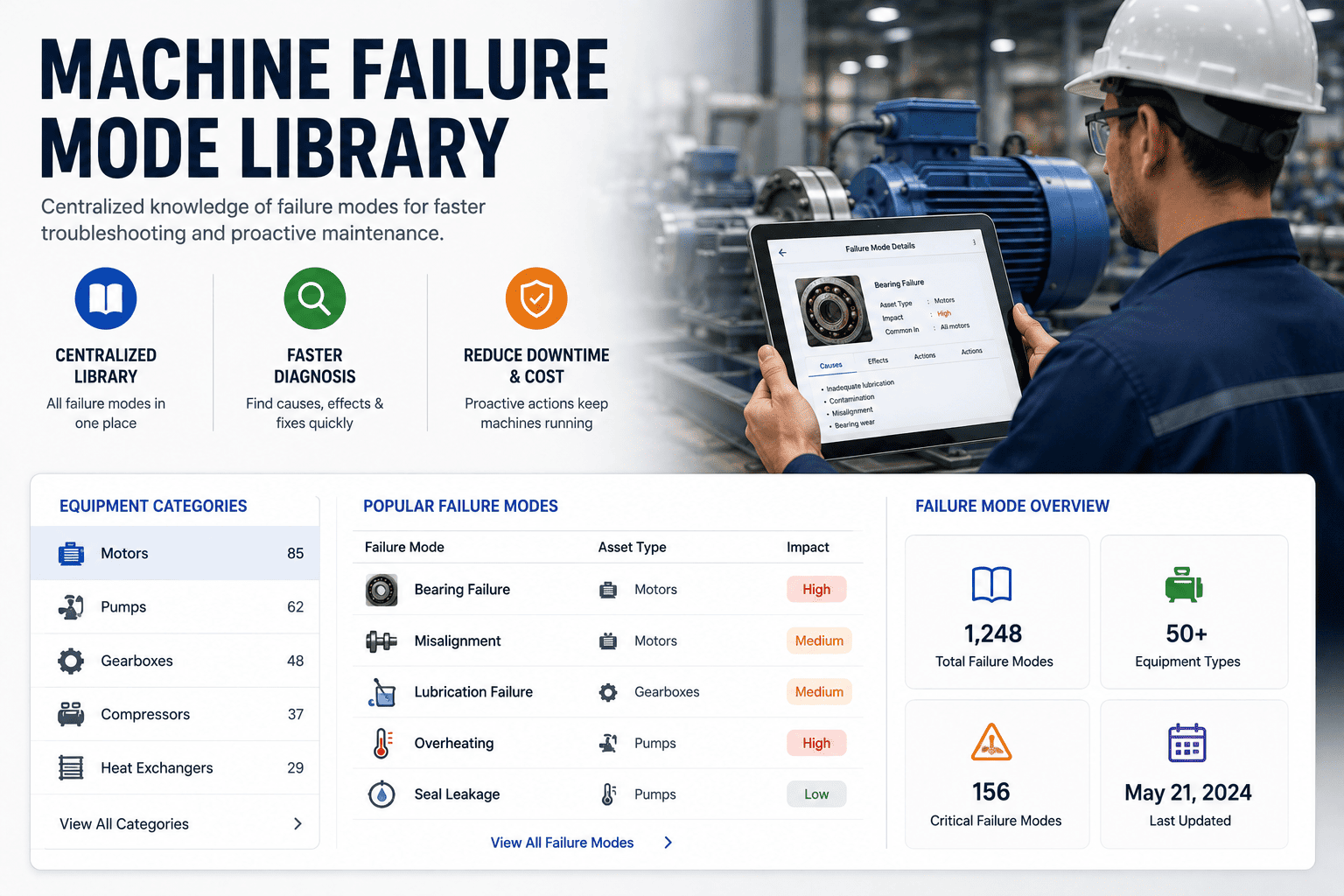
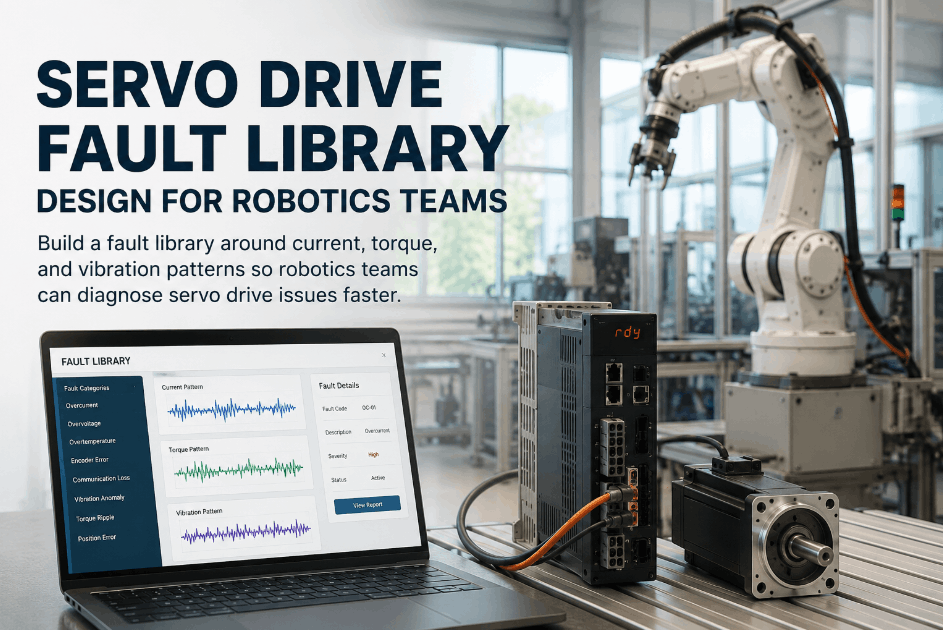
Most technicians still diagnose breakdowns from memory, swapping parts until something works because there is no shared record of what has failed before and why. A failure mode library fixes this by cataloging known symptom-cause-fix patterns for every common equipment type, so the first responder matches a fault to a documented pattern instead of guessing. Sign Up Free to start building your plant's failure mode library inside a connected CMMS, or Book a Demo to see how Oxmaint links failure history to live work orders automatically, and Book a Demo if you'd like a walkthrough using your own asset list first.
Reliability Knowledge · Asset Diagnostics · 2026
Build a Failure Mode Library Your Whole Team Can Use
Turn scattered tribal knowledge into a structured failure mode library that speeds up diagnosis on pumps, motors, compressors, conveyors, and HVAC units.
80%Less manual inspection time with AI-matched failure patterns
62%Less unplanned downtime when symptom libraries connect to work orders
99.2%AI detection accuracy feeding new failure mode records
3xFaster fault diagnosis when techs search by symptom, not memory
What a Failure Mode Library Actually Contains
Symptom Catalog
Field: Observed condition
PatternStandardized descriptions of how a fault presents — vibration, noise, leak, heat, drift — searchable by keyword.
Probable Cause
Field: Root mechanism
DiagnosisThe mechanical or electrical cause typically behind that symptom for this exact asset class.
Verified Fix
Field: Corrective action
ActionThe repair steps and parts that resolved the issue last time, pulled from closed work order history.
Asset Taxonomy
Field: Equipment class
StructureFailure modes grouped by asset type so a pump fault never gets confused with a conveyor fault.
AI Vision Match
Field: Visual signature
DetectionCracks, corrosion, and thermal anomalies detected by camera get matched to the library automatically.
Frequency Score
Field: Occurrence rate
PriorityHow often this failure mode occurs across the fleet, ranking which patterns deserve PM attention first.
Building this library by hand is slow, which is why most plants never finish one. Sign Up Free and Oxmaint starts populating failure mode records automatically from every closed work order, while the AI Vision Camera adds new symptom-to-cause pairs without anyone typing them in. Book a Demo to walk through how your existing maintenance history converts into a searchable library in one onboarding session, or Sign Up Free to start populating it from your own work orders today.
Manual Diagnosis vs. a Connected Failure Mode Library
Stop Diagnosing Every Fault From Scratch.
Oxmaint turns your closed work orders and AI Vision detections into a living failure mode library your whole team can search.
Frequently Asked Questions
What is a failure mode library in maintenance?
It's a structured catalog linking symptoms, causes, and verified fixes for each equipment type, so technicians can match a fault to a known pattern instead of starting diagnosis from zero.
How does Oxmaint build the library automatically?
Closed work orders, inspection results, and AI Vision Camera detections are mined for symptom-cause-fix patterns, which populate the library without manual data entry.
Does this work for common equipment like pumps and motors?
Yes — failure modes are organized by asset taxonomy, so pumps, motors, compressors, conveyors, and HVAC units each have their own pattern set.
Can the library connect to predictive maintenance?
Yes — frequency scores from the library feed Oxmaint's predictive models, helping prioritize which failure modes deserve sensor monitoring first.
Turn Maintenance History Into Diagnostic Speed.
Oxmaint builds your failure mode library automatically from work orders and AI Vision detections. Free to start.