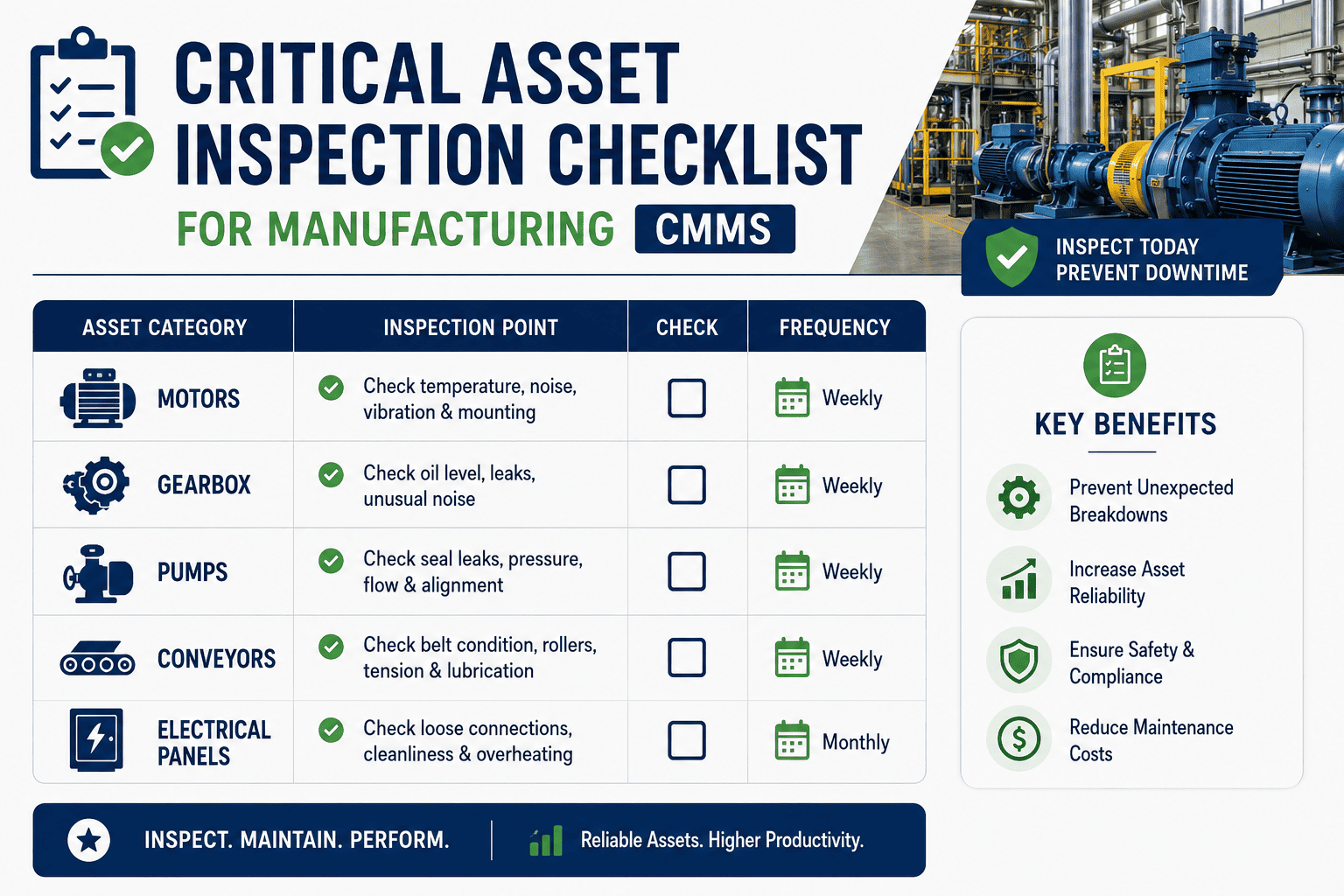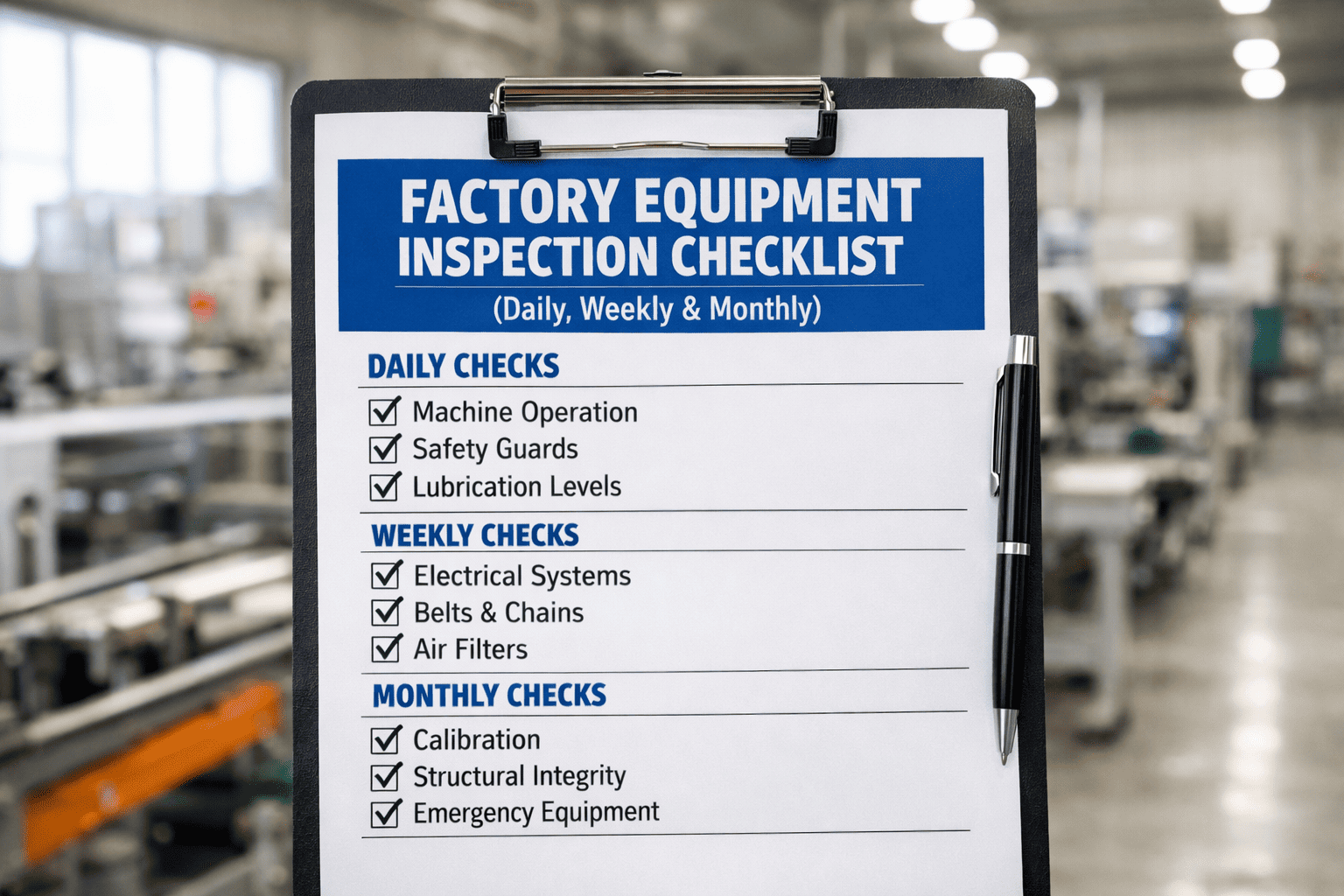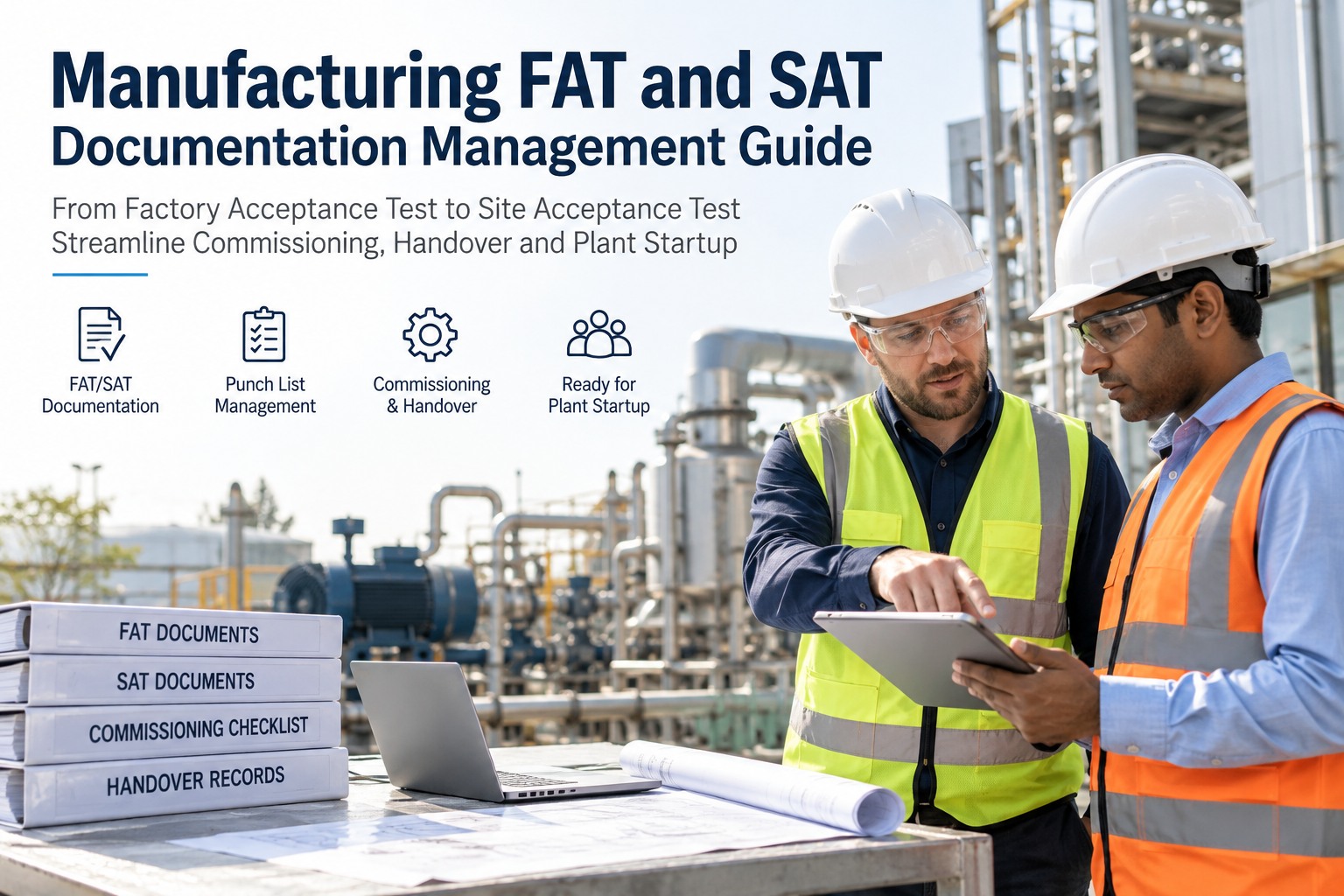
A Factory Acceptance Test binder is usually thick, thorough, and the last time anyone looks at it. Equipment passes FAT at the vendor's shop, passes SAT once it's installed on site, and then the punch list, the test records, and the vendor documentation get filed away — right as the maintenance team is about to need every page of it. The handover from commissioning to operations is where a lot of asset history quietly disappears before an asset even runs its first production cycle. This guide walks through how to manage FAT and SAT documentation so it survives the handover — punch lists, test records, and commissioning data that actually becomes the asset's maintenance history — using OXMAINT AI, the AI-powered CMMS that turns commissioning records into the first entries in an asset's permanent maintenance record.
Manufacturing FAT and SAT Documentation Management Guide
A punch list item closed out during commissioning, but never logged where maintenance will actually look for it, might as well not have been fixed. OXMAINT AI gives FAT and SAT documentation a permanent home: test records, punch list items, and vendor documentation get logged against the specific asset before it's even running production, open punch list items convert into tracked work orders, and everything closed during commissioning becomes the starting point of that asset's maintenance history — not a binder that gets archived and forgotten.
Where Commissioning Records Actually Go to Die
Nobody loses a FAT binder on purpose. It happens gradually — the project team that ran commissioning moves to the next project, the vendor's documentation lives in an email thread, and the maintenance team inherits a piece of equipment with a maintenance history that technically starts today, even though the machine has already been tested twice. Start free and give your next commissioning project a real record in OXMAINT AI.
- FAT and SAT reports filed as PDFs, disconnected from the asset's future record
- Punch list tracked in a spreadsheet the project team owns, not maintenance
- Open items marked "closed" with no record of what was actually done
- Vendor documentation and test data live outside the CMMS entirely
- Maintenance team starts the asset's history from zero at go-live
- FAT and SAT results logged directly against the asset's own record
- Punch list items tracked as work orders, owned and followed through
- Closed items carry what was actually done, not just a status change
- Vendor documentation and test data sit on the same asset the maintenance team will service
- Maintenance history starts with everything commissioning already learned
The Commissioning-to-Handover Workflow
FAT, SAT and handover aren't three disconnected events — they're stages of the same asset record. OXMAINT AI carries the same asset through all four steps, so nothing has to be re-entered at the handover point. Book a demo to see this workflow on your next project.
FAT vs. SAT: What Each One Actually Confirms
These two tests answer different questions, and both results matter to the asset's future maintenance history. Sign up free and log both test types against the same asset in OXMAINT AI.
| Test | Where it happens | What it confirms |
|---|---|---|
| FAT | Vendor's shop, before shipment | Equipment performs to spec in a controlled environment, before it's installed anywhere |
| SAT | Your site, after installation | Equipment performs correctly connected to your actual utilities, systems and process |
| Punch list | Generated at either FAT or SAT | Specific open items that need resolution before full acceptance |
| Handover package | Compiled after SAT sign-off | The complete record maintenance inherits — test data, manuals, punch list closures |
A Punch List Item Marked "Closed" Should Mean Something Six Months Later.
When a punch list lives in a spreadsheet the project team owns, "closed" often just means the project moved on. OXMAINT AI keeps every item tied to the asset it belongs to, with a real record of what was done.
One Asset, From FAT to First PM
Here's how a single piece of equipment's record actually builds through OXMAINT AI, start to finish. Book a demo to see this on your own next project.
Binder-Based Handover vs. Connected Asset Record
| What matters | Binder / spreadsheet handover | Connected record in OXMAINT AI |
|---|---|---|
| Where FAT and SAT data live | Separate files, often per project | Logged against the specific asset |
| Punch list accountability | Owned by the project team, then handed off | Tracked as work orders with an owner |
| "Closed" punch list items | Often just a status change | Carries what was actually done |
| Maintenance team's starting history | Starts from zero at go-live | Inherits FAT, SAT and closure records |
| Finding a document months later | Depends on who kept the file | On the asset record, searchable |
Frequently Asked Questions
Give Every New Asset a Maintenance History That Starts Before It Runs.
Log FAT and SAT results against the specific asset, track every punch list item as a real work order, and hand maintenance a record that already knows the equipment — not an empty file at go-live.