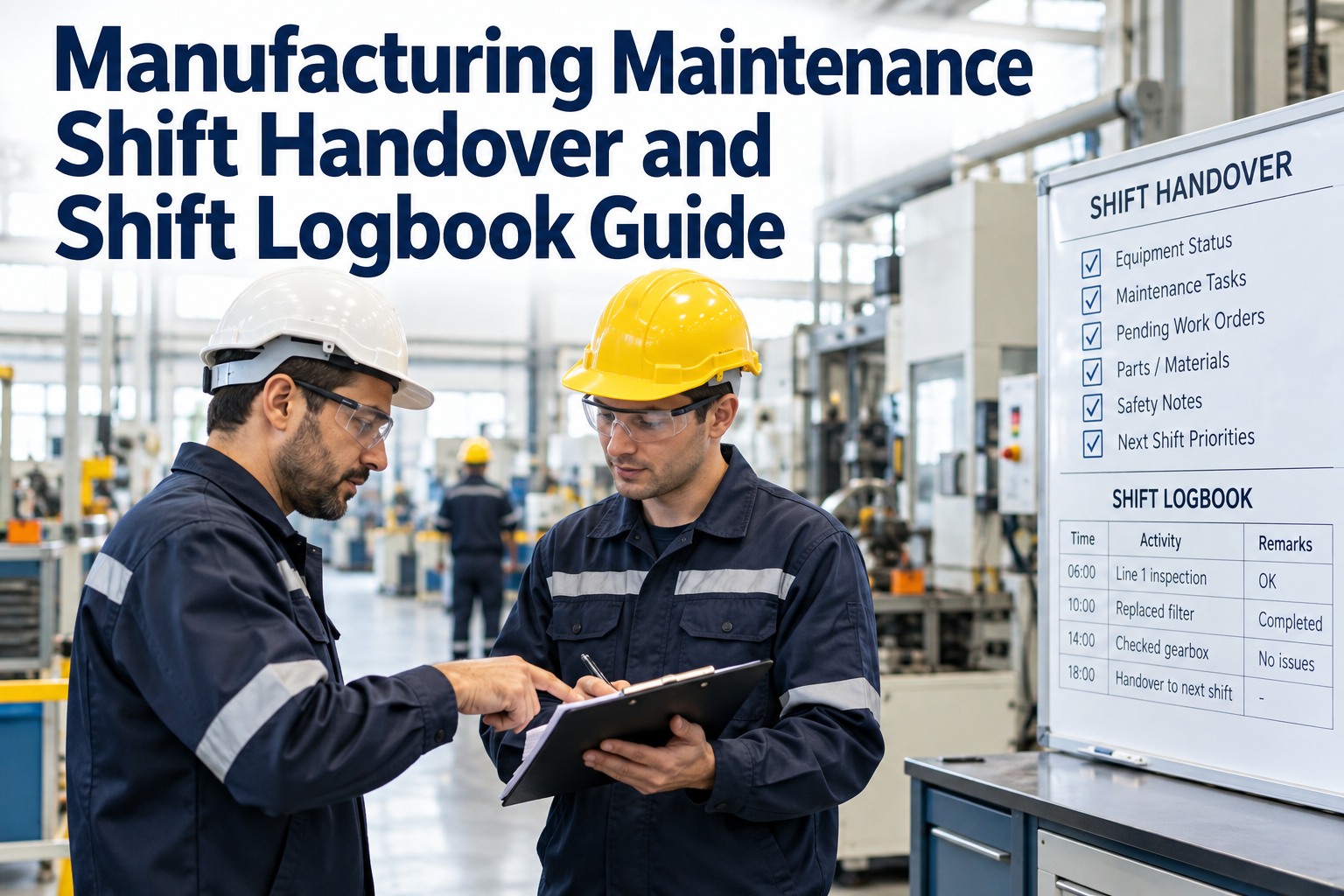
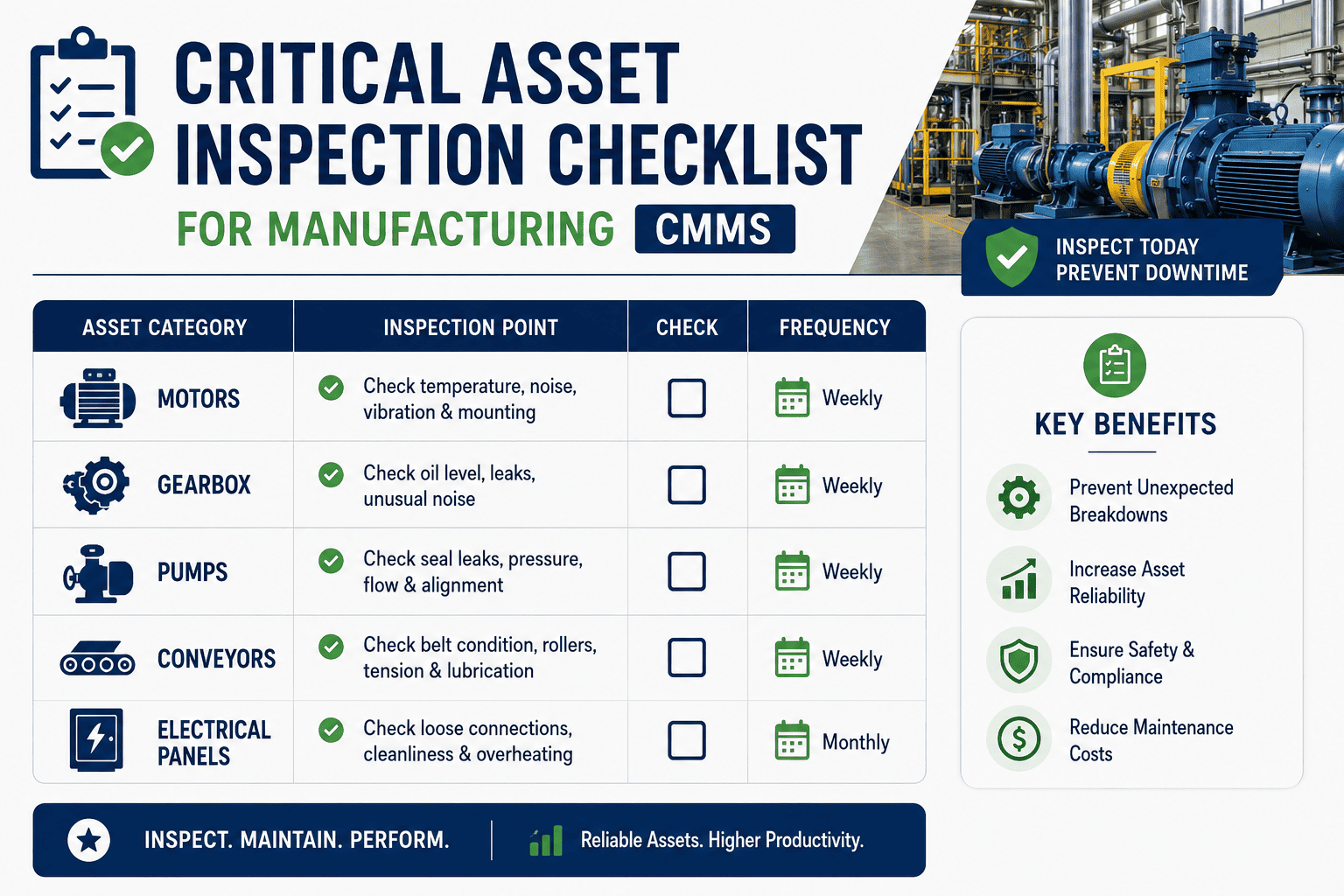
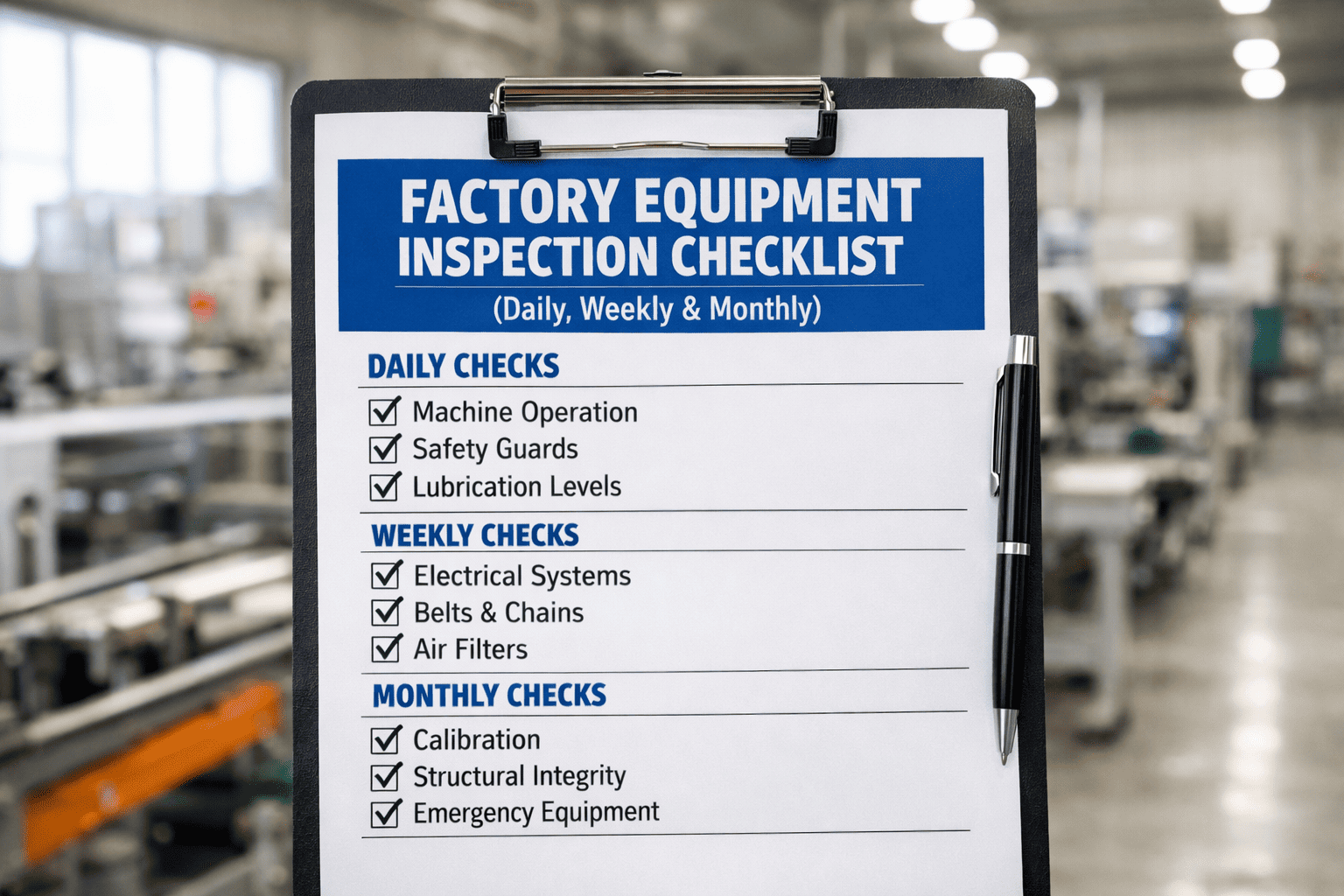
Every plant that runs shifts has the same quiet failure point: the outgoing technician knows exactly which machine was running rough, which repair is half-finished, which work order got raised but never closed — and none of that reliably makes it to the person walking in next. A handover note on a whiteboard or a verbal "watch out for line 3" doesn't survive a shift change intact. What does survive is a structured entry that becomes an inspection, a defect, or a work order the next shift can actually act on. This guide covers how to build a shift handover and logbook process that does that — standardizing inspections, findings and corrective actions so nothing depends on memory.
Manufacturing Maintenance · Shift Handover · Shift Logbook · 2026
Don't Let the Next Shift Rediscover What This One Already Knew
A note scribbled on a whiteboard or passed verbally at the gate doesn't turn into action — it turns into the incoming crew finding the same fault an hour into their shift. OXMAINT AI connects the shift log directly to the maintenance workflow: an entry flagged during handover becomes an inspection, an inspection becomes a defect record, and a defect becomes a work order — routed to the right technician before the outgoing crew has even left the floor.
10–15 min
commonly recommended overlap window for a complete, unrushed shift handover
4 categories
equipment status, open work orders, safety flags & handover notes — the core log structure
3 shifts
the typical daily handover cycle most continuous manufacturing operations run
1 standard
format, applied consistently — the difference between a habit and a reliable system
What a Good Handover Actually Contains
A handover that's "whatever the outgoing tech remembers to mention" isn't a process — it's a hope. A structured log has the same categories every time, so nothing depends on who's talking or how rushed the changeover is. Start free and set up this structure for your next shift change.
Equipment Status
Anything running degraded, on a temporary fix, or waiting on a part — flagged so it isn't mistaken for normal operation.
Open Work Orders
What was raised, what's in progress, and what's still waiting for parts or a technician.
Safety Flags
Near-misses, hazard observations or anything the incoming crew needs to know before they touch equipment.
Handover Notes
Context that doesn't fit the other three — what to watch, what was tried, what didn't work.
Verbal & Paper vs. a Structured Digital Log
The problem was never that outgoing crews don't care — it's that memory and a shared notebook aren't built to survive a shift change intact. Book a demo and see the structured version live.
Verbal / Paper Handover
Depends on Memory
Details passed verbally get distorted or dropped entirely
Paper logs are illegible, incomplete, or missing when needed
No link between a logged issue and an actual work order
No searchable record of what happened last week, let alone last shift
Structured + OXMAINT AI
A Record That Travels With the Asset
Same four categories logged every shift, on any device
Entries timestamped, searchable, and tied to the asset record
A flagged issue becomes an inspection or defect automatically
Incoming crew sees open work orders before they start walking the floor
From a Logbook Entry to a Scheduled Work Order — Automatically
OXMAINT AI connects the shift log to the maintenance workflow itself: a flagged equipment status opens an inspection, an inspection finding becomes a defect, and a defect converts into a work order — assigned before the next shift even clocks in.
From Log Entry to Closed Work Order — The 4-Step Loop
01
Log the Observation
Outgoing crew logs equipment status, an open item, or a flag against the specific asset.
02
Inspection Triggers
A flagged item opens an inspection task, routed to whoever's covering that area next.
03
Defect Logged
If the inspection confirms an issue, it's recorded as a defect on the asset's history.
04
Work Order Assigned
Corrective or preventive work order created and assigned — closing the loop the handover opened.
Building Your Handover Standard
Sign up free and turn this into your team's default handover template.
✓
Use the same four categories every shift — equipment status, open WOs, safety flags, notes.
✓
Protect the overlap window — a rushed changeover is where the important detail gets skipped.
✓
Log at the asset level, not just a general shift note — so history builds up per machine.
✓
Require acknowledgment from the incoming supervisor, not just a written entry nobody confirms reading.
✓
Link flagged items to action — an observation with no resulting inspection or work order gets forgotten.
✓
Review recurring flags across shifts — a pattern in the log often surfaces a problem before it becomes a failure.
Frequently Asked Questions
What should a shift logbook include at minimum?
Equipment status (including anything degraded or on a temporary fix), open work orders, safety flags or near-misses, and general handover notes — logged consistently in the same format every shift so nothing depends on what the outgoing crew happens to remember to mention.
How long should a shift handover actually take?
Industry guidance commonly points to a 10–15 minute overlap as enough for a complete handover without excessive downtime — long enough to cover the log without rushing, short enough not to eat meaningfully into production time.
Can a shift log entry actually turn into a work order automatically?
Yes — when the logbook is connected to the CMMS, a flagged equipment status or observation can trigger an inspection task, and a confirmed finding from that inspection can be logged as a defect and converted into a work order, without anyone re-entering the same information into a separate system.
Does a digital shift log replace verbal handover entirely?
Not necessarily — a brief verbal handover still has value for tone and urgency, but it shouldn't be the only record. The digital log is what makes the information searchable, timestamped and available to anyone who needs it later, not just the person who happened to be listening at the changeover.
How do we get technicians to actually use a digital logbook instead of paper or verbal notes?
Adoption tends to follow usefulness — a digital log that's faster to fill out on a phone than writing in a notebook, and that visibly turns into action (an inspection or work order the technician can see get assigned), gets used. A digital log that's just a form nobody reads tends to get skipped the same way paper logs do.
Give Every Shift a Complete Picture Before It Starts.
Turn shift handover from a memory exercise into a structured log that feeds straight into inspections, defects and work orders — so nothing gets rediscovered the hard way.