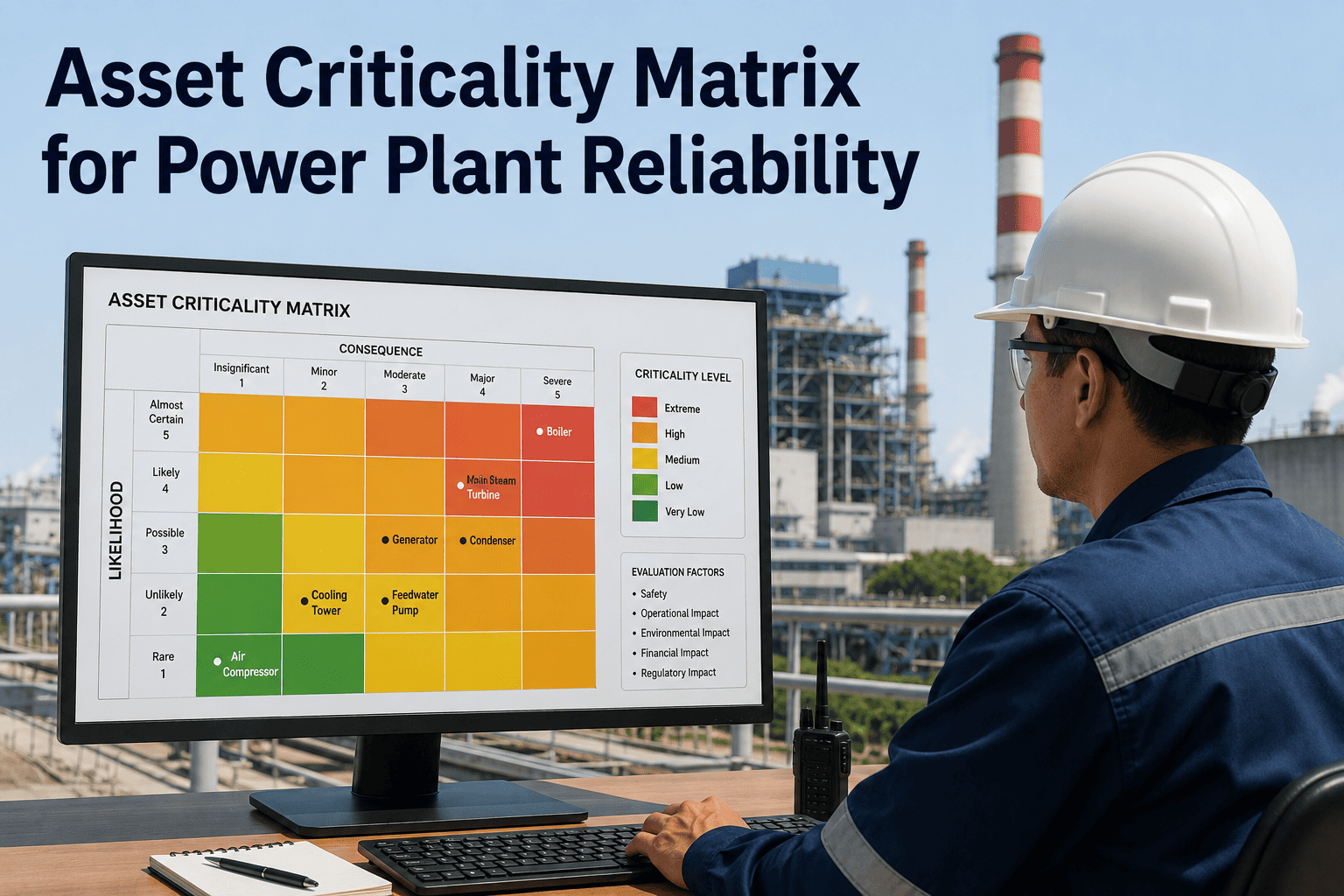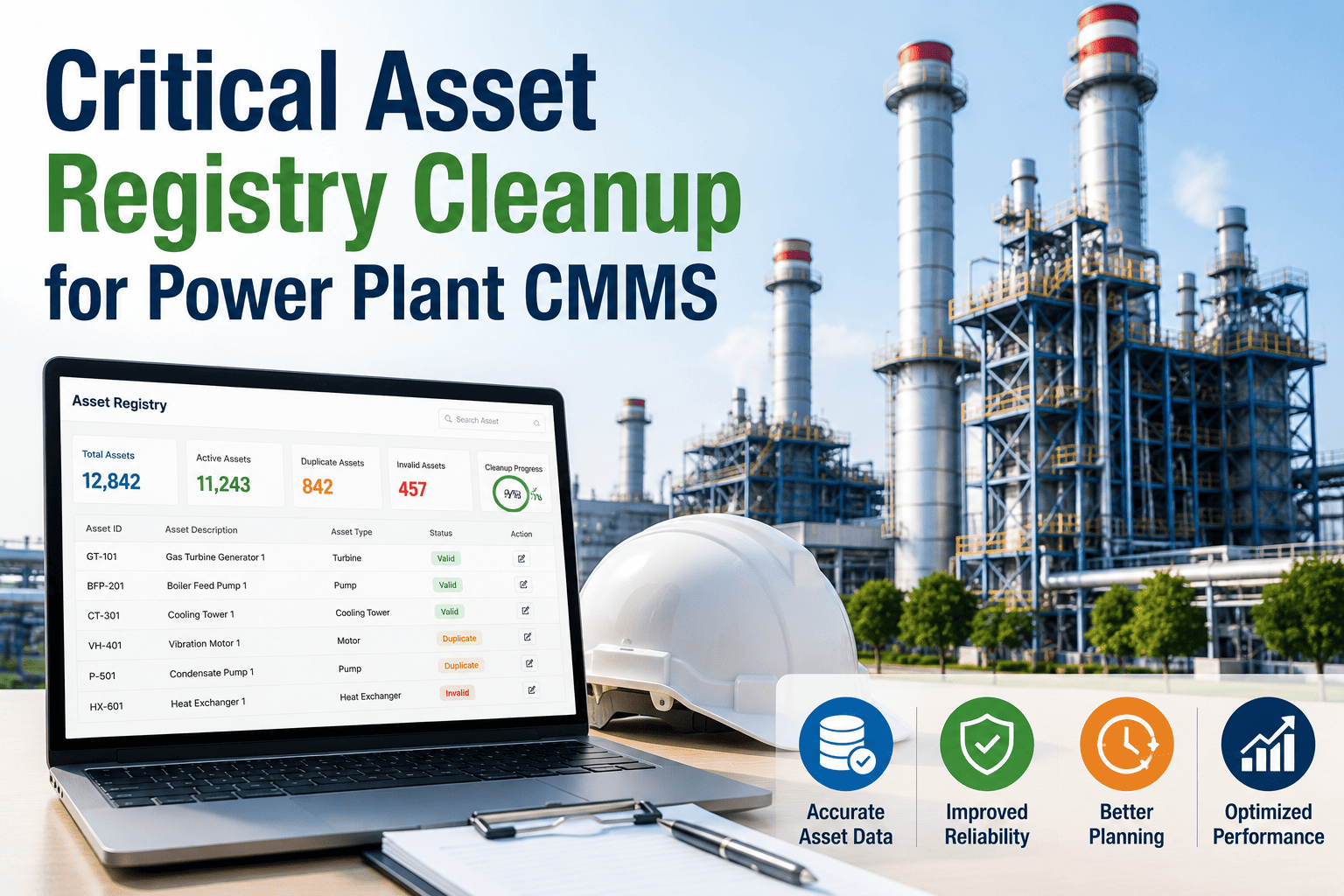
Poor asset data quality is the number one reason CMMS rollouts fail to deliver the ROI they promised — and it is rarely a software problem. It is a registry problem that existed long before the new system arrived. A pump logged three different ways, a transformer with no criticality tier, a switchgear cabinet with no parent location: each one quietly breaks PM scheduling, work order routing, and reporting from day one. Run a free asset registry health check with Oxmaint before your next migration or audit exposes the gaps for you.
Five Symptoms Your Registry Needs a Cleanup
01
Duplicate Asset Records
The same pump or transformer appears as three separate records under slightly different names, fragmenting work history and making trend reporting impossible.
02
Missing Criticality Ratings
Assets without a tier classification cannot trigger correct PM priority or technician routing, treating a backup pump the same as a main feed transformer.
03
Inconsistent Naming Conventions
"HVAC 1," "Hvac unit one," and "Air handler building B" referring to the same equipment makes filtering, grouping, and reporting unreliable across the registry.
04
Broken Parent-Child Hierarchy
Unresolved hierarchy relationships leave components orphaned from their parent system, corrupting roll-up reporting and outage planning at the system level.
05
Blank Manufacturer and Serial Fields
Missing make, model, or serial number data blocks warranty lookups and slows spare parts ordering at the exact moment speed matters most.
The Six Fields Every Critical Asset Record Needs
Asset Name
The common name used on the plant floor, not a code only the ERP system understands
Unique Asset ID
A consistent identifier that never changes, even if the asset is relocated or renamed
Location Hierarchy
Plant, area, and line structure rather than a single free-text location field
Make / Model / Serial
OEM data needed for warranty lookup, spare parts ordering, and PM calibration
Criticality Rating
Tier classification distinguishing production-stopping assets from non-critical equipment
Replacement Cost
The core input for CapEx forecasting, without which condition scores carry no financial weight
Don't Let Bad Data Corrupt Your Next Migration
Oxmaint's validation layer flags missing required fields and hierarchy mismatches before a single record goes live, mapping legacy fields to a clean schema so PM scheduling and work order routing work correctly from the very first day.
Cleanup Effort by Registry Size
Estimated Cleanup Time for Unstructured Asset Data
| Registry Size | Estimated Cleanup Hours | Common Issue Density |
|---|---|---|
| 100 assets | 2–4 hours | Low to moderate |
| 500 assets | 10–20 hours | Moderate |
| 1,500 assets | 30–60 hours | Moderate to high |
| 5,000+ assets | 100+ hours | High, phased cleanup recommended |
A Four-Stage Cleanup Sequence That Doesn't Stall
1
Snapshot and Identify Gaps
Pull a fast baseline view of all assets to surface duplicates, missing fields, and unclear criticality without waiting for a full cleanup project to begin.
2
Clean Critical Assets First
Fix duplicates, fill criticality and location fields, and remove retired equipment for Tier 1 assets before touching the long tail of low-priority records.
3
Standardize Naming and Hierarchy
Apply one naming convention and resolve parent-child relationships across the registry so reporting and filtering finally produce consistent results.
4
Validate Before Go-Live
Run the cleaned data through a validation layer that flags missing required fields before it goes live in PM scheduling and work order routing.
Frequently Asked Questions
Why does poor asset data cause CMMS implementations to fail?
Poor asset data quality is cited as the leading reason CMMS rollouts fail to deliver expected ROI, since duplicate records, missing criticality ratings, and broken hierarchy corrupt PM scheduling and reporting from the very first day of operation regardless of how capable the software is. Run a free registry health check with Oxmaint to see exactly where your data would break a migration before it happens.
How do I find duplicate assets in my existing registry?
Look for the same equipment logged under slightly different names — "Pump-01," "Pump 1," and "Cooling Pump (Main)" are a classic pattern — and merge them into one master record before any data moves into a new system. Manual review works for small registries, while larger ones benefit from automated duplicate-detection during import validation.
What criticality tiers should I use for power plant assets?
A common three-tier model classifies assets as Tier 1 if production or generation stops when they fail, Tier 2 if a workaround exists, and Tier 3 for non-critical equipment, with this classification driving PM frequency and work order priority automatically. Book a demo to see how Oxmaint uses criticality tiers to auto-prioritize generated work orders.
Should I clean the entire registry before migrating to a new CMMS?
No — long, full-scope cleanup projects often stall before delivering any value, while cleaning critical and high-value assets first builds momentum and lets the rest of the registry be completed in phases after go-live. Decide what "good enough" looks like for non-critical assets before the migration deadline arrives.
Can asset registry data stay accurate automatically after cleanup?
Yes, when the CMMS updates condition scores, cost history, and maintenance dates automatically as work orders close and PMs complete, rather than relying on manual re-entry that reintroduces the same inconsistencies. Start a free Oxmaint account and import your cleaned registry with built-in field validation.
Give Every Critical Asset a Clean, Complete Record
Oxmaint validates asset imports for missing fields and hierarchy mismatches, structures naming and location data consistently, and turns your registry into a foundation PM scheduling and reporting can actually rely on.