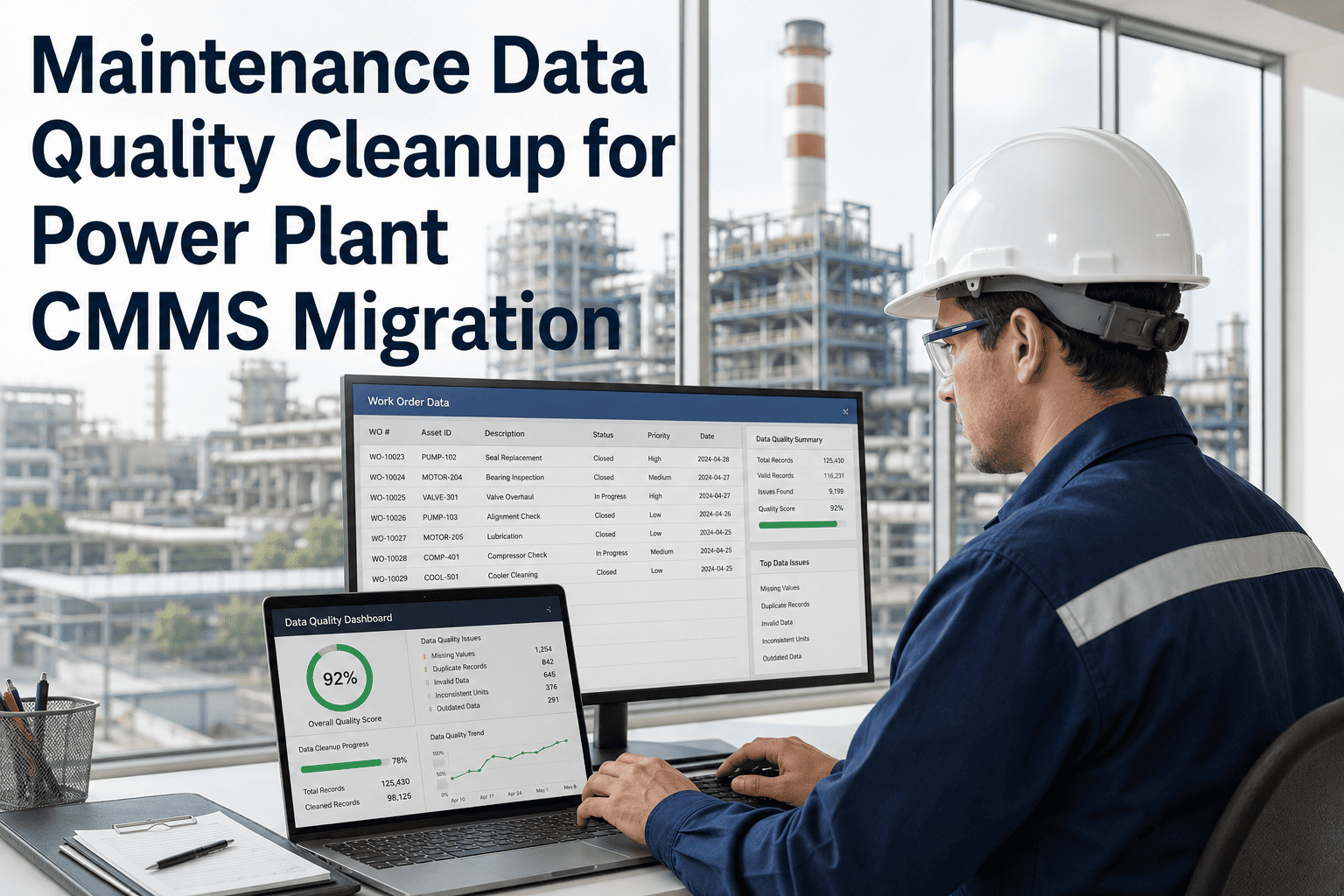
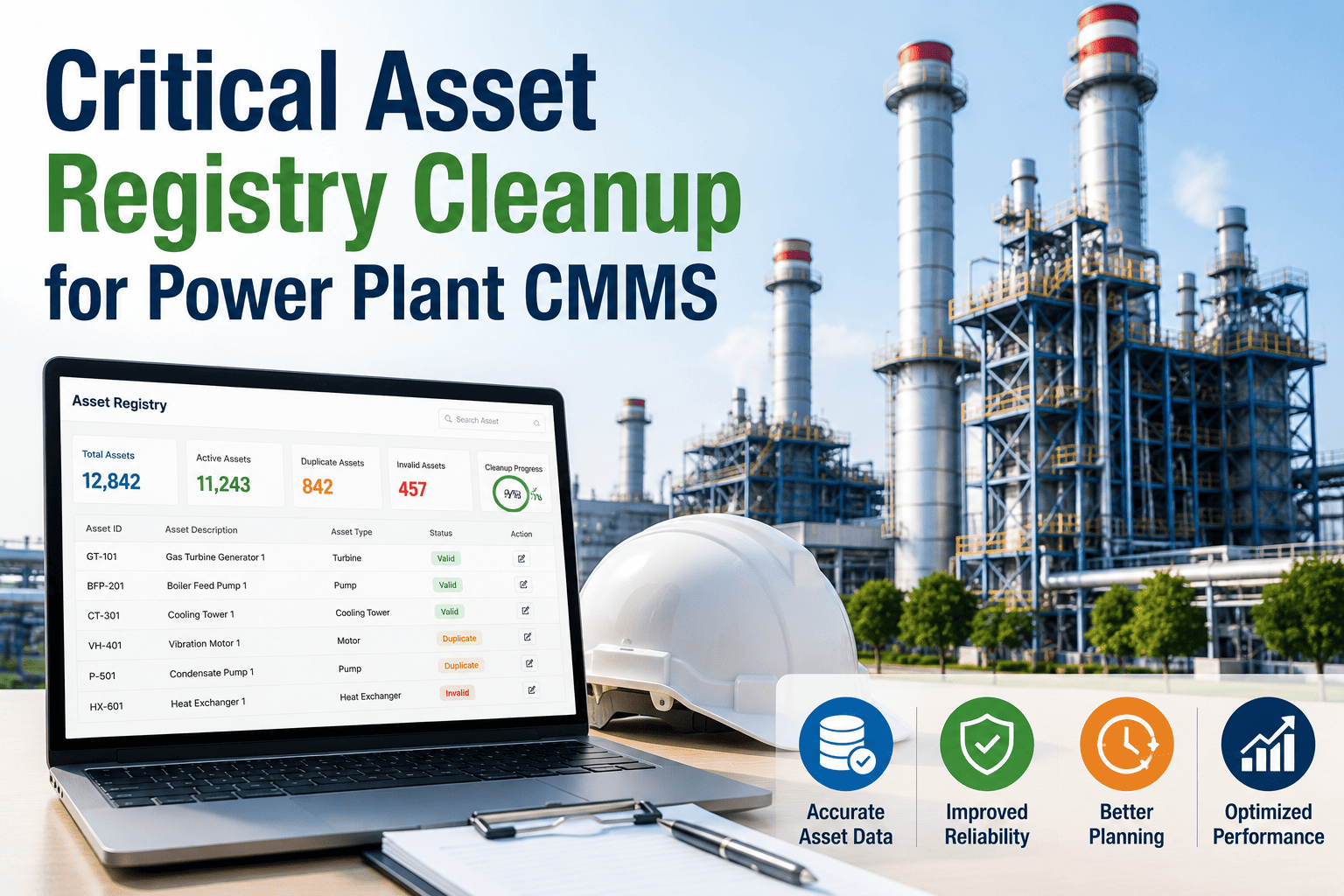
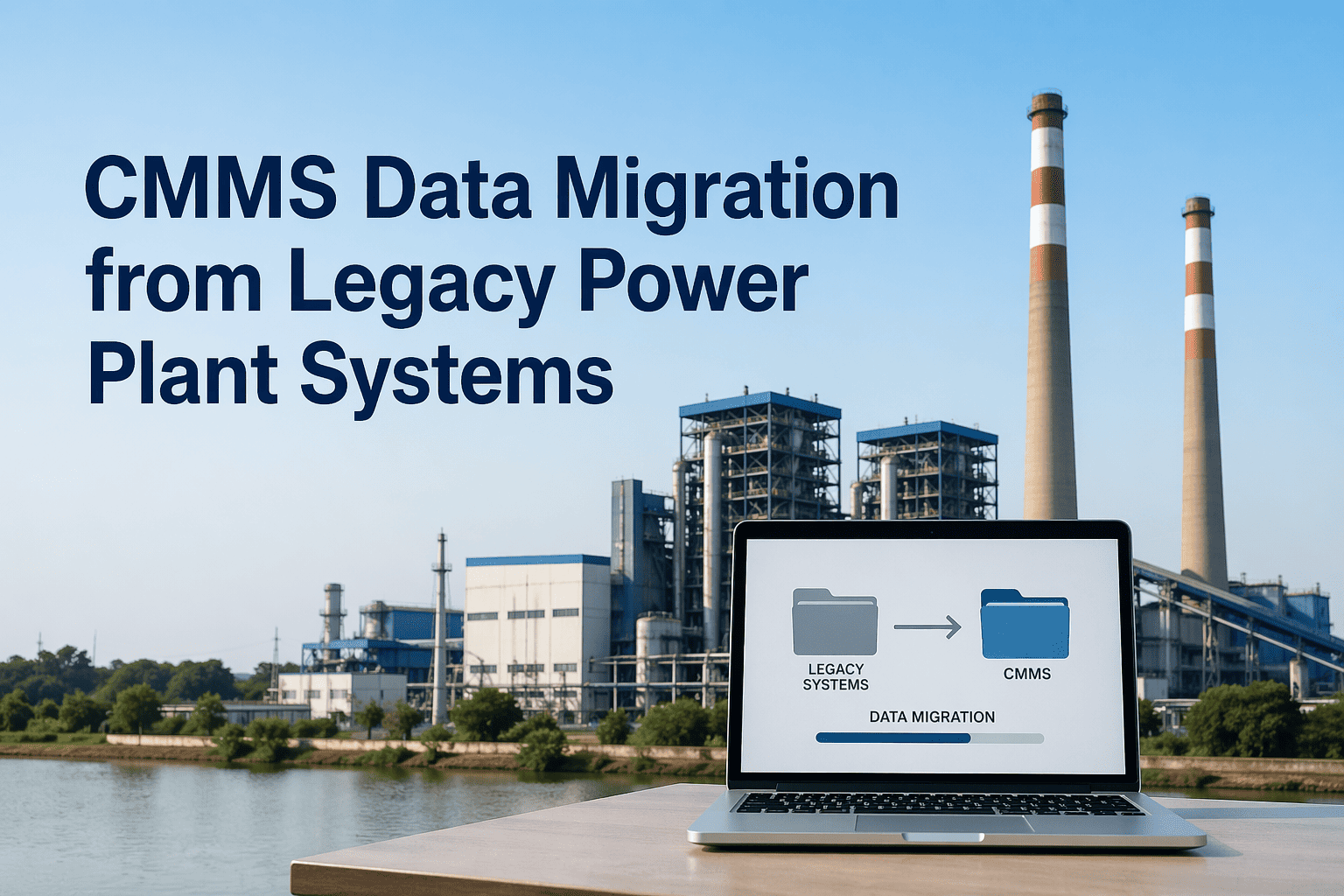
Roughly 83% of data migration projects either fail outright or run over budget and timeline, almost always for the same reason — the real scope was never the technical transfer, it was the decades of inconsistent asset names, duplicate records, and undocumented PM logic hiding inside the legacy system. Migrate that mess without cleaning it first, and your new CMMS inherits every problem that made you switch systems in the first place. Power plants face this acutely: equipment recorded as "Pump 1" in one system and "P-101 Cooling Pump" in another makes cross-referencing impossible the moment you go live. OxMaint's implementation team runs a structured data audit before a single record moves. Book a demo to get a migration scope and risk assessment specific to your plant.
The Five-Phase Migration That Actually Works
Skipping or compressing any phase is the single biggest cause of migration failure
1
Data Audit & Mapping
Document every legacy data source and map fields to the new schema before touching a single record.
2
Cleansing & Standardization
Merge duplicates, fix naming conventions, and resolve missing hierarchy relationships — typically 50–60% of total project time.
3
Test Migration
Run a full migration into a non-production environment and validate PM trigger logic for 4–6 weeks before cutover.
4
Production Cutover
Migrate during a low-activity window with a final delta load, keeping the legacy system in read-only mode for 60 days.
5
Post-Go-Live Monitoring
Track work order completion rates and PM compliance for 90 days to catch any remaining data quality gaps early.
OxMaint's implementation team reviews your existing data sources and PM library to give you a clear migration scope and timeline — before any contract is signed.
What to Migrate vs. What to Archive
Migrate Active
- Active assets and current PM schedules
- 5 years of history on critical assets
- 3 years of history on lower-criticality equipment
- Current inventory and open work orders
Archive, Don't Migrate
- Work order history beyond defined retention window
- Obsolete or one-time spare parts
- Stale open work orders nobody will close
- Low-risk tools better tracked in bulk groups
Where Migration Time Actually Goes
| Phase |
Share of Total Timeline |
Most Common Mistake |
| Extraction & audit |
20 – 30% |
Skipped entirely, scope discovered mid-project |
| Cleaning & standardization |
50 – 60% |
Budgeted as if it were 10% |
| Technical transfer & validation |
20 – 30% |
Treated as the only real phase |
Expert Review
Harold Vance — CMMS Implementation Lead, 12 years guiding power plant and heavy industry migrations
The migrations that fail almost always failed in the budgeting meeting, not on go-live day. Leadership approves a timeline built around the technical transfer because that's the part everyone understands — export a file, import a file. Nobody budgets for the months it takes to figure out that "Pump 1," "P-001," and "Cooling Pump Line 3" are the same asset across three different spreadsheets. Plan for the cleanup to take longer than the transfer, because it always does, and the migrations that respect that timeline are the ones still running clean a year later.
Frequently Asked Questions
How long does a typical power plant CMMS migration take?
Timeline depends heavily on asset count and site complexity, but mid-sized facilities with several hundred to a few thousand assets typically need 8 to 16 weeks for a properly cleansed migration.
Book a demo to get a timeline estimate specific to your asset count and data sources.
Should we migrate every year of historical work order data?
No — most plants migrate 3 to 5 years for critical assets and archive older records, since attempting to move a decade of history overwhelms users and degrades new-system performance without adding planning value.
Sign in to OxMaint to see how historical retention scope is configured.
How do we capture knowledge that only exists in senior technicians' heads, not the old system?
Structured workshops with senior technicians and reliability engineers during the data audit phase convert tribal knowledge — non-obvious failure patterns and informal PM adjustments — into searchable, structured asset records.
Book a demo to discuss tribal knowledge capture methodology for your team.
What happens if we find missing records after going live on the new system?
Keeping the legacy system in read-only mode for 60 days post-cutover is standard practice precisely for this reason, giving teams a safety net to recover records discovered missing after go-live.
Start a free trial to see how the parallel-run safety period is structured.
OxMaint · Asset Management · CMMS Implementation
A clean migration is the foundation every reliability KPI depends on. Don't let bad data follow you into the new system.