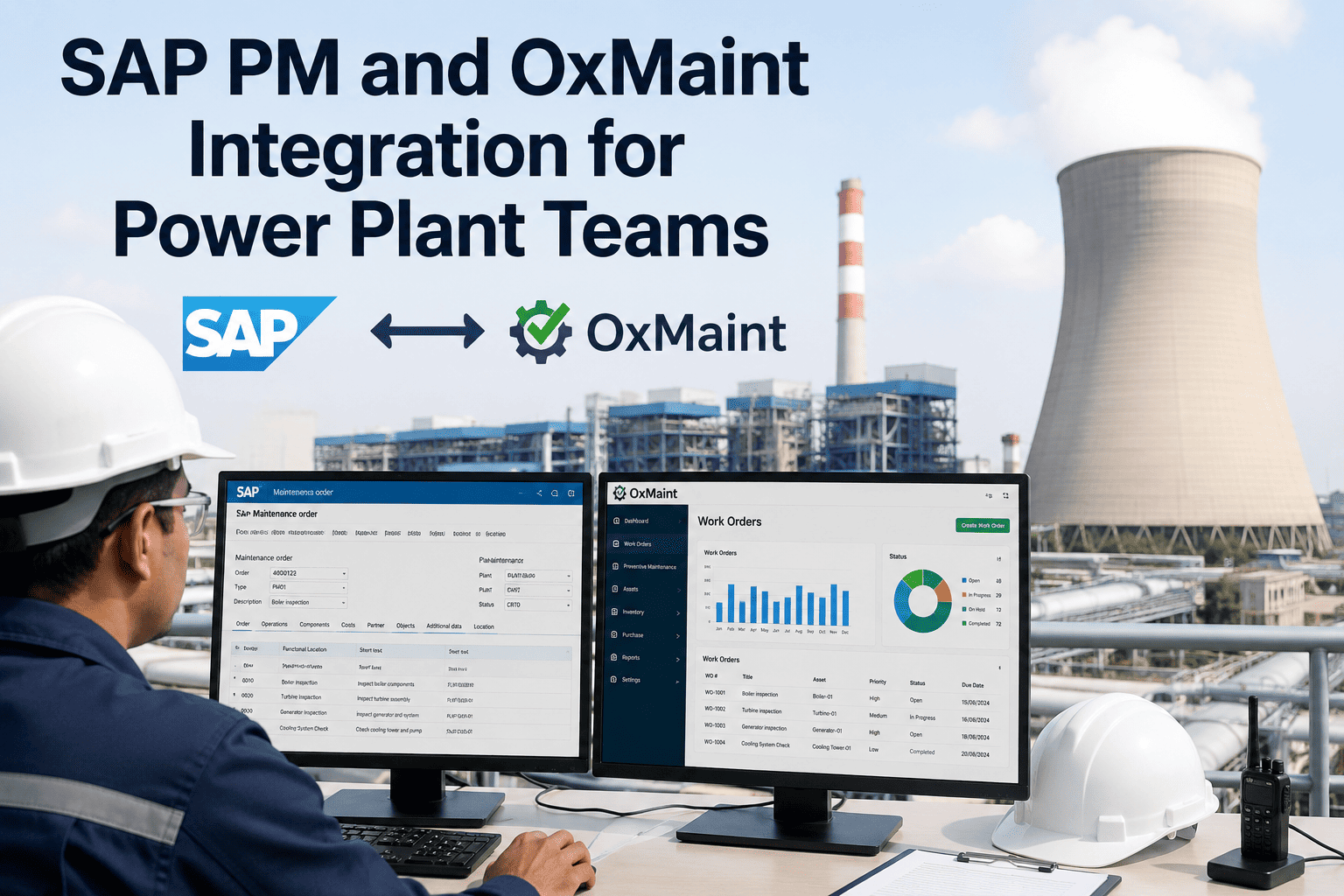
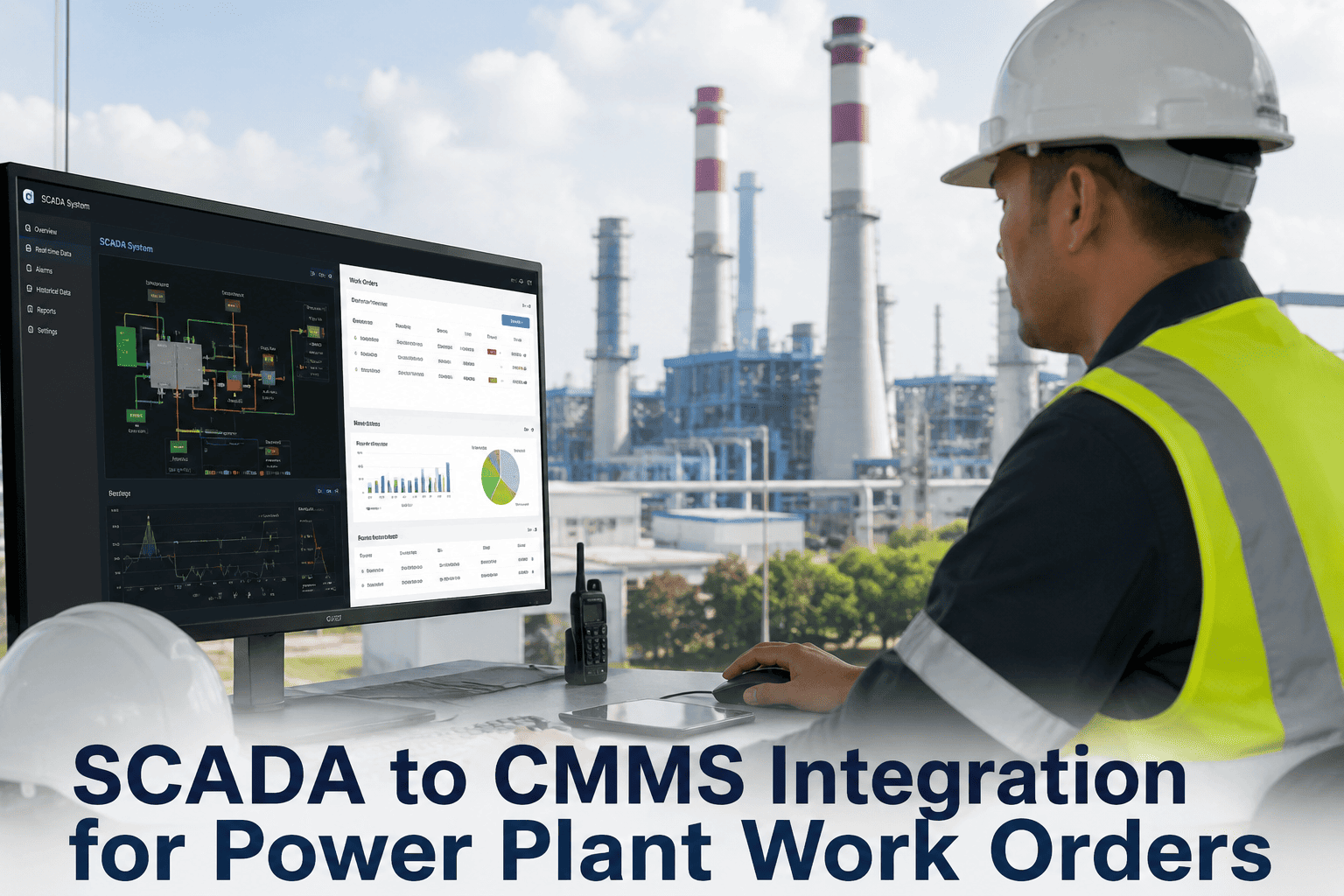
SAP Plant Maintenance is the financial and planning backbone of nearly every large power generation operation — it governs cost centers, asset valuation, purchase orders, and enterprise reporting with rigor. But there is an open secret on the plant floor: technicians avoid it. SAP PM was built for planners at a desk, not for someone in a hard hat next to a 600 MW turbine. So work orders get printed, notes get scribbled in margins, and someone re-keys it all later — losing time and accuracy on every shift. OxMaint closes that execution gap. It runs alongside SAP PM as the mobile field layer while SAP stays the system of record, with work orders, costs, and asset data syncing both ways automatically. This page explains exactly how the SAP PM and OxMaint integration works for power plant teams.
47%
Increase in work-order completion rate when technicians move from the SAP GUI to a mobile CMMS front-end
31%
Drop in emergency callouts at a 1,200 MW combined-cycle plant after connecting OxMaint to SAP
4–8 wks
Typical go-live for a pre-built connector versus 6–12 months for a new SAP PM project
Enterprise Integrations · ERP
Keep SAP as Your System of Record. Give Technicians a Tool They'll Actually Use.
OxMaint connects directly to SAP PM via standard BAPI, RFC, OData, and IDoc interfaces — no middleware, no custom ABAP. Work orders, costs, and asset data sync bidirectionally in real time across ECC and S/4HANA.
The Execution Gap: Why SAP Alone Leaves Money on the Floor
SAP PM is technically capable of everything a maintenance operation needs — the problem is that its capability was designed for power users at a desktop, not a technician troubleshooting rotating machinery in harsh field conditions. The result is a daily execution gap: planners spend up to 90 minutes a day reconciling CMMS records against SAP order statuses, parts consumed in the field never decrement inventory until a nightly batch, and field crews quietly keep shadow logs because navigating six T-code screens at the asset is not realistic. Every re-entry introduces error and delay. The cost is not abstract — it shows up as duplicated admin, stale inventory data, and emergency freight on parts that should have been reordered automatically.
2–4 hrs / tech / week
Duplicate Data Entry
A work order created in one system is re-keyed in another; labor hours entered in the field are typed again into SAP for payroll and cost postings. Every re-entry adds error and delay.
~90 min / day
Planner Reconciliation
Planners manually reconcile CMMS records against SAP order statuses because completions logged in the field don't reach SAP until the next morning — so the order list is never truly current.
Emergency freight
Inventory Lag
Parts consumed in the field decrement SAP MM only in a nightly batch. Stock levels read wrong, reorder points fire late, and critical spares arrive on expedited shipping at premium cost.
Audit risk
Shadow Maintenance Logs
Field teams avoid the SAP interface and keep their own records, so maintenance history lives outside the system of record and the asset master drifts from physical reality.
Division of Labor: SAP Is the Brain, OxMaint Is the Hands
The integration works because it does not ask either system to do the other's job. SAP remains the enterprise spine — financials, asset valuation, cost postings, procurement, and reporting stay exactly where finance and planning need them. OxMaint becomes the execution layer the field actually touches, and everything a technician does flows back to SAP automatically. This clean split is what turns a six-month SAP reconfiguration into a four-week connector setup.
SAP PM — The System of Record
What finance and planning need to know
Cost center postings and asset valuation
Purchase orders and procurement flows
Functional location and equipment master
Enterprise reporting and CO variance
Maintenance plans and budget governance
Bidirectional Sync
⇄
BAPI · RFC · OData · IDoc
OxMaint — The Execution Layer
What technicians see and do
Mobile work orders with photos and notes
Field parts logging and time capture
Fault-code capture from the asset location
Offline completion that queues and syncs
AI detections and predictive alerts attached
No Middleware Required
A Four-Week Configuration, Not a Six-Month SAP Project
OxMaint's connector maps your SAP order types, cost objects, and functional location hierarchy using standard BAPI and RFC endpoints — no MuleSoft, no third-party platform, no custom ABAP in your landscape. Works with SAP ECC 6.0 and S/4HANA, on-premise or cloud.
The Six Data Flows That Carry the Integration
A CMMS-ERP integration is not one connection — it is a set of bidirectional data flows, each solving a specific operational pain. Get these right and you capture the bulk of the value before touching any edge cases. The flows below show what moves, which direction it travels, and the SAP objects involved, so power plant teams know exactly what to expect from go-live.
SAP → OxMaint
Asset Master & Functional Location
OxMaint imports the SAP functional location hierarchy from plant level down to equipment and component, mirroring it in its asset register. New, renamed, or reclassified assets propagate automatically.
EQUIIFLOTILOA
OxMaint → SAP
Maintenance Notifications
When a technician or operator reports a breakdown in OxMaint, a PM notification is created in SAP — feeding failure analysis, MTBF/MTTR, and warranty workflows. Catalog codes flow from SAP into OxMaint dropdowns.
QMELQMFEQPCD
Two-Way
Work Orders & Status
Orders sync both directions with live status. When a technician completes a job in OxMaint, the SAP order transitions from REL to TECO within minutes — so planners always see an accurate current-state list without manual reconciliation.
AFKOAFPOAFRU
OxMaint → SAP
Parts Consumption & Inventory
Parts logged as consumed in OxMaint decrement SAP MM in real time, not in a nightly batch. Stock reflects actual usage as jobs close, and reorder points trigger purchase requests against SAP automatically.
MARAMARDMSEG
OxMaint → SAP
Labor & Cost Posting
Technician time recorded in OxMaint posts to the correct SAP cost center automatically. Finance sees maintenance labor cost in CO without manual timesheet reconciliation, and planned-vs-actual variance is visible in real time.
Cost CenterFI/CO
OxMaint → SAP
AI & Predictive Context
When OxMaint AI detects a defect by vision or predicts a failure from sensor data, it auto-creates a SAP PM notification with full context — detection photos, confidence scores, and recommended action attached.
VisionPredictiveEvidence
What Changes for the Power Plant Team
The integration touches every role differently, but each one gains the same thing: an end to manual bridging between execution and finance. The cards below show the before-and-after for the people who live in these systems every day.
Field Technician
BeforePrinted work orders, margin notes, no SAP GUI training, completions re-keyed later
AfterMobile work orders with photos, parts, and time — completed at the asset, synced to SAP instantly
Maintenance Planner
Before90 minutes a day reconciling CMMS records against SAP order statuses
AfterAccurate current-state order list in SAP at all times; REL-to-TECO transitions happen automatically
Finance / Controlling
BeforeMaintenance cost visible only after month-end timesheet and inventory reconciliation
AfterLabor, parts, and contractor cost post to the right cost center in real time, asset by asset
Reliability Engineer
BeforeFailure data scattered across shadow logs, undermining MTBF/MTTR analysis
AfterEvery breakdown raises a structured SAP notification with fault codes, feeding clean reliability data
"The most successful SAP PM deployments I've seen in the last five years all have a purpose-built mobile execution layer in front of SAP, and this is the cleanest integration I've worked with. The bidirectional connector maps SAP order types, cost objects, and functional location hierarchy without custom ABAP — which changes the implementation from a six-month SAP project into a four-week configuration exercise."
— Enterprise Maintenance Systems Consultant, Power Generation
Frequently Asked Questions
Q1Does connecting OxMaint replace our SAP PM system?
No — OxMaint runs alongside SAP PM and does not replace it. SAP remains the system of record for financials, asset valuation, cost postings, procurement, and enterprise reporting, while OxMaint provides the mobile execution interface that field technicians actually use. All field data flows back to SAP automatically, so your SAP investment is preserved and its data quality actually improves because technicians record completions in real time instead of days later. The two systems stay in sync without manual intervention.
Book a demo to see the architecture for your SAP version.
Q2Do we need middleware or custom ABAP development on the SAP side?
No middleware and no custom ABAP are required. OxMaint connects directly to SAP PM through standard interfaces — BAPI and RFC for SAP ECC, and OData APIs and CDS views for S/4HANA — so there is no MuleSoft layer, no third-party platform cost, and no custom development in your SAP landscape. The connector configuration maps OxMaint objects to your SAP PM order types, cost centers, plant hierarchy, and materials management objects using pre-built field mappings. Removing the middleware is exactly what cuts the implementation from a multi-month project down to weeks, and it eliminates the ongoing middleware maintenance burden most IT teams dread.
Q3Will this work with both SAP ECC and S/4HANA, on-premise and cloud?
Yes. OxMaint's SAP connector supports SAP ECC 6.0 and SAP S/4HANA in both on-premise and cloud deployments, and the integration architecture adapts to your specific release. For ECC it uses standard BAPIs and RFCs; for S/4HANA it uses OData APIs and CDS views. It also supports multi-plant and multi-company-code environments — each OxMaint site maps to the corresponding SAP plant code, and cost posting respects the correct company code per facility. That makes it well suited to power generation operators running a single SAP instance across several plants. Compatibility with your exact configuration is confirmed during scoping.
Q4How long does the integration take to go live at a power plant?
For a single-site plant integrating OxMaint with SAP PM and SAP MM, the standard scope — asset master sync, work-order cost posting, inventory sync, and purchase-request generation — typically completes in four to eight weeks. That covers connector configuration, field mapping between SAP and OxMaint objects, testing against your SAP quality environment first, and go-live on production. Plants with complex multi-site landscapes, legacy middleware, or heavy custom SAP development may need a longer scoping phase. The work is configuration rather than coding, which is why it lands in weeks rather than the six-to-twelve months a new SAP PM build requires.
Q5What happens to work in progress if plant connectivity drops?
OxMaint's mobile app works offline, so technicians keep creating, updating, and completing work orders even with no connectivity. All data queues locally on the device and automatically syncs to both the OxMaint server and SAP once the connection resumes, with sync order preserved to maintain data integrity — nothing is lost. This matters in power plant environments where coverage inside turbine halls, switchyards, and boiler structures is unreliable. The field crew never has to wait for a signal to keep working, and finance still gets accurate postings once the device reconnects.
Start a free trial to test offline execution in your own environment.
Enterprise Integrations · ERP
Close the SAP Execution Gap at Your Plant
Keep SAP PM as your financial backbone and give your power plant team the mobile execution layer they'll actually use. See the connector running live against a sample SAP environment.