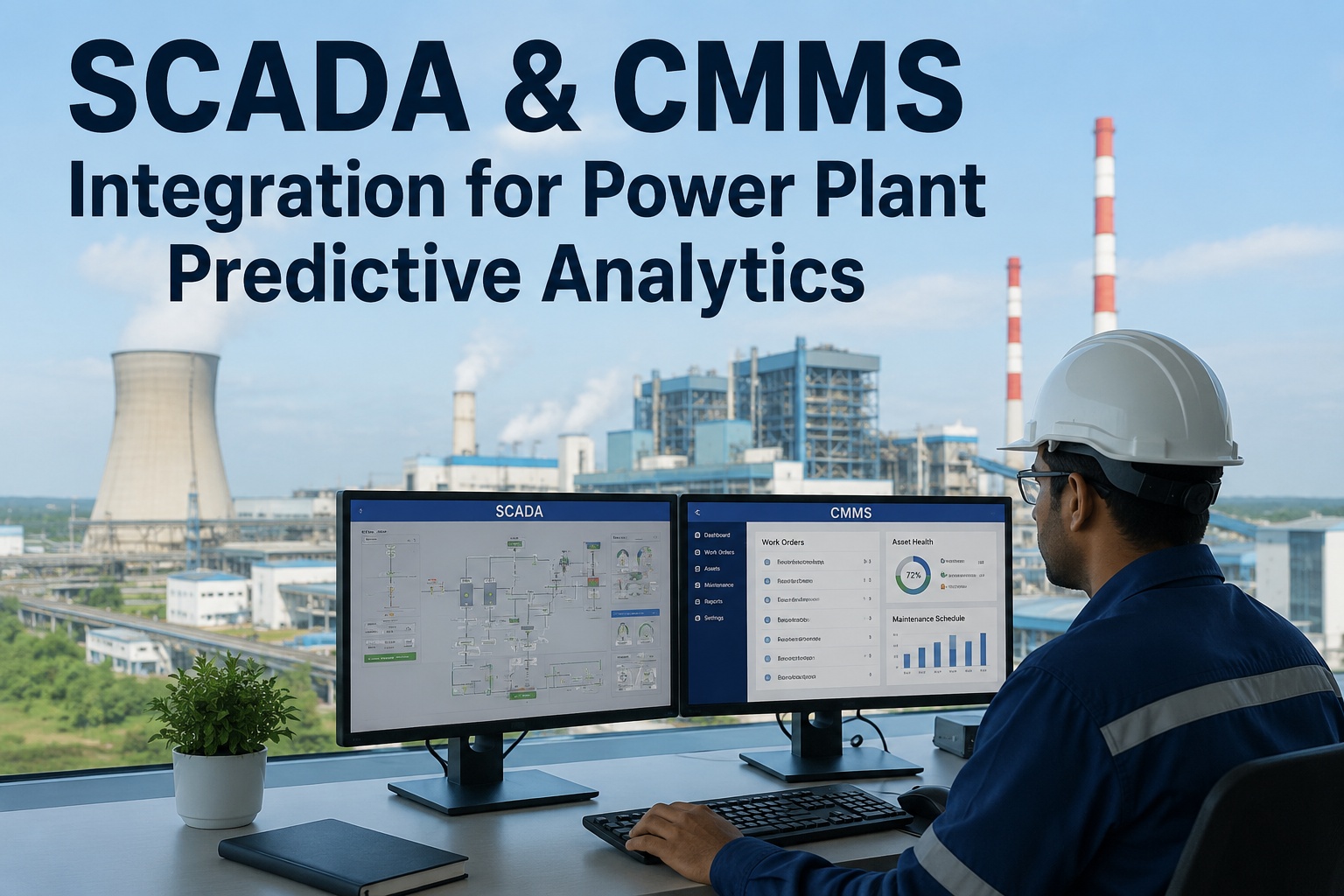
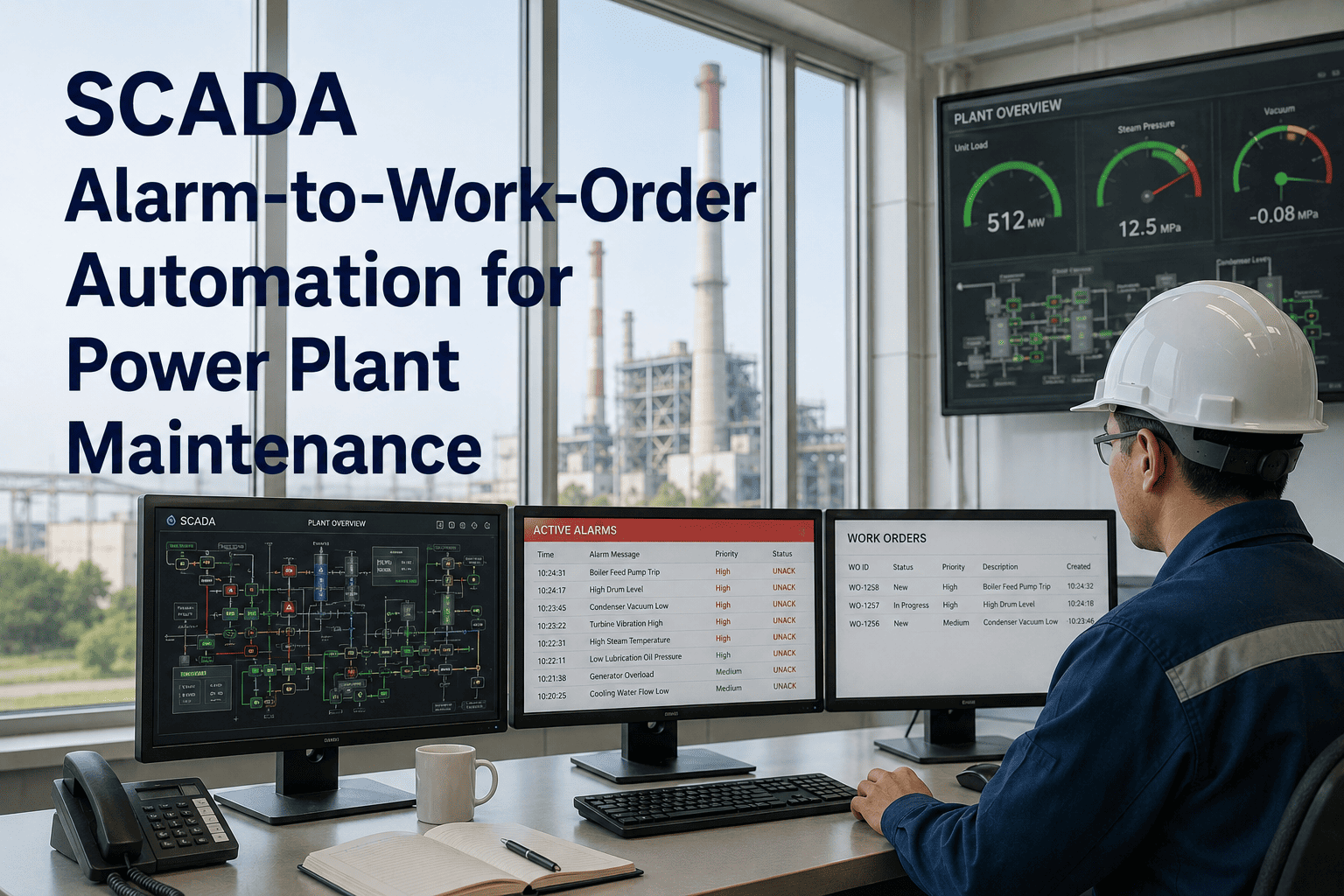
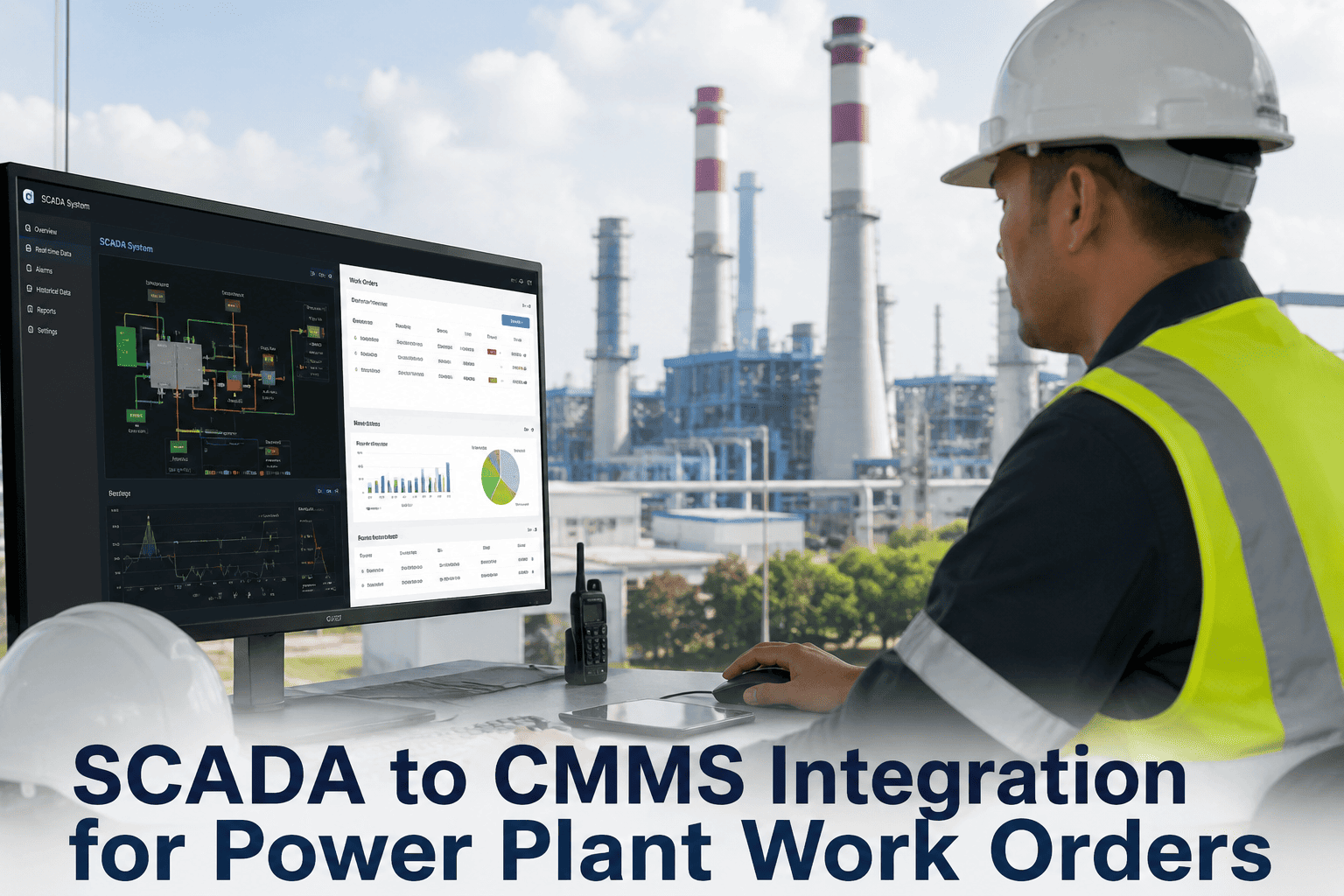
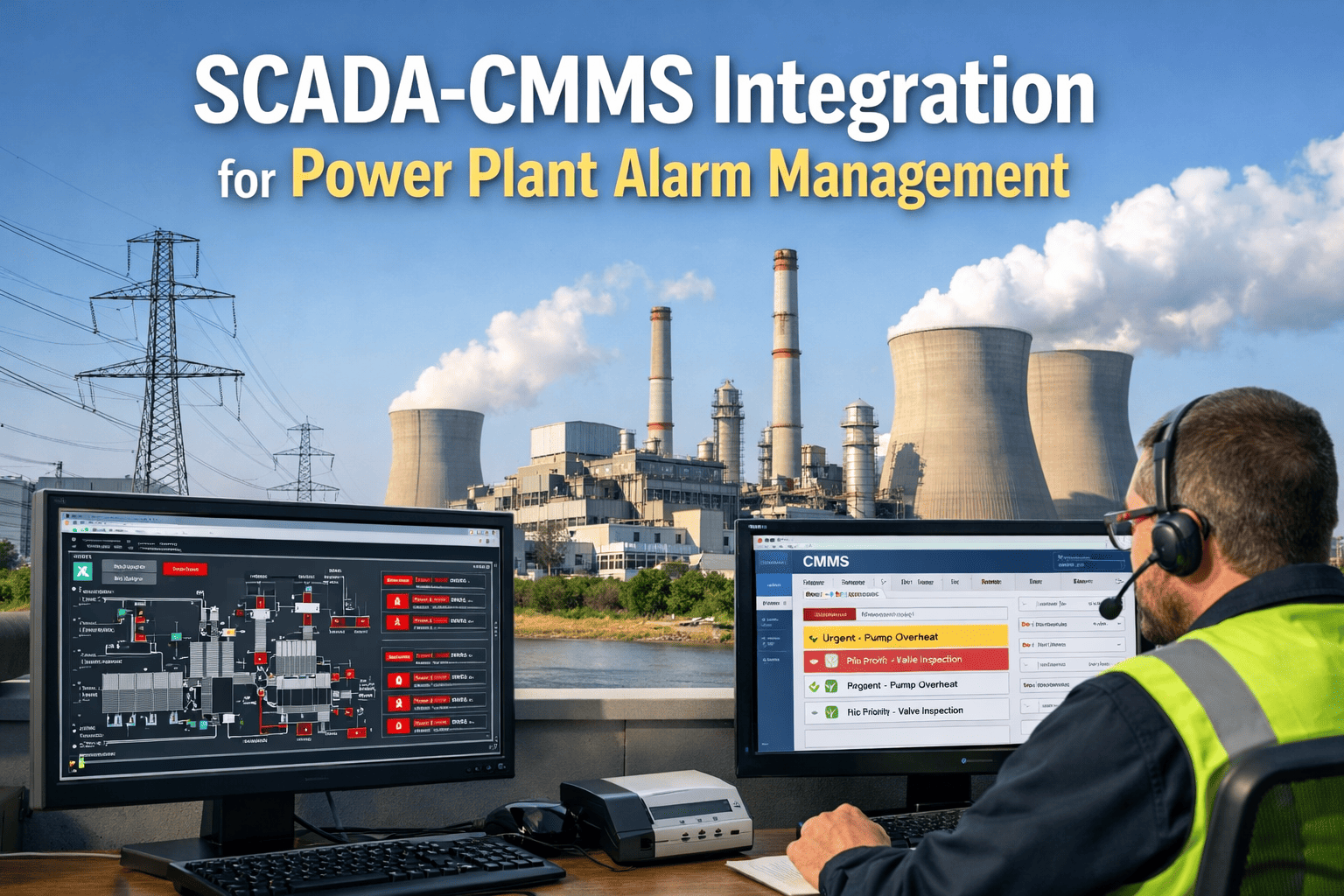
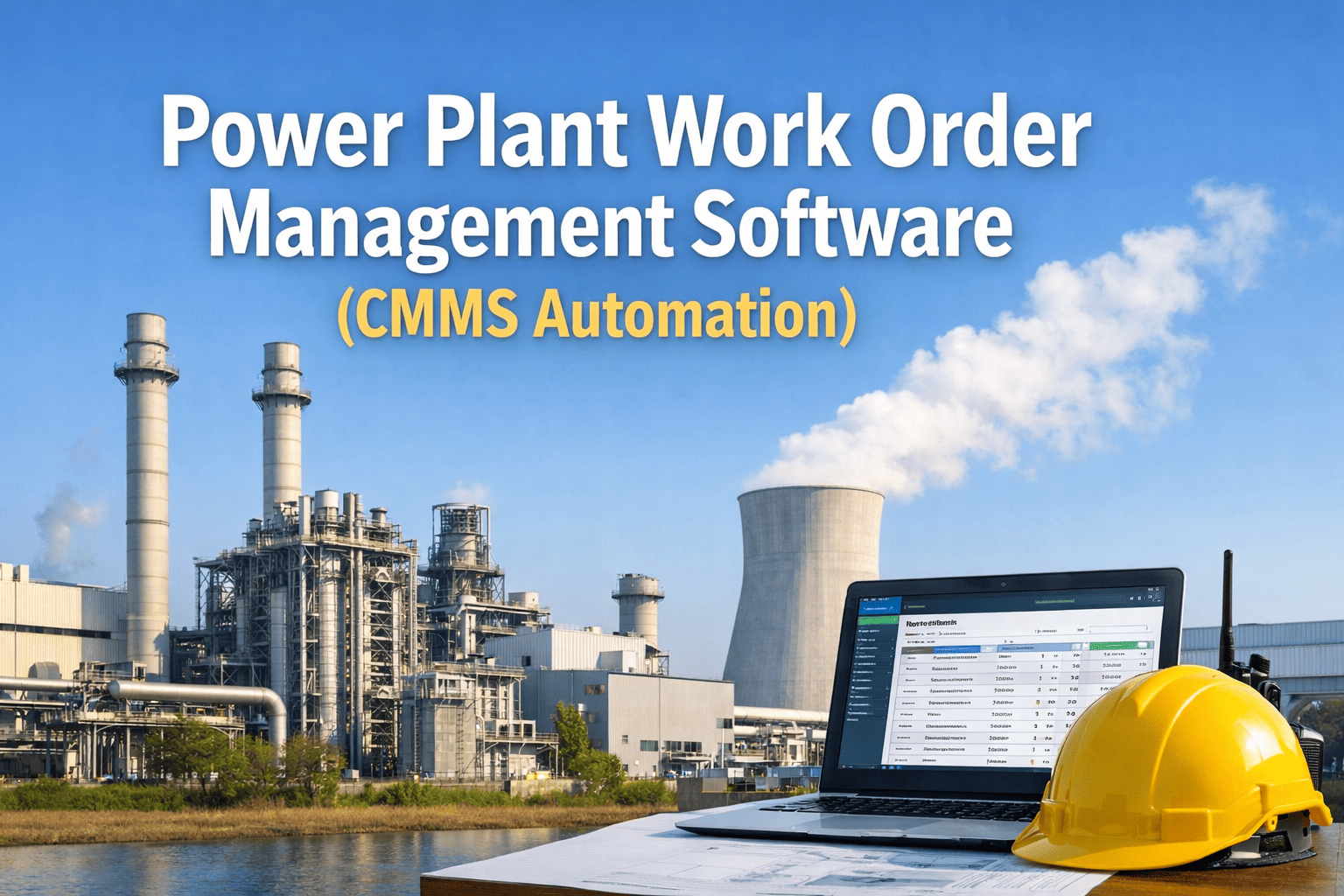
Every power plant's SCADA and DCS systems generate thousands of process alarms, threshold breaches, and equipment status changes every single day — and the overwhelming majority of those signals vanish into the control room historian without ever triggering a single maintenance action. The gap between your operational technology layer and your maintenance management system is costing you forced outages, repeat failures, and maintenance decisions made on gut instinct instead of process data. OxMaint's SCADA-CMMS integration closes that gap permanently — alarm events, parameter exceedances, and equipment fault codes flow directly into structured work orders with asset context, priority classification, and pre-assigned maintenance procedures already attached. If your plant is still manually converting control room alarms into work order emails, book a 30-minute demo and see what automated alarm-to-work-order workflows look like in practice.
Your SCADA Sees the Problem.
Does Your CMMS Act on It?
Control systems generate real-time fault intelligence 24 hours a day. Without a direct integration to your CMMS, that intelligence dies at the HMI screen — never becoming a work order, never becoming a scheduled repair, never preventing the next failure.
The OT-IT Maintenance Gap — Why Your Best Alarm Data Never Becomes a Work Order
Power plants operate two parallel information universes. The operational technology layer — SCADA, DCS, historians, HMIs — captures every equipment state change, every parameter deviation, every fault code with millisecond precision. The information technology layer — CMMS, ERP, maintenance planning tools — manages every work order, procedure, spare part, and compliance record. These two universes rarely talk to each other directly, and the silence between them is where failures are born.
How SCADA Alarm Data Becomes a CMMS Work Order — The Full Signal Path
Every Alarm Class That Should Be Generating CMMS Work Orders — and Usually Is Not
| Alarm Class | Typical SCADA Source | Work Order Trigger Logic | Response Tier | Without Integration |
|---|---|---|---|---|
| Equipment Trip | DCS protective relay, turbine control | Every trip event — no threshold, immediate WO | Immediate | Manual phone call, 15–45 min delay |
| High-High Process Alarm | SCADA analog input, pressure transmitter | HH level breach triggers WO with process values snapshot | Immediate | Operator email, often missed on night shift |
| High Process Alarm | Temperature, vibration, flow SCADA tags | Configurable: trigger after N occurrences in rolling window | Next Shift | Logged in historian only — no maintenance action |
| Performance Deviation | Historian calculated tags, heat rate model | Sustained deviation above configurable threshold for set duration | Next Shift | Noticed only during monthly performance review |
| Recurring Nuisance Alarm | Any SCADA point with high repetition rate | Same alarm tag exceeding N occurrences per day triggers investigation WO | Scheduled | Suppressed by operators — underlying fault never investigated |
| Equipment State Change | DCS discrete I/O, valve position, breaker status | Unexpected state change outside permissive logic triggers WO | Scheduled | No awareness outside control room until next walkdown |
| Communication Fault | Field device health monitoring, HART diagnostics | Instrument communication loss triggers calibration verification WO | Scheduled | Discovered only when transmitter replacement is already overdue |
Stop Losing Alarm Intelligence at the Control Room Screen
OxMaint connects to your SCADA and DCS systems and turns alarm events into structured maintenance work orders automatically. Configure your first alarm-to-work-order rule in under 60 minutes — no OT network changes, no IT project.
Five SCADA-to-CMMS Scenarios That Prevent Forced Outages in Combined Cycle Plants
What Plants Measure After SCADA-CMMS Integration Goes Live
Manual Alarm Handoff vs. SCADA-CMMS Integration — The Operational Difference
We had 14 months of vibration alarm history in the DCS historian for the HP turbine that failed in April. When we did the root cause analysis, the trend was obvious — but nobody in maintenance ever saw it because it lived in the historian and never made it into a work order. After we integrated OxMaint with the control system, the exact same alarm pattern on Unit 2 triggered a work order six weeks later. We found a bearing with early-stage brinelling. That bearing would have been a trip event before the next scheduled outage.
Five Rules for SCADA-CMMS Integration That Delivers Results — Not Just More Noise
Every Alarm Your SCADA Generates Is a Maintenance Decision Waiting to Happen. Automate It.
OxMaint integrates with your DCS, SCADA, and historian infrastructure to convert alarm events into structured CMMS work orders automatically — with asset context, process data, and maintenance procedures pre-attached. Your control room intelligence becomes maintenance action in under 60 seconds. Set up your first alarm-to-work-order integration today.