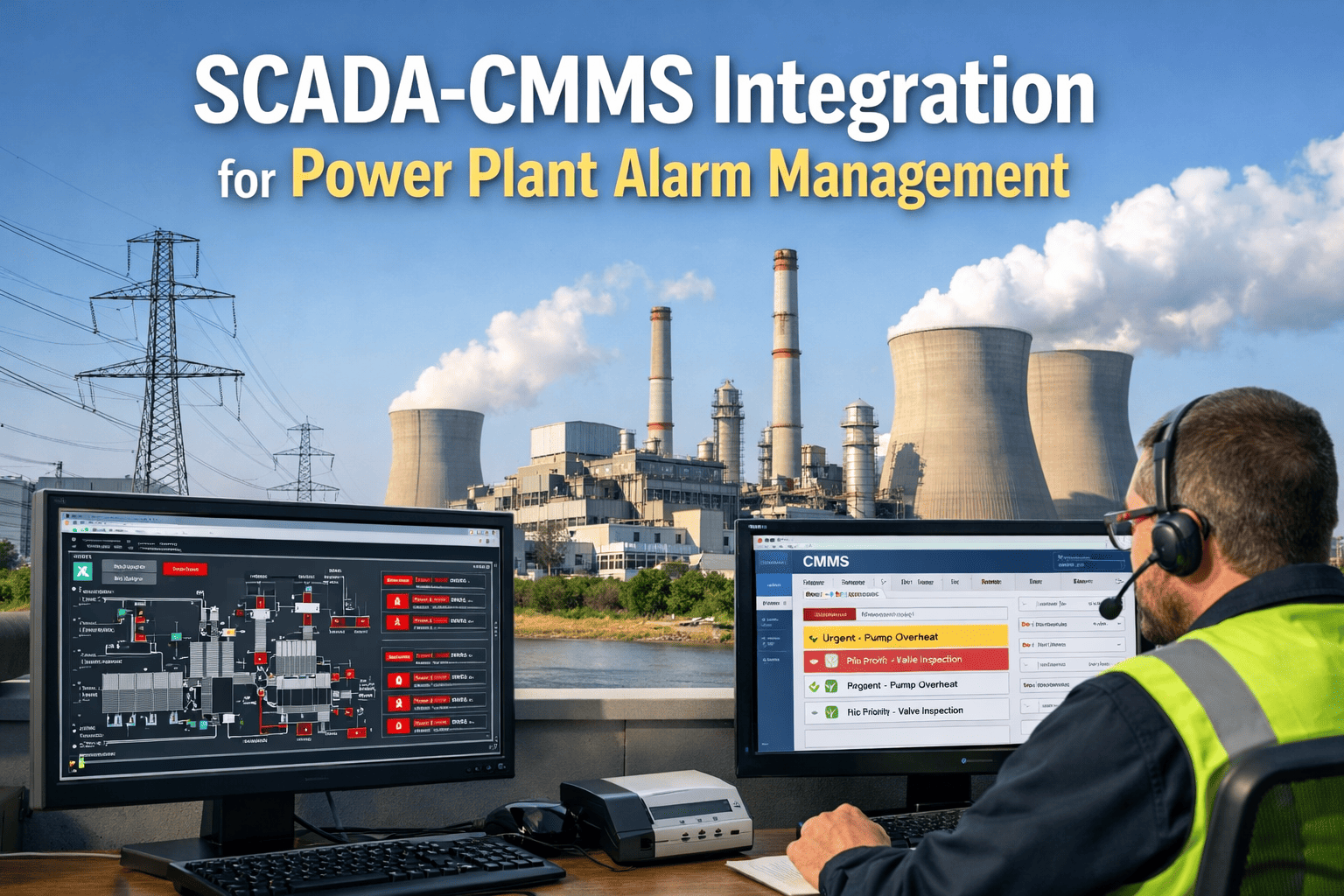
SCADA-CMMS Integration for Power Plant Alarm Management

By Johnson on April 14, 2026

scada-cmms-integration-power-plant-real-time-alarms

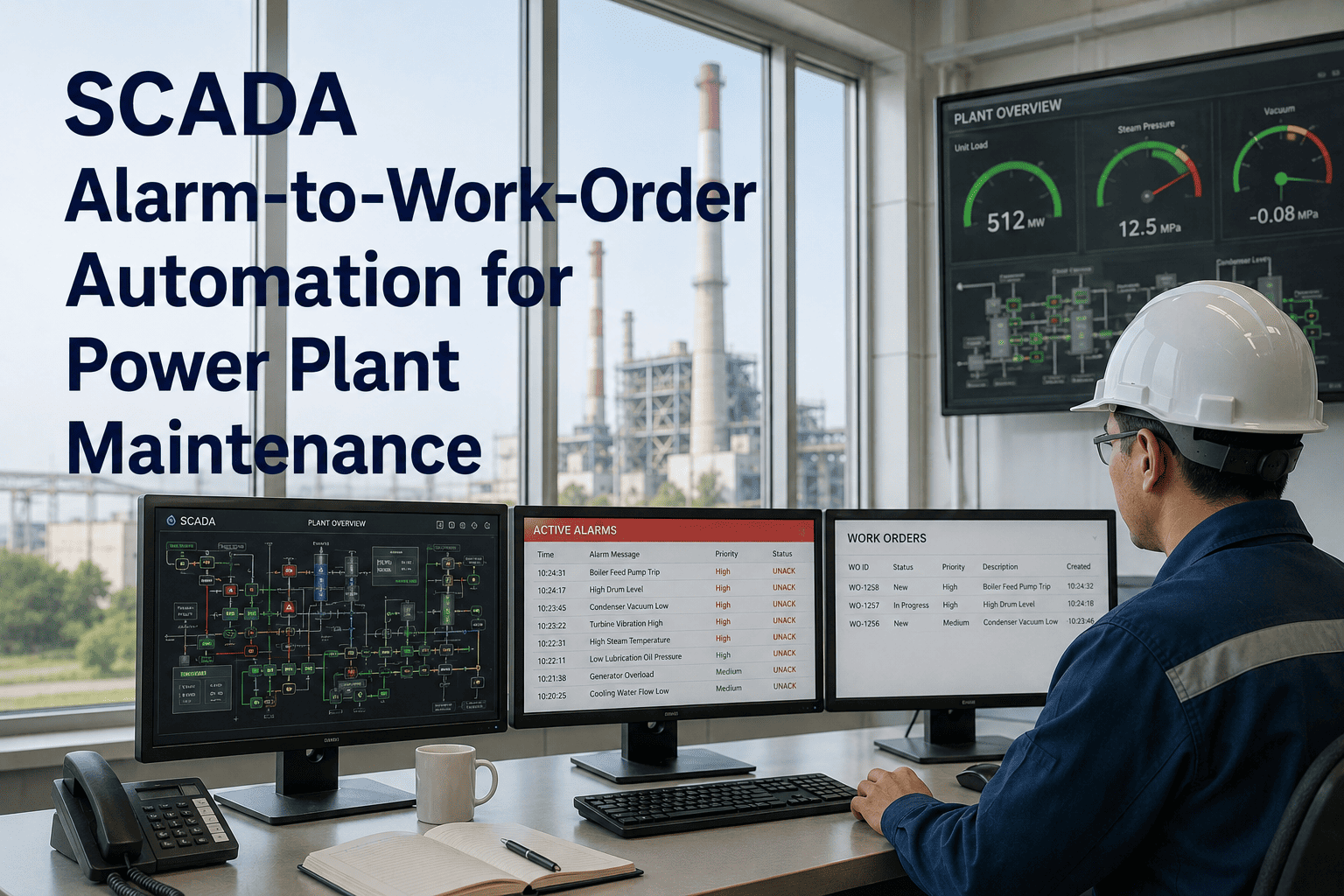
Every time a SCADA alarm fires and nobody creates a work order, equipment damage compounds silently. Power plant operators have tolerated this gap for decades — SCADA historians capture everything, CMMS tracks nothing from them automatically. Sign in to OxMaint to connect your DCS alarms directly to maintenance workflows, or book a demo to see how real-time alarm-to-work-order automation works in a live power plant environment.

Integration / Power Plant

SCADA–CMMS Integration for Power Plant Alarm Management

How connecting your SCADA historian to your CMMS auto-generates priority work orders the moment equipment crosses a threshold — before damage escalates and before anyone has to notice.

73% of SCADA alarms never reach a work order
4.2× faster MTTR with integrated alarm workflows

The Integration Gap That Costs Power Plants

SCADA systems are extraordinary at seeing. CMMS systems are extraordinary at acting. But in most power plants, they do not talk to each other — which means every alarm that fires depends entirely on a human noticing it, deciding it matters, and manually creating a maintenance record. That chain breaks constantly.

Without Integration
  • Alarm fires in DCS console
  • Operator acknowledges and forgets
  • No work order created
  • Equipment degrades untracked
  • Failure discovered during outage
Average delay to maintenance action: 6–14 hours
With OxMaint Integration
  • Alarm fires in DCS
  • OxMaint receives structured alarm data
  • Work order auto-generated with priority
  • Technician dispatched with context
  • Resolution logged against asset record
Average delay to maintenance action: < 8 minutes
Stop Losing Critical Alarm Data Between Systems

OxMaint connects your SCADA historian to maintenance workflows automatically — no manual data transfer, no alarm acknowledgment gaps.

How SCADA–CMMS Integration Works: The Data Flow

Integration happens at the protocol layer — OPC UA, Modbus, or REST API depending on your DCS vendor — and transforms raw alarm events into structured maintenance records.

01
DCS Alarm Event Fires
Turbine bearing temperature exceeds set point. Generator excitation fault detected. Boiler feed pump vibration crosses threshold. The SCADA system logs the event with timestamp and tag ID.

02
OPC UA Bridge Captures Structured Data
OxMaint's OPC UA connector reads the alarm event — tag name, alarm type, severity level, process value, and set point — and maps it to the corresponding asset record in the CMMS asset register.

03
Priority Work Order Auto-Generated
Based on alarm severity and asset criticality rules, OxMaint generates a corrective work order — P1 for trip conditions, P2 for high-alarm deviations, P3 for pre-alarm trending — with the SCADA data pre-attached.

04
Technician Receives Contextual Dispatch
The assigned technician sees the asset location, the SCADA trend graph leading up to the alarm, historical work orders for the same asset, and the recommended action — not just an alarm code.

05
Resolution Feeds Back to Historian
Work order completion data — repair type, parts used, downtime duration — writes back to the asset record and correlates with the SCADA historian for root-cause analysis and predictive model improvement.

Supported Protocols and DCS Vendors

OxMaint integrates with the systems already running in your power plant — no rip-and-replace, no parallel infrastructure.

Protocol / Interface Typical DCS / SCADA Vendor Data Available Work Order Trigger
OPC UA ABB, Siemens PCS7, Honeywell Experion, Emerson DeltaV Real-time tag values, alarm events, historian trends Alarm state change, threshold crossing
Modbus TCP Schneider Electric, GE, legacy PLCs Register values, discrete alarm bits Register value exceeds configured limit
REST API OSIsoft PI, InfluxDB, modern SCADA platforms Historian data, calculated KPIs, alarm summaries API push from historian on alarm event
MQTT IIoT gateways, edge devices, modern sensor networks High-frequency sensor streams, edge alarm events Message payload triggers work order rule
CSV / FTP Export Legacy historian systems, older DCS platforms Scheduled alarm log exports Batch processing on file receipt

Alarm Priority Mapping: From SCADA Severity to Work Order Priority

Not every SCADA alarm warrants the same maintenance response. OxMaint maps alarm severity tiers to work order priorities based on asset criticality — configurable per plant.

P1 — Critical
Trip Condition / Process Shutdown
Turbine over-speed, generator protection trip, boiler pressure safety activation. Work order generated immediately. Technician notified within 60 seconds. Production impact logged automatically.
P2 — High
High Alarm / Imminent Risk
Bearing temperature at high-alarm threshold, winding insulation resistance below limit, lube oil pressure warning. Work order created within 5 minutes. Shift supervisor notified.
P3 — Medium
Pre-Alarm / Trending Deviation
Vibration trending upward over 72 hours, efficiency curve deviation, auxiliary system performance degradation. Work order queued for planned maintenance window.

What Power Plants Gain: Integration Outcomes

62%
Reduction in unplanned downtime
Alarms that previously triggered no action now generate work orders — defects are addressed before equipment failure.
100%
Alarm-to-record traceability
Every SCADA alarm above threshold is linked to a maintenance record — creating an auditable compliance trail for regulatory inspection.
8 min
Mean time to work order creation
From alarm event to dispatched technician — replacing a process that previously took hours or was skipped entirely.
Zero
Manual data entry between systems
Operators stop transcribing alarm data into maintenance logs. Data flows automatically with full sensor context attached.

Frequently Asked Questions

No changes to your DCS configuration are required. OxMaint connects at the historian or OPC UA layer as a read-only data consumer — your control system configuration remains untouched. Integration is additive, not disruptive. Book a demo to see a live connection to a sample historian environment.
Each SCADA tag mapped to OxMaint can have independent threshold rules, priority assignments, and asset linkages configured through the OxMaint console — no code required. Rules can be cloned across similar assets or imported from your existing alarm management documentation. Sign in to access the alarm rule configuration interface.
OxMaint uses a local edge buffer that stores alarm events during connectivity interruptions and syncs to the CMMS when connection restores — no alarm data is lost. The system also alerts administrators when historian connectivity drops below acceptable thresholds.
Yes. OxMaint uses SCADA runtime data — equipment hours, cycle counts, process values — to trigger condition-based maintenance tasks. A pump that has accumulated 2,000 operating hours since last service can automatically generate a PM work order, regardless of calendar schedule. Book a demo to see condition-based PM configuration.
Your SCADA Historian Already Has the Data. OxMaint Makes It Act.

Connect your DCS alarms to automatic work order generation — every alarm above threshold becomes a tracked maintenance action, every repair feeds back into your asset history.

Share This Story, Choose Your Platform!