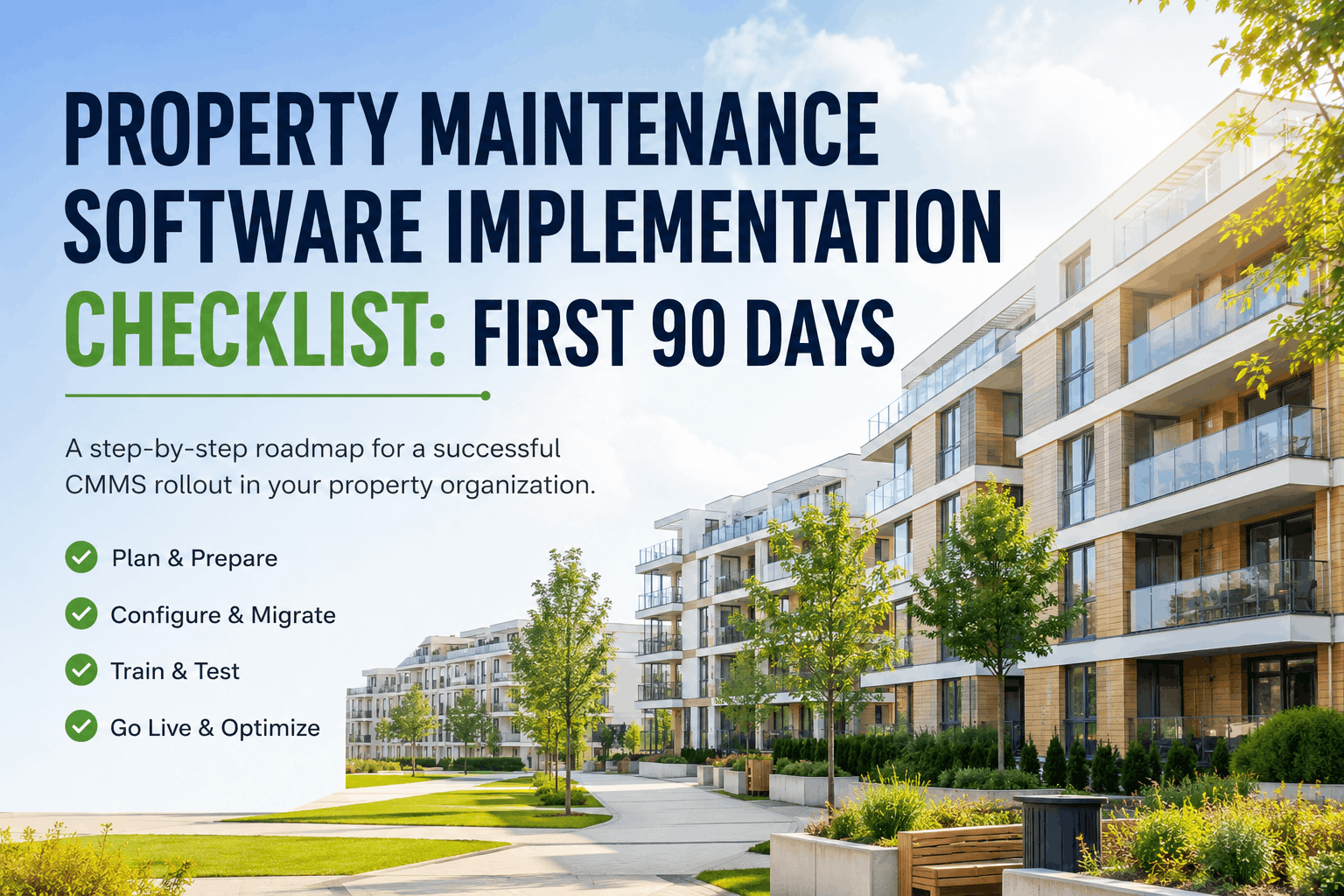
Data Migration Checklist for Property Maintenance Software
By Alex Jordan on July 1, 2026
Migrating maintenance data from legacy spreadsheets, paper-based systems, or outdated CMMS platforms to a modern cloud-based solution like Oxmaint represents one of the highest-impact investments property management organizations can make. Facilities managing 50+ properties consistently report 45-65% reduction in emergency repair costs, 35-50% improvement in PM compliance, and 60-80% faster mean-time-to-repair after moving to a unified digital platform. However, data migration success hinges on structured planning, systematic data validation, and rigorous testing before go-live. A failed migration that corrupts asset records, drops PM schedules, or breaks work-order-to-asset linkages can cause months of post-launch chaos, missed preventive maintenance, regulatory audit failures, and loss of critical maintenance history that your organization needs to justify capital spending and prove compliance. This comprehensive data migration checklist covers asset register cleanup, work order history export, PM schedule preparation, parts inventory reconciliation, user configuration, data validation testing, and cutover planning — organized in execution sequence so your property maintenance data migrates to Oxmaint without losing a single preventive maintenance trigger or vendor performance record.
Migrate Your Maintenance Data to Oxmaint Risk-FreeStructured data audit, field mapping, duplicate detection, validation testing, and parallel processing — Oxmaint's migration team guides every step to ensure zero data loss and full historical record retention with zero downtime during cutover.
Before you export a single record, you must understand what data you have, how it is structured, where gaps exist, and what quality issues will prevent successful import. A pre-migration audit typically reveals 20-40% of asset records are incomplete, 15-25% contain duplicates, and 10-20% reference retired equipment — all of which must be cleaned before migration to avoid post-launch data chaos.
2. Field Mapping & Data Structure Transformation
Your legacy system and Oxmaint use different field names, data formats, and hierarchies for organizing assets and work orders. Field mapping translates legacy columns into Oxmaint schema so your data imports correctly without loss or corruption. Mapping gaps cause import failures that silently drop entire asset records or work orders from the new system.
3. Work Order History & Preventive Maintenance Schedule Export
Historical work orders and PM schedules carry operational intelligence that guides future maintenance planning and asset lifecycle decisions. Incomplete or poorly-structured PM schedule migration will cause your maintenance team to miss scheduled preventive maintenance in the weeks after go-live, leading to emergency repairs and lost ROI credibility.
4. Parts Inventory, Vendors & Configuration Data Migration
Inventory and vendor data migration often gets overlooked, yet broken parts inventory or missing vendor information causes immediate post-launch problems. Technicians cannot find parts they need, work orders lack vendor contact details, and service history is incomplete because vendor information did not migrate.
5. Data Validation Testing & Cutover Planning
Before cutover to live production, your migration data must pass rigorous validation testing to ensure no silent data loss occurs. Test in a parallel environment that mirrors production, validate against your original data export, and run a full dry-run cutover before the final production migration.
Risk-Free Data Migration Powered by Oxmaint Implementation TeamComplete data audit, automated duplicate detection, field mapping review, parallel testing, and 90-day post-migration support — we handle the complexity so your property maintenance data migrates cleanly with zero downtime and zero historical data loss.
Data Migration Risk Categories & Mitigation Strategies
Asset Data Quality Risks
Duplicate records, missing manufacturer data, incomplete location hierarchies, retired assets mixed with active inventory. Mitigation: Run automated duplicate detection, standardize location hierarchies before import, archive retired assets separately, assign missing fields through data cleanup protocol.
Work Order History Loss
Orphaned work orders without asset links, incomplete cost or labor data, missing technician assignments. Mitigation: Validate all work orders link to valid asset IDs, populate required fields before export, build reconciliation checks to count records before/after migration.
PM Schedule Execution Gaps
PM tasks referencing retired assets, unclear trigger logic (time vs. usage), missed PM executions due to incorrect frequency mapping. Mitigation: Audit PM master data against active asset list, map trigger types explicitly, validate last-execution dates load correctly into Oxmaint to prevent duplicate task creation.
Vendor & Parts Data Inconsistency
Duplicate vendor records, parts inventory quantity mismatches, missing SLA or contract information. Mitigation: De-duplicate vendor contacts, reconcile parts inventory against physical stock, import complete vendor master including SLA response times and support contacts.
Frequently Asked Questions — Data Migration for Property Maintenance Software
1. How long does a full data migration to Oxmaint typically take?
Most facilities complete full data migration (audit, cleanup, field mapping, testing) in 3–4 weeks. The actual cutover runs overnight (2–6 hours depending on data volume), with parallel processing running 24–48 hours post-migration to confirm data consistency before legacy system retirement.
2. What happens to my work order history after migration — will I lose past maintenance records?
No. Oxmaint imports complete work order history (typically 3–5 years), preserving all costs, labor hours, and asset linkages. Historical data populates Oxmaint's analytics dashboards, enabling trend analysis and lifecycle forecasting. Legacy system access is retained for 90 days post-migration if you need to reference archived data.
3. Can Oxmaint import data from spreadsheet-based maintenance systems?
Yes. Oxmaint accepts CSV/Excel exports from any legacy system. The migration team provides field mapping templates, validates your spreadsheet structure, and handles data format conversion. Many property teams have migrated from multi-sheet Excel-based CMMS systems successfully.
4. What if my legacy data quality is poor — missing fields, duplicates, incomplete records?
Oxmaint's pre-migration audit identifies data quality issues and provides a cleanup roadmap. High-risk records can be excluded from the initial import and manually entered post-go-live, or the cleanup can be completed before migration (typically 20–40 labor hours). A data quality score guides the decision on cleanup effort versus post-migration manual entry.
5. How do I ensure PM schedules migrate correctly and trigger after go-live?
Validate PM master data before export: verify all referenced assets are active, confirm trigger logic is documented (time-based vs. usage-based), and confirm last-execution dates load correctly so Oxmaint doesn't trigger duplicate tasks. Test PM schedule execution in the sandbox environment before production cutover.
6. Can I access my legacy data after Oxmaint go-live?
Yes. Oxmaint guarantees 90 days of post-migration data export assistance, meaning your legacy system can remain accessible for 90 days while your team adjusts to the new platform. Full historical data is retained in Oxmaint indefinitely for regulatory and audit purposes.
7. What data validation tests should I run before final cutover?
Row-by-row record count reconciliation, asset hierarchy verification, work order linking validation (every work order references a valid asset), PM schedule completeness check, and a 24–48 hour parallel processing test confirming data consistency between legacy and new systems before declaring cutover complete.
8. Who manages rollback if critical data issues are discovered after go-live?
Rollback decisions are made by your facilities leadership with Oxmaint support guidance. A rollback plan is documented pre-migration: which data to restore, system access retention, and estimated rollback duration (typically 4–8 hours). Most migrations proceed smoothly without rollback, but having the plan documented provides confidence to stakeholders.
Begin Your Data Migration Journey to Oxmaint TodayOxmaint's migration team manages every step from pre-audit to post-go-live validation — transforming scattered maintenance data into a unified, searchable, audit-ready asset history that drives informed decision-making for years to come.