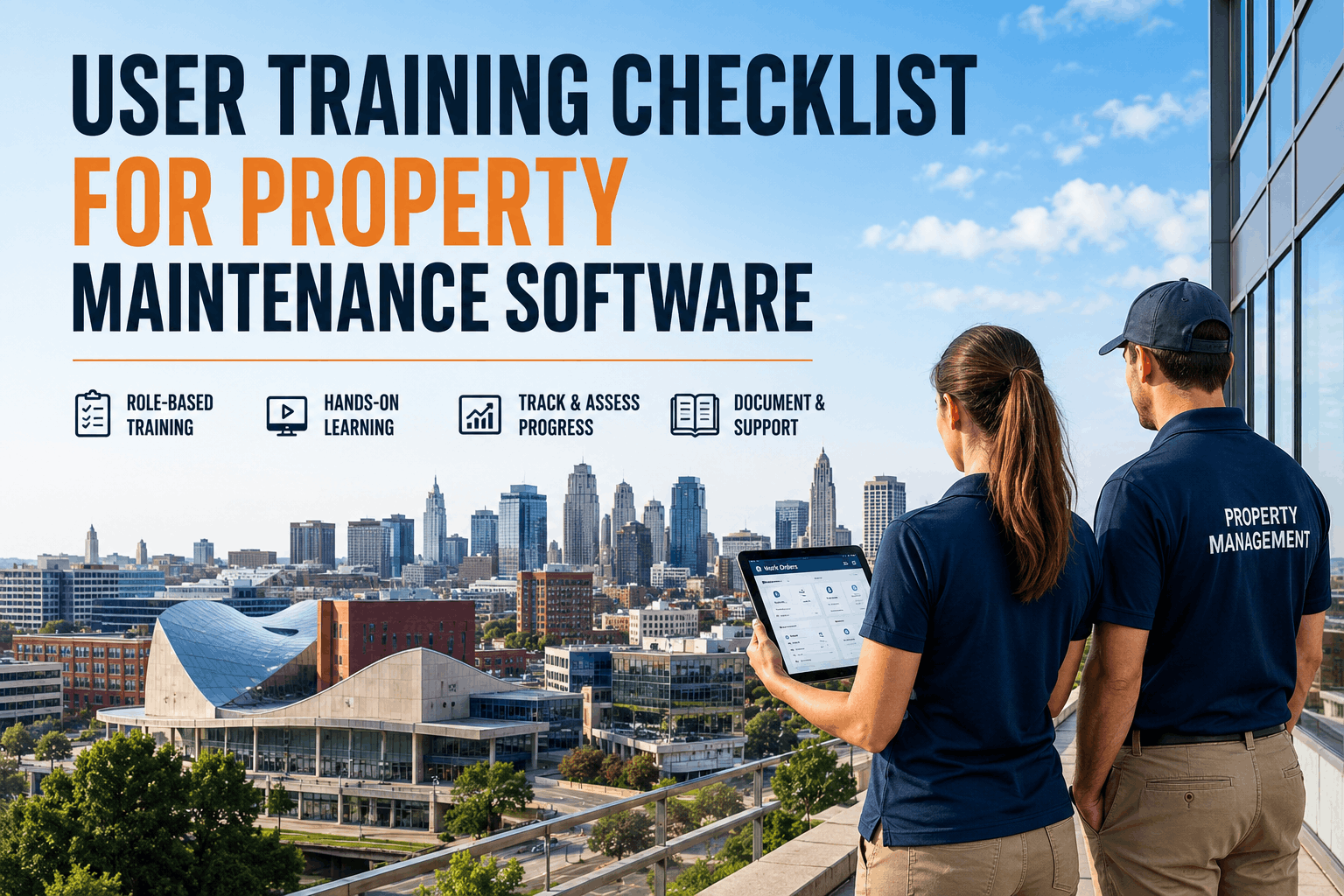
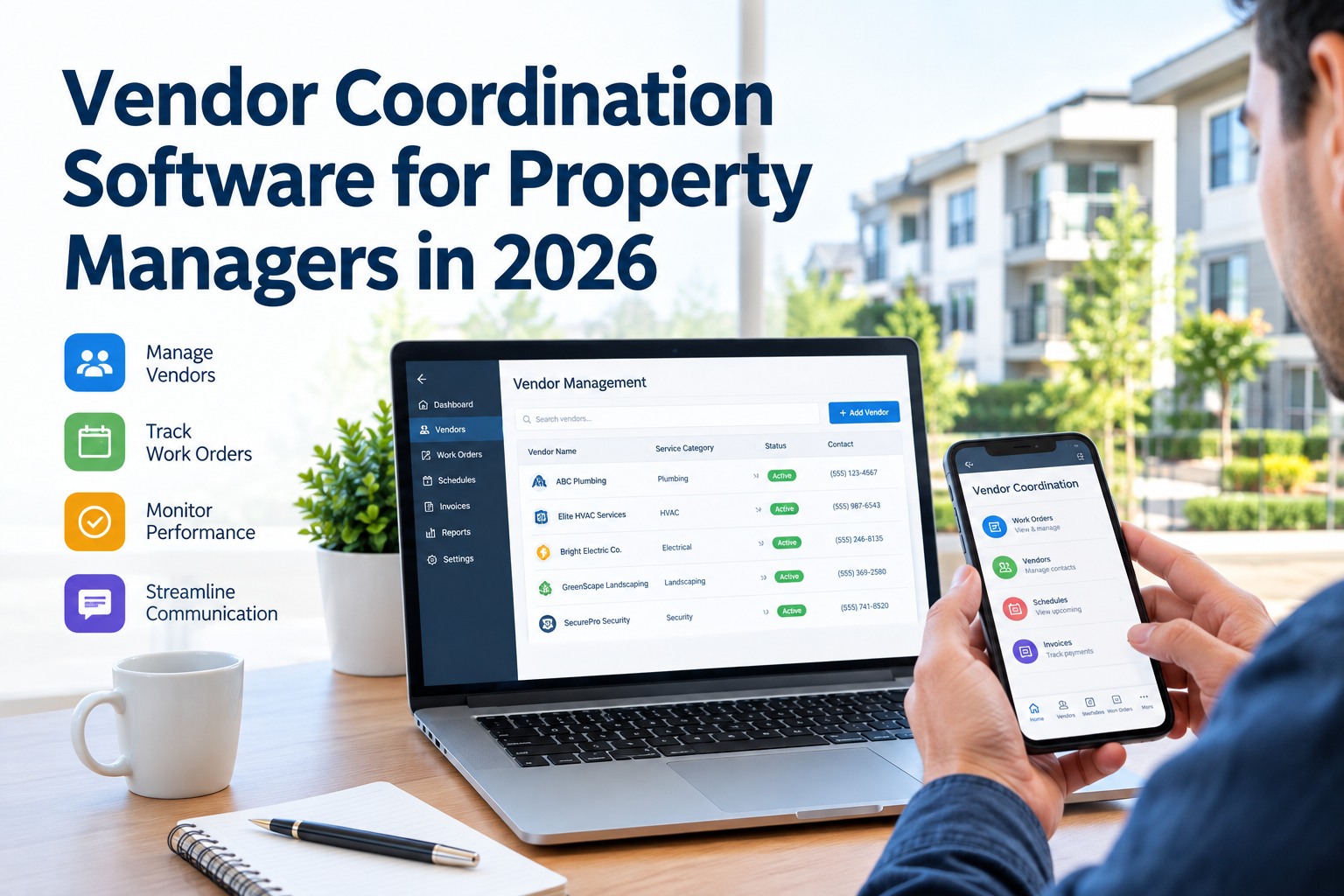
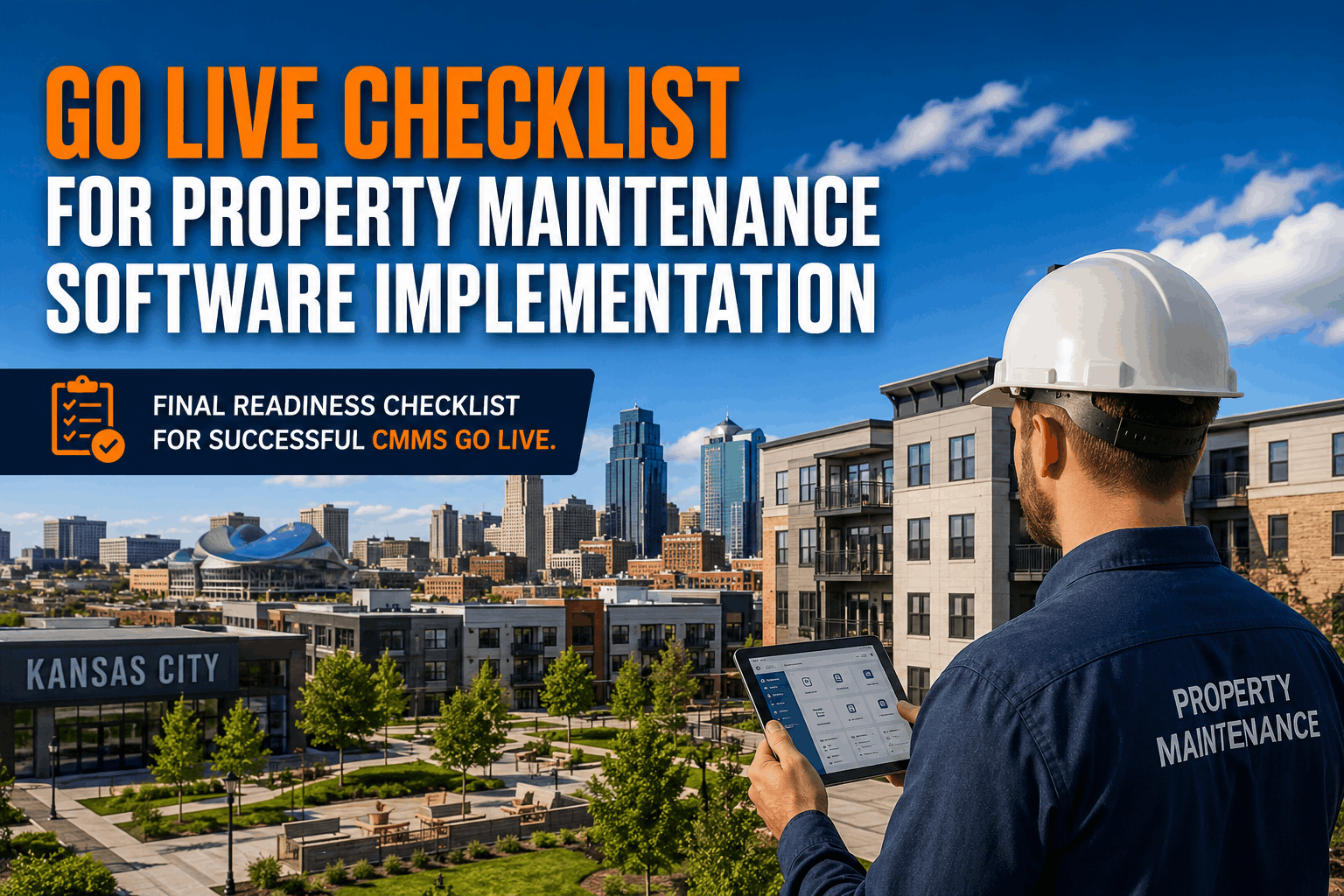
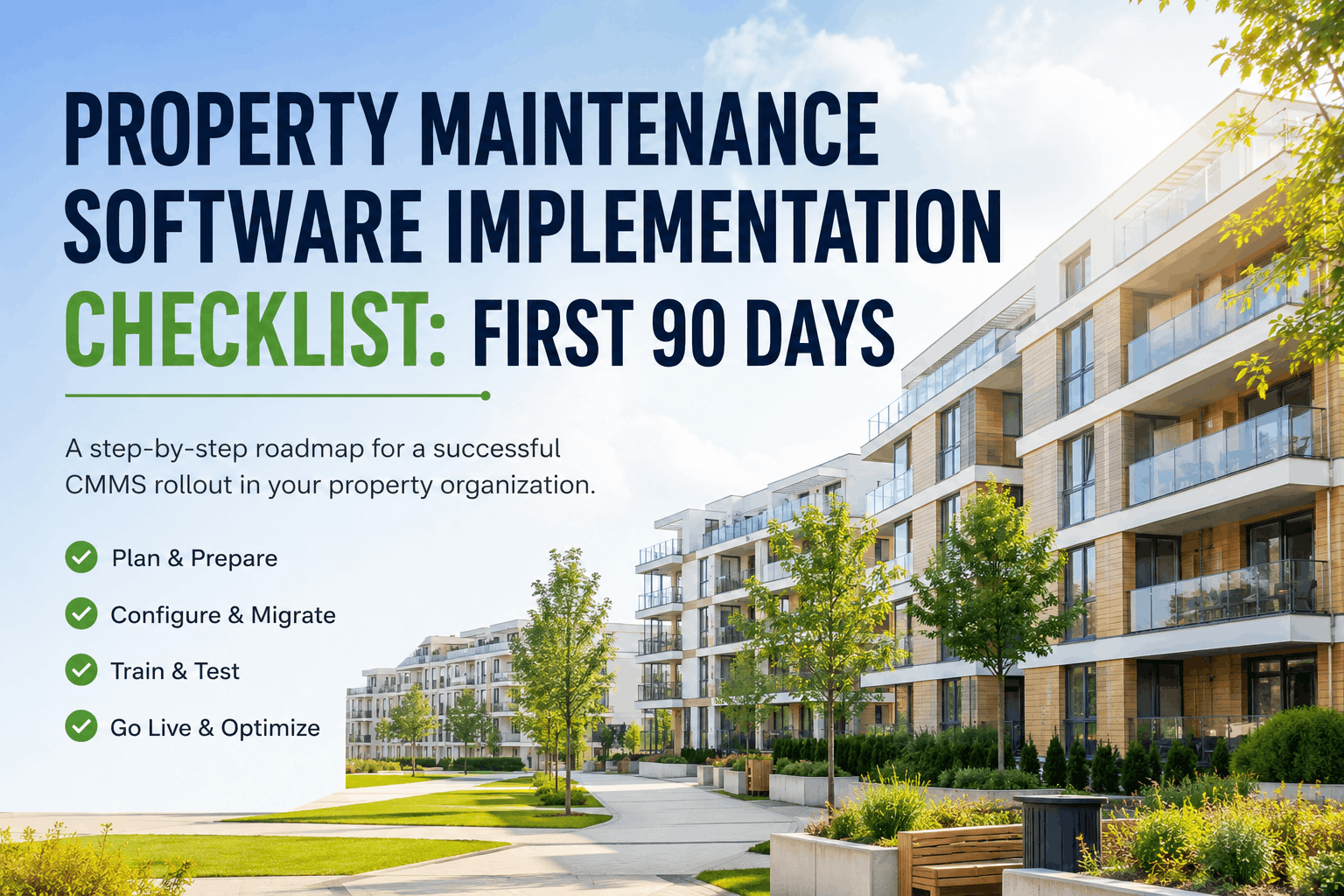
User adoption determines whether your CMMS investment delivers ROI or becomes abandoned software. Property management organizations consistently report that training quality directly correlates with adoption rates: facilities conducting hands-on training sessions achieve 75-90% active user adoption within 30 days, while those relying on self-service documentation see adoption rates below 40%. A comprehensive user training program must address multiple learning styles (video, hands-on workshops, written guides), multiple user roles (facility managers, technicians, vendors, administrators), and measurable competency milestones. The difference between a successful CMMS rollout and one that fails is not platform capability — it is structured, hands-on, role-specific training that builds user confidence and establishes Oxmaint as the go-to system for daily work. This training checklist covers training needs assessment, role-based curriculum development, training delivery methods, certification and competency tracking, and ongoing refresher scheduling — organized to ensure every user on your team reaches productive proficiency before go-live.
Master Oxmaint with Role-Specific Training Programs
Structured training for facility managers, technicians, vendors, and administrators — video modules, live workshops, mobile walkthroughs, and competency assessments that drive 80%+ adoption rates and ensure your team is productive on day one.
1. Training Needs Assessment & Curriculum Planning
Not every user needs to know every feature. A facility manager needs asset dashboards and budget reporting; a field technician needs mobile work order updates and photo capture; a vendor needs portal access only. Role-based curriculum planning ensures training time is invested efficiently on features each user actually needs to perform their daily work.
2. Training Material Development & Delivery Channels
Learning happens through multiple channels — video modules for self-paced learning, live hands-on workshops for confidence-building, written guides for reference, and mobile walkthroughs for just-in-time support. A multi-channel approach accommodates different learning preferences and enables users to revisit training material post-go-live when they encounter unfamiliar workflows.
3. Administrator Training & System Configuration Mastery
System administrators need deep expertise to configure workflows, manage users, set up integrations, and troubleshoot technical issues. Administrator training goes beyond UI navigation to cover database logic, user role configuration, PM schedule setup, and integration management. An undertrained administrator causes recurring downstream issues that affect all users' daily experience.
4. Competency Assessment & Training Certification
Training completion is not the same as competency. A technician who attended the workshop but didn't retain core workflows will struggle in production and create rework. Competency assessments and certification requirements provide accountability and ensure users can actually perform required tasks before go-live.
5. Post-Launch Support & Ongoing Refresher Training
Go-live is not the end of training — it's the beginning. In the first 30 days, expect new users and use cases to emerge, technicians to request clarification on edge cases, and questions about features not covered in initial training. A robust post-launch support and refresher program sustains adoption and prevents users from reverting to workarounds when they encounter unfamiliar workflows.
Transform Your Team with Structured Oxmaint Training Programs
Role-based video modules, live workshops, competency assessments, and ongoing refresher training — Oxmaint's training framework ensures every user is productive and confident from day one through long-term operations.
Training Effectiveness Metrics & Success Indicators
85%+
Active User Adoption Rate
Achieved when training completion rates exceed 90% and competency assessments pass at 80%+. Users who complete structured training use the system daily within 30 days of go-live.
50%
Reduction in Support Tickets
By day 60 post-launch, facilities with comprehensive training programs see 50%+ fewer support questions as users become self-sufficient. Training investment reduces ongoing support burden significantly.
3:1
ROI Acceleration Factor
Facilities with 80%+ user adoption achieve 3-5x faster ROI realization compared to those with low adoption. Training quality is a direct lever on ROI outcome.
30 Days
Path to Productivity
Users who complete video modules + hands-on workshops + competency assessment reach full productivity (performing all assigned workflows independently) within 30 days of production go-live.
Frequently Asked Questions — User Training for Property Maintenance CMMS
1. How much training time should I budget for each user role before go-live?
Field technicians = 2-4 hours (mobile/work orders/photos), facility managers = 4-6 hours (dashboards/reports), administrators = 8-12 hours (full system config), vendors = 1-2 hours (portal access). Total organization training investment typically = 2-3% of implementation budget.
2. What is the difference between training completion and actual user adoption?
Completion = users attended training. Adoption = users use the system daily for their actual work instead of reverting to workarounds (email, spreadsheets, phone calls). Adoption requires competency assessment, hands-on practice, and post-launch reinforcement — not just classroom attendance.
3. Should I train all users before go-live or phase training rollout?
Phased training works better: train facility managers and administrators 2-4 weeks before go-live for system setup validation; train field technicians 1 week before go-live when mobile app and work order templates are finalized. Last-minute training for technicians prevents confusion from configuration changes after their training.
4. How do I handle training for low-tech users or older technicians resistant to mobile apps?
Provide one-on-one coaching (30-60 minutes), hands-on practice in the actual field (boiler room, parking garage), laminated job aid cards to keep in technician trucks, and assign peer mentors who can answer questions post-launch. Avoid making them feel pressured — many technology resisters become confident after 1-2 weeks of real experience.
5. What should I measure to track training effectiveness post-launch?
Track: % of users with active system logins by day 7/30/60, % of assigned work orders completed vs. incomplete, average time-to-accept work orders (lower is better), technician satisfaction survey scores, and support ticket volume by user role to identify groups needing refresher training.
6. How do I motivate maintenance teams to adopt mobile work orders over paper?
Eliminate the paper alternative: disable email-based work request submissions, retire paper work order pads, make Oxmaint the only path to accept work. Remove friction: ensure mobile app works offline and syncs seamlessly. Show quick wins: "mobile work orders reduced our mean-time-to-repair by 20% in the first month" builds peer advocacy.
7. What is the ROI impact of training investment in a CMMS implementation?
Facilities with 80%+ user adoption achieve full ROI 6-12 months faster than those with 40-50% adoption. Training cost (typically 2-3% of implementation budget) is recovered many times over through accelerated productivity gains. Poor training is the leading cause of CMMS ROI failure.
8. How should I structure "Train the Trainer" programs for ongoing new hire onboarding?
Identify 1-2 super-users per 20-person group (managers, technicians, vendors). Train them as trainers: workflow mastery, communication skills, troubleshooting common problems. Provide them with training materials and a 1-hour refresher every 60 days. Super-users handle 90% of new hire training; Oxmaint support handles complex configuration questions only.
Ready to Deploy Comprehensive User Training for Oxmaint?
Oxmaint's training team designs role-specific curricula, delivers live workshops, provides competency assessments, and ensures your team reaches 80%+ adoption within 30 days of go-live — transforming your maintenance operations into a fully digital, data-driven workflow.