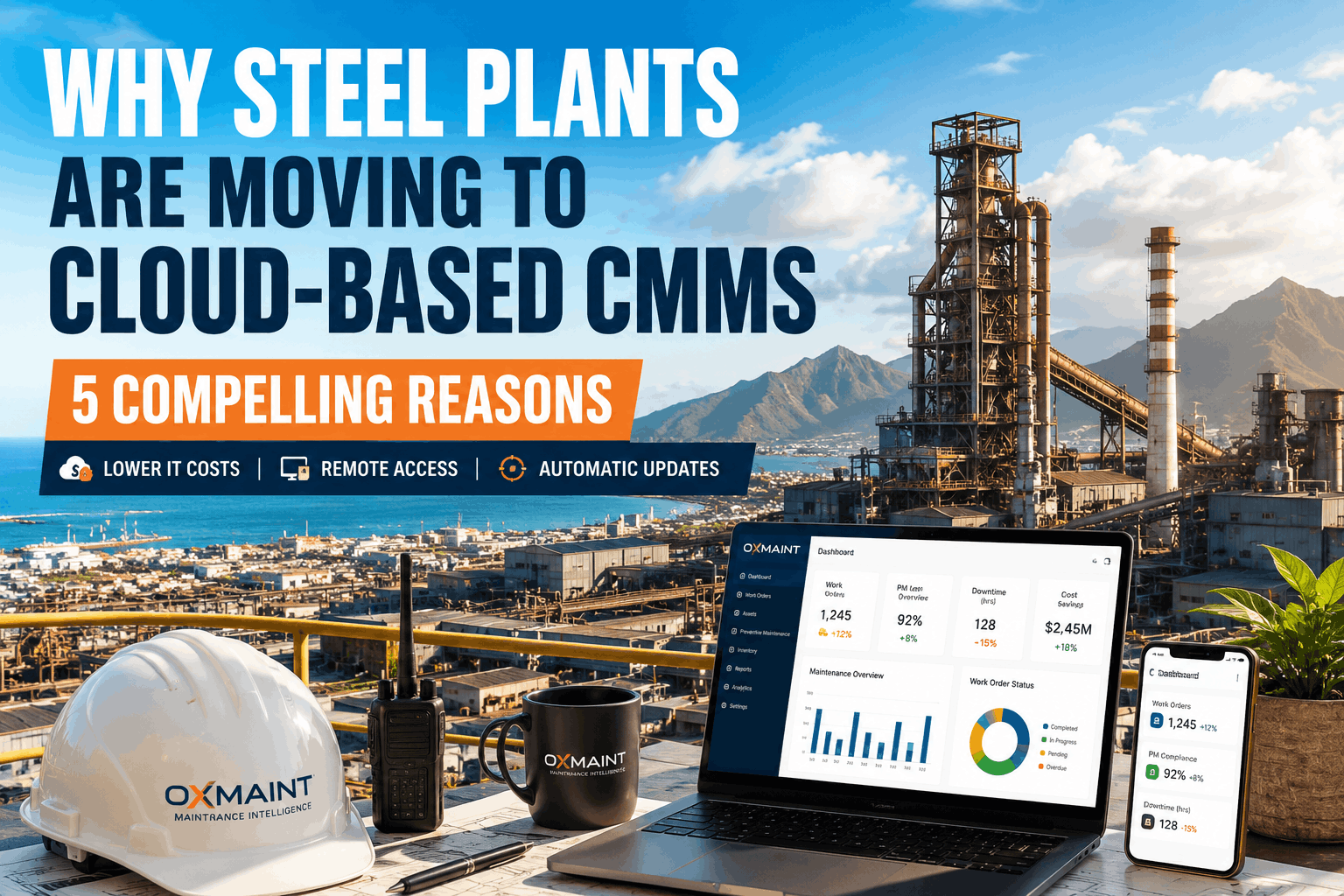
Why Steel Plants Are Moving to Cloud-Based CMMS: 5 Compelling Reasons
By Alex Jordan on June 30, 2026
Steel plants maintaining on-premise CMMS systems face mounting challenges: aging infrastructure requiring continuous IT support, server vulnerability to cyberattacks, difficulty accessing maintenance records remotely from shop floors, and inability to scale functionality as operations expand. Cloud-based CMMS platforms eliminate these constraints by delivering maintenance management software via secure, redundant cloud infrastructure — enabling real-time visibility across multi-site operations, automatic security updates, and pay-as-you-go pricing that aligns with operational scale. USA and European integrated steel mills are abandoning legacy on-premise CMMS systems at accelerating rates, with cloud adoption growing 28% annually in the heavy manufacturing sector.
Why Steel Plants Are Migrating to Cloud CMMS: Enterprise Maintenance at Scale Without Legacy Infrastructure
Real-time maintenance visibility across furnaces, mills, and shop floors. Automatic security patching. Mobile access from anywhere. Zero IT overhead for on-premise server management — migrate in 6–8 weeks with zero production disruption.
Total cost of ownership vs. on-premise CMMS over 5-year horizon
99.99%
Uptime SLA with multi-region failover and automated backup
Zero IT
Dedicated server management or patch management overhead required
6–8 Weeks
Full cloud CMMS deployment from contract signature to go-live
The Business Case for Cloud CMMS in Steel Manufacturing: Moving Beyond Legacy Infrastructure
Steel plants relying on on-premise CMMS systems typically allocate 2–4 FTE to server maintenance, IT security patching, and database administration — costs that compound as systems age and hardware refresh cycles accelerate. A typical USA integrated steel mill with 500+ assets across blast furnaces, hot rolling mills, cold finishing lines, and utilities spends USD 180–280k annually on on-premise CMMS infrastructure before any software licensing fees. Cloud CMMS platforms eliminate these costs entirely while adding capabilities: mobile work orders accessible from any device, real-time integration with ERP systems (SAP, Oracle), automatic backup and disaster recovery, and predictive maintenance analytics that identify repair opportunities before equipment fails. Leading integrated steel producers report switching to cloud CMMS for two strategic reasons: (1) capital preservation — shifting CMMS from capex to predictable opex, and (2) operational agility — deploying maintenance intelligence across multi-site operations without regional IT limitations. Schedule a consultation to compare your current on-premise CMMS costs against cloud alternatives.
CLOUD VS. ON-PREMISE CMMS — INFRASTRUCTURE & COST COMPARISON
Server Hardware & Data Center
On-premise requires dedicated servers, uninterruptible power supply (UPS), physical security, and climate control — cloud eliminates this capex entirely with AWS/Azure managed infrastructure
Security Patching & Compliance
Cloud providers apply security patches automatically; on-premise requires planned maintenance windows, vulnerability scanning, and audit documentation for SOC 2 compliance
Database Administration & Backups
Cloud CMMS includes automated daily backups, point-in-time recovery, and disaster recovery — on-premise requires dedicated DBA staff and backup infrastructure
Network Security & VPN Access
Cloud CMMS uses enterprise-grade encryption and role-based access control; on-premise requires VPN management, firewall configuration, and network monitoring
IT Staffing & Training
Cloud CMMS eliminates need for dedicated IT administration staff; users interface with intuitive SaaS dashboards requiring minimal technical training
Software License & Maintenance Contracts
Cloud uses flexible subscription pricing; on-premise involves large upfront license purchases, annual maintenance fees, and expensive upgrade cycles
Cloud CMMS Mobile Accessibility: Shop Floor Maintenance Intelligence Without Tethered Workstations
One of the most underestimated advantages of cloud CMMS is mobile accessibility — maintenance technicians receive work orders, log completion status, and capture photos directly from mobile devices without returning to a fixed maintenance office workstation. In a typical blast furnace operation, this reduces task completion time by 8–15 minutes per job by eliminating travel to update the system manually. OxMaint's mobile app works offline (capturing data locally) and synchronizes with the cloud CMMS when connectivity is restored — critical for steel plants with radio-frequency dead zones in hearth areas or continuous caster buildings. Field technicians can photograph equipment damage, attach failure documentation, and log condition assessments directly into the maintenance record within seconds of job completion, improving data accuracy and enabling predictive maintenance models to identify failure patterns hours rather than weeks after they occur. USA integrated steel mills report that cloud CMMS mobile deployment increases work order completion rates by 12–18% and reduces maintenance record data entry errors by 40% through real-time capture and auto-validation rules. Deploy mobile CMMS capabilities to your maintenance team within 6–8 weeks — no server replacement required.
Maintenance supervisor assigns jobs to technician's mobile device — technician accepts, completes, and updates status without ever visiting the office desk.
3–5% overall maintenance schedule acceleration
Photo Capture
Visual Condition Documentation
Technician photographs equipment damage, corrosion, or wear directly in the cloud CMMS — photos timestamped and georeferenced for future trending analysis.
40% reduction in maintenance record data entry errors
Offline Sync
No Connectivity Required
Mobile app works offline in RF dead zones — data stores locally and synchronizes automatically when connectivity is restored (WiFi, cellular, or LTE).
100% coverage across multi-level furnace and mill buildings
Inspection Forms
Digital Checklists & Compliance
Pre-defined inspection forms prevent missed data points — required fields enforced before technician can mark task complete, ensuring full audit trail.
95%+ compliance with preventive maintenance protocols
Predictive Alerts
Condition-Based Maintenance Triggers
Mobile app receives real-time alerts when equipment condition crosses failure threshold — technician responds immediately with corrective action before breakdown occurs.
12–18% reduction in unplanned maintenance events
Cloud CMMS Security, Data Privacy & Compliance for Steel Manufacturing
Steel plants handle proprietary equipment specifications, maintenance procedures, and production schedules — data that competitors and cyber threat actors actively seek. Cloud CMMS platforms hosting these assets must meet stringent data protection standards: NIST Cybersecurity Framework compliance, ISO 27001 certification for information security, SOC 2 Type II audit attestation, and GDPR/CCPA data privacy requirements for global operations. OxMaint's cloud CMMS infrastructure is hosted on AWS with 256-bit TLS encryption for data in transit, 256-bit AES encryption for data at rest, and role-based access control (RBAC) that restricts sensitive maintenance procedures to authorized users only. Maintenance records for blast furnaces, critical mill drives, and casting machines can be flagged as "restricted" — visible only to production engineers and reliability teams, invisible to visiting contractors or third-party consultants. Multi-site steel producers appreciate cloud CMMS's built-in audit logging: every maintenance action (work order creation, technician assignment, completion status) generates an immutable timestamp and user ID, meeting USA regulatory requirements for equipment maintenance documentation in the steelmaking process. Schedule a security review to confirm OxMaint meets your data protection and compliance requirements.
CLOUD CMMS SECURITY & COMPLIANCE FRAMEWORK — DATA PROTECTION STANDARDS
Encryption Standards
In Transit: 256-bit TLS 1.3 for all client-server communication — prevents network eavesdropping and man-in-the-middle attacks
At Rest: 256-bit AES encryption for all database records — unauthorized access to cloud storage yields encrypted, unreadable data
Key Management: AWS Key Management Service (KMS) with automated key rotation every 90 days — industry standard for regulated data security
Access Control & Authentication
Role-Based Access: Granular permissions control what each user sees — technician access limited to own work orders, engineers see cross-site data, supervisors approve maintenance plans
Multi-Factor Auth: Optional two-factor authentication (SMS or authenticator app) for all user accounts — prevents unauthorized login attempts
API Key Management: For integrations with ERP or maintenance systems, API keys are automatically rotated and can be revoked instantly by administrators
Compliance Certifications & Audits
SOC 2 Type II: Annual third-party audit confirming security controls and operational effectiveness — required by Fortune 500 manufacturing companies
ISO 27001: Information security management system certification — globally recognized standard for data protection and privacy controls
GDPR/CCPA Compliant: Data retention policies, user right-to-deletion, and privacy impact assessments built into platform defaults
Audit Logging & Data Integrity
Immutable Audit Trail: Every action (work order creation, completion, approval) logged with user ID, timestamp, and change details — cannot be retroactively altered
Restricted Data Flagging: Classify maintenance procedures as "confidential" — visible only to specific role groups, audit log tracks who accessed restricted documents
Data Retention Policies: Configurable retention schedules (e.g., 7-year steelmaking compliance), automatic archival to cold storage, and legally compliant deletion workflows
"Our on-premise CMMS was costing us USD 220k annually in IT infrastructure and staff, with 3–4 unplanned outages per year during security patching windows. We migrated to OxMaint's cloud CMMS in 8 weeks with zero production disruption. Within 12 months, we'd eliminated the entire server maintenance cost and deployed mobile work orders to 40 technicians — reducing task completion time by 12 minutes per job on average. The ROI was immediate and the operational flexibility is unmatched."
Cloud CMMS Migration from On-Premise: Planning, Data Migration & Zero-Downtime Cutover
Migrating from an on-premise CMMS to cloud requires careful planning to avoid disrupting maintenance operations during the transition window. OxMaint's migration methodology follows a structured 6–8 week approach: (1) Data Audit & Mapping — export work order history, asset register, and maintenance procedures from legacy system, validate data quality, and map fields to OxMaint schema; (2) Parallel System Operation — run both systems simultaneously for 2–4 weeks, allowing technicians to log work in both CMMS during transition (parallel operation ensures zero loss of maintenance records); (3) User Training & Cutover — conduct mobile app training for all technicians, designate super-users for each department, perform final data validation, and execute cutover during planned maintenance window (typically weekend); (4) Post-Migration Support — dedicate OxMaint implementation team to on-site support for two weeks, address any data issues or user questions, and optimize workflows based on early feedback. USA integrated steel mills report 95%+ user adoption within 4 weeks post-deployment when this structured approach is followed, with zero unplanned maintenance shutdowns occurring during the migration window. Start your free trial environment to test OxMaint with a sample of your maintenance data.
• Configure asset hierarchy and work order templates
• Integrate with ERP system (SAP, Oracle) via API
OxMaint production environment ready for data load
WEEK 5–6: DATA MIGRATION & PARALLEL OPERATION
• Load historical work order data into OxMaint
• Begin parallel operation (log work in both systems)
• Conduct user acceptance testing with technician groups
Zero loss of maintenance history, both systems in sync
WEEK 7–8: TRAINING, CUTOVER & HANDOFF
• Deploy mobile app to technician devices
• Conduct on-site training for all users
• Execute cutover during weekend maintenance window
Live in production, legacy system decommissioned
Frequently Asked Questions: Cloud CMMS for Steel Plants
Q1 What happens to our maintenance data if OxMaint's service becomes unavailable?
OxMaint maintains 99.99% uptime SLA with automated failover across multiple AWS regions. Your data is backed up continuously; even in worst-case scenario, recovery time objective (RTO) is under 15 minutes. You also retain full data export capability anytime.
Q2 Can we integrate OxMaint with our SAP ERP system for inventory and procurement?
Yes — OxMaint integrates with SAP via REST APIs. Work order completion triggers automatic spare parts requisitions, purchase orders, and inventory updates in SAP without manual data entry.
Q3 Does cloud CMMS work in areas with poor internet connectivity?
Yes — OxMaint's mobile app works offline and stores work orders locally. When connectivity is restored, data synchronizes automatically. No lost information; no disruption to technicians.
Q4 How long does the migration from our on-premise CMMS take?
Typical migration is 6–8 weeks: 2 weeks for data audit and mapping, 2 weeks for parallel operation, and 2–4 weeks for training and final cutover. Zero production downtime during transition.
Q5 What is the cost of OxMaint cloud CMMS compared to on-premise licensing?
Cloud CMMS is 40% lower total cost of ownership over 5 years — no server capex, no IT staff overhead, and flexible scaling. Typical pricing is USD 3,500–6,000/month for a 500+ asset steel plant.
Q6 Can we restrict sensitive maintenance procedures to certain users only?
Yes — OxMaint supports role-based access control (RBAC). Flag procedures as "restricted" and grant visibility only to production engineers, reliability teams, or equipment OEMs via granular permissions.
Q7 What training do our maintenance team members require?
OxMaint provides 3–5 days of on-site training for all user roles (technicians, supervisors, engineers). Mobile app training is typically 2–4 hours per technician. Most users are productive within one week.
Q8 Is OxMaint cloud CMMS certified for USA manufacturing compliance?
Yes — OxMaint is SOC 2 Type II certified, ISO 27001 compliant, and meets NIST Cybersecurity Framework standards. Audit trails meet USA equipment maintenance documentation requirements for steelmaking operations.