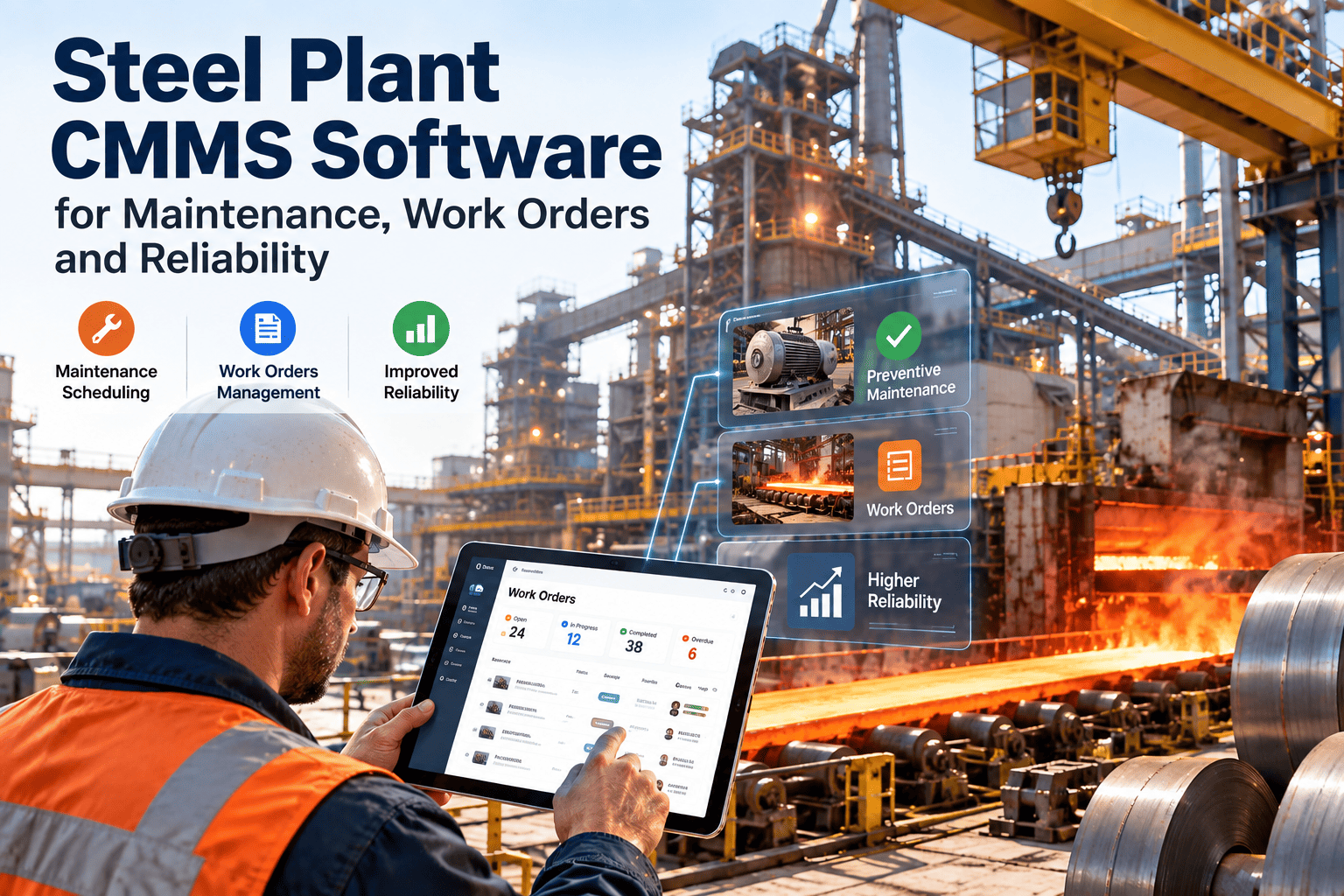
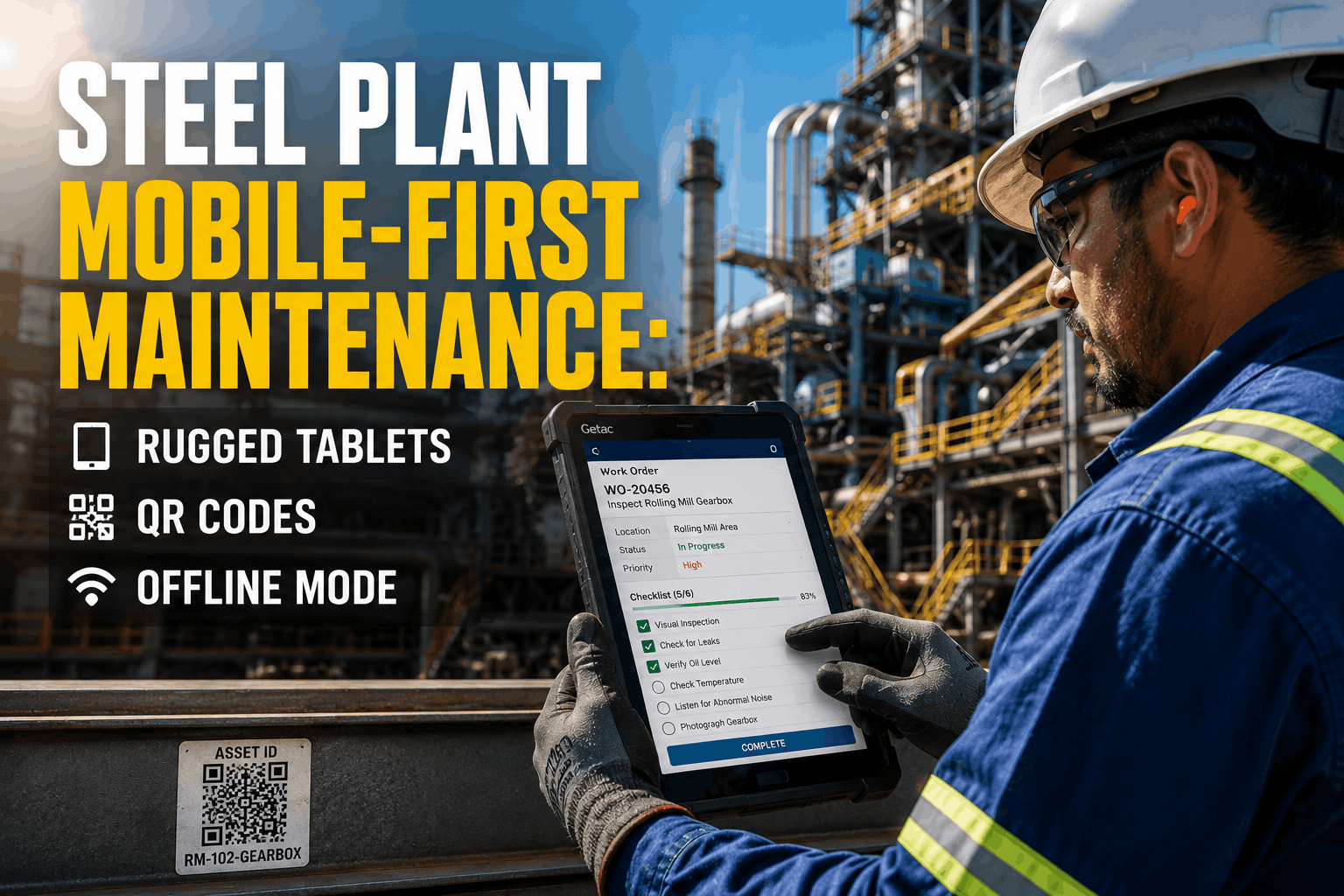
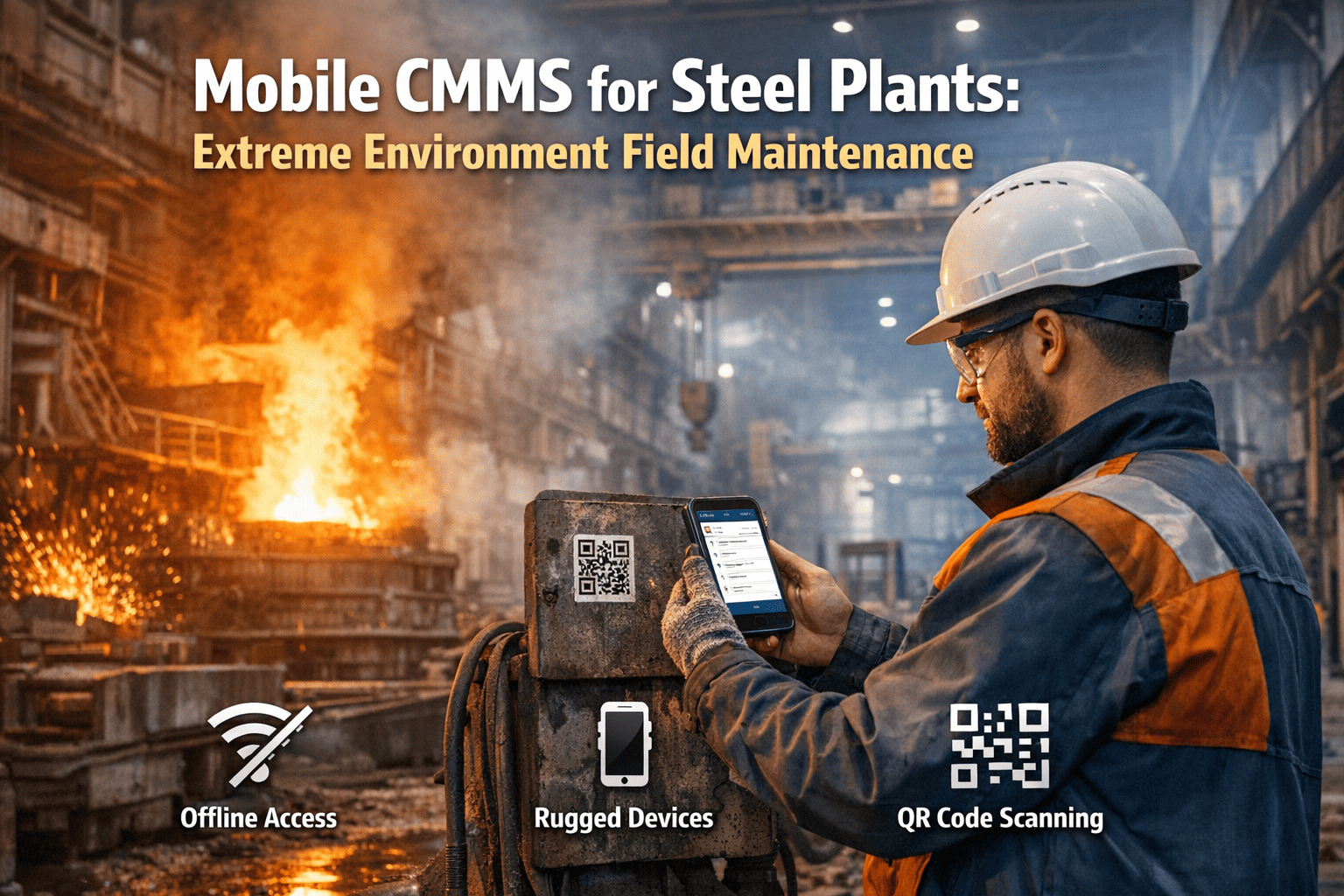
Your steel plant technicians walk 3 to 5 kilometers per shift just to pick up paper work orders, find manuals, and report job completions back at the office terminal. In a facility where blast furnaces run at 1,600°C and every minute of unplanned downtime costs upward of $7,000, that wasted travel time is not just inefficient—it is dangerously expensive. Mobile SAP maintenance puts every work order, equipment history, and safety checklist directly into the technician's hand, right at the point of work. No walking back. No paper shuffling. No guesswork.
Steel plants operate some of the most demanding industrial environments on the planet. Extreme heat zones, corrosive atmospheres, heavy overhead cranes, and continuous 24/7 production schedules create a maintenance landscape where delayed information can mean catastrophic equipment failure. Traditional SAP Plant Maintenance workflows force technicians to toggle between the shop floor and the control room—losing critical context every time they step away from the asset. Mobile-enabled work order management eliminates this gap entirely, giving frontline crews real-time access to everything SAP PM holds, wherever they stand in the plant.
The Steel Plant Reality:
The Mobile-Enabled Reality:
Why Steel Plants Need Mobile Maintenance More Than Any Other Industry
Steel manufacturing is not a typical factory operation. The combination of extreme environmental conditions, asset criticality, and regulatory pressure creates a maintenance environment where mobile access is not a luxury—it is a survival tool. Here is what makes steel plant maintenance uniquely demanding and why mobile SAP integration solves problems that paper workflows simply cannot.
Extreme Heat Zones Limit Access Time
Technicians near blast furnaces, BOF converters, and ladle stations operate under strict time-limited exposure rules. Every second spent referencing a paper manual or walking to a terminal is a second stolen from actual repair. Mobile devices let crews pull up procedures, log findings, and close work orders without leaving the hot zone—maximizing productive time within safety limits.
Safety Compliance Is Non-Negotiable
Steel operations fall under rigorous OSHA regulations for confined spaces, lockout/tagout, hot work permits, and crane operations. Paper-based permit systems create compliance gaps—permits get lost, signatures are missing, or outdated procedures are referenced. Mobile work orders embed safety checklists directly into the job flow, ensuring every permit is verified digitally before work begins.
24/7 Operations Mean Zero Tolerance for Delays
A steel plant does not pause. Continuous casting lines, rolling mills, and reheat furnaces run around the clock. When a hydraulic system fails on the hot strip mill at 2 AM, the night-shift technician needs instant access to that asset's SAP maintenance history, spare parts availability, and step-by-step repair procedures—not a locked office and a filing cabinet.
Asset Complexity Demands Rich Data at the Point of Work
A single steel plant can have 15,000+ maintainable assets across melt shops, caster areas, rolling mills, and utility systems. Each piece of equipment has unique maintenance procedures, spare part requirements, and failure histories stored in SAP PM. Without mobile access, technicians rely on memory or incomplete printed sheets—leading to wrong parts ordered, incorrect procedures followed, and repeated breakdowns.
The True Cost of Paper Work Orders in Steel Operations
Most steel plant managers underestimate how much paper-based maintenance processes actually cost. The losses extend far beyond printing and filing—they compound across labor productivity, data quality, compliance risk, and equipment reliability.
Paper-Based Maintenance
Hidden Costs: Incomplete records cause repeat failures, missed PMs accelerate asset degradation, and compliance gaps risk regulatory penalties up to $156,259 per OSHA violation.
Mobile SAP Maintenance
Proven Gains: Real-time data capture eliminates transcription errors, automated PM scheduling ensures nothing is missed, and digital audit trails satisfy every regulatory inspection.
5 Mobile Work Order Features Steel Technicians Actually Need
Not every mobile maintenance app is built for the realities of a steel plant. Technicians working near molten metal, in dusty caster pits, or atop 30-meter crane gantries need features designed for their environment—not a generic office app repackaged for industry. Here are the five capabilities that separate a useful mobile CMMS from a shelf-ware download.
Offline-First Work Order Execution
Why It Matters: Steel plant basements, tunnel conveyor areas, and furnace sub-levels have zero cellular or Wi-Fi coverage. If the app requires a live connection, it is useless in the exact locations where critical assets sit.
What to Look For: Full offline capability—technicians should be able to receive assigned work orders, log time and materials, capture photos, and complete checklists without any network connection. Data syncs automatically when connectivity returns. Modern CMMS platforms handle this seamlessly.
Photo and Video Capture Linked to Work Orders
Why It Matters: Describing a cracked ladle shell or worn roller bearing in text is slow and imprecise. A single photo attached to the SAP work order communicates the problem instantly to planners, engineers, and the next-shift crew.
What to Look For: One-tap camera integration that automatically timestamps and geo-tags images, attaching them directly to the active work order. Video capture for complex failure documentation. Before-and-after comparison capability for completed repairs.
Barcode and QR Scanning for Asset Identification
Why It Matters: A steel plant with 15,000+ assets cannot rely on technicians manually typing equipment numbers. Transposition errors mean work orders logged against wrong assets—corrupting maintenance history and spare part records.
What to Look For: Built-in barcode/QR scanner that instantly pulls up the asset's full SAP profile: maintenance history, open notifications, attached documents, and bill of materials. One scan replaces five minutes of manual lookup.
Integrated Safety Permit Verification
Why It Matters: Steel operations require hot work permits, confined space entry permits, LOTO verification, and crane clearance before maintenance begins. Paper permits create audit gaps. Digital permits embedded in the work order flow ensure compliance is verified—not assumed.
What to Look For: Mandatory permit checkpoints that block work order progression until safety requirements are digitally confirmed. Supervisor approval workflows with push notifications. Automatic audit trail generation for regulatory inspections.
Spare Parts Availability Check at Point of Work
Why It Matters: A technician diagnosing a failed hydraulic valve on the hot strip mill needs to know immediately if the replacement part is in the plant warehouse or requires a 3-week procurement lead time. Walking to the storeroom to check wastes time and delays repair planning.
What to Look For: Real-time SAP inventory visibility from within the work order screen. Part reservation capability directly from the mobile device. Automatic notifications to procurement when stock falls below reorder points.
Ready to Eliminate Paper Work Orders from Your Steel Plant?
Oxmaint gives your steel technicians mobile access to work orders, asset histories, safety checklists, and spare parts data—online or offline. See how plants like yours are cutting downtime and boosting wrench time by 30% or more.
Mobile Work Order Workflow: From SAP to the Shop Floor
Understanding how a mobile-enabled work order flows through a steel plant reveals why it is dramatically faster and more reliable than paper. Each step below shows the mobile advantage at the exact point where traditional processes fail.
Work Order Creation and Assignment
A planner creates or releases a work order in SAP PM. The mobile CMMS instantly pushes it to the assigned technician's device with full job details: asset location, priority level, required tools, safety permits, and attached procedures. No printed dispatch sheet. No walk to the planning board.
Technician Arrives at Asset and Scans In
The technician scans the asset's QR code or barcode. The app instantly displays the equipment's complete SAP record—last maintenance date, open notifications, failure history, and bill of materials. The technician confirms arrival, starting the work timer automatically for accurate labor tracking.
Execute Work with Digital Guidance
Step-by-step procedures display on-screen. Safety checklists require digital sign-off before each phase. The technician logs measurements, captures photos of findings, and records materials used—all within the same work order screen. If an unexpected issue is found, a follow-up notification is created instantly in SAP without leaving the current job.
Close Out and Sync to SAP
The technician marks the job complete, adds final notes and closure codes, and the work order syncs to SAP PM in real-time. Supervisors see the update on their dashboard instantly. The next shift inherits a clean, accurate maintenance record—not a stack of illegible handwritten forms waiting for data entry.
Steel Plant Mobile Maintenance: KPI Impact by Department
Mobile work order management does not just help technicians—it improves measurable KPIs across every department that touches maintenance. Here is what steel plants typically see within the first 6 to 12 months of deployment.
| Department | KPI | Before Mobile | After Mobile | Improvement |
|---|---|---|---|---|
| Maintenance | Wrench Time | 35-40% | 65-72% | +80% productivity |
| Reliability | MTBF (Mean Time Between Failures) | Baseline | +25-40% | Fewer repeat failures |
| Safety | Permit Compliance Rate | 70-80% | 98-100% | Near-zero audit gaps |
| Planning | PM Schedule Adherence | 65-75% | 90-95% | +30% schedule compliance |
| Warehouse | Parts Accuracy | 78-85% | 95-99% | Reduced stockouts |
| Management | Data Entry Backlog | 24-48 hrs | Real-time | Eliminated entirely |
Common Pitfalls When Going Mobile in Steel Plants
Deploying mobile maintenance in a steel environment is not as simple as handing out tablets. Plants that skip these considerations end up with expensive devices gathering dust in lockers. Learn from the mistakes others have made.
Choosing Consumer-Grade Devices
Standard smartphones and tablets fail quickly in steel plant conditions—heat, dust, vibration, and accidental drops destroy consumer electronics within weeks. Invest in ruggedized devices rated IP67 or higher with gorilla glass screens and extended battery life. The device cost is trivial compared to a single hour of unplanned downtime.
Ignoring the Connectivity Map
Steel plants have massive dead zones—underground utility tunnels, inside furnace buildings, behind thick concrete walls. Deploying a mobile app that requires constant internet connectivity guarantees technician frustration and abandoned adoption. Map your plant's connectivity gaps before rollout.
Overcomplicating the Technician Interface
Steel technicians are skilled tradespeople, not software engineers. If completing a work order requires 15 screen taps and 3 dropdown menus, adoption will fail. The interface must be operable with gloved hands, readable in bright sunlight, and completable in under 60 seconds per transaction.
Skipping Change Management
Technicians with 20+ years of experience are understandably skeptical of new digital tools. Without proper training, champions on each shift, and visible management commitment, even the best mobile app gets rejected. Technology adoption is a people challenge, not a technology challenge.
Integration Architecture: How Mobile CMMS Connects to SAP PM
For steel plants already running SAP, the mobile CMMS must integrate seamlessly—not replace SAP, but extend it to the shop floor. The integration architecture determines whether data flows in real-time or creates another disconnected silo.
Bi-Directional SAP Sync
Work orders created or modified in SAP PM push instantly to mobile devices. Completions, time confirmations, and material postings from the mobile app write back to SAP in real-time. Planners see live status without waiting for manual data entry. Both systems always reflect the same truth.
Master Data Synchronization
Equipment master records, functional locations, bills of materials, and task lists from SAP are mirrored to the mobile platform. Technicians always reference current data—not a static export from last quarter. When engineering updates an asset's BOM in SAP, the change appears on every technician's device automatically.
Role-Based Access and Security
Not every technician needs the same SAP data. Mechanical technicians see mechanical work orders and procedures. Electrical crews see electrical assets. Supervisors get dashboard views across all crafts. Role-based access mirrors your SAP authorization model, ensuring data security while keeping the interface clean and relevant for each user.
Frequently Asked Questions
Can mobile CMMS work in steel plant areas with no Wi-Fi or cellular signal?
Yes—this is a non-negotiable requirement for steel plant deployment. Quality mobile CMMS platforms operate in full offline mode, storing all assigned work orders, asset data, and checklists locally on the device. Technicians complete their jobs normally. When the device re-enters a coverage zone, all data syncs automatically to SAP PM without any manual intervention. No work is lost, even in the deepest basement of the melt shop.
How long does it take to deploy mobile work orders across a steel plant?
Most steel plants achieve a working pilot within 2 to 4 weeks covering one maintenance area (e.g., the rolling mill crew). Full plant-wide rollout typically takes 8 to 12 weeks depending on the number of craft groups, SAP integration complexity, and device procurement timelines. The key is starting with a focused pilot, proving value, and then expanding methodically—not attempting a big-bang deployment across all areas simultaneously.
Will our older technicians actually adopt a mobile tool?
Experienced technicians are often the strongest advocates once they see the value. The key is designing an interface that respects their expertise—large buttons operable with gloves, minimal mandatory fields, and immediate access to the asset information they currently keep in personal notebooks. Plants that use peer-led training (having one respected technician champion the tool on each shift) consistently see adoption rates above 85% within 90 days, even with crews averaging 20+ years of experience.
Does mobile maintenance replace SAP Plant Maintenance?
No—mobile CMMS extends SAP PM to the shop floor, it does not replace it. SAP remains the system of record for maintenance planning, cost tracking, and master data management. The mobile layer adds real-time field execution capability that SAP's standard interface cannot provide (touchscreen operation, offline access, camera integration, barcode scanning). Think of it as giving your technicians a window into SAP they can carry in their pocket.
What ROI can we expect from mobile maintenance in a steel plant?
Steel plants typically see 3x to 5x return on investment within the first 12 months. The largest gains come from increased wrench time (30-80% improvement translating directly to more completed work orders per shift), reduced unplanned downtime from better PM compliance, and eliminated data entry labor costs. A mid-size steel plant with 200 maintenance technicians commonly recovers $1.2M to $1.8M annually through these combined improvements.
Give Your Steel Technicians the Mobile Tools They Deserve
Oxmaint brings SAP-integrated mobile work orders to your steel plant floor—offline capable, safety-compliant, and built for gloved hands in extreme environments. Join the steel plants already saving millions by eliminating paper and putting real-time data where it belongs: at the point of work.