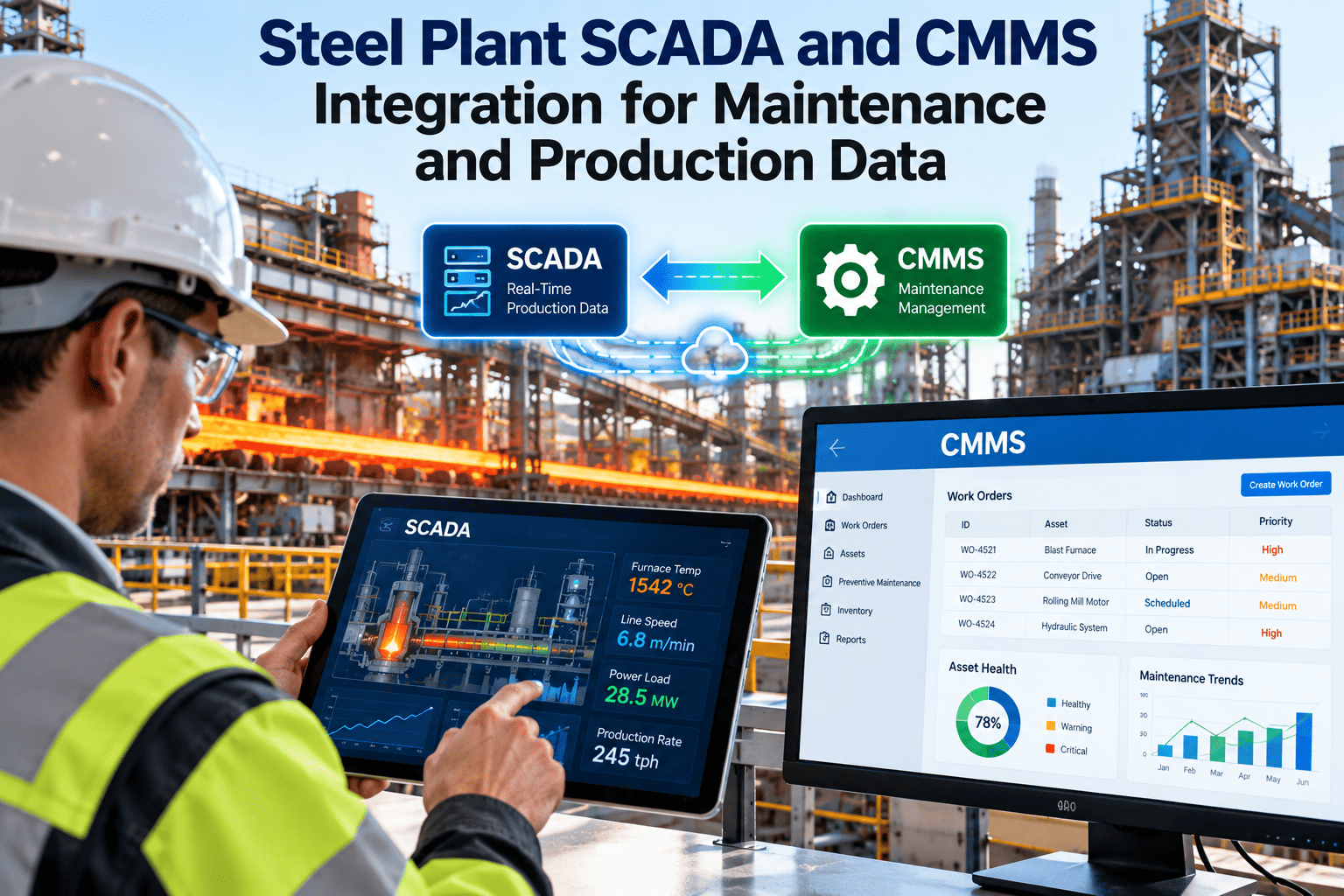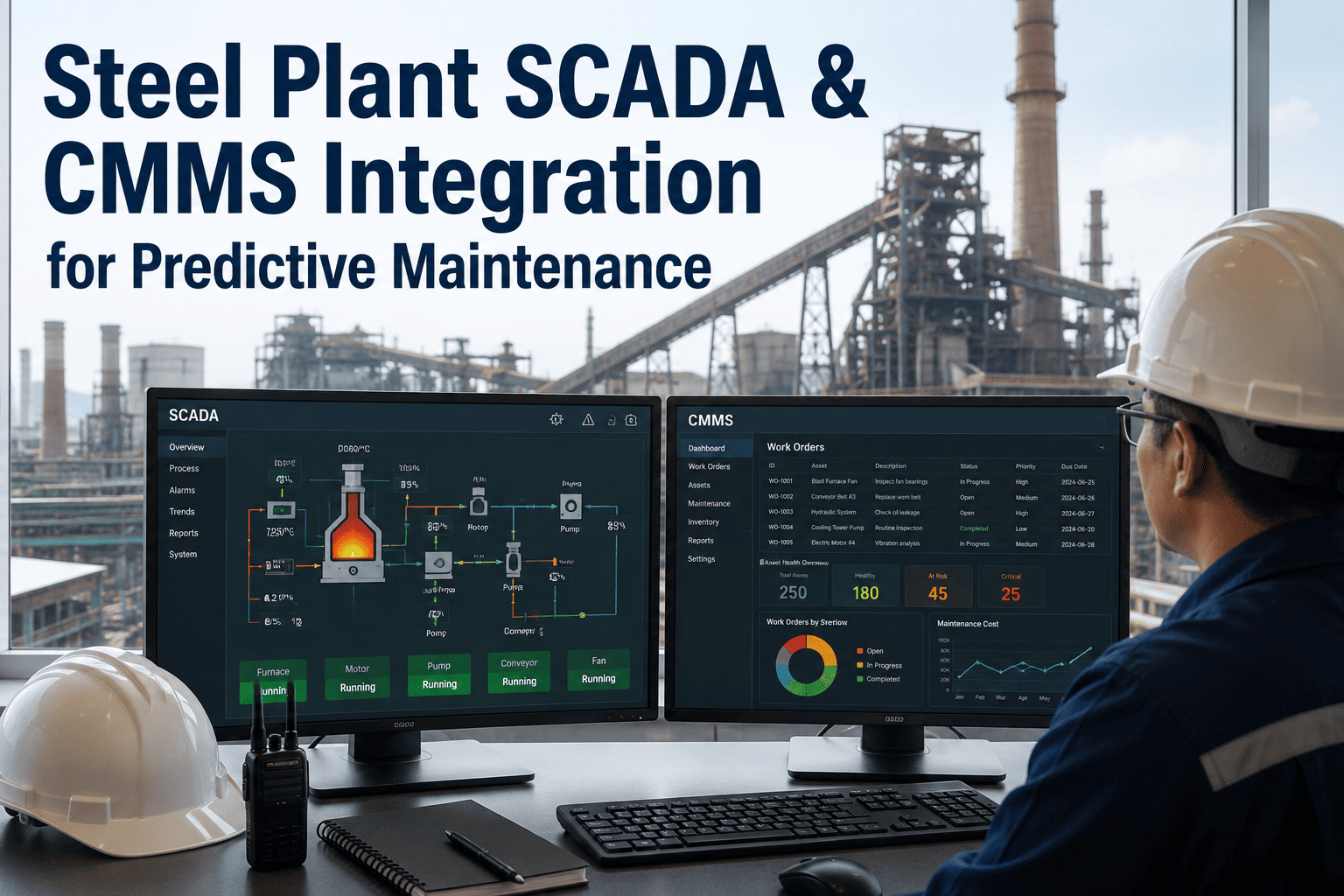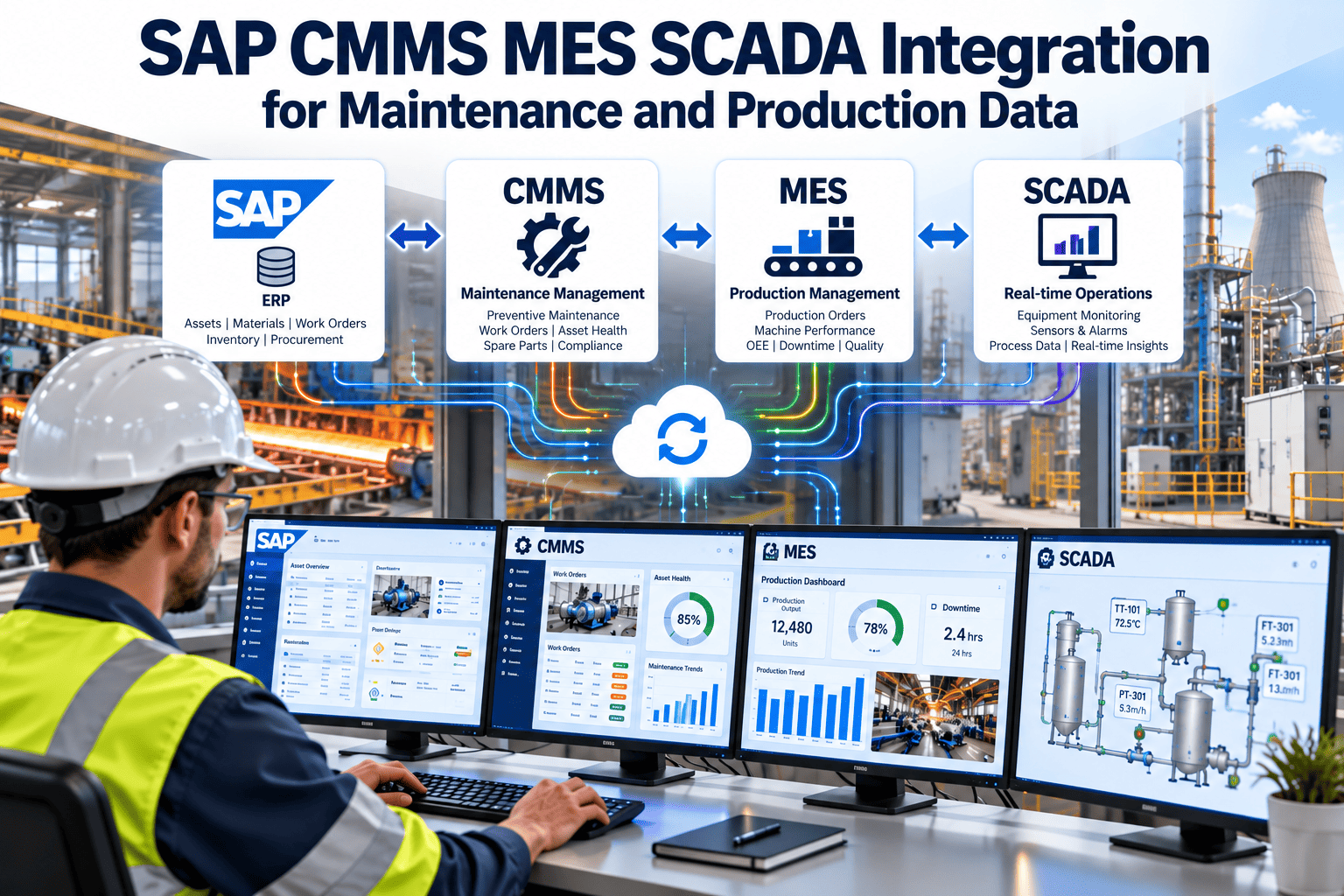
In a steel plant, maintenance data, production data and financial data usually live in three different systems. SAP holds the asset master, cost centres and purchasing. The MES tracks heats, coils and downtime reasons. SCADA sees every motor current, cooling flow and roll force in real time. When these systems do not talk to each other, planners work from stale information and failures get explained after the fact. A well-designed CMMS layer, such as Oxmaint maintenance management software, can connect the three and turn raw signals into scheduled, costed maintenance work.
Why Steel Plants Struggle With Disconnected Maintenance and Production Data
Steel is a continuous, high-temperature, high-load process. A stopped caster or a failed mill stand affects the whole line within minutes, so the quality of maintenance data matters more here than in most industries.
- Operators phone in a fault and a planner types a notification hours later
- Downtime reasons in the MES do not match failure codes in SAP
- SCADA alarms are reviewed only after a breakdown has happened
- Spare part usage is booked against the wrong equipment
- Reliability reports are built manually from exported spreadsheets
- Alarm or downtime event creates a draft notification automatically
- One shared failure code library across MES, CMMS and SAP
- Condition thresholds trigger inspections before failure
- Parts, labour and cost post to the correct equipment record
- Dashboards update from live work order and downtime data
Where the Gaps Appear in Daily Operations
- Maintenance cannot see the production schedule, so planned shutdowns collide with order commitments.
- Production cannot see open backlog, so it does not know which equipment is running with deferred repairs.
- Finance sees maintenance cost by cost centre but not by failure cause or equipment criticality.
- Reliability engineers spend more time collecting data than analysing it.
What Each System Should Own
Integration fails most often because ownership is unclear. Before any interface is built, decide which system is the master for each data object and which ones only consume it.
| Data Object | System of Record | Consumed By | Typical Direction |
|---|---|---|---|
| Equipment and functional location master | SAP PM | CMMS, MES | SAP to CMMS |
| Cost centres, WBS, purchase orders | SAP FI / MM | CMMS | SAP to CMMS, cost back to SAP |
| Heat, coil and production order status | MES | CMMS, SAP PP | MES to CMMS |
| Downtime events and reason codes | MES | CMMS, reliability reports | MES to CMMS |
| Alarms, trends and process tags | SCADA / Historian | CMMS, MES | SCADA to CMMS |
| Work orders, tasks, labour, inspection results | CMMS | SAP, MES | CMMS to SAP |
| Spare parts stock and reservations | SAP MM | CMMS | Two-way |
The Integration Flow From Signal to Settled Cost
A practical integration follows one event through its entire life, from the first abnormal reading to the final cost posting.
Matching Steel Plant Events to Maintenance Actions
Not every alarm should create a work order. The value of integration depends on clear rules for which events become maintenance actions, and at what priority.
| Source Signal | Typical Area | Rule Example | CMMS Action |
|---|---|---|---|
| Vibration trend on gearbox or fan | Rolling mill, ID fans | Sustained rise above agreed alert level | Inspection work order |
| Cooling water flow or pressure drop | Continuous caster, furnace | Below minimum flow for a set duration | Urgent corrective notification |
| Motor current imbalance | Mill stands, conveyors | Deviation from baseline across load range | Electrical inspection task |
| Hydraulic oil temperature | Mill hydraulics | Repeated high readings over several shifts | Filter and cooler check |
| Equipment running hours or tonnage | Cranes, ladles, rolls | Usage counter reaches interval | Meter-based PM order |
| Unplanned stop with reason code | Any production line | Stop longer than a defined minimum | Breakdown work order with downtime link |
Risk Matrix for Prioritising Integrated Alerts
Technical Building Blocks of the Integration
The exact method depends on your SAP version, your SCADA vendor and your network zoning, but a few patterns are common across steel plants.
SAP Side
- Equipment, functional locations, notifications and orders are exposed through standard SAP interfaces such as BAPIs, IDocs or OData and SOAP services, depending on ECC or S/4HANA.
- Material reservations and goods issues should remain in SAP MM so that stock and valuation stay correct.
- Confirmation and cost postings return to SAP PM so finance sees one source of maintenance cost.
Shop Floor Side
- OPC UA is the most common vendor-neutral standard for reading SCADA and PLC data, with MQTT used for lightweight event publishing in newer projects.
- A plant historian is normally the safer source for trends than reading directly from controllers.
- MES integration commonly follows the ISA-95 model, exchanging production orders, equipment state and downtime events.
Security and Network Design
- Place integration services in a demilitarised zone between operational and enterprise networks, following IEC 62443 zoning principles.
- Use read-only access to SCADA wherever possible, since maintenance rarely needs to write setpoints.
- Agree on who maintains certificates, service accounts and interface monitoring after go-live.
Master Data Alignment: The Work Nobody Wants to Do
Most integration delays come from inconsistent naming, not from technology. Align these items early.
How Oxmaint Fits the Maintenance Workflow
Oxmaint acts as the maintenance execution layer between plant data and SAP, so technicians work in a simple mobile workflow while finance and planning keep their system of record.
Integration Is Scoped, Not Assumed
Every plant has a different SAP release, historian and MES. The connection method, data volume and sync frequency should be scoped with your IT and OT teams during a pilot rather than assumed up front.
KPIs That Improve When Data Is Connected
Connected data makes these measures more reliable because they are calculated from the same events rather than reconciled by hand.
A Phased Rollout That Reduces Risk
Start narrow, prove value on one production line, then extend. Large all-at-once projects tend to stall on data quality.
Common Mistakes to Avoid
- Sending every alarm to maintenance, which creates noise and erodes trust.
- Building interfaces before cleaning equipment and failure code data.
- Giving the CMMS write access to control systems without a clear need.
- Skipping operator and technician training on how events become work orders.
- Ignoring interface monitoring, so silent failures go unnoticed for weeks.
What Really Needs Real-Time Data and What Does Not
A common mistake is streaming every tag into the CMMS. Maintenance planning works on minutes, shifts and days, not milliseconds, so the integration should pass events and summaries rather than raw signal streams.
- Near real-time: unplanned stop events, safety-relevant alarms and threshold breaches on line-critical equipment.
- Hourly or per shift: running hours, tonnage counters and summarised condition indicators used for meter-based PM.
- Daily: equipment master updates, cost postings, stock levels and confirmation data exchanged with SAP.
- On demand: historian trends pulled into a work order when a planner or reliability engineer needs context.
Handling Interface Failures Gracefully
- Queue messages when SAP or the historian is unavailable, so a maintenance window in one system does not lose events in another.
- Log every rejected record with a readable reason, such as an unknown equipment number or a closed cost centre.
- Assign a named owner who reviews interface errors daily during the first months after go-live.
- Test downtime scenarios during commissioning, including network loss between the plant and enterprise zones.
Governance After Go-Live
Integrations decay when nobody owns them. Steel plants modify equipment, rename tags and restructure areas constantly, and every change can break a mapping.
- Require a change request that covers SAP, MES, SCADA and CMMS records whenever equipment is added, renamed or retired.
- Review trigger rules quarterly, removing those that create work nobody acts on and tightening those that fire too late.
- Compare MES downtime totals with CMMS work order downtime each month to expose coding gaps.
- Keep an interface register listing every data flow, its owner, frequency and fallback procedure.
Questions to Ask Before You Sign Off the Design
- Which system is the master for each data object, and is that written down?
- Who approves new SCADA-triggered work order rules?
- What happens to a work order if the equipment record changes mid-job?
- How will cost per tonne be reconciled between SAP and the MES?