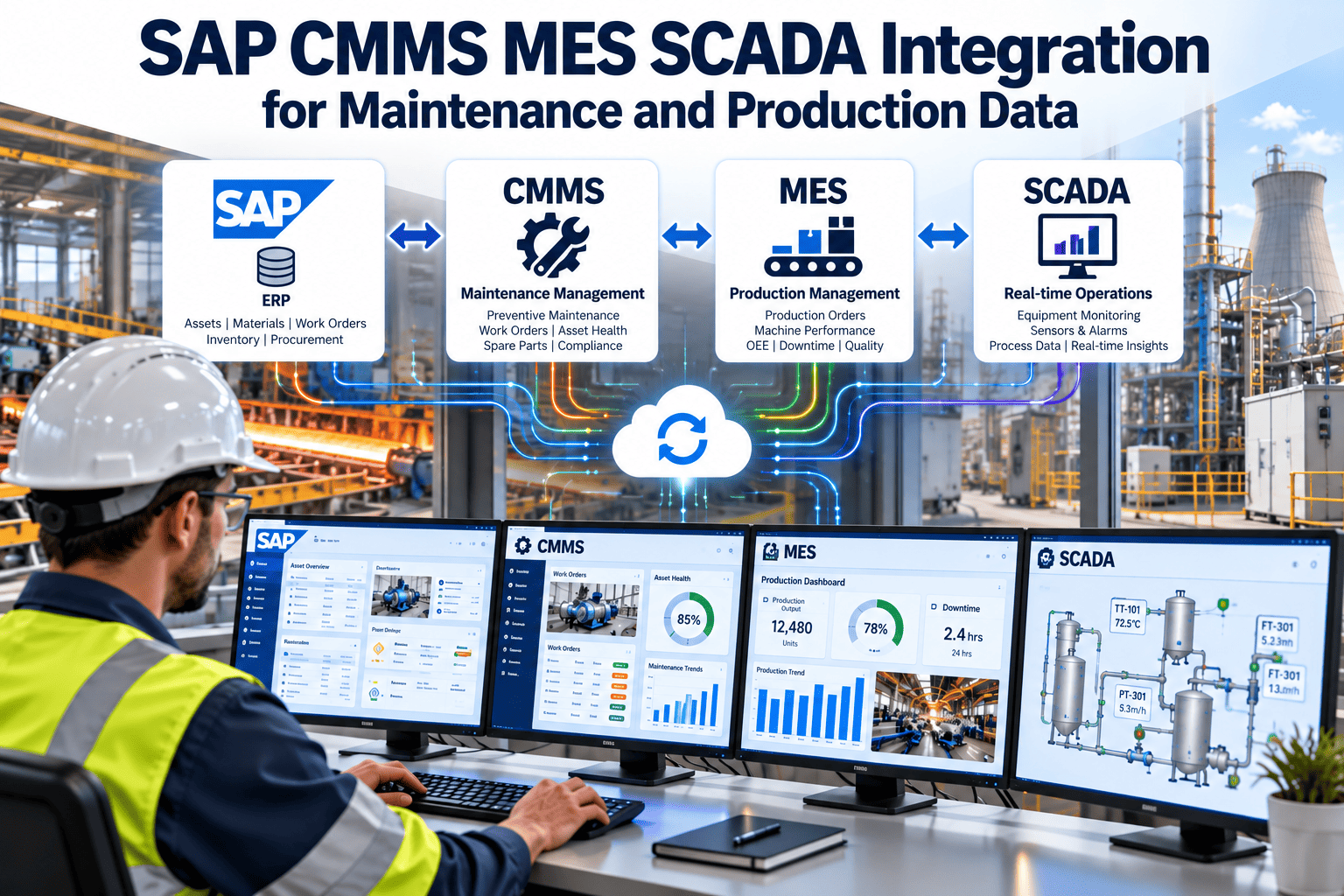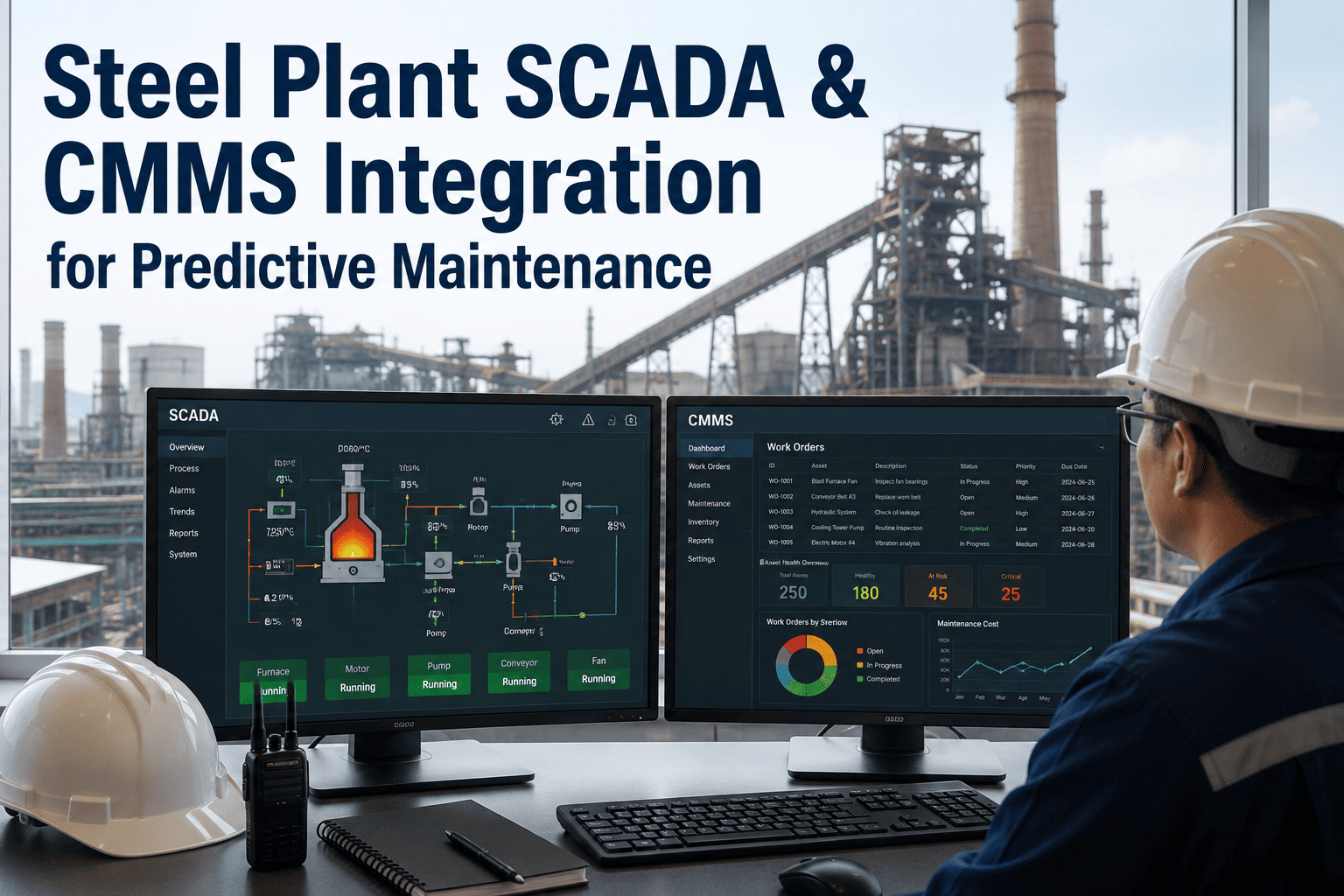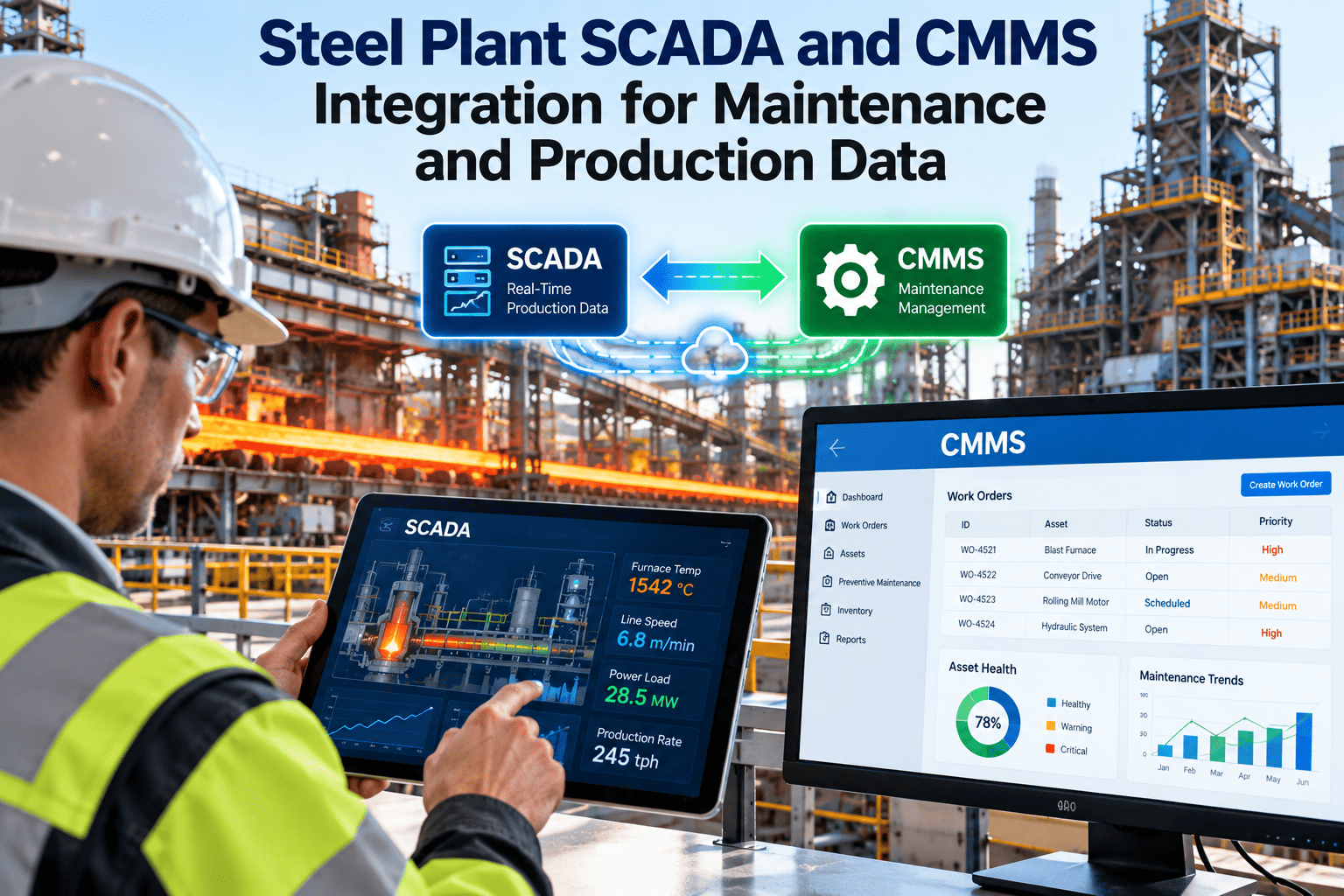
Steel plants generate data in many places at once. SCADA and PLCs record temperatures, pressures, speeds and alarms, MES tracks heats, coils and schedules, ERP holds purchasing and finance, and the maintenance system holds work orders and asset history. When these stay separate, planners rebuild the picture by hand after every stoppage. Connecting them well means maintenance reacts to real operating conditions and production sees maintenance constraints early. This guide covers architecture, triggers, mapping, governance and rollout, and shows how Oxmaint CMMS software fits into that picture.
Integration / Steel Plant Data
Steel Plant SCADA and CMMS Integration for Maintenance and Production Data
Connect control-system signals, production records and enterprise data to maintenance work, so downtime, condition and spares information line up in one working view.Enterprise layerERP, finance, purchasing, SAP PM
Maintenance layerCMMS: assets, work orders, inventory, reports
Production layerMES, scheduling, quality, historian
Control layerPLC, DCS, SCADA, drives, sensors
What Disconnected Data Costs Maintenance Teams
The cost rarely shows up as one dramatic failure. It appears as slow diagnosis, duplicate entry and repeated arguments about what actually happened.Without integration
- Operators phone the maintenance office to report an alarm already visible in SCADA
- Downtime hours are typed into a spreadsheet from shift notes
- Run hours for lubrication tasks are read from panels and copied by hand
- Planners do not see the production schedule when choosing outage windows
- Spare parts costs reach finance weeks after the job closes
With integration
- Selected alarms raise a work request already tagged to the correct asset
- Stop start and end times populate downtime records automatically
- Run hours and cycle counts trigger preventive tasks without manual reading
- Planned stops from MES appear alongside the maintenance backlog
- Material issues and purchasing status reconcile with ERP records
The Four Data Flows Worth Building First
Resist the urge to move every tag. Start with flows that remove manual work or improve a decision.SCADA to CMMS
Condition and event signals
Alarms, running state, run hours, counters and threshold breaches that should start a request, inspection or preventive task.MES to CMMS
Production context
Planned stops, product changes, throughput and heat or coil counts that show how hard each asset has worked.CMMS to MES
Maintenance availability
Equipment status, approved outage windows and expected return to service so production planning reflects reality.CMMS and ERP
Cost and material records
Purchase requests, stock levels, vendor records and job costs, kept consistent between maintenance and finance systems.Choosing an Integration Method
The right method depends on the age of your systems, the vendors involved and how quickly data must arrive. Confirm each option with your IT and automation teams.| Method | Best suited for | Watch out for |
|---|---|---|
| OPC UA gateway | Reading tags from modern PLCs and SCADA servers in a standard, vendor-neutral way | Security configuration, tag naming consistency and legacy controllers with no OPC support |
| Historian or database link | Run hours, trends and event history already stored centrally | Query load on production databases and unclear tag ownership |
| MQTT or message broker | Event-driven alerts and edge gateways collecting data from many machines | Message format discipline and handling dropped connections |
| REST API | Exchanging work orders, assets and status with MES, ERP and other applications | Authentication, rate limits and version changes on either side |
| Scheduled file or CSV exchange | Older systems with no open interface, or bulk asset and stock updates | Delays, formatting errors and no real-time response |
| SAP PM or ERP connector | Plants where finance, procurement and equipment masters live in SAP | Agreeing which system owns the asset master and cost data |
See How Plant Data Can Drive Maintenance Work
Walk through asset records, run-hour triggers and work order flows in a short session, and map them to your own SCADA and production setup.Turning Signals Into Maintenance Triggers
A trigger should lead to a defined action. Otherwise integration only creates faster noise.Run hours reached
leads to
Preventive work order such as lubrication, filter change or inspection
Cycle or tonnage count reached
leads to
Wear check on rolls, liners, guides or chains based on usage, not calendar time
Repeated trip or fault alarm
leads to
Corrective request with alarm history attached for the diagnosing technician
Temperature or vibration limit exceeded
leads to
Condition-based inspection task, with priority set by asset criticality
Unplanned stop detected
leads to
Downtime record opened, reason code requested from operator or technician
Rules that keep triggers useful
- Debounce alarms so a flickering signal creates one request, not fifty.
- Suppress triggers when the line is intentionally stopped or in a planned outage.
- Limit automatic work orders to alarms that have a clear maintenance response.
- Let planners review auto-created requests before they become scheduled jobs.
Mapping Tags to Assets: The Step Most Projects Underestimate
A signal is only useful if the system knows which machine it belongs to. Most integration delays come from naming, not networking.1
Standardize asset identifiers
Agree one asset ID or functional location code used by controls, maintenance and finance teams.2
Build a tag register
List each tag, its engineering unit, scan rate, source system and the asset it describes.3
Define each trigger rule
Record threshold, delay, suppression conditions, resulting task and responsible role.4
Test with real events
Replay a past stoppage and check that the right asset, priority and owner would have been produced.5
Review after go-live
Count false requests and missed events monthly, then adjust the rules and mapping.Where Oxmaint Fits in the Integrated Workflow
Oxmaint acts as the maintenance record that receives events, organizes the response and keeps the history reportable.- Asset management: a structured hierarchy by plant area, line and machine, with criticality and documentation for each item.
- Preventive maintenance: schedules based on calendar, usage or counters, with checklists technicians complete on mobile.
- Work orders: corrective and inspection jobs with priorities, assignees, parts, safety steps and completion notes.
- Inventory: spare parts stock, reorder points and usage by job, useful when reconciling with ERP purchasing.
- Downtime and failure records: reasons, durations and causes that production and engineering can analyze together.
- Dashboards and reports: backlog, overdue tasks, repeat failures and preventive compliance for daily and monthly reviews.
Integration Risks and How to Control Them
| Risk | Likely effect | Control |
|---|---|---|
| Cyber security exposure | New paths between plant networks and business systems | Use segmented networks, read-only access where possible and IT-approved gateways |
| Alarm flooding | Planners ignore auto-generated requests | Filter, debounce and restrict triggers to actionable alarms |
| Duplicate asset masters | Reports disagree between systems | Name one system as owner of each data field |
| Poor tag quality | Wrong asset receives a request | Maintain a tag register and review it after control system changes |
| Integration downtime | Missed events or delayed updates | Queue messages, monitor interfaces and keep a manual fallback |
Measuring the Value of Integrated Data
Manual entries removedCount readings, downtime logs and cost entries that no longer need re-keying.
Time to open a requestMinutes from event to a work request with the right asset and context.
Downtime record completenessShare of stops with start, end, reason and linked work order.
Preventive complianceUsage-based tasks completed on time compared with the planned trigger.
Repeat failure rateAssets returning with the same fault, visible once history is linked to alarms.
Master Data: Decide Which System Owns What
Most reporting disputes trace back to two systems each holding a slightly different version of the same record. Settle ownership early and document it.| Data item | Usual owner | Why it matters |
|---|---|---|
| Asset hierarchy and IDs | CMMS or ERP, agreed once | Every tag, alarm and cost needs one asset to land on |
| Tag names and scaling | Automation team | Wrong units or renamed tags silently break triggers |
| Production schedule and heats | MES | Maintenance needs it to plan stops and understand load |
| Work orders and failure history | CMMS | The record of what was done and why |
| Spare part masters and prices | ERP, mirrored in CMMS | Prevents duplicate parts and mismatched costs |
| Vendor and contract records | ERP or procurement | Supports purchasing, warranty and service tracking |
Integration Project Phases
A phased approach limits risk on a live steel plant network and gives each team time to adopt the change.1
Discovery
List systems, interfaces, owners, network zones and the decisions that suffer most from missing data today.2
Foundation
Clean the asset register, agree identifiers and failure codes, and set up preventive tasks in the maintenance system first.3
Pilot interface
Connect one line or area, with a small set of tags, and run it in parallel with manual methods.4
Rollout
Extend to similar assets using the same rules, templates and training material.5
Operate and improve
Monitor interface health, review triggers monthly and retire rules that no longer help.Use Cases by Steel Plant Area
The same integration pattern applies differently across the process route. These examples show where connected data tends to pay off.Melt shop
Furnace and ladle support systems
Run hours and cooling water alarms for fans, pumps and transformers can drive inspection tasks, while heat schedules show when a safe stop is possible.Casting
Caster segments and spray systems
Tonnage or heat counts can trigger roll and nozzle checks, and stop events can open downtime records with the segment identified.Rolling
Mill drives and gearboxes
Load, temperature and cycle data support condition-based inspections, and roll change schedules help plan crews and parts.Utilities
Water, air and power systems
Pump and compressor status feeds preventive schedules and shows which production areas depend on equipment that is down.Coordinating Planned Outages With Production Data
Outage planning is where connected data saves the most argument. Both teams work from the same backlog and the same calendar.- Maintenance sees upcoming product changes and scheduled stops from the production plan and can slot jobs into them.
- Production sees the approved scope, expected duration and crew requirements for each planned stop.
- Parts are checked against inventory before the outage begins, so work does not stall for materials.
- Safety permits and isolation steps are linked to each job, which keeps completion records auditable.
- Actual stop duration is compared with the plan, and overruns are reviewed by cause after the outage.
Questions integrated data helps you answer
- Which assets cause the most lost production time, and how often do they repeat?
- Are usage-based preventive tasks being completed before wear-related failures?
- How long does it take from an alarm to a technician starting work?
- Which spare parts are used most, and where do stock-outs delay repairs?
- Do breakdowns cluster after certain products, load levels or restarts?
- How closely did actual outage work follow the plan?
Common integration mistakes
- Connecting hundreds of tags before knowing which decisions they support.
- Letting triggers create work orders with no planner review.
- Ignoring change control when controls engineers rename or rescale tags.
- Skipping user training, so operators and technicians bypass the new process.
- Treating integration as finished at go-live instead of a service that needs monitoring.