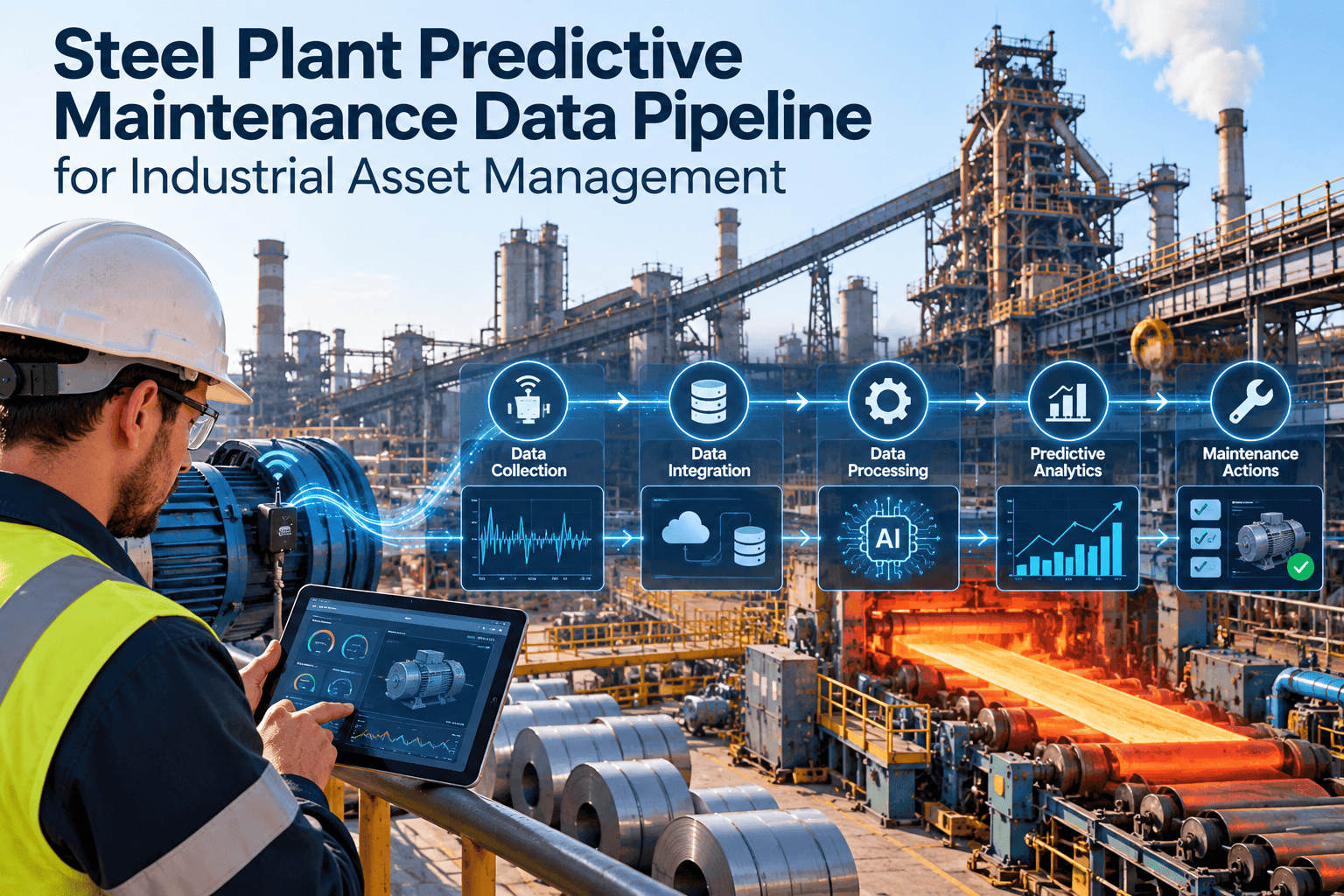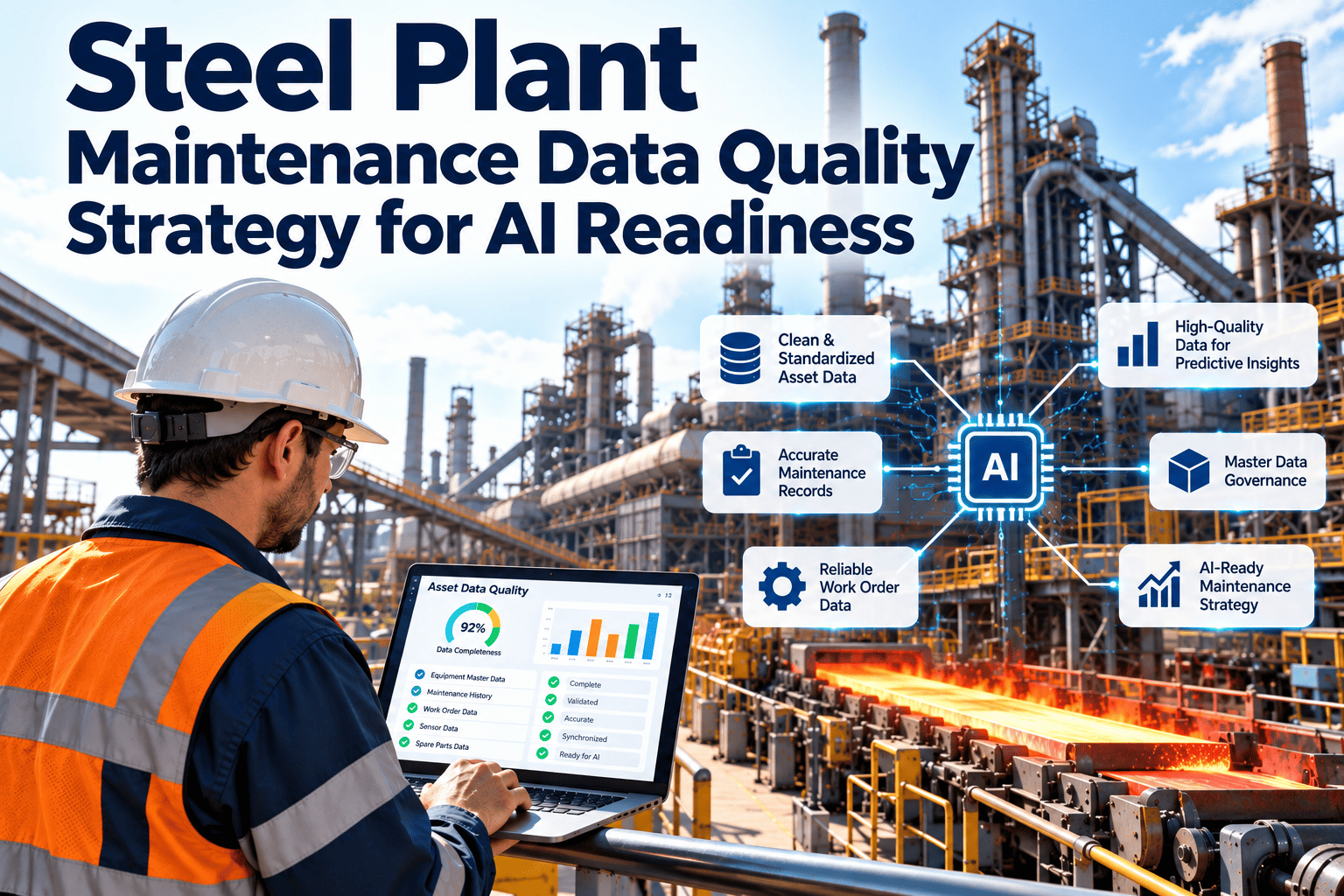
Industrial AI is only as good as the examples it learns from. In a steel plant, those examples come from sensor streams, inspection notes and years of work orders written by different people on different shifts. Preparing that material for model training means deciding what counts as a failure, labeling it consistently and keeping future information out of past predictions. This guide covers the preparation steps that maintenance and reliability teams control directly. Plants that want structured records to start from can look at Oxmaint maintenance management software as the system of record for failures and repairs.
Steel Plant AI Training Dataset Preparation for Industrial Asset Management
Turn raw sensor data and messy repair history into labeled, validated datasets that support dependable maintenance models for furnaces, casters and rolling mills.
Why Steel Plant Datasets Are Hard to Prepare
Steel assets run for years between major failures. That makes failure examples rare, and the few that exist are often poorly documented.
What the plant has
- Years of continuous sensor data with gaps and drift
- Work orders with short, free-text descriptions
- Operators who know failure causes but rarely record them
- Multiple naming conventions for the same equipment
What a model needs
- Timestamped signals tied to one asset identity
- Clear start and end times for each failure event
- A fixed list of failure modes and causes
- Operating context such as load, speed and product grade
The distance between those two lists is the real preparation workload. Most of it is maintenance record keeping, not data science.
Typical steel plant failure patterns worth capturing
- Bearing wear on mill drives, fans and conveyor pulleys
- Gearbox degradation from lubrication or misalignment issues
- Hydraulic leaks and valve faults on casting and rolling lines
- Cooling water restrictions that raise equipment temperature
- Electrical faults such as insulation breakdown and overheating
The Dataset Preparation Lifecycle
Follow the stages in order. Skipping early stages shifts the cost to model debugging later.
Define the prediction target
Decide the exact question, such as bearing failure on a specific mill gearbox within a set number of days. A vague target produces vague labels.
Inventory data sources
List sensors, historian tags, inspection forms and work orders for the target asset, with sampling rates and owners.
Clean and align
Remove impossible values, handle missing intervals and resample to a common time base without inventing readings.
Label events
Mark failure start, detection and repair times using verified work orders and technician input.
Engineer features
Build signals that reflect physical behavior, such as vibration bands, temperature rise rate and load-normalized current.
Split and validate
Divide data by time and by asset so the model is tested on equipment and periods it has not seen.
Labeling: Turning Work Orders Into Ground Truth
Work order history is the main source of labels. A consistent failure taxonomy, in the spirit of ISO 14224 equipment data practice, makes those labels reusable.
| Field | Weak Entry | Usable Entry | Why It Matters |
|---|---|---|---|
| Asset | Mill gearbox | Finishing stand 3 main gearbox | Joins signals to the right equipment |
| Failure mode | Not working | Bearing overheating | Defines the label class |
| Cause | Wear | Lubrication starvation | Separates root cause from symptom |
| Detected by | Found | Operator round, vibration alarm or breakdown | Shows how early the fault was visible |
| Failure start time | Blank | Estimated onset with confidence note | Sets the prediction window |
| Action taken | Fixed | Bearing replaced, oil changed | Confirms the fault was real |
Capture Failure Data the Right Way, Starting Today
Give technicians structured work orders and failure codes so every repair adds a usable example to your dataset.
Dataset Risks Maintenance Teams Should Recognize
Each risk below can make a model look accurate in testing and fail on the plant floor.
Class imbalance
Failures are rare compared with normal operation. Report results by failure class, not only overall accuracy.
Data leakage
Using readings recorded after a repair began lets the model see the answer. Cut features off before the event.
Operating regime blindness
Vibration changes with speed, load and product. Include operating state or the model confuses normal variation with faults.
Maintenance effects
After a repair the asset behaves differently. Mark repair dates so the model does not treat a reset as an anomaly.
What a Training-Ready Record Looks Like
A single row of a well-prepared dataset combines signal, context and label.
| Group | Example Fields | Source |
|---|---|---|
| Identity | Asset ID, line, area, equipment class | Asset register |
| Signals | Vibration, temperature, current, pressure | Sensors and historian |
| Context | Speed, load, product grade, shift | PLC and production system |
| Maintenance history | Days since last service, last failure mode | Work orders |
| Label | Failure mode, time to failure, confirmed or suspected | Verified work orders |
| Quality flags | Sensor fault, imputed value, data gap | Pipeline checks |
Data Readiness Scorecard
Rate each area before starting a model project. Any item in the first column needs work first.
Where Oxmaint Fits in Dataset Preparation
Oxmaint supports the maintenance records that feed labeling. It is not a model training platform.
Capabilities that help
- Asset management with hierarchy and equipment history
- Work orders with structured fields and assigned owners
- Inspection checklists for consistent observations
- Mobile completion so details are logged on site
- Reports on repeat failures and downtime causes
Practical habits to build
- Require failure mode and cause before closing
- Record photos or notes of the failed part
- Use the same asset names everywhere
- Review suspect labels with reliability engineers
- Export clean history for analysts on a schedule
Metrics to Track Dataset Quality
Handling Rare Failures in Steel Plant Data
Major failures on steel equipment may occur only a few times in a decade. Datasets must be built with that scarcity in mind.
- Group similar assets, such as identical gearboxes across stands, when their duty is comparable
- Include near-miss events found during inspection, labeled as early-stage faults
- Use degradation stages such as normal, early wear and advanced wear rather than a single failure flag
- Capture OEM guidance and engineering knowledge as rules to complement thin data
- Avoid inflating small datasets with synthetic records that do not reflect real physical behavior
Practical takeaway
Early-stage labels from inspections often give more usable examples than waiting for complete breakdowns.
Feature Ideas by Equipment Class
Features should reflect how equipment actually degrades. Start with simple, explainable measures before complex transformations.
| Equipment Class | Candidate Features | Watch Out For |
|---|---|---|
| Gearboxes | Vibration in defined frequency bands, oil temperature rise, load-normalized current | Speed changes that shift frequency peaks |
| Electric motors | Winding temperature trend, current imbalance, start counts | Different duty cycles across lines |
| Hydraulic systems | Pressure stability, pump runtime, filter differential pressure | Seasonal oil temperature changes |
| Fans and blowers | Vibration trend, bearing temperature, airflow versus power | Dust buildup that mimics imbalance |
| Pumps | Flow versus pressure curve shift, seal leakage notes, runtime | Valve position changes |
| Conveyors | Motor current, belt speed deviation, roller temperature | Load variation from material flow |
A Label Review Process That Builds Trust
Labels written once and never reviewed carry hidden errors. A short review routine keeps the dataset honest.
Draft from work orders
An analyst extracts candidate events and proposes failure mode, cause and timing from the records.
Engineer review
A reliability engineer confirms or corrects each label and flags events with uncertain timing.
Technician check
People who did the repair confirm what was found, including details that never reached the work order.
Confidence rating
Mark each label as confirmed, probable or uncertain so training can weight or exclude doubtful events.
Validating the Dataset Before Training
Checks to run
- Plot signals around known failures to confirm labels line up
- Check that no feature uses data from after the event
- Count examples per asset, failure mode and operating regime
- Confirm timestamps match across sensors and work orders
- Compare sensor values with manual readings on a sample
Evaluation habits
- Test on assets and periods excluded from training
- Measure missed failures and false alerts separately
- Review results with the engineers who maintain the asset
- Judge success by maintenance decisions improved, not by score alone
- Retest after major repairs or process changes
Document and Version Every Dataset
A dataset without documentation cannot be reproduced or trusted. Keep a short data sheet beside each version.
Scope
Assets, date range, sources and the prediction target the dataset was built for.
Processing
Cleaning rules, gap handling, resampling method and features created.
Labels
Definitions, reviewers, confidence ratings and known uncertain cases.
Limits
Known gaps, such as missing sensors, undocumented repairs or unusual operating periods.
Common Preparation Mistakes in Industrial Settings
- Training on one line and deploying on another with different duty
- Treating every work order as a failure, including routine adjustments
- Ignoring planned shutdown periods, which look like anomalies
- Letting analysts relabel events without engineer input
- Rebuilding the dataset manually for every project instead of maintaining it
- Skipping documentation, so nobody knows what the model learned from
Make preparation a routine, not a project
When failure coding and asset records are part of everyday maintenance, datasets improve continuously and each new model starts from a stronger base.
Using Inspection Data as a Label Source
Operator rounds and condition inspections often capture faults earlier than breakdown records. Structured forms turn them into usable labels.
Checklist items
Use fixed answers such as normal, watch or action required instead of free comments alone.
Measurements
Record readings such as temperature, noise level or oil condition with units and time.
Photos and notes
Attach evidence of leaks, cracks or wear so reviewers can confirm early-stage labels.
Follow-up outcome
Link each finding to the repair that resolved it to confirm the fault was real.
Why this helps
Early-stage observations create more labeled examples, extend warning time and show what degradation looks like before failure.
A Realistic Preparation Timeline
Dataset work takes longer than expected because most effort goes into records and labels. Plan for it.
Roles That Keep Dataset Quality High
Dataset quality is a shared responsibility. Clear roles prevent labels and records from drifting.
- Reliability engineers define failure modes, approve label rules and review uncertain events
- Technicians record findings, failed parts and actions taken as work is completed
- Planners check that work orders are complete before they are closed
- Controls engineers maintain sensor mapping and report signal outages promptly
- Data analysts build features, run validation and document each dataset version
- Maintenance managers review data quality results and remove obstacles to better recording
A simple rule to follow
Whoever creates a record owns its accuracy, and whoever uses it reports problems back to that owner.
Frequently Asked Questions
How much failure data is enough?
It depends on the failure mode and method. Start with well-documented events and combine similar assets before collecting more.
Can old work orders be used?
Yes, after review. Reclassify vague entries with technician help and exclude records that cannot be verified.
Why split data by time?
Random splits leak future behavior into training. Time-based splits show how the model performs on new periods.
Who owns labeling?
Reliability engineers should own definitions, with technicians confirming findings. See the workflow in Oxmaint.
Can we review our current records?
Yes, you can book a demo to discuss your failure coding approach.
Make Every Repair Count Toward Better Maintenance Intelligence
Build the structured asset and work order history that dependable AI projects depend on.