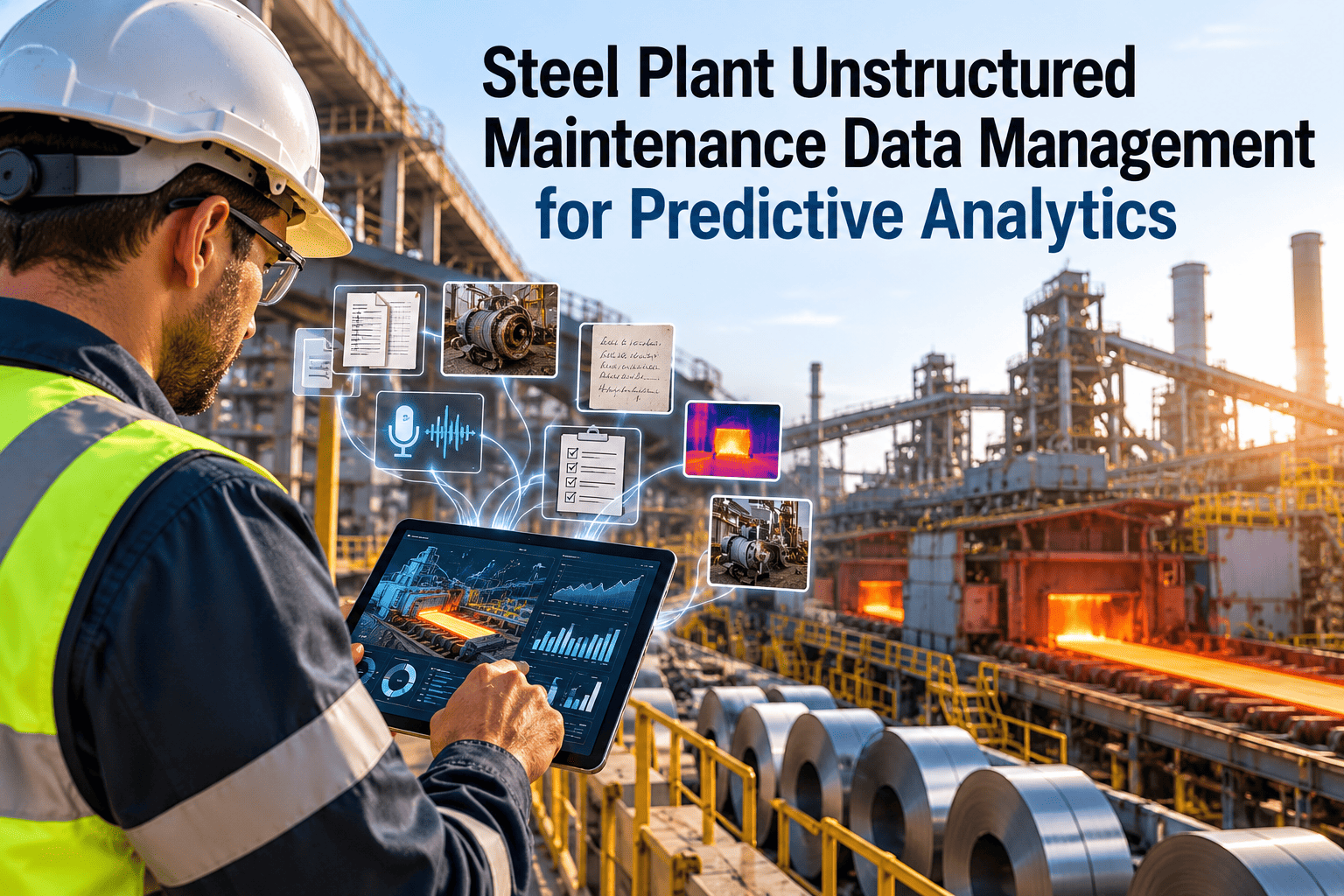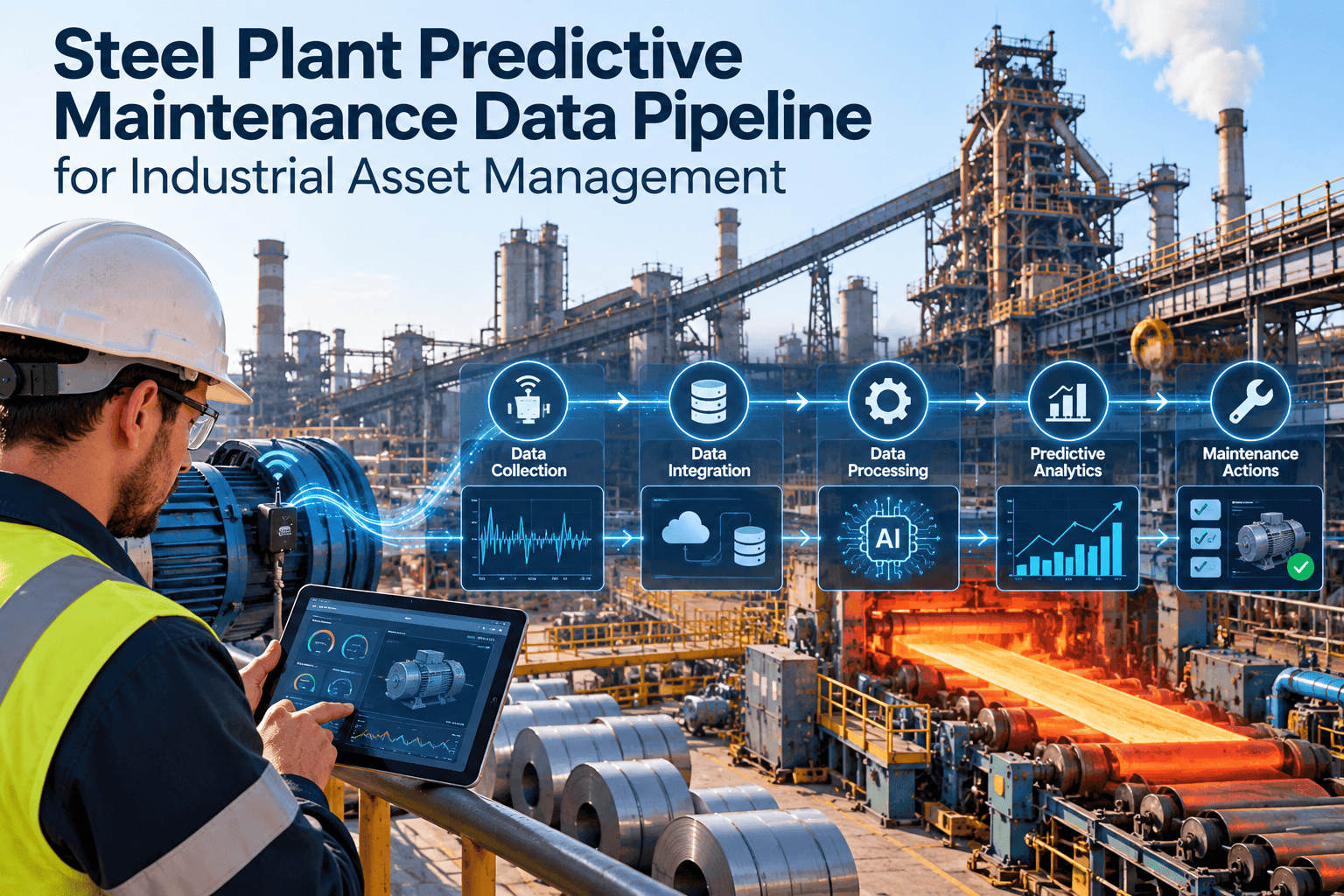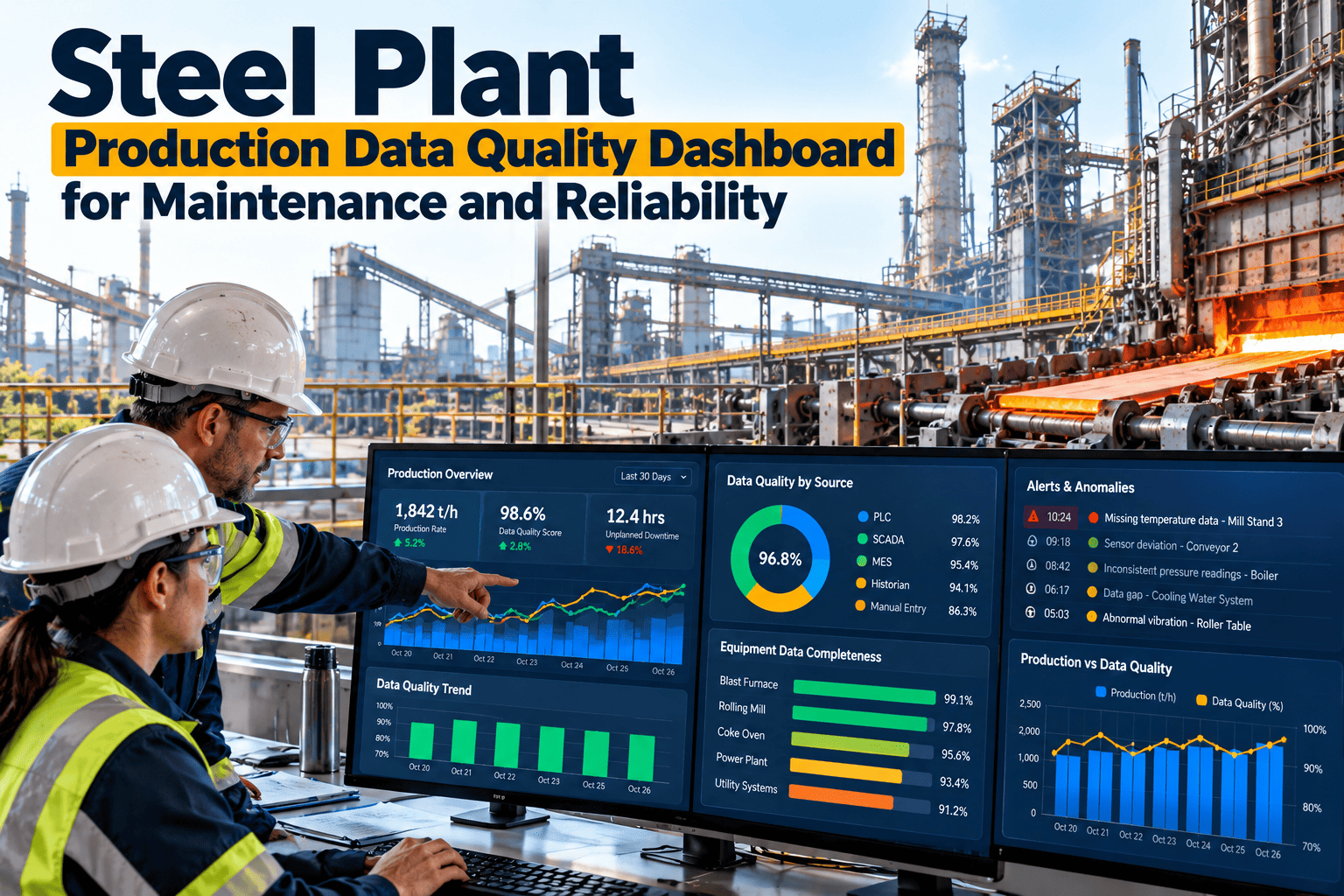
Every steel plant has the same awkward meeting. Production says the caster lost ninety minutes, maintenance says the work order shows forty, and the historian shows a flat line that nobody can map to either. Before any dashboard or AI model can be trusted, production, downtime, work order, asset and sensor records have to agree with each other. This guide shows how to build a data quality dashboard for that job, and how a steel plant CMMS can enforce the fields that keep the numbers honest from the first work order.
Steel Plant Production Data Quality Dashboard for Maintenance and Reliability
A steel mill produces data from the MES, the historian, SCADA, the CMMS and the asset register, and each system describes the same stoppage in its own words. A data quality dashboard puts a gate on every hop between them, shows where records fail to line up, and gives reliability, planning and automation teams a named owner for each gap. Fix the data first, and predictive analytics and industrial AI have something real to learn from.
Why Steel Plant Dashboards Disagree With the Shop Floor
- Three systems, three clocksThe MES records a stop when the line halts, the historian when a signal drops, and the technician when the job is closed. Start and end times rarely match.
- Reasons written for different readersOperations picks a stop reason that explains lost tonnes. Maintenance picks a code that explains the repair. Neither list was designed to join the other.
- Free text where a code should beA work order that says "motor problem" cannot be counted, trended or learned from, whatever model sits on top.
- Tags nobody ownsHistorian tags get renamed during a drive replacement and never remapped, so a vibration trend belongs to an asset that no longer exists in the register.
- Duplicate and ghost assetsTwo records for one hydraulic power pack split its history in half, and a decommissioned pump keeps collecting preventive tasks.
- Close-out after the shiftJobs closed days later from memory lose the real downtime, the real cause and the part that was actually fitted.
The Data Quality Scorecard: Seven Measures Worth Watching
A scorecard is only useful if every row has a clear definition and a target that comes from your own plant. The bars below are deliberately empty. Measure your current baseline first, then set the target with your reliability lead, because commonly cited targets are not a substitute for knowing where you start.
Start with the critical assets only: the blast furnace stoves and blowers, the BOF or EAF drives and hydraulics, the caster segments, the reheat furnace and the hot strip mill drives. A clean scorecard on twenty critical assets beats a poor one across twenty thousand.
Six Data Quality Dimensions and How They Fail in a Steel Mill
The usual data quality dimensions apply to maintenance records, but the failures look specific on a steel plant floor. Each card shows a realistic failure and the dashboard check that exposes it.
Record Before and After: Same Event, Two Very Different Data Assets
The panel below uses generic field values to show how one bearing problem looks as a vague record and as a structured one. The second record can be counted, joined to production, and learned from.
The values above are generic examples for illustration, not plant data. The point is the shape of the record: every field that a dashboard needs is a dropdown, a timestamp or a reference, not a sentence.
Make the Structured Record the Only Record You Can Close
Oxmaint can be configured so a corrective work order will not close until the asset, failure code, cause code and downtime are filled in from controlled lists. Teams get cleaner data without chasing people after the shift.
Reconciling Production Downtime Reasons With Maintenance Downtime Codes
This is the classic steel plant mismatch. Operations records why the line stopped in the production system, using reasons built around lost tonnes and shift reports. Maintenance records why equipment failed, using codes built around repair. Both are right, and they still do not join.
| What happened | Production stop reason (typical) | Maintenance code (typical) | Why they diverge |
|---|---|---|---|
| Caster stops after a hydraulic leak on a segment | Equipment, casting area | Hydraulic leak, hose failure | Production names the area, maintenance names the component |
| Reheat furnace delayed waiting for a spare | Waiting for maintenance | Repair complete, no delay recorded | The wait sits in a gap between two clocks |
| Mill stand stops on an overload trip | Electrical trip | Mechanical, gearbox inspection | The first reason is a symptom, the second is a finding |
| Short stop reset by the operator | Minor stoppage | No work order raised | Production sees lost time, maintenance sees nothing to fix |
| Planned shutdown extended | Planned maintenance | Corrective work found during PM | One stop covers a planned and an unplanned portion |
What a CMMS Can Enforce
A maintenance management software platform cannot rewrite the production system, but it can make its own side of the bridge strict. Oxmaint can be configured to apply these controls at the point of entry.
- Mandatory fieldsAsset, failure code, cause code, downtime start and end, and completion note must be filled before a corrective job can be closed.
- Dropdown lists, not free textFailure mode, mechanism and cause come from a controlled list that reliability maintains, in the spirit of ISO 14224 taxonomy.
- A shared stop referenceA field on the work order carries the MES stop or event number so the two records can be joined on a key, not on guesswork.
- Mapped reason categoriesEach maintenance code maps to a production reason category, so a hydraulic leak rolls up under equipment failure in both views.
- Explicit zero downtimeA required yes or no on production impact removes blanks that look like missing data in the dashboard.
- Mobile close-out at the assetTechnicians complete the record with the equipment in front of them, so details are fresh and the close-out is timely.
The dashboard then reports the difference between the two sources as an exception list, not a debate. A downtime event with no matching stop, or a stop with no work order, goes to the owner who can explain it.
AI Amplifies Bad Data. It Does Not Fix It.
Predictive analytics and industrial AI learn patterns from history. If the history is inconsistent, the model learns the inconsistency, and it does so with great confidence.
- Three technicians code one bearing failure three different ways, so the model sees three unrelated events instead of one pattern
- Blank downtime fields teach the model that failures cost nothing
- Sensor tags mapped to the wrong asset produce alerts nobody can act on
- Late close-outs shift the failure date away from the sensor signature
- Duplicate assets split the history, so no single asset has enough failures to learn from
- One failure taxonomy, so repeated bearing failures show as one pattern
- Recorded downtime that links maintenance events to lost production
- Tags mapped to the correct register asset with units and running state
- Same-shift close-out that lines up the event with the signal
- One record per asset, with a full history in one place
This matches the pattern behind many stalled condition monitoring pilots: a weak asset hierarchy, missing failure codes, unreliable work order history, and no link from an alert to a work order. Steel plant predictive maintenance succeeds when the data foundation is in place first, which is also what ISO 17359 and ISO 13374 assume when they describe moving from data acquisition to health assessment and advisory.
Who Owns Which Data: Roles and the Monthly Review
A dashboard without owners becomes a wall of red numbers. Assign each measure to a role, and review exceptions monthly in a short meeting with a fixed agenda.
| Role | Owns | Scorecard rows they answer for | Monthly review action |
|---|---|---|---|
| Reliability engineer | Asset hierarchy, criticality, failure taxonomy | Valid asset links, duplicate or inactive assets, failure and cause codes | Approve code list changes, merge duplicates, retire dead assets |
| Planner | Work order completeness, PM content | Closed with downtime, PM completion notes | Chase incomplete jobs, tighten PM task wording |
| Automation engineer | Tag-to-asset mapping, sensor health | Sensor tags mapped to assets | Fix renamed tags, flatlines and calibration drift |
| Operations | Running-state definitions, shift logs, stop reasons | Downtime reconciling with production stops | Review unmatched stops and reason list changes |
| Maintenance supervisor | Same-shift close-out, crew discipline | Timeliness and mandatory field compliance by crew | Coach crews, escalate repeat gaps |
A Simple Monthly Rhythm
- Week 1Dashboard refreshes. Each owner reviews their own rows and fixes simple errors.
- Week 2Reconcile production stops and maintenance downtime. Unmatched items are assigned.
- Week 3Reliability reviews code lists and duplicates. Automation reviews tag mapping.
- Week 4Short cross-functional review. Targets are adjusted from the baseline and actions logged.
Building the Dashboard Step by Step
Maintenance KPIs such as MTBF, MTTR, availability, PM compliance and planned maintenance percentage all depend on these fields. If downtime and failure counts are unreliable, so are the formulas built from them.
Frequently Asked Questions
Trust the Numbers Before You Automate the Decisions
Give your steel plant maintenance software the controls that keep production, downtime, work order, asset and sensor data lined up, and give your reliability team a dashboard that shows exactly where to look next. Start with your most critical assets and build from there.