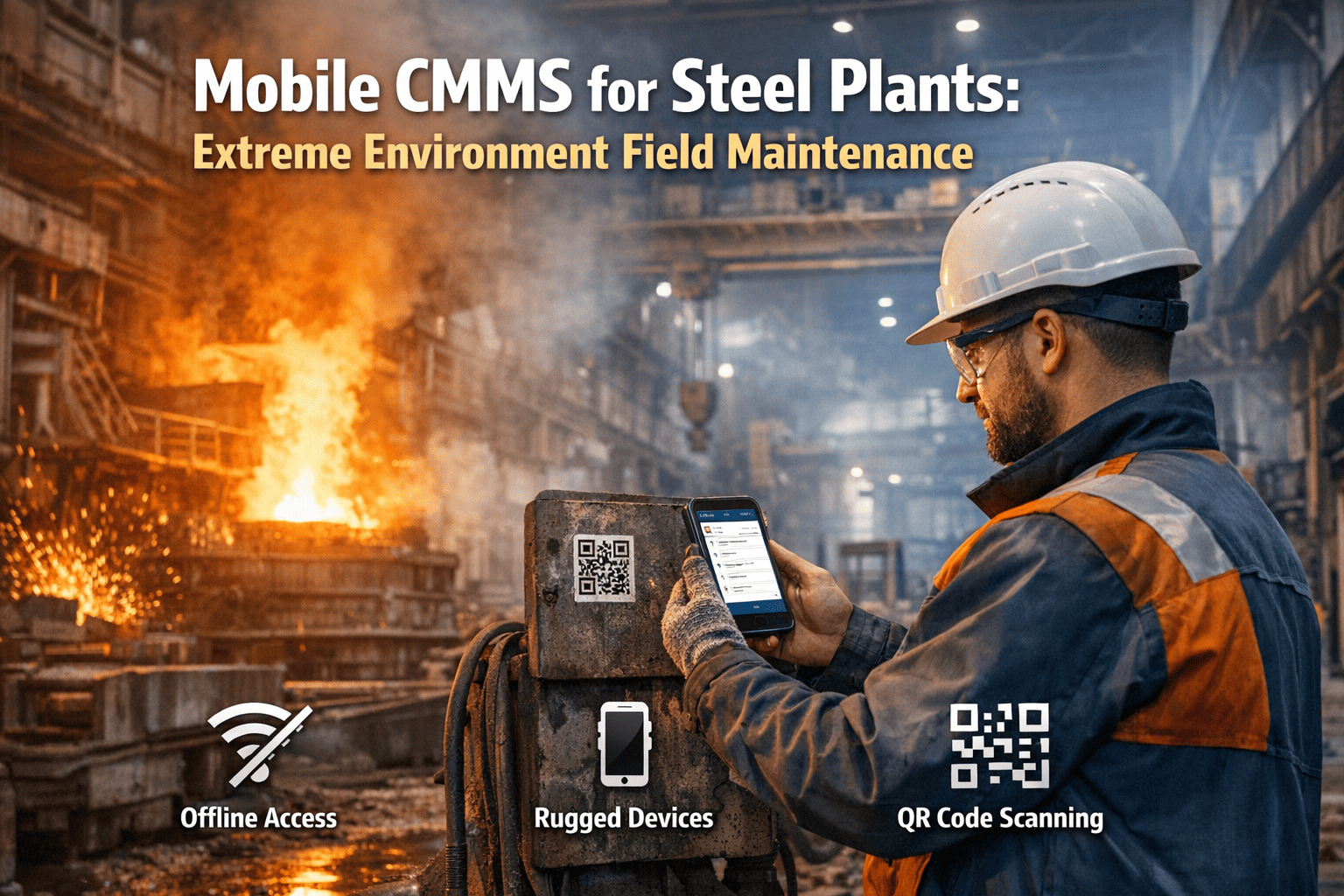
In the abrasive, high-heat, and signal-blocked environments of a North American steel mill, the traditional "Desktop CMMS" is a direct barrier to productivity. When a technician has to walk 15 minutes across the mill floor to a terminal just to log a completed work order or look up a part number, the facility loses thousands in "Wrench Time" every single day. In 2026, the gap between mobile-first and desktop CMMS platforms has never mattered more to manufacturing plants. As technicians spend 80% of their shift on the floor — not at a desk — the best CMMS mobile app for manufacturing is no longer a convenience but a competitive differentiator. The solution is a Mobile-First Maintenance Strategy built on ruggedized hardware and native offline capabilities. By equipping tradespeople with IP68-rated tablets and implementing a mill-wide **QR Code Asset Tagging** system, reliability leaders can eliminate data lag, reduce transcription errors, and ensure that every repair is documented at the point of work. OxMaint is the only platform purpose-built for these harsh conditions, offering a true offline mode that functions in the deepest basement pump rooms and most signal-shielded mill cores. Start Your Mobile-First Pilot and empower your floor-level technicians with the tools they actually want to use. Book a Rugged Tablet Strategy Call
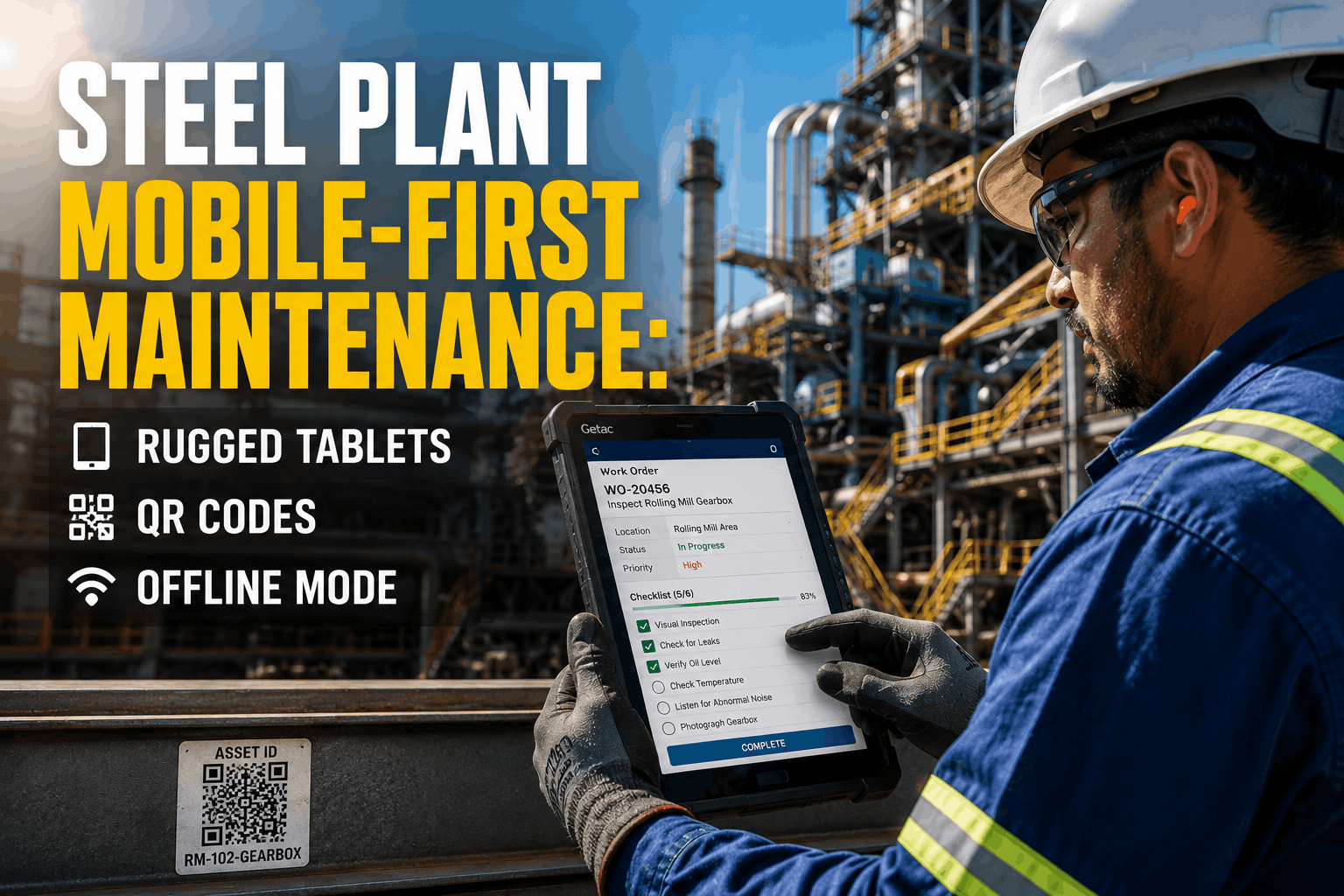
Steel Plant Mobile-First Maintenance: Rugged Tablets, QR Codes, & Offline Mode
Native Offline Sync · IP68 Rugged Hardware Support · Laser-Etched QR Asset Lookup · Floor-Level Data Entry · Glove-Touch Interface · 100% Mobile Parity · Point-of-Work Audit Trails
Why Manufacturing Plants Are Going Mobile-First in 2026
The Shift from Desktop to Mobile CMMS in Industrial Maintenance
Rugged Mobility: Built for the Steel Mill Floor
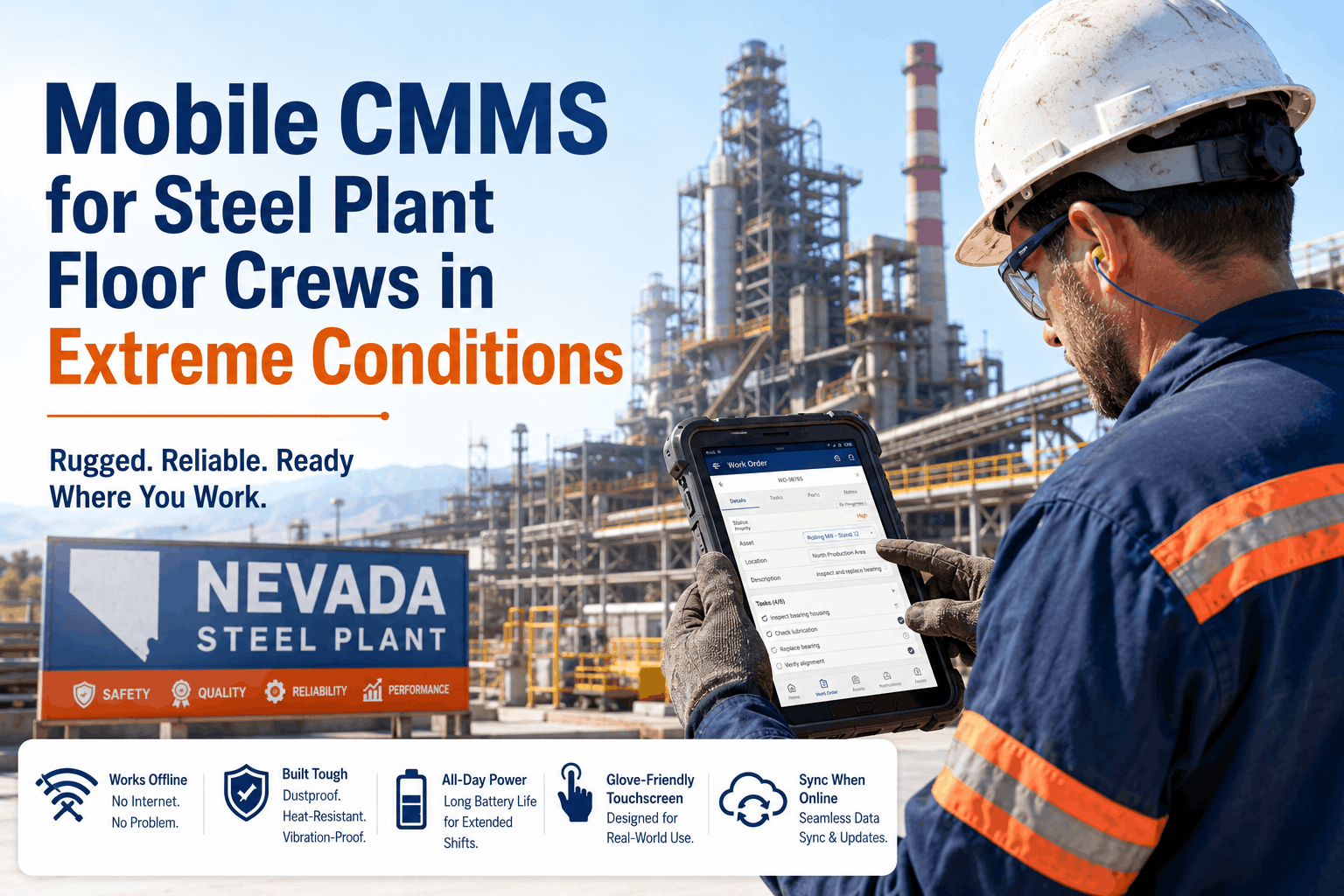
The environment of a steel plant is lethal to standard consumer electronics. Dust, vibration, extreme heat, and grease require hardware and software that can survive the shift. OxMaint's mobile-first architecture is designed to support the rugged tablets and scanning hardware that maintenance tradespeople rely on in the field.
Glove-Touch Optimization
Our mobile interface features large, high-contrast buttons and gesture controls designed for technicians wearing industrial gloves on the mill floor.
QR Code Asset Tagging
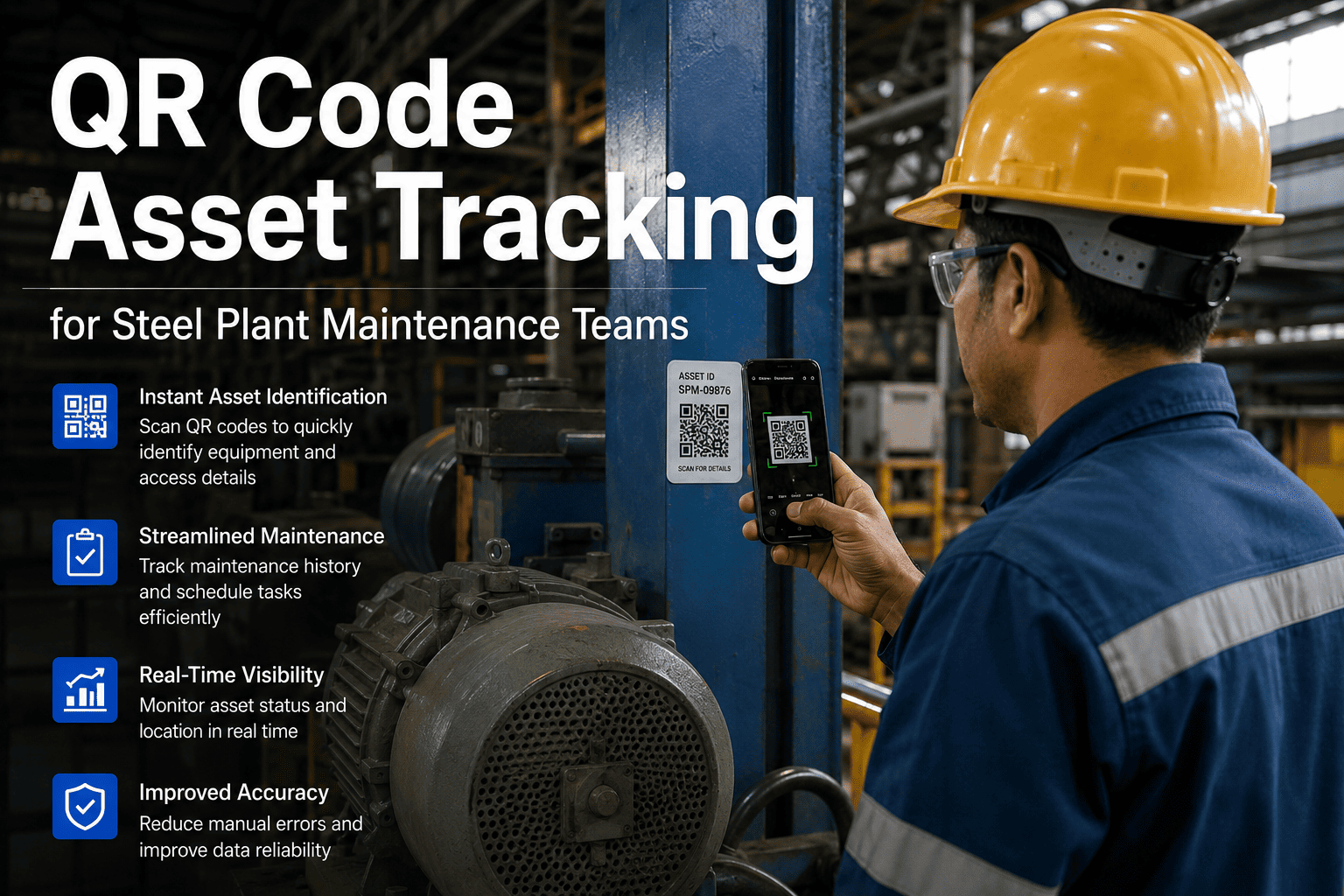
Scanning an asset tag instantly pulls up the full maintenance history, pending work orders, and LOTO procedures. No manual searching required.
High-Viz Dark Mode
Designed for high-glare environments and dimly lit areas, ensuring readability regardless of the lighting conditions in the caster or rolling mill.
True Offline Mode: Reliability Beyond the Wi-Fi Range
Many CMMS platforms claim to be "mobile" but fail the moment a technician enters a signal-dead zone. In a steel plant, these zones are common in basements, crane cabs, and near heavy electrical induction. OxMaint offers a native offline mode that ensures the technician's workflow is never interrupted. This guide breaks down real-world performance differences between mobile CMMS and desktop CMMS.
Automatic Sync & Cache
Technicians download their daily work orders and asset data while in the maintenance shop. No manual 'Sync' button required.
Full Local Functionality
Technicians can create work orders, take photos, and run checklists in 'Airplane Mode.' The app performs identically whether connected or not.
Conflict-Free Background Upload
As soon as the technician enters a connected area (e.g., the breakroom or a mill walkway), the app silently uploads all data in the background.
CMMS Mobile App vs Desktop: Head-to-Head Comparison
Feature-by-Feature Breakdown for Manufacturing Plant Maintenance Teams
| Capability | Mobile CMMS App | Desktop CMMS | Impact for Manufacturing |
|---|---|---|---|
| Work Order Creation Speed | On-floor, real-time | Office/terminal-bound | Mobile reduces lag from fault detection to repair start |
| Offline Functionality | Full offline mode | Requires network connection | Critical for basement plant rooms and signal-dead zones |
| Technician Adoption Rate | High — familiar UX | Moderate — training required | Faster rollout, lower resistance from floor-level staff |
| Photo/Video Documentation | Instant capture | Manual upload only | Richer fault records; faster root cause analysis |
| QR Code Asset Scanning | Native camera scan | Not practical | Eliminates manual asset ID errors at point of service |
| Push Notifications / Alerts | Instant delivery | Email / dashboard only | Reduces response time for critical machine faults |
| Dashboard & Reporting | Summary view | Full analytics suite | Desktop preferred for management KPI reviews |
| Multi-Site Portfolio View | Available on leading platforms | Standard | Desktop preferred for portfolio-level oversight |
The ROI of Mobile-First: Measuring Mill Productivity
Transitioning to a mobile-first maintenance strategy isn't just about convenience—it's about measurable financial returns. By tracking key performance indicators (KPIs) before and after a mobile rollout, reliability leaders can quantify the impact on the bottom line.
Recovered by eliminating the 'Paper Shuffle' and travel time to office-bound desktop terminals.
Reduction in Mean Time to Repair through instant access to technical drawings and part inventory at the machine.
Achieved by capturing fault details and photos at the moment of discovery, eliminating memory-based logging errors.
Key CMMS Mobile App Features Manufacturing Plants Need in 2026
What Separates a Functional Mobile CMMS from a Floor-Ready Maintenance Platform
Turn Your Mill Floor into a High-Performance Data Center.
Stop forcing your technicians to act like office workers. OxMaint provides the mobile-first platform that survives the steel mill floor, offering QR-driven asset management and true offline sync. Build a faster, more accurate maintenance team starting today. Your first rugged tablet rollout can be completed in under 30 days. Book a Mobile Deployment Strategy Call
CMMS Mobile App ROI: What Manufacturing Plants Measure
Quantifying the Financial Return of Mobile Maintenance Management
"Before we went mobile-first with OxMaint, our millwrights spent 40% of their shift just walking back and forth to the shop to enter data. The adoption rate was terrible because they hated the desktop UI. Once we gave them rugged Samsung tablets and laser-etched QR codes for every asset, everything changed. Now, they scan a pump, see the history, and log the fix in 30 seconds. Our 'Wrench Time' has improved by 25% across the entire plant, and for the first time in a decade, our PM completion rate is at 98%. The offline mode is the real hero—it works perfectly in the basements where even our radios fail."
Frequently Asked Questions
Which rugged tablets are recommended for steel plant maintenance?
We recommend IP68 or MIL-STD-810G rated tablets such as the Samsung Galaxy Tab Active series or Getac rugged iPads.
These devices handle extreme drops, dust, and water exposure common in mill environments, ensuring long-term hardware ROI.
Will QR codes survive the heat and oil of a steel mill floor?
Standard stickers will fail, but laser-etched stainless steel or anodized aluminum QR tags are extremely durable.
These tags resist temperatures up to 1000°F and are impervious to oil, grease, and high-pressure descaling spray.
How does OxMaint handle data conflicts during offline sync?
Our native mobile app uses an intelligent 'Last-In-Wins' or 'Timestamp-Priority' logic to handle background sync conflicts.
This ensures that the most recent floor-level update is always the system of record, without requiring technician intervention.
Does the mobile app support glove-touch and high-glare environments?
Yes, the OxMaint UI features high-contrast dark modes and large touch-targets specifically designed for industrial use.
When paired with rugged tablets that have glove-touch sensitivity enabled, technicians never have to remove PPE to log data.
Can we use the mobile app to manage spare parts inventory?
Yes, technicians can scan part barcodes or QR codes in the warehouse to instantly reserve or consume spares for a work order.
This real-time inventory tracking reduces the risk of stockouts for critical mill components and eliminates manual stock counts.
How long does it take to roll out a mobile CMMS to a mill team?
A pilot rollout for one mill zone typically takes 2 to 4 weeks, including hardware setup and QR tag installation.
Mill-wide adoption is usually achieved within 90 days, depending on the number of assets and technician training schedules.
What is the ROI of switching from paper to mobile work orders?
Most plants see a 20-35% reduction in MTTR and a 30% increase in technician productivity within the first six months.
The primary ROI driver is the elimination of administrative overhead and the massive improvement in data-driven reliability decisions.
Does OxMaint support native push notifications for critical alarms?
Yes, the mobile app delivers instant push alerts for high-priority machine faults, even if the technician isn't actively using the app.
This ensures the fastest possible response time for critical equipment failures, significantly reducing unplanned downtime costs.