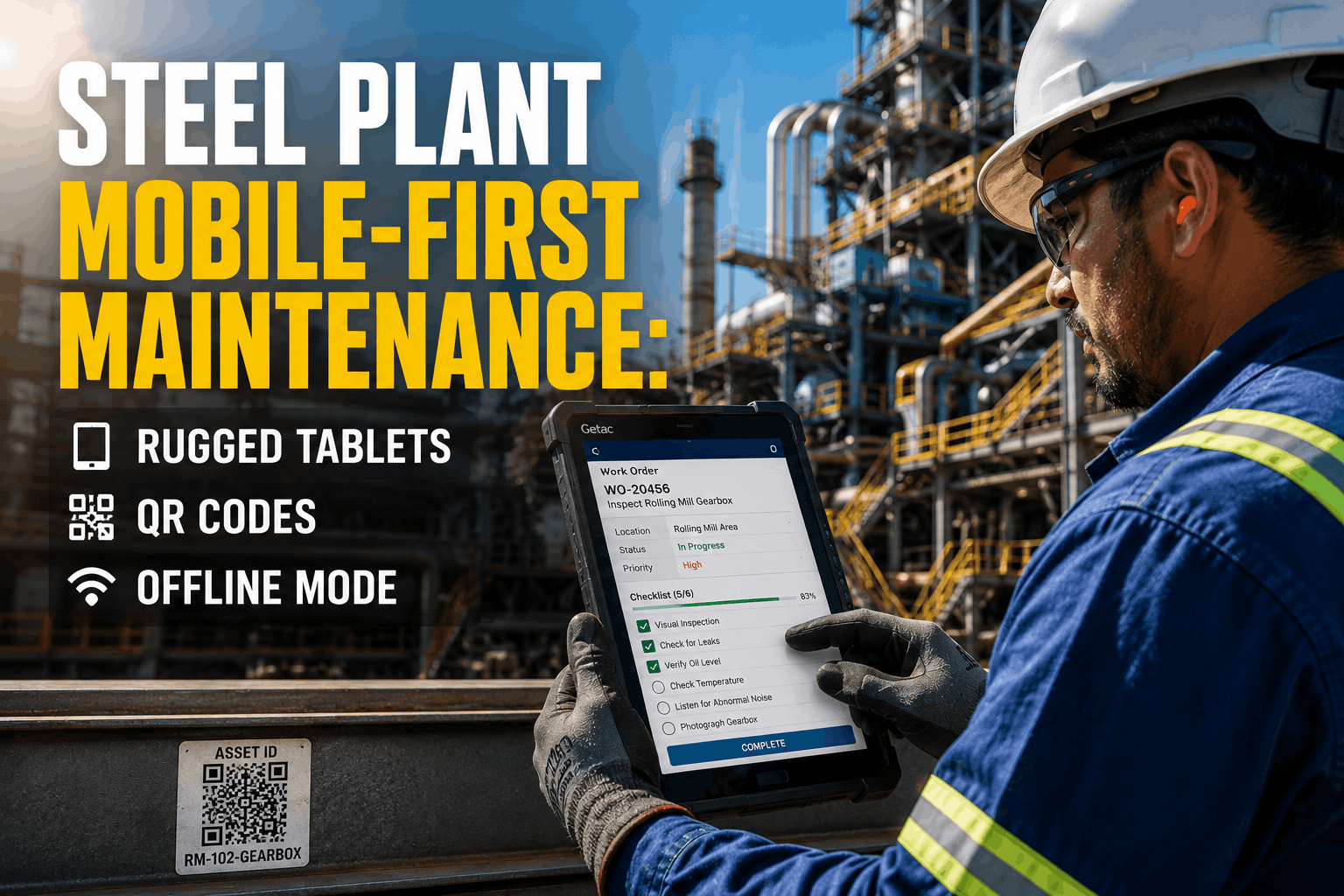
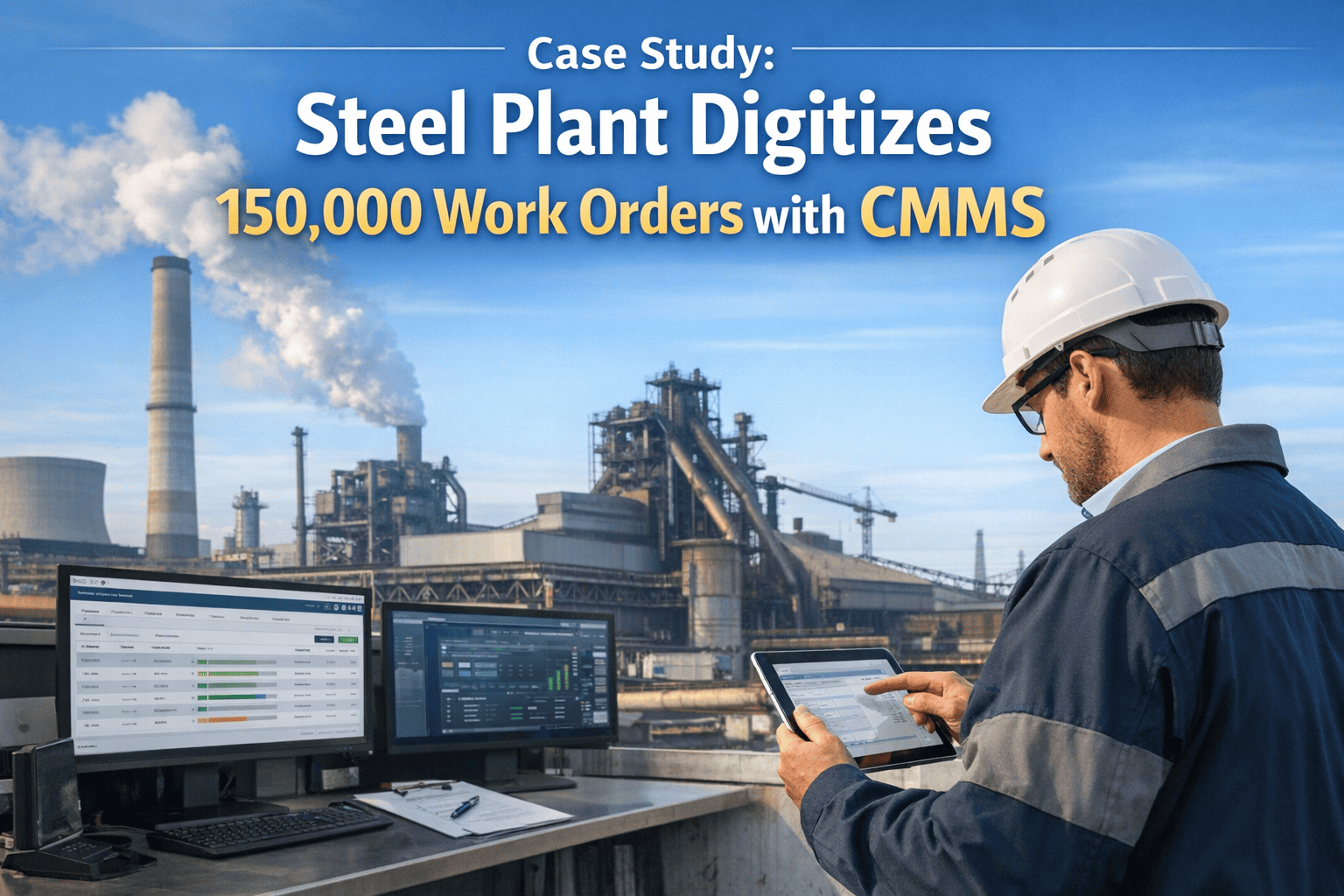
Mobile CMMS for Steel Plant Maintenance Technicians: Work Smarter in Harsh Environments

By Lebron on March 12, 2026

mobile-cmms-steel-plant-maintenance-technicians

Mobile CMMS technology has evolved from a convenient add-on to an operational necessity for steel plant maintenance technicians working in some of the most demanding industrial environments on earth. In facilities characterized by extreme heat, heavy dust, limited connectivity, and complex asset hierarchies, traditional paper-based or desktop-bound maintenance management systems create bottlenecks that delay critical repairs and compromise data accuracy. A purpose-built mobile CMMS empowers technicians to access work orders, capture asset data, and manage inventory directly from the shop floor—enabling them to work smarter, safer, and more efficiently even in the harshest conditions. By bridging the gap between planning and execution, mobile solutions put the power of the maintenance system directly into the hands of those doing the work. Schedule a consultation to discover how mobile solutions can elevate your maintenance workforce.

The Technician's Reality: Why Mobile Matters

Steel plant technicians spend the majority of their time on their feet, moving between furnaces, rolling mills, and finishing lines. Requiring them to return to a desk or clipboard to log work creates friction that reduces wrench time and delays critical information flow. Mobile CMMS bridges this gap, putting real-time data and decision-making tools directly into the field where they are needed most.

The Case for Mobile-First Maintenance
45%
Increase in wrench time by eliminating travel to kiosks and reducing paperwork burden
99%
Data accuracy rate through digital capture at the source rather than manual transcription
30%
Faster response time with instant work order notifications and mobile assignment
60%
Reduction in administrative burden allowing technicians to focus on skilled maintenance tasks
Empower your frontline workforce. Join steel plants that have eliminated clipboards and reduced administrative burden with Oxmaint Mobile.
Sign Up Free

Essential Features for Harsh Environments

Not all mobile apps are built for the steel mill. Effective mobile CMMS must account for physical constraints like protective gear, environmental hazards, and the need for rapid interaction without compromising safety or usability. The right platform adapts to the environment rather than forcing the environment to adapt to the technology.

Mobile CMMS Core Capabilities Designed for steel plant realities
01
Offline-First Architecture
Steel plants often have connectivity dead zones near heavy machinery or in basements. Our mobile CMMS stores data locally and syncs automatically when connection is restored, ensuring zero downtime for technicians.

02
Barcode & QR Scanning
Instantly identify assets and parts using the device camera. Eliminates manual entry errors and speeds up inventory transactions even in dimly lit areas.

03
Voice-to-Text Notes
Technicians wearing gloves can dictate failure codes and repair notes hands-free. AI transcribes audio accurately, keeping hands on tools and eyes on the job.

04
Rugged Device Compatibility
Optimized for industrial-grade tablets and smartphones that withstand drops, dust, and extreme temperatures. High-contrast display modes ensure visibility in bright sunlight or dark mill aisles. Sign up for Oxmaint to experience mobile excellence.

Overcoming Connectivity Challenges

One of the biggest barriers to mobile adoption in steel plants is unreliable Wi-Fi or cellular coverage in certain areas. A robust mobile CMMS uses store-and-forward technology to ensure work continues uninterrupted regardless of network status. This architecture guarantees that maintenance activities are recorded accurately even in the deepest connectivity dead zones.

Connectivity Management Strategy
Phase Action Technical Approach Benefit
Work Order Download Technician downloads assigned work orders All asset data, manuals, and parts lists are cached locally on the device while in connected zones Ensures access to critical information regardless of location
Offline Execution Technician performs maintenance in dead zones All data entry, photos, and signatures are saved securely to the device's local database Zero interruption to maintenance workflow
Auto-Sync Device returns to connected area App automatically syncs all changes to the central CMMS. Conflicts are resolved intelligently without data loss Real-time visibility for planners and managers
Data Integrity Verification and backup Encryption both in transit and at rest. Automatic backups prevent data loss from device failure Secure and reliable maintenance records
Offline capability is not optional for steel plants—it is a fundamental requirement for reliable mobile CMMS deployment.
Ready to go paperless? See how Oxmaint's mobile interface is designed specifically for steel plant technicians wearing gloves and working in low-light conditions.
Schedule Free Demo

Impact on Maintenance KPIs

Mobilizing your maintenance workforce doesn't just make life easier for technicians; it drives measurable business results. Real-time data capture leads to better decision-making, faster root cause analysis, and improved asset reliability across the entire production chain.

Documented Mobile CMMS Benefits Based on deployment data from steel production facilities
25%
Reduction in administrative time
15%
Increase in PM compliance
40%
Decrease in parts search time
20%
Improvement in first-time fix rate

Implementation Best Practices

Rolling out mobile CMMS requires more than just installing an app. Success depends on device selection, user training, and change management to ensure adoption across the maintenance team. A structured approach minimizes disruption and builds confidence among technicians.

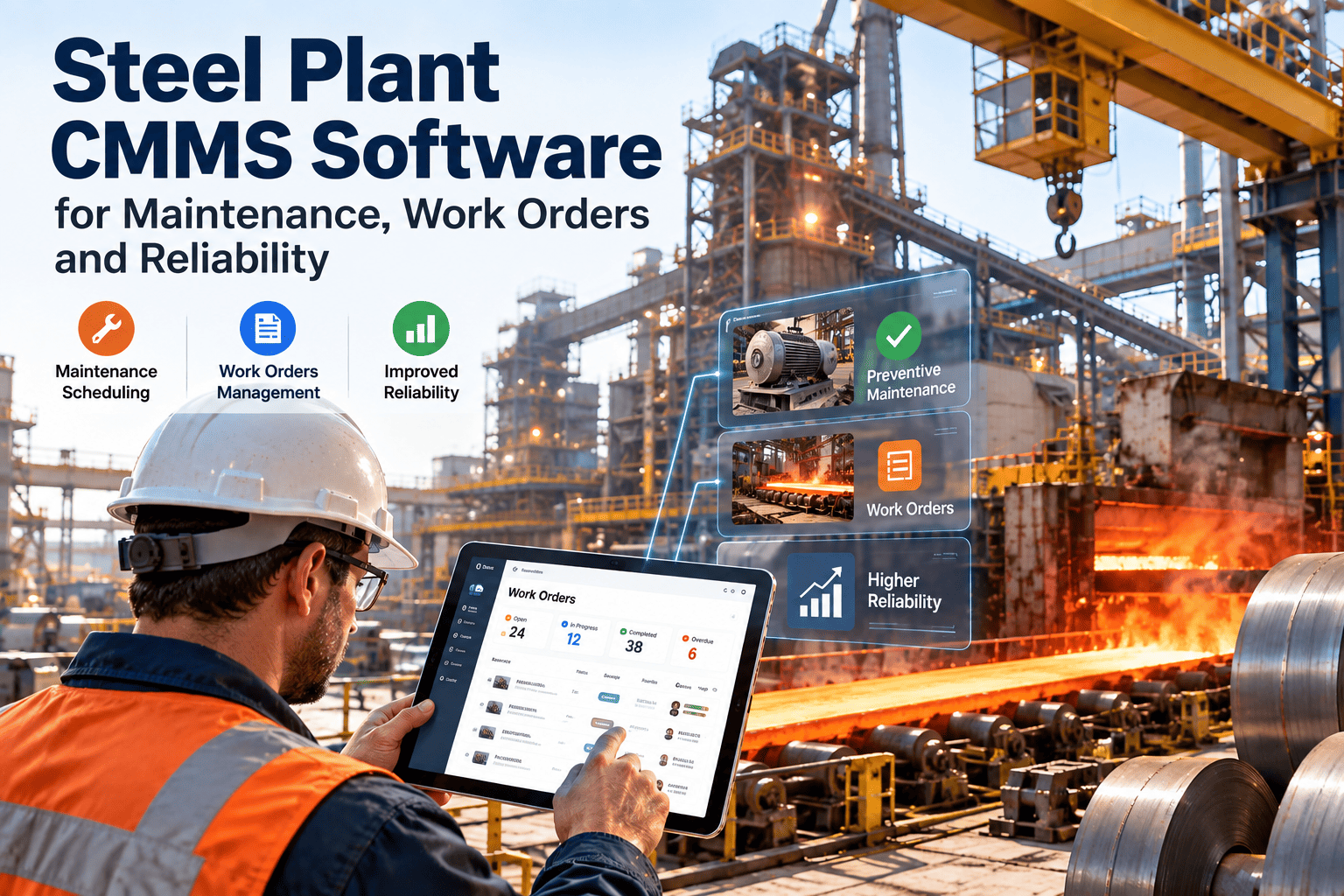
Mobile Deployment Roadmap
Week 1-4
Device Selection
Choose ruggedized devices Verify battery life requirements Ensure safety standard compliance
Week 5-8
Wi-Fi Survey
Map connectivity dead zones Plan for offline usage Install access points if needed
Week 9-12
Training Program
Role-based training sessions Focus on benefits not just features Provide quick-start guides
Week 13+
Pilot & Scale
Start with power users Establish feedback loops Full deployment and optimization
Equip Your Team for Success
Your technicians are the backbone of your maintenance operation. Give them the tools they need to succeed with a mobile CMMS designed for the realities of steel production. Reduce frustration, improve data quality, and get back to what matters most—keeping the plant running.

Frequently Asked Questions

What types of devices are supported by the mobile CMMS?
Oxmaint supports iOS and Android devices, including smartphones, tablets, and ruggedized industrial handhelds. We recommend devices with IP65 or higher ratings for dust and water resistance in steel plant environments. Schedule a consultation for device recommendations.
How does the app handle low battery situations?
The app is optimized for low power consumption. It also saves work progress automatically at every step, so if a device dies, no data is lost. Upon reboot and recharge, the technician can resume exactly where they left off.
Can technicians capture photos and videos of defects?
Yes. The mobile app allows users to attach photos and videos directly to work orders. Images are compressed for quick upload but retain enough detail for remote expert analysis and historical records.
Is training required for technicians to use the mobile app?
The interface is designed to be intuitive, similar to consumer apps. Most technicians can become proficient within a few hours. We provide video tutorials and quick-start guides within the app itself. Sign up for a free account to explore the interface.
How secure is the data on mobile devices?
Data is encrypted both in transit and at rest. If a device is lost or stolen, administrators can remotely wipe the app data. Role-based access ensures technicians only see information relevant to their assignments.
Does the mobile app integrate with our existing CMMS?
Oxmaint is a unified platform, so the mobile app is natively integrated with the web and desktop versions. If you have a legacy CMMS, our API can sync data to the mobile layer, though native integration is recommended for best performance. Book a demo to discuss integration options.

Share This Story, Choose Your Platform!