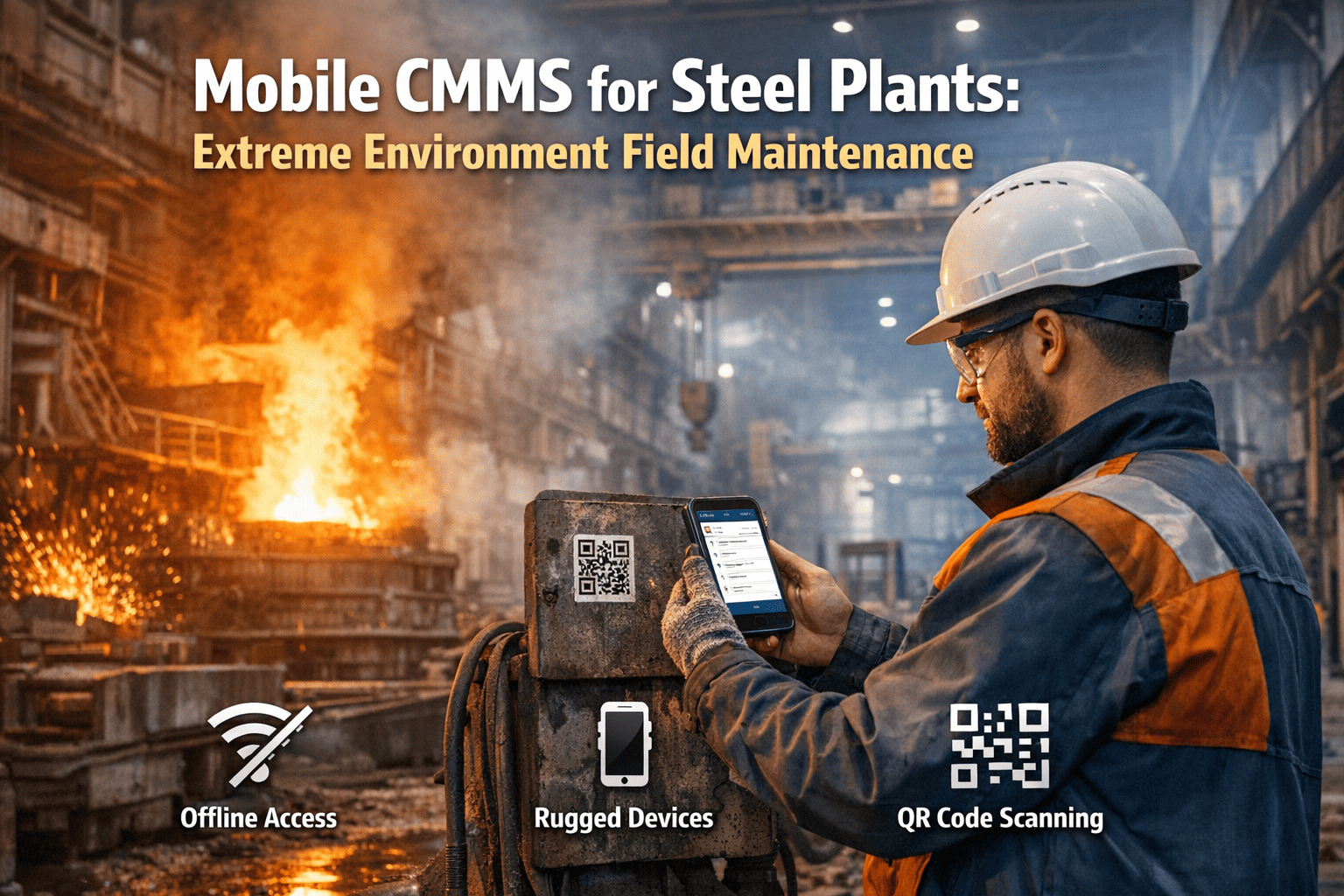
Steel plant maintenance happens in environments that a standard consumer mobile app was not designed to survive. Blast furnace casthouse floors reach ambient temperatures of 50–65°C during tapping operations. Rolling mill pits accumulate scale dust at concentrations that block unprotected phone cameras within one shift. CCM segment bay floors are perpetually wet from spray cooling runoff. Electrical rooms adjacent to EAF transformers have electromagnetic interference levels that disrupt standard WiFi and cellular signals. A maintenance technician in these environments has three physical constraints that no desktop CMMS or consumer-grade mobile app can address: they are wearing heat-resistant gloves that make touchscreen operation unreliable; they are in areas where cellular and WiFi coverage is intermittent or absent; and they are performing physical maintenance work where both hands are frequently occupied. A Start building your mobile CMMS for steel plant asset register in Oxmaint free must be designed for these constraints from the ground up — not adapted from a consumer UX that assumes a clean desk, stable WiFi, and bare fingers. The difference between a mobile CMMS that steel plant technicians actually use and one they abandon within two weeks comes down to three engineering decisions: ruggedised device support, offline-first architecture, and a minimum-tap interaction model that works with gloves.
Mobile CMMS for Steel Plants: Extreme Environment Field Maintenance
Why standard mobile CMMS apps fail on steel plant floors — and how OxMaint's offline-first, ruggedised-device-compatible, minimum-tap design survives blast furnace casthouses, rolling mill pits, and EAF bays.
Steel Plant Maintenance Environments: What a Mobile CMMS Must Survive
Six steel plant environment types — each with a distinct combination of temperature, dust, moisture, and connectivity conditions that determine whether a mobile CMMS is usable or not. OxMaint is tested and deployed in all six. Book a demo to see how OxMaint performs in your specific plant environment.
Blast Furnace Casthouse
EAF/BOF Bay
Caster Segment Bay
Rolling Mill Pit and Basement
MV/HV Electrical Rooms
Raw Materials Handling
Five Mobile CMMS Capabilities That Determine Success in Steel
These five capabilities separate a mobile CMMS that steel plant technicians adopt and use from one they abandon. All five are native to OxMaint — not add-on modules. Sign up to install OxMaint on your steel plant devices — free.
Offline-First Architecture for Signal-Dead Zones
OxMaint downloads all active work orders to the device cache when connectivity is available. In the rolling mill pit, EAF bay, or any below-grade or shielded location, the technician opens, executes, documents, and closes work orders with zero connectivity dependency. Photos are captured and stored locally. Completion notes are written locally. Parts are logged locally. All data queues for synchronisation and uploads automatically when the device reconnects — without any action from the technician.
This is not a "limited offline mode" with degraded functionality. Every work order function available online is available offline. The system was designed for the most connectivity-hostile environment first, then made compatible with connected environments — not the reverse.
QR Code Asset Scanning — Gloved and Dust-Obscured
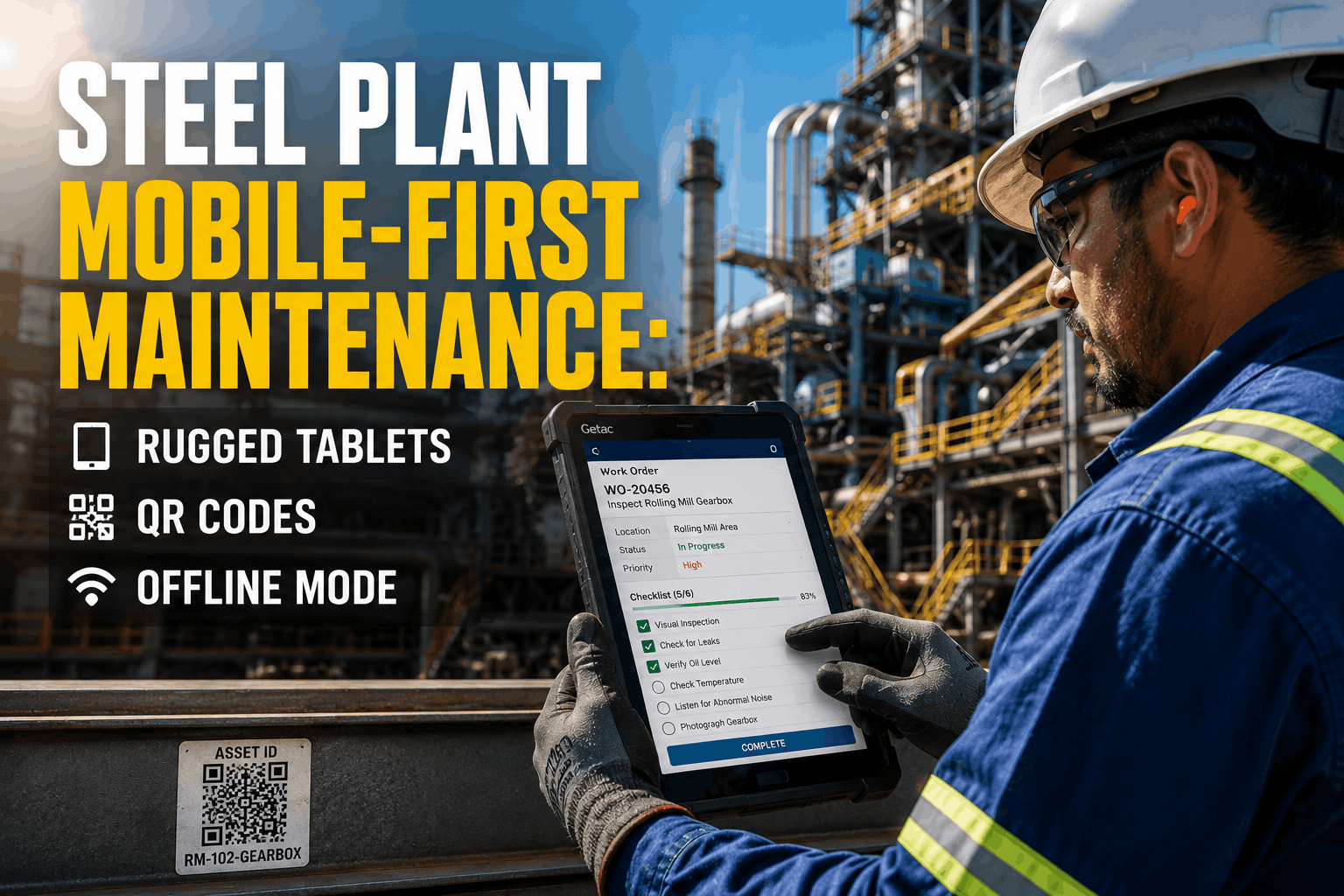
Steel plant asset identification by memory or number lookup is a productivity drain — in a blast furnace casthouse with 200+ tagged assets across tuyeres, staves, coolers, and valve assemblies, the time spent locating the correct asset record is a measurable efficiency loss per work order. OxMaint's QR scanning uses the device's high-resolution camera with auto-focus and exposure optimisation for dim, dusty, and high-contrast environments typical of steel plant asset tag locations.
QR labels are printed on metal-backed aluminium substrates or engraved stainless steel plates — not paper labels that disintegrate in the first week of casthouse humidity and temperature cycling. The scan experience is optimised for gloved hands: the scan target area is large, the camera activates in one tap from the work order screen, and a successful scan is confirmed by vibration, not just a visual indicator that may be invisible in high-ambient-light environments.
Ruggedised Device Compatibility — Zebra, Honeywell, Samsung XCover
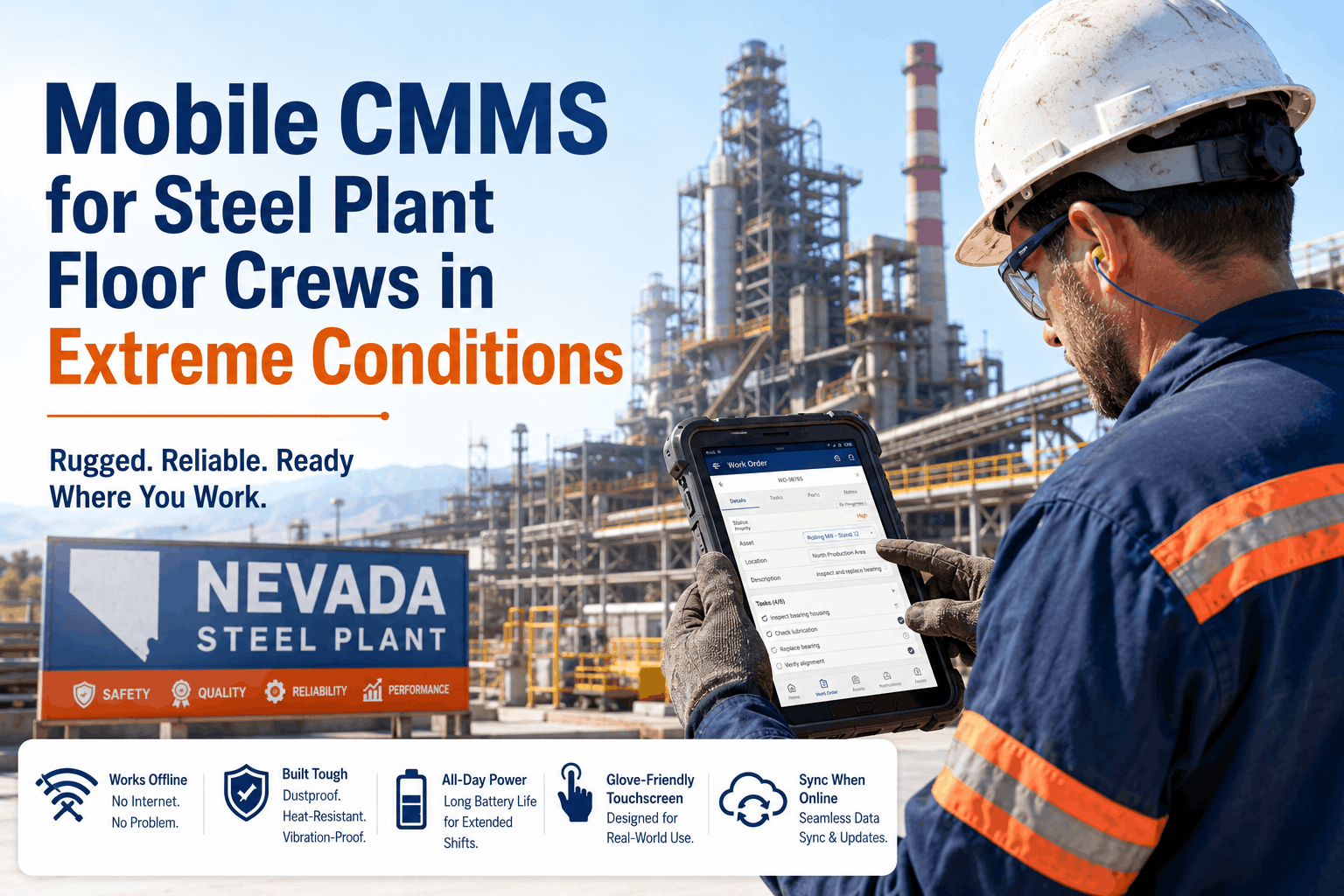
OxMaint runs natively on the ruggedised Android devices most commonly deployed in steel plant environments: Zebra TC-series handhelds (TC52, TC57, TC72), Honeywell EDA-series devices (EDA51, EDA52), and Samsung Galaxy XCover Pro/6 Pro. These devices are rated IP67 (dust-tight, waterproof to 1m) or IP68, operate at ambient temperatures up to 50°C, have high-brightness displays readable in direct sunlight or high-ambient-light casthouse conditions, and support gloved touchscreen operation. Book a demo to see OxMaint running on your target device — we can ship a test unit.
The OxMaint mobile app is tested on all three device families with every major release. Battery performance, screen brightness, and scan reliability are validated in simulated steel plant environment conditions. Consumer smartphones are supported where available, but the deployment recommendation for production-critical zones is purpose-built ruggedised hardware.
Minimum-Tap Interaction Model for Gloved Operation
The standard CMMS mobile interaction model — form fields, dropdown selectors, date pickers, multi-step navigation — fails when the user is wearing cut-resistant gloves in a 55°C environment with one hand on a wrench. OxMaint's steel plant interaction model is designed around the minimum number of required taps to complete each work order lifecycle step. Accept a job: two taps. Confirm a PM checklist item: one tap. Attach a photo: one tap from within the work order screen. Close the work order: three taps plus a completion note input. The required action count was benchmarked against a gloved-operation simulation with industrial maintenance workers, not UX designers in an office.
Permit-to-Work on Device — Closed Before Entry
In steel plants, the permit-to-work process is a legal compliance requirement — a technician entering a confined space, initiating hot work, or applying electrical isolation without a properly issued and approved permit is a regulatory breach. OxMaint's PTW module runs on the same mobile interface as the work order — the permit is created, approved (by the supervisor on their mobile), and the approval confirmation is visible on the technician's device before they approach the asset. The permit closure — confirming completion and area normalisation — is also executed on mobile at the close of the work order. No paper permit required. No parallel system required. Sign up to configure steel plant permit categories in OxMaint — free.
Frequently Asked Questions
What ruggedised devices does OxMaint support for steel plant deployment?
How does OxMaint handle data integrity when work orders are completed offline?
How do QR code labels survive in blast furnace casthouse and EAF environments?
Offline-First. Ruggedised. Gloved-Operation Ready. Built for Steel.
OxMaint puts the full work order lifecycle — QR scan, permit check, execution, photo, closure — on a ruggedised device that survives the casthouse, the mill pit, and the EAF bay. Free to start, live this week.