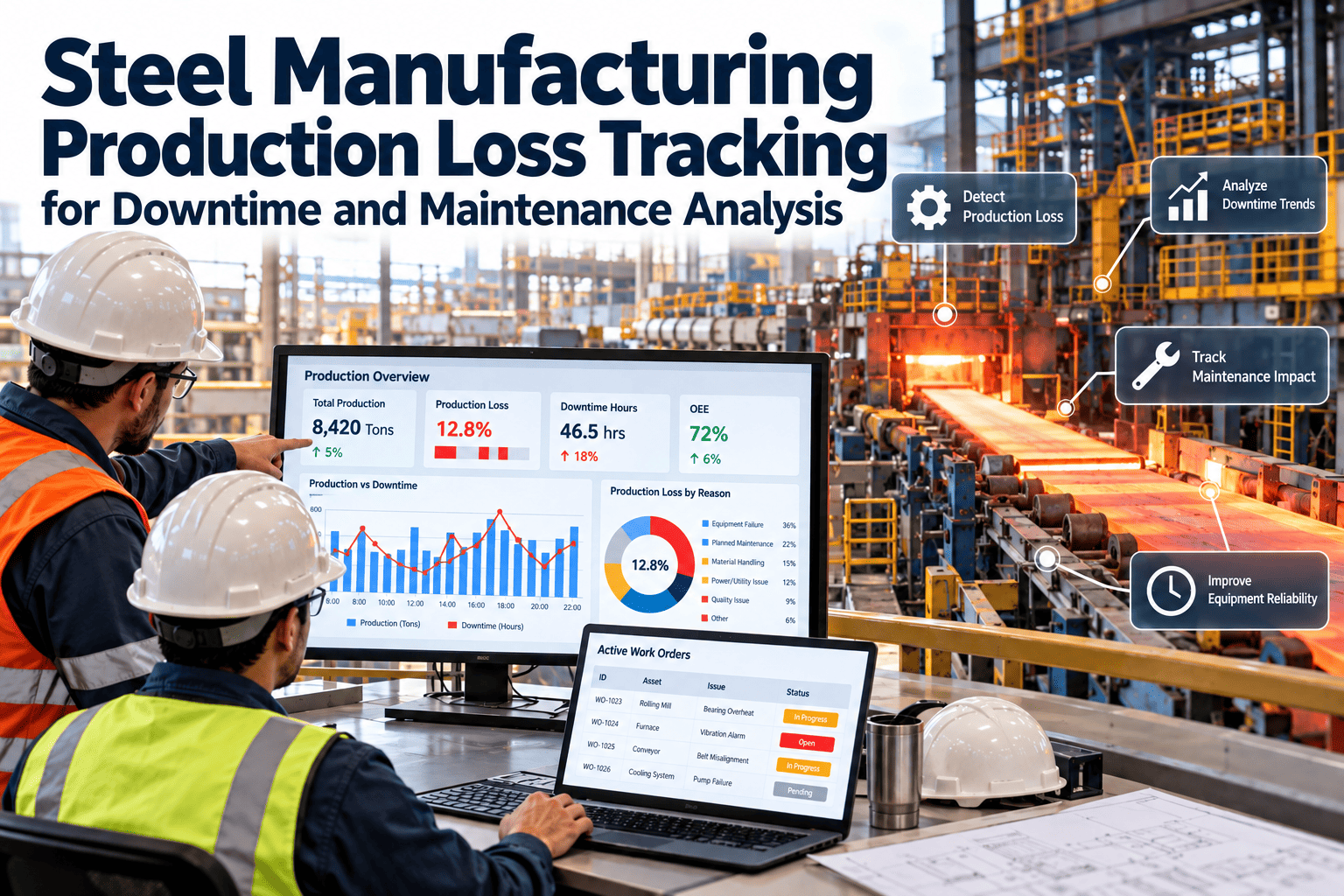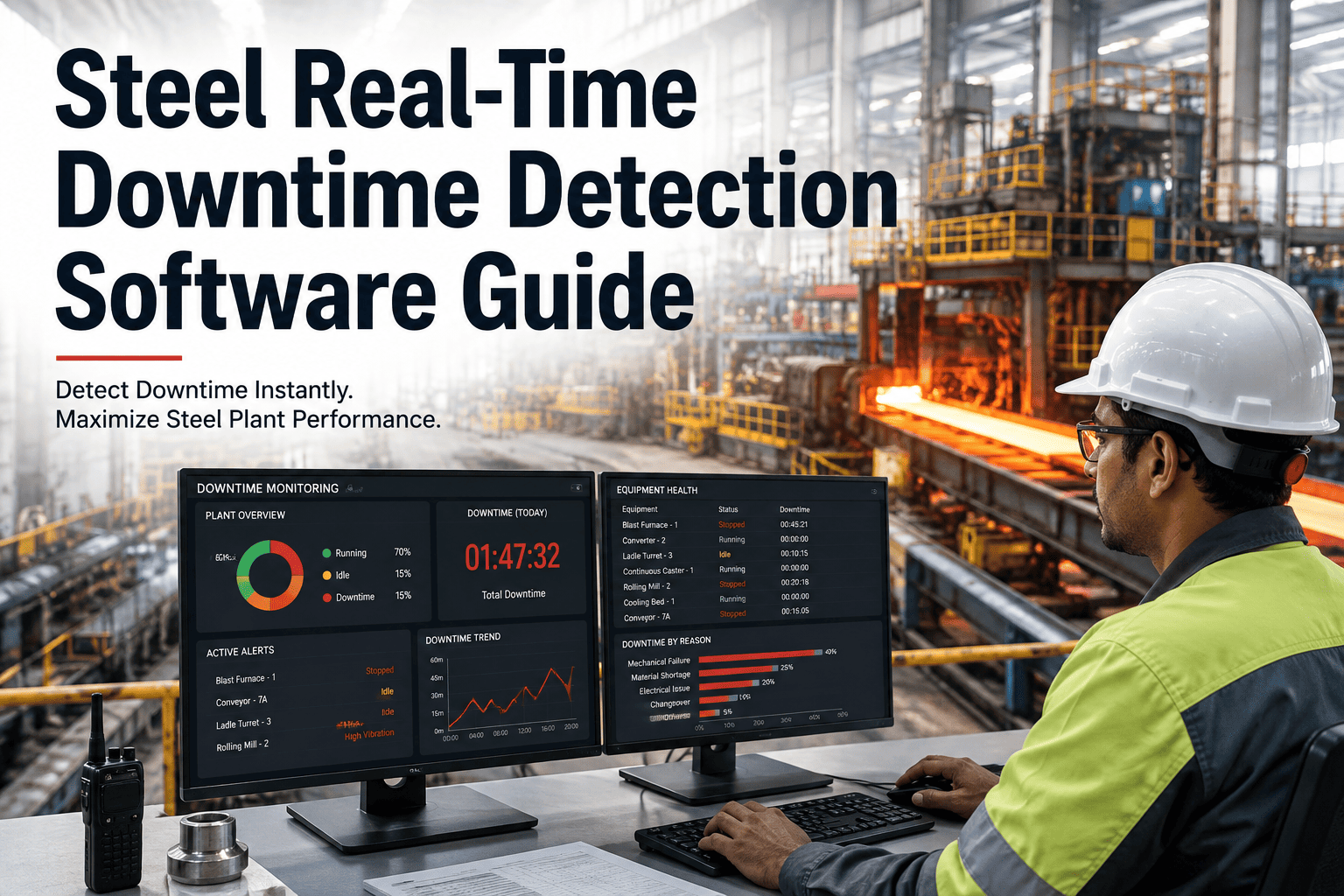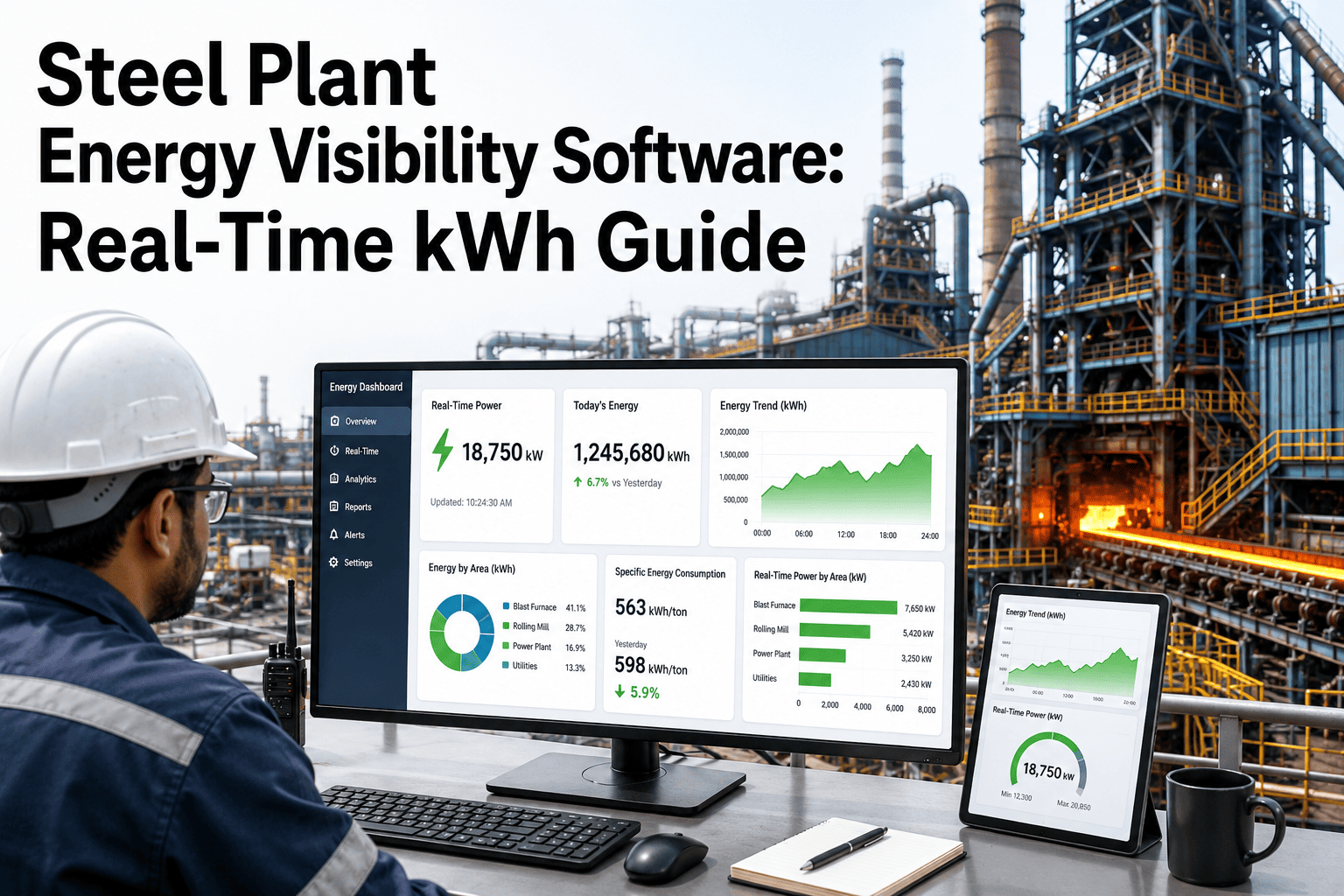
OEE is easy to define and hard to trust in a steel plant. Continuous casting, hot rolling and finishing lines run in sequences where one stoppage ripples through the whole route, and a number calculated in a monthly spreadsheet rarely tells anyone what to fix. Real-time OEE only becomes useful when each lost minute is tied to a reason, an asset and a maintenance action. This guide explains how to structure OEE for steel operations, classify losses and connect them to maintenance, using Oxmaint maintenance management software as the work execution layer.
OEE and Production / Steel Plants
Steel Plant Real-Time OEE Software for Production and Maintenance Visibility
Show production and maintenance teams the same view of downtime, speed loss and quality loss, then turn each loss into a tracked maintenance job.AvailabilityPlanned time minus stops
x
PerformanceActual rate vs ideal rate
x
QualityGood output vs total output
=
OEEReal productive time
Why Steel OEE Needs a Different Approach
Generic OEE templates assume discrete parts on a line. Steel is mostly continuous or batch-continuous, so definitions need care.Process routes are linked
A caster stop affects the melt shop upstream and the rolling mill downstream. Loss attribution must show where the stop started, not just where it was felt.Ideal rate depends on product
Grade, section, width and thickness change achievable speed. A single plant-wide ideal rate hides real performance loss or exaggerates it.Yield is part of quality
Scrap, cut-offs, downgraded coils and rework consume capacity. Decide how your plant treats them and apply the same rule every month.Planned stops are large
Roll changes, ladle and tundish changes and scheduled outages must be separated from breakdowns so they are managed, not hidden.The Loss Waterfall: From Planned Time to Good Output
Bar lengths below are illustrative only. They show the order in which time is lost, not typical values for any plant.Calendar time
Scheduled time
Run time
Net run time
Fully productive time
Classifying Steel Plant Losses So They Can Be Acted On
| OEE factor | Loss example | Maintenance link |
|---|---|---|
| Availability | Breakdown of a drive, pump, fan or hydraulic unit | Corrective work order, root cause, spare check |
| Availability | Overrun of a planned outage or roll change | Job planning, crew size, parts staging, checklist review |
| Availability | Waiting for a technician or part | Response time, stock levels, skills coverage |
| Performance | Mill or caster running below ideal speed due to equipment condition | Inspection, condition check, adjustment or repair |
| Performance | Short stops cleared by the operator | Recurring minor stop review, standard fix, design change request |
| Quality | Surface or dimensional defects linked to worn guides, rolls or nozzles | Wear inspection, preventive replacement interval |
| Quality | Startup scrap after a long stop | Restart procedure, root cause for the stop that preceded it |
Turn Every Lost Hour Into a Visible Action
Link downtime reasons, assets and work orders in Oxmaint so production and maintenance discuss the same facts at each review.Building a Downtime Reason Tree That Operators Will Use
If reason codes are long or vague, operators pick the first option. Keep the tree shallow and the wording plain.Stop event
Equipment failure
Mechanical, electrical, hydraulic, instrumentation, automationProcess and materials
Material not available, quality hold, temperature or chemistry issuePlanned stop
Roll change, planned maintenance, scheduled inspection, trialOperational
Waiting for crew, changeover delay, utility shortage, upstream or downstream blockRules for reason code quality
- Two levels are usually enough: a category and a specific cause.
- Require a reason for stops above a defined duration, and review short stops in groups.
- Link equipment failure reasons to the asset so a work order can be created or matched.
- Audit a sample of records each week, and coach shifts where "other" is overused.
From OEE Signal to Maintenance Response
1Loss capturedStop, slow speed or quality hold is recorded with time and asset.
2Reason assignedOperator or technician selects a standard cause.
3Work linkedExisting work order is matched or a new request raised.
4Repair recordedFailure mode, parts, labor and time are captured.
5Pattern reviewedRepeat losses move into root cause and preventive plans.
Where Oxmaint supports the loop
- Work orders connect the stoppage to the exact job, technician, parts and completion notes.
- Asset history shows how often the same machine appears in loss records.
- Preventive maintenance can be adjusted for assets that repeatedly cause performance or quality loss.
- Inspection checklists capture wear and condition on equipment that affects speed and defects.
- Mobile access lets technicians update jobs at the equipment, so records are not delayed until the end of shift.
- Dashboards and reports give supervisors overdue work, response time and recurring failures in one place.
Maintenance Metrics to Read Alongside OEE
OEE shows that time was lost. These measures help explain why and what the maintenance team can change.MTBFMean time between failures. Shows whether reliability is improving on a repeat-failure asset.
MTTRMean time to repair. Highlights diagnosis, parts and skills delays.
PM compliancePreventive tasks completed on time. Low compliance often precedes rising breakdown time.
Planned vs reactive workShare of hours spent on scheduled jobs compared with emergency repairs.
Backlog ageHow long approved work waits. Old backlog may signal hidden risk.
Repeat failure countAssets and components that return with the same fault.
Shift Review Routine That Keeps OEE Honest
Typical review
- Single monthly percentage with no breakdown
- Arguments over whose numbers are correct
- Actions without owners or dates
- Maintenance learns about losses after the fact
Structured review
- Daily top losses by asset and reason
- One shared record for production and maintenance
- Each action assigned as a work order
- Closed jobs checked against next week's losses
OEE by Process Area: What Counts as a Loss Here
Each area of a steel plant has its own rhythm. Define losses per area so the numbers mean something to the people running it.Melt shop
Tap-to-tap delays, furnace or ladle equipment faults, waiting for scrap or ladles and extended power-off time. Separate process delays from equipment failures.Continuous casting
Sequence breaks, breakouts, segment or mold problems and slow casting speed. A short sequence often costs more than the stop itself.Hot rolling
Mill stoppages, cobbles, roll changes, descaling or cooling faults and reduced speed on difficult grades.Cold rolling and finishing
Strip breaks, changeovers, coil handling delays, line speed limits and surface defects that cause downgrades.Utilities and services
Water, compressed air and power faults rarely appear in OEE directly but often trigger stops elsewhere, so tag them as root causes.Manual Versus Automated Data Capture
Real-time OEE depends on how stops are captured. Most plants end up with a mix, so be clear about which losses come from which source.Manual capture
- Operators log stops on paper or a terminal
- Short stops are often skipped
- Reasons are entered after the shift
- Low cost to start, but accuracy depends on discipline
Automated capture
- Stop and run states come from control signals
- Start and end times are precise
- Operators only assign reasons
- Needs signal mapping and ongoing checks
Practical middle path
- Take the stop time automatically wherever a reliable signal exists.
- Ask people for the reason, not the duration.
- Match each equipment-related stop to a work order so repair details are not typed twice.
- Review a sample of records weekly to catch drift in coding habits.
Minor Stops and Speed Loss: The Hidden Half
Breakdowns get attention. Performance loss is quieter and often larger, because nobody opens a ticket for a mill that simply runs a little slower.- Define a minor stop by duration, for example anything under a set number of minutes, and report these as a group rather than individually.
- Compare actual speed with the ideal for that product, not a single plant-wide figure.
- Look for patterns after restarts, after roll changes or on certain shifts.
- When equipment condition explains a slowdown, such as worn guides or a degraded drive, raise an inspection work order.
- Track repeat minor stops by asset, and plan permanent fixes for the worst offenders.
A Simple Arithmetic Example
The figures below are hypothetical and exist only to show how the factors combine. They are not plant data.| Step | Hypothetical value | Meaning |
|---|---|---|
| Scheduled time | 10 hours | Time the line was planned to run |
| Stops | 1 hour | Breakdowns, waiting and changeovers |
| Availability | 9 of 10 = 90% | Share of scheduled time actually running |
| Performance | 85% | Actual rate against ideal rate for the product |
| Quality | 95% | Good output against total output |
| OEE | 0.90 x 0.85 x 0.95 = about 73% | Share of scheduled time that was fully productive |
Roles in the Daily Loss Review
| Participant | Brings | Leaves with |
|---|---|---|
| Production supervisor | Shift summary, product mix, process delays | Agreed operational actions |
| Maintenance planner | Open work orders, backlog, parts status | Prioritized jobs and stop windows |
| Reliability engineer | Repeat failure data and condition findings | Root cause studies and preventive changes |
| Quality representative | Defect and downgrade information | Equipment-related quality actions |
Common OEE mistakes to avoid
- Comparing lines with different products and rules as if they were the same.
- Counting planned maintenance as availability loss in some reports and not in others.
- Letting "other" become the largest downtime reason.
- Using OEE to rank people instead of finding equipment and process causes.
- Reviewing results without turning actions into assigned, dated work orders.
Turning OEE Findings Into an Improvement Cycle
A loss list is only a starting point. Move each major loss through the same short cycle so progress is visible and repeatable.1RankList the largest losses by asset and reason over a fixed period.
2DiagnoseUse failure records, inspections and operator input to find the cause.
3ActCreate work orders for repairs, preventive changes or design fixes.
4VerifyCheck whether the loss fell after the job closed.
5StandardizeUpdate checklists, preventive intervals and spares so the gain lasts.
Questions to ask for each major loss
- Is the cause equipment condition, process variation, planning or operating practice?
- Has the same asset or component appeared in loss records before?
- Would an earlier inspection or a change in preventive interval have caught it?
- Were the right parts, skills and permits available when the stop occurred?
- Can the response be made faster by changing the work order template or stock levels?
Signs your OEE program is maturing
- Production and maintenance quote the same numbers without debate.
- Most stops over the threshold have a meaningful reason and a linked job.
- Repeat losses on the same asset fall after corrective action.
- Planned work grows as a share of total maintenance hours.
Getting Started Without Overbuilding
- Choose one bottleneck line and define its scheduled time, ideal rate and loss categories in writing.
- Agree which stops count as planned, and publish the rule so reports stay consistent between months.
- Start with a short reason list, link equipment stops to work orders and review the top five losses every day.
- After a month, check reason quality, remove unused codes and extend the approach to the next line.